
Inspect the Hardware for Damage
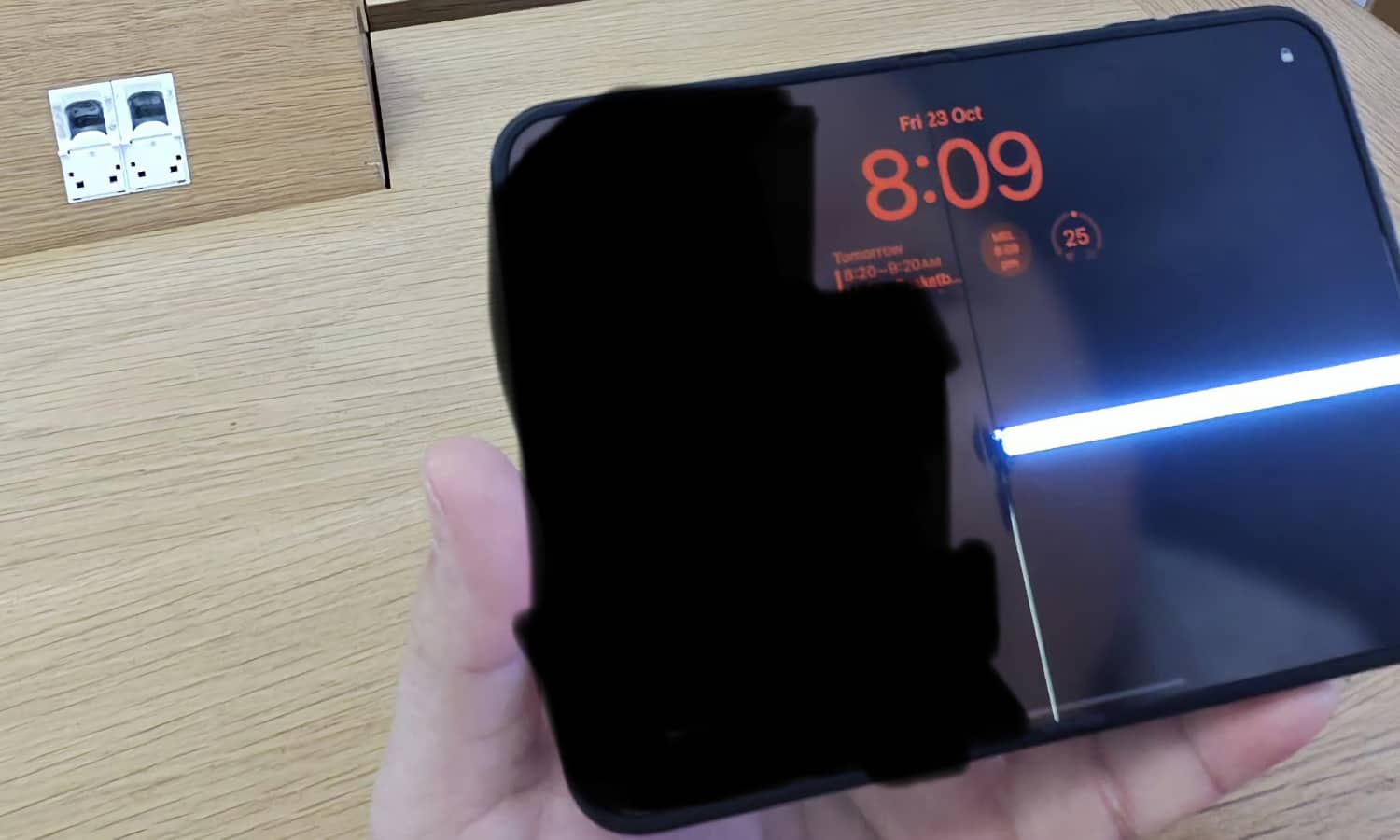
The display is one of the most expensive components to replace on many iPhone models. That’s why you should inspect it carefully before agreeing to purchase a used device.
Start by looking for obvious damage, such as cracks or deep scratches. You should also check for unusual discoloration or areas that appear brighter or darker than the rest of the screen.
However, some display problems aren’t immediately visible when you’re simply looking at the Home Screen.
Try opening a bright image and examining the display for unusual patches. Then switch to a dark image and check whether you notice anything that looks out of place.
You should also test the touchscreen itself. Open an app that allows you to type and use different areas of the keyboard to make sure your taps register correctly.
The same goes for the cameras and the charging port. Use all the cameras to take pictures, and plug in a charging cable to see if the iPhone charges normally.
Other things you need to check are Face ID or Touch ID. And of course, it’s a phone, so don’t forget to check the speakers and microphones. The more hardware you can check before purchasing it, the better.