
Make Sure Activation Lock Is Disabled
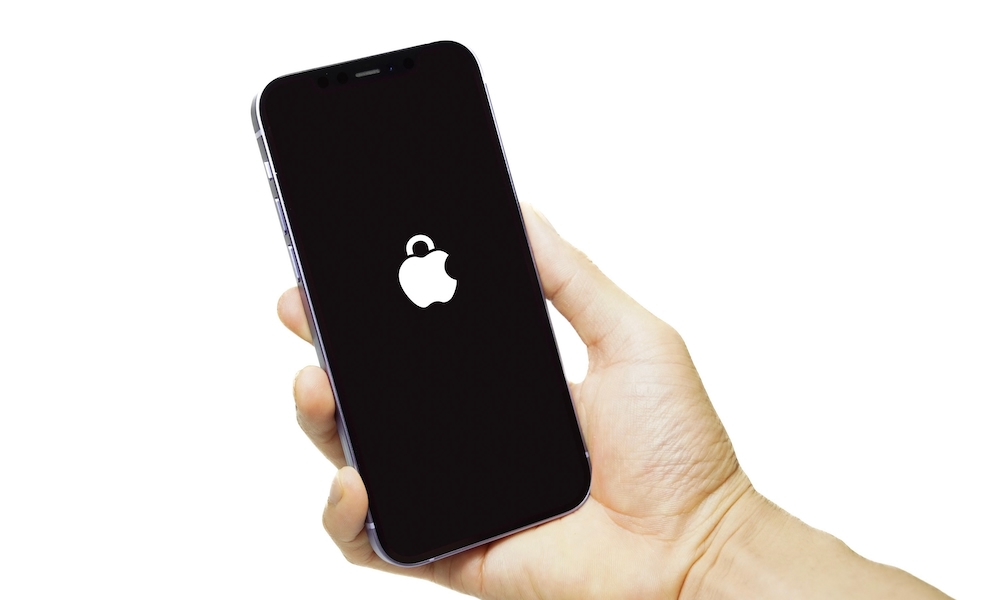
Before worrying about the iPhone’s appearance or battery health, you should make sure it isn’t protected by Activation Lock. This is one of the most important things to check because a locked device is basically useless.
Activation Lock is a security feature that automatically turns on when Find My is enabled. It links the iPhone to the owner’s Apple Account and prevents others from activating the device without the right credentials.
The feature is designed to help you in case your iPhone gets stolen, but it can also create problems when someone sells an iPhone without properly removing it from their account.
Fortunately, checking for Activation Lock is relatively straightforward. In the best-case scenario, ask the seller to erase the iPhone and let you complete the activation process before paying.
Then, turn on the iPhone and start the activation process. Connect it to a Wi-Fi network and check whether the iPhone Locked to Owner screen pops up.
If Activation Lock appears, ask the seller to remove the device from their account. Don’t accept promises that they’ll unlock it after you’ve paid, since there’s no guarantee they’ll actually do it.