
Never Restarting Your iPhone When Something Goes Wrong
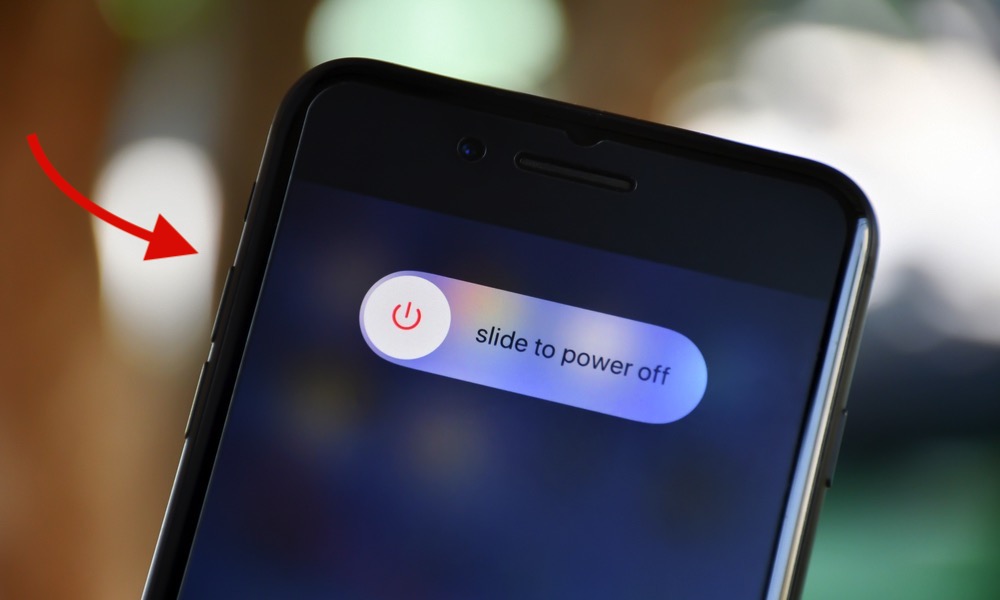
Your iPhone is designed to stay on for long periods without having to restart it manually. However, that doesn’t mean you should ignore restarting it when things start to go wrong.
Sometimes, an app might freeze repeatedly, or your keyboard might start to lag uncontrollably. Whatever the issue is, it usually happens due to temporary software problems.
Restarting your iPhone shuts down running processes and gives iOS an opportunity to start them again from scratch. You don’t have to do this all the time, but it’s good practice to restart your iPhone as the first step to fix any issues.
If your iPhone has Face ID, you can restart it by pressing and holding the side button and either volume button. On an iPhone with Touch ID, you can simply press and hold the side button for a couple of seconds.
Drag the Power Off slider to the right, and then wait about 30 seconds. Then press and hold the side button until the Apple logo appears on your screen.
Once your phone restarts, try using the app that was giving you trouble, and see if that fixed the issue.