
Ignoring iOS Updates for Months
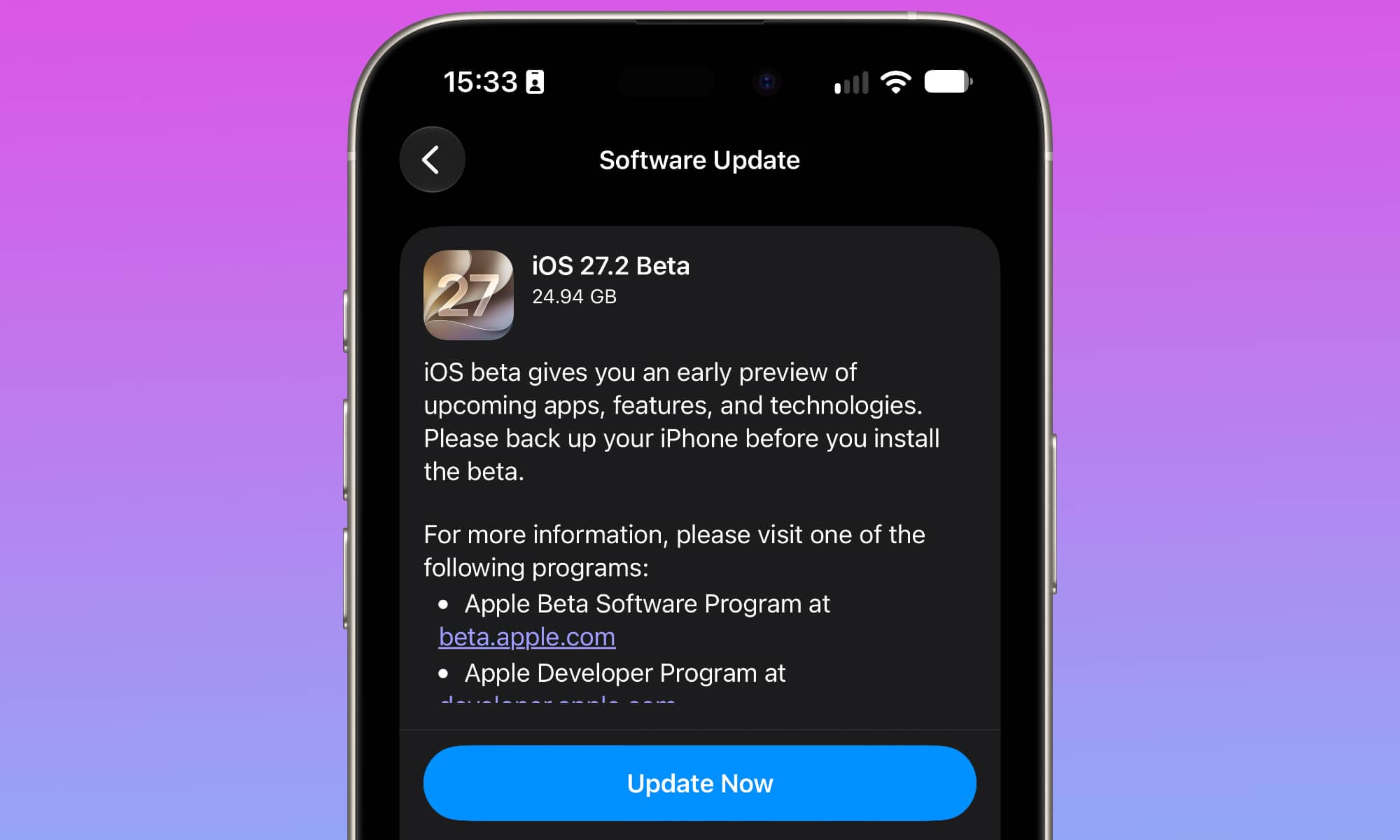
If you’ve been postponing an iOS update for several months, you might be missing important fixes that could improve your iPhone’s performance.
Apple regularly releases updates to address software bugs and security vulnerabilities. Some updates also resolve problems that can affect performance or cause apps to behave incorrectly.
Not only that, but iOS 27 can actually make your iPhone work faster, even if it’s an older model. So there’s literally no reason why you shouldn’t be updating your iPhone regularly. This is how:
- Open the Settings app.
- Scroll down and tap General.
- Select Software Update.
- Check whether an update is available and tap Update Now or Install Now if one is ready.
If your iPhone feels slower immediately after updating, give it some time. iOS may still be completing background tasks, and performance should return to normal once that’s finished.