
Using Your iPhone When It’s Overheating
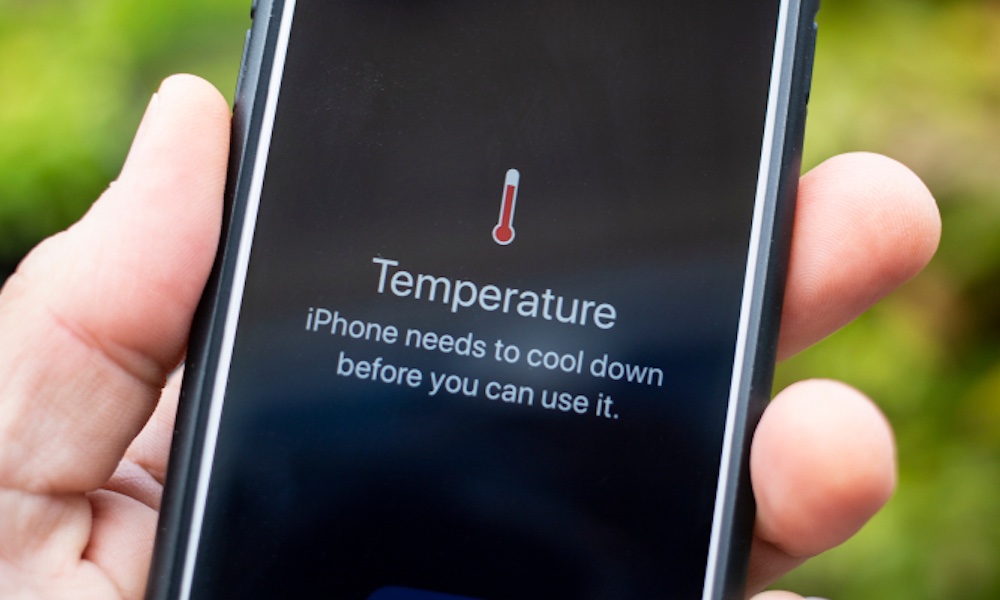
Your iPhone can handle demanding tasks, but that doesn’t mean it can perform at maximum capacity in every temperature.
Playing graphics-intensive games while charging can generate considerable heat. Using navigation in a hot car or leaving your phone exposed to direct sunlight can also cause its temperature to rise.
When your iPhone becomes too hot, iOS automatically takes steps to protect its internal components. These measures can include reducing processing performance or dimming the display.
You might notice that a game suddenly starts dropping frames even though it was running perfectly a few minutes earlier. Charging can also slow down or temporarily stop until your iPhone cools down.
If your phone becomes unusually hot, move it away from direct sunlight and stop demanding activities for a while. Disconnecting the charger may also help, particularly if you’re playing a game while charging.
Remember that using your iPhone under high temperatures will not only slow it down now, but it can also affect its hardware in the long run. So it’s just best to avoid high temperatures altogether.