
8 Popular Apps You Probably Don’t Need on Your iPhone
Some of the most-downloaded iPhone apps are popular simply because everyone knows about them, not because they’re the best choice these days. iOS has quietly absorbed many tasks that used to require separate apps, and plenty of other third-party apps have also gotten better at doing one thing well without draining your battery, nagging you, or stuffing your screen with ads.
If you’re tired of using the same apps all day long, this list will help you switch things up a little bit. You might get a much better app than before, or simply find an app you can delete because your iPhone can already do the same thing without taking up the extra space.
To be clear, this isn’t a list of apps you’re wrong to be using; it’s simply to show that there are often better ways to work — whether that’s through a more focused third-party app or a powerful feature already hidden inside iOS 26. Read on for 8 alternatives to the more common app choices.
Using X for Your Daily News? NetNewsWire is a Breath of Fresh Air
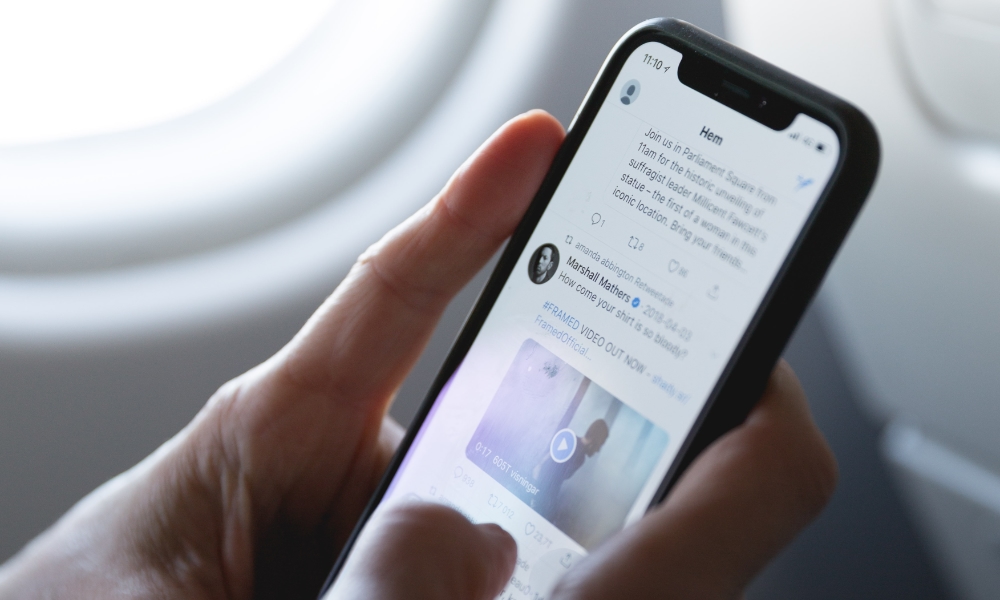
If you use X mostly for news updates, that tradeoff has gotten worse over time. You’re not just following sources anymore; you’re going through a high-noise environment designed to keep you emotionally engaged. You may have gotten into X to check an update of an important event, but now you're looking at posts asking Grok to do something silly and people “rage-baiting” to get more views and attention.
Even when you’re trying to be informed, the feed pushes you toward hot takes and conflict because that’s what performs best.
An RSS reader gives you the opposite experience. You choose the news sources. You see posts in a clean, chronological format. You read, you move on, and your brain isn’t dragged into constant commentary.
NetNewsWire is a great example of that approach. It’s lightweight, focused on reading, and doesn’t try to become a social network inside your phone. If you want to keep up with updates from the sources you trust without the chaos, this swap feels like a welcome (and maybe even necessary) change.
Tired of TikTok Drama? UpScrolled is the Simple, Chronological Alternative
As you may have heard, TikTok has come under a lot of fire lately because of its recent change in ownership to a US company. This has been huge for a number of reasons, and many of them are not good at all.
Since the transition, TikTok has reportedly suffered from power outages, censorship, and privacy concerns. Needless to say, some people might want to look for an alternative right now.
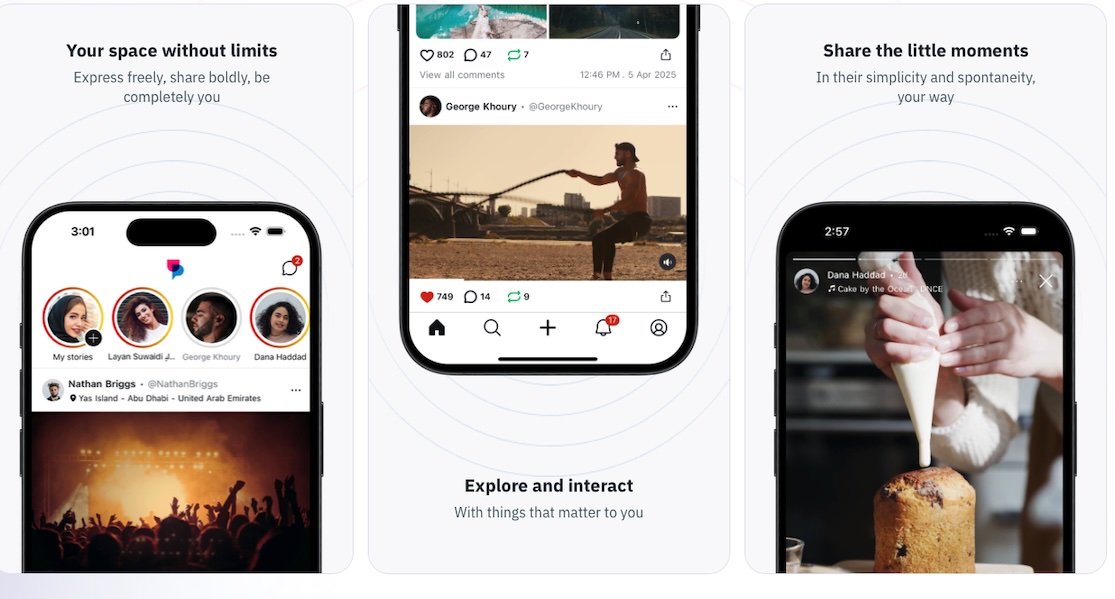
And that’s where UpScrolled comes in. This app has become increasingly popular lately, and for a good reason. The app has a simple design that’s very similar to if you’ve used TikTok or Instagram before. However, the app tries to stand out by making posts visible inside the platform and easy to share across other social media apps.
Many people have already switched to UpScrolled, and if you’re tired of all the TikTok drama, it might be worth a shot.
Safari vs. Chrome: Why the Native Browser Wins on iPhone
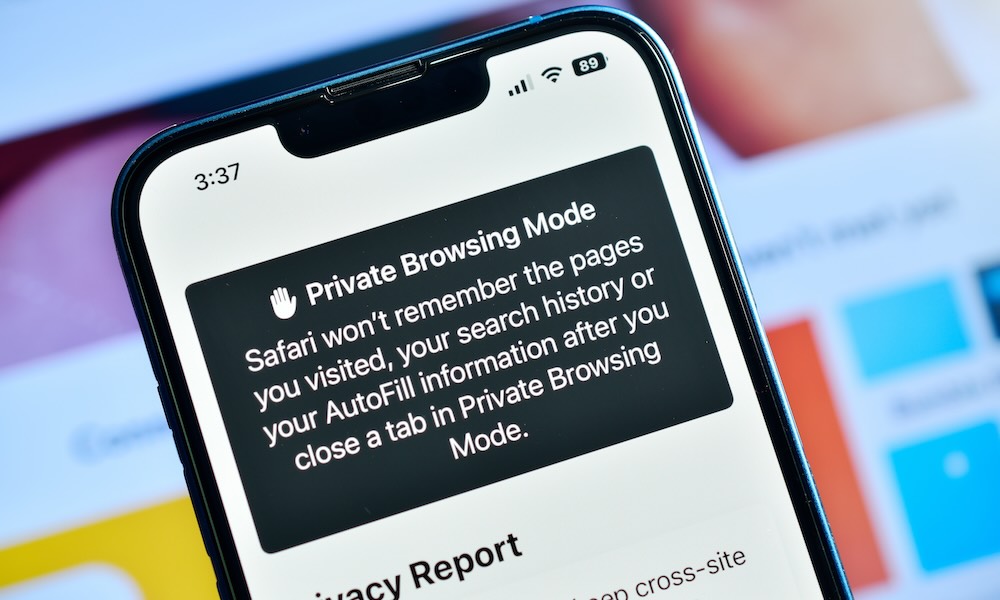
Chrome works fine on iPhone, but Safari is still the browser built for iOS. It integrates completely with the system in ways you'll notice even on any iPhone. You’ll get smoother autofill, better Apple Pay integration, tighter iCloud syncing across devices, and often better battery efficiency.
This matters even more if you have an older iPhone. Browsers are heavy, and if you’re opening a dozen tabs, watching embedded videos, and bouncing between sites, the browser can become your biggest performance drain. Safari tends to feel more native because it’s literally designed to work with the system at a deeper level.
If you rely on Chrome for Google account syncing, keep it. But for everyday browsing, especially on an iPhone, Safari is usually the simpler choice.
No More QR Apps — Your Camera Already Has You Covered
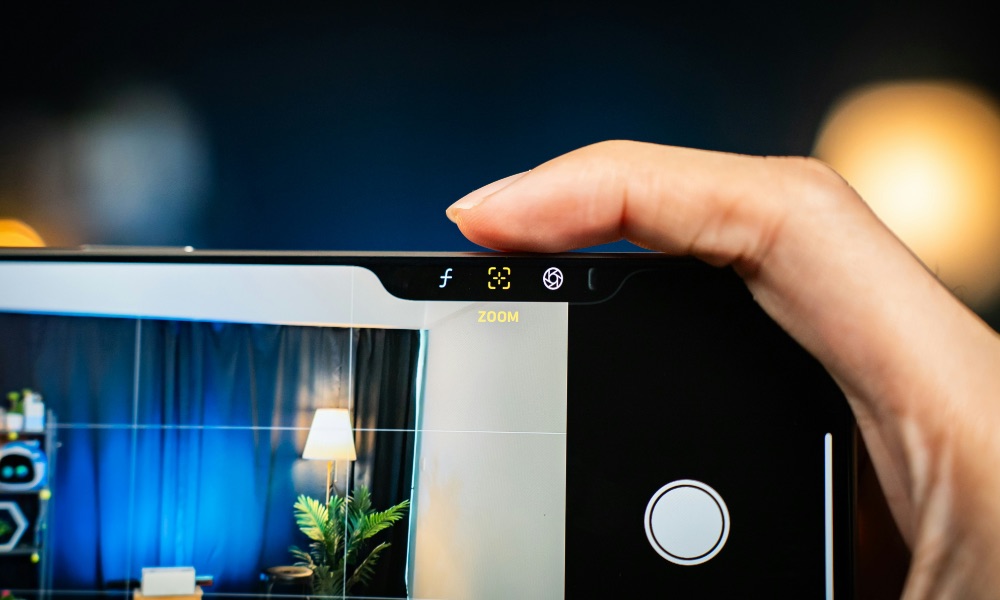
QR scanner apps are one of apps folks most often avoid deleting out of fear they might need them someday. Many people installed one years ago, and it’s never left. The problem is that these apps usually come loaded with ads, upsells, and permission requests that have nothing to do with scanning a code.
The good news is that your iPhone already scans QR codes out of the box. The Camera app can detect a QR code and immediately show you the link.
There’s even a built-in code scanner that you can add to Control Center, which makes the whole thing feel instant.
Simply go to your Control Center and add a new control. In the search bar, search for Scan Code, and tap to add it.
Notes vs. CamScanner: Simple Scanning is Already Built-In
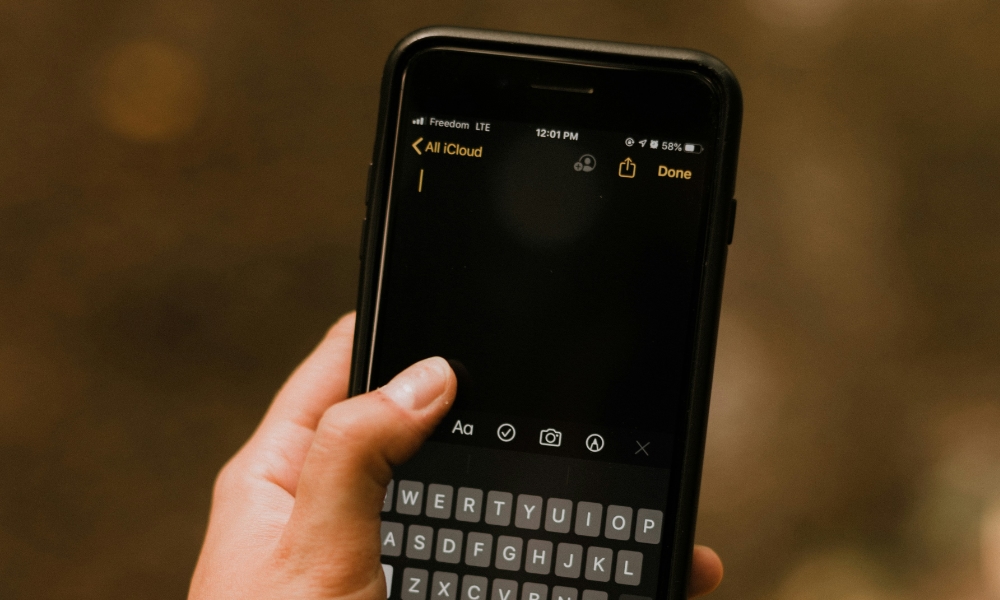
CamScanner used to be the default recommendation because it made phone scanning easy. But for most people in 2026, Apple Notes does the job without requiring another app subscription.
Apple's Notes app can scan documents directly into a note, which is a big deal because organization happens by itself. You can keep receipts in a “Receipts” folder, store important documents in a “Home” folder, or create a shared note for paperwork. And because it’s Notes, the document sits next to your context instead of living inside a separate scanning app. Not to mention that you can quickly access it from any Apple device.
If you scan documents occasionally, Notes is the simplest option. If you’re constantly scanning for professional work and need advanced tools or special export features, a dedicated scanner app might still be worth it. But for everyday scanning, Notes is the clean, built-in path.
Battery Saving Apps — Your Settings App is the Only Tool You Need
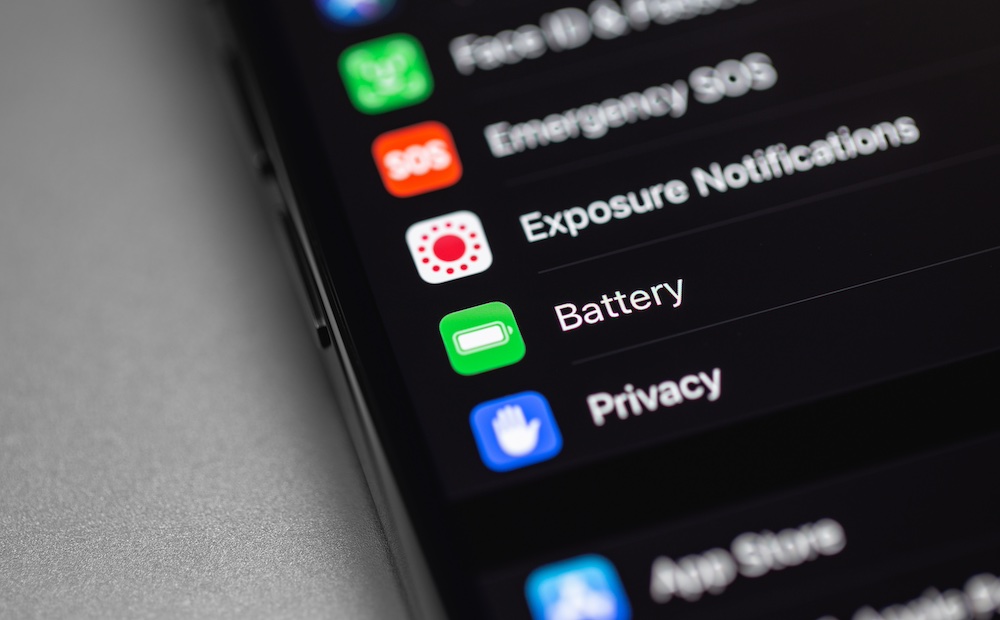
Battery-saver apps usually can’t do what they claim because iOS controls the settings that actually affect battery life. Many of these apps end up being glorified tip lists with toggles you could change yourself, with a few ads thrown in to make some money off of you.
Instead, use what iOS already provides. Low Power Mode is the real battery saver, because it adjusts background behavior in a way third-party apps can’t. And Battery Health gives you the information about your battery that you actually need. If your battery health is degraded, no app can fix that. What you need is better charging habits or, eventually, a battery replacement.
Last but not least, you can also use Limit Charge or Optimized Battery Charging. Limit Charge debuted on the iPhone 15 and lets you cap your charge at a specific percentage — a lifesaver for battery longevity — while Optimized Battery Charging learns your charging patterns so it can slow down charging at the 80% mark and keep your battery healthy over time.
If you want your iPhone to feel better day-to-day, knowing your battery health is far more valuable than any battery app promising magic.
Upgrading Your Security: 1Password or Apple Passwords Beat LastPass
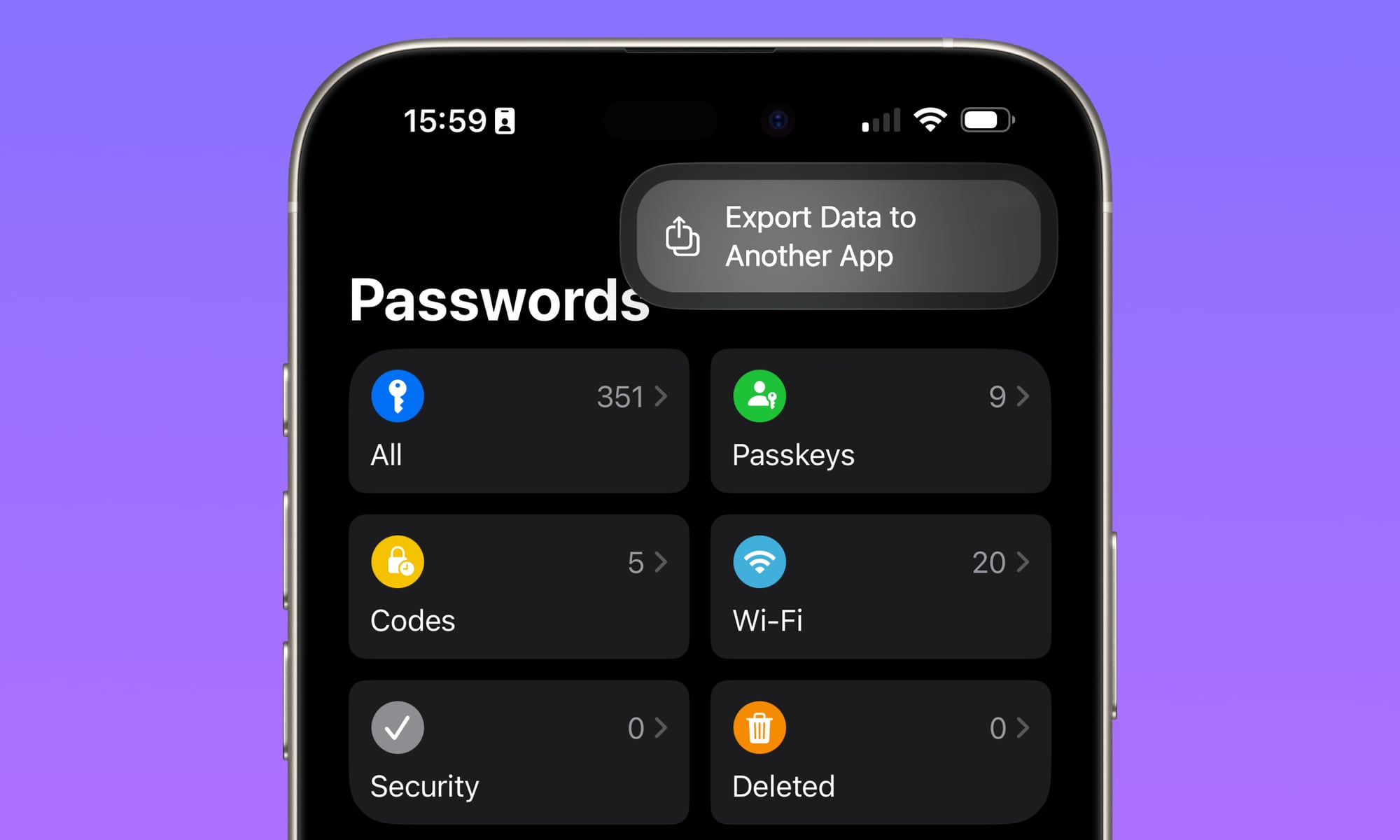
In 2026, a password manager isn’t just a vault; it’s the thing that makes logging in to your accounts feel like a breeze, and the one in charge of keeping your login credentials safe and accessible at all times. You want modern support, strong autofill compatibility with iPhone, and a system that makes secure habits easy, not annoying. Most importantly, you need a password manager you can trust.
1Password is a strong replacement because it’s built around a smooth experience across devices and supports modern sign-in methods like passkeys where available. That matters because passkeys reduce password reuse and make phishing harder to pull off. It’s the direction the industry is moving, and it’s worth aligning your tools with that future.
Of course, the downside is that you’ll need to pay for yet another subscription to use 1Password’s full capabilities. The good news is that Apple's own Passwords app is enough for many people — and it offers broader cross-platform support than many people realize.
It’s not only built into iOS, iPadOS, and macOS, but there's even a Windows version and support for Firefox and Chrome. It also syncs securely and seamlessly via iCloud Keychain.
Use Background Sounds Instead of Ad-Heavy White Noise Apps
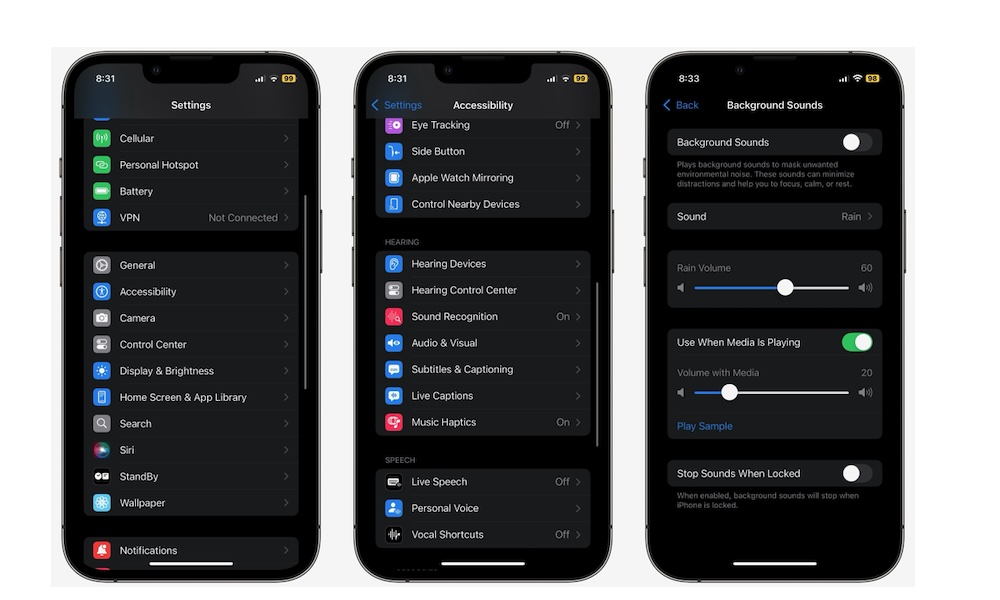
If you’ve ever downloaded a white noise app and immediately hit a paywall or an ad, you already understand why having an alternative matters. You shouldn’t need a subscription just to play rain sounds.
You can, of course, find a cozy video on YouTube and use that, but there’s a better way, especially if you’re offline. Background Sounds are built into iOS, letting you choose different sound profiles, adjust the volume, and treat it like a simple feature instead of a separate app constantly trying to ask for a subscription payment out of you.
This includes sounds like rain, stream, fire, and even airplane sounds. Granted, you can probably find more options on a paid app, but if you only want the basics, this is a solid option.
You can find Background Sounds by going to Settings > Accessibility > Audio & Visual > Background Sounds, and turning on Background Sounds.
Alternatively, if you want quick access, add it to your Control Center so it’s always one swipe away.
Stop Wasting Money and Storage on Extra Apps
If you want one simple rule to remember, it’s this: if an app’s only job is something your iPhone already does, you’ll usually be happier deleting the app and using the built-in feature. QR scanning, basic document scanning, background noise, storage tools, and battery tools. iOS covers more than most people realize.
Of course, just because you’re trying a new app or feature, it doesn't mean that you need to delete your current app. You can have both for a while, and then choose which app or feature is best for you.
The good news is that all the alternatives on this list are free to use, so play around with them and decide if they’re worth it.