
Out of Sync: Is It Finally Time to Upgrade Your Apple Watch?
 Jonas Elia / Unsplash
Toggle Dark Mode
One of the benefits of the Apple Watch is that it can last for years. Since every new model only comes with a few minor upgrades, you can keep your older model until there’s something you actually want.
But how long should you actually be waiting? Well, most people don’t wake up one day, look at their watch, and suddenly realize it’s completely stopped being worth wearing. What usually happens instead is a slow build of smaller frustrations.

That’s why deciding when to upgrade an Apple Watch is a little different from deciding when to replace something like a pair of headphones or even an iPhone. Age matters, of course, but it’s not the whole story.
If you’re not sure whether you should buy a new Apple Watch yet, here are some signs it’s time to upgrade.
Your Apple Watch No Longer Supports the Latest Updates
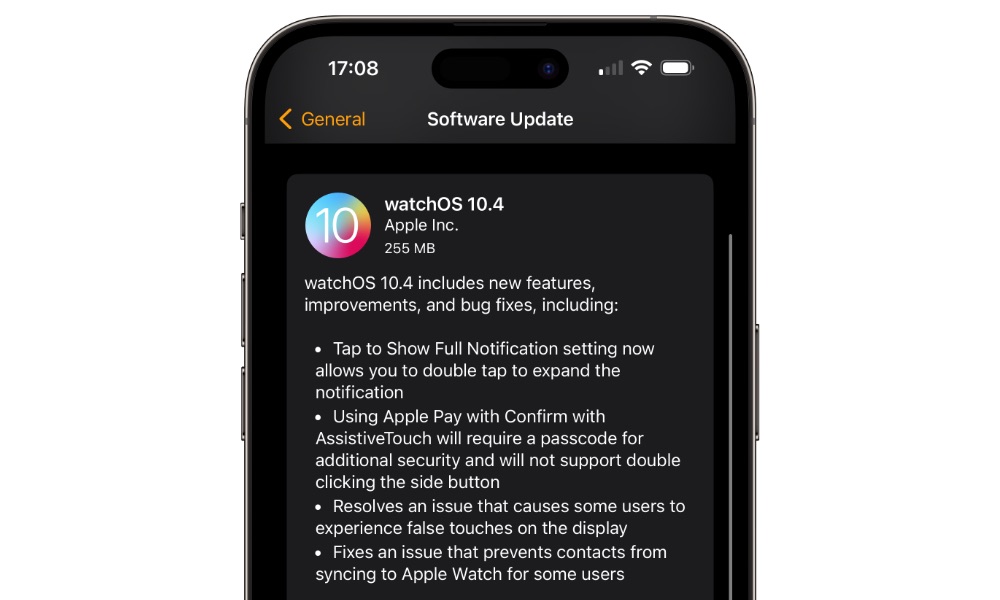
One of the clearest signs it’s time to upgrade is when your Apple Watch can no longer support the latest version of watchOS, especially since Apple rarely cuts older models off until at least four or five updates have passed.
Once you stop receiving the annual software overhaul, you’re not just missing features — you’re missing out on the performance optimizations that keep the ecosystem feeling fluid. That’s typically the point at which it starts feeling old even faster, even if it still looks fine physically. You stop getting the latest software features, and the Apple Watch begins to feel more like a forgotten device than part of Apple’s current ecosystem.
This issue affects more than just bragging rights. Once a watch falls off the latest software support, the gap between it and the current lineup becomes much more noticeable. Apple will focus its new features, performance refinements, and future compatibility on the newer models, while the older ones gradually become more limited. An Apple Watch that can’t move forward with the platform is a lot harder to recommend keeping for the long run.
Your Apple Watch no Longer Works Well With Your Current iPhone
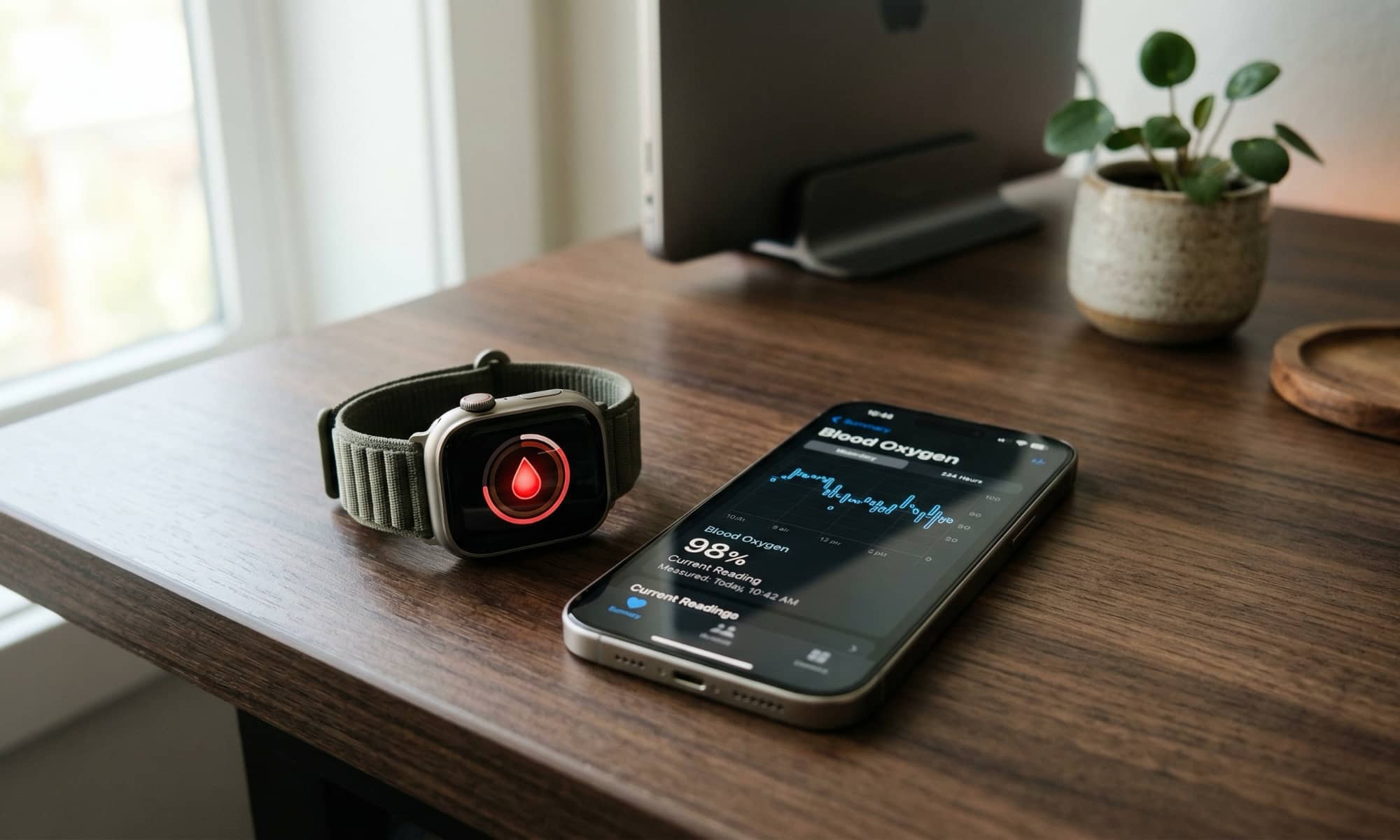
Your Apple Watch and iPhone are supposed to feel like they belong together. When they stop feeling compatible, that’s a huge problem. Of course, we don’t mean that every time you upgrade your iPhone, you should also upgrade your Apple Watch (or vice versa).
But even when an older Apple Watch can still work properly, the software separation gets far enough apart that pairing requirements, update requirements, or feature support can start to feel a little awkward.
This becomes even more important if you’re already using a newer iPhone or planning to upgrade it soon. An older Apple Watch can quickly become the weak link in the setup. Instead of your Watch extending what your iPhone can do, it starts holding you back. If you feel like that’s happening already, you might want to invest in a new Apple Watch.
The Battery no Longer Gets You Through a Normal Day
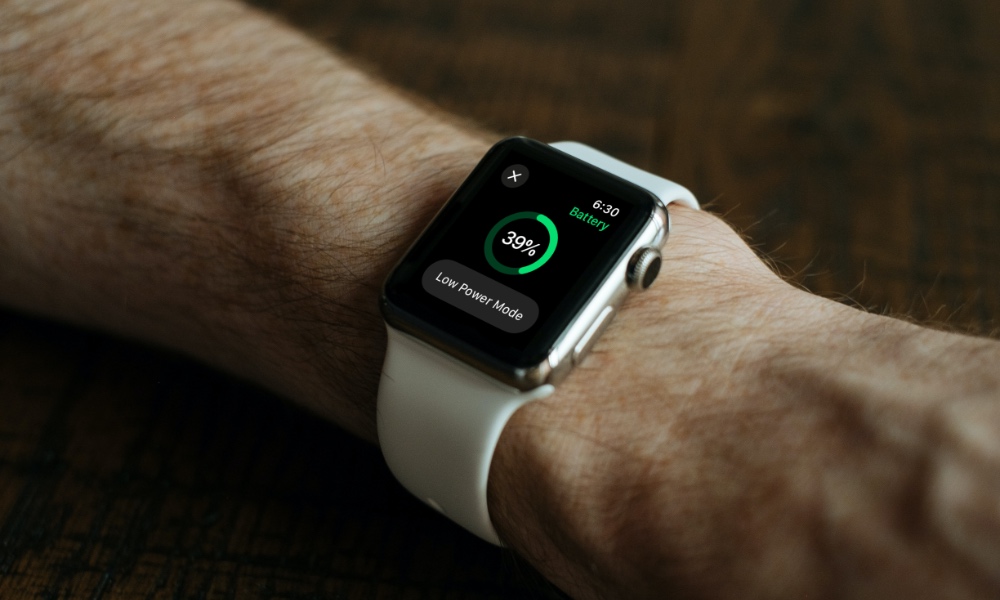
This is a clear sign that your Apple Watch (or any other rechargeable device, for that matter) is too old for you.
If your Apple Watch used to make it through the day comfortably but now feels like it’s constantly fighting for its life before the day ends, that changes the entire experience. You stop trusting it. You start thinking about charging it earlier than you want. You may even think of stopping the use of specific features, or of stopping using the Apple Watch altogether, because you can’t keep charging it during the day.
And believe it or not, this is probably a bigger problem on a watch than on other devices, since your Apple Watch is supposed to be low-maintenance. It’s supposed to sit on your wrist, quietly do its job, and stay ready when you need it. When battery life becomes the main thing you think about, the device has already become more inconvenient than it should be.
Charging Your Apple Watch Feels Painfully Slow
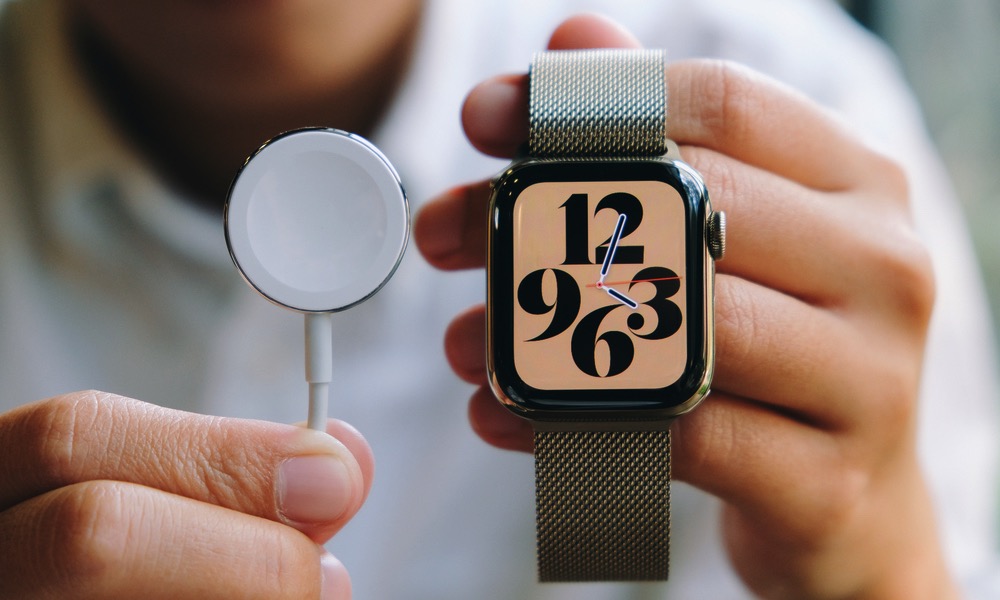
Even if the battery still technically lasts long enough, slow charging can be its own kind of frustration. Older Apple Watch models take long enough to recharge that it changes how you plan your day or night around them. That gets especially annoying if you use your Apple Watch for sleep tracking, workouts, or all-day wear and don’t have much patience for long charging windows.
Newer Apple Watch models make this easier with much faster charging support. Once you’ve seen how quickly newer models charge up, older ones can feel oddly outdated.
Your Apple Watch Is Starting to Slow Down
You usually don’t need benchmarks to know when your Apple Watch feels old. If apps take too long to launch, scrolling stutters, complications are, well, complicated, or simple tasks feel laggy, you can tell almost instantly. Your Apple Watch may still technically work, but the experience becomes just annoying enough that you start avoiding parts of it, or just stop using it completely.
And that’s the real problem. A slow watch doesn’t just feel old; it changes your behavior. You stop opening apps because it takes too long, or you stop checking certain features because the delay makes it feel pointless. Once a smartwatch starts discouraging you from using the things it was made to do, upgrading is the only thing you can do.
You Want Newer Health Features Your Watch Can’t Get
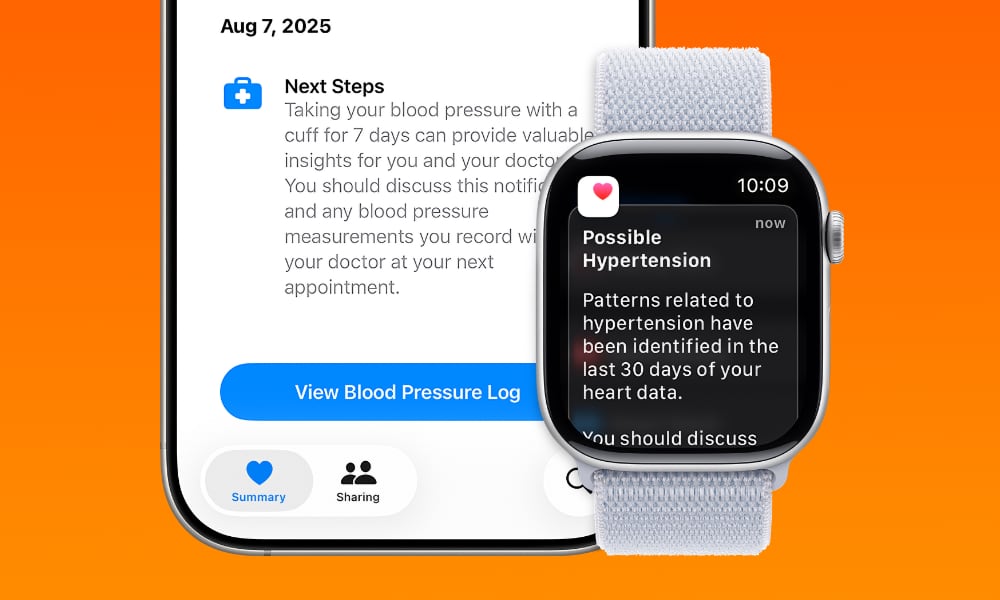
Health tracking is one of the biggest reasons people buy an Apple Watch in the first place, so it’s not surprising that missing health features is one of the easiest ways to feel left behind. Even if your Apple Watch is still newish, you might want to upgrade just to help you keep your health in check.
This is even more relevant now that Apple keeps pushing the watch further as a health device, not just a notification accessory for your iPhone. If sleep score, hypertension notifications, or other newer health features are the kinds of things you actually care about, then missing them makes the age of your Apple Watch feel a lot more noticeable.
The Display Feels Too Small or Too Dim by Today’s Standards
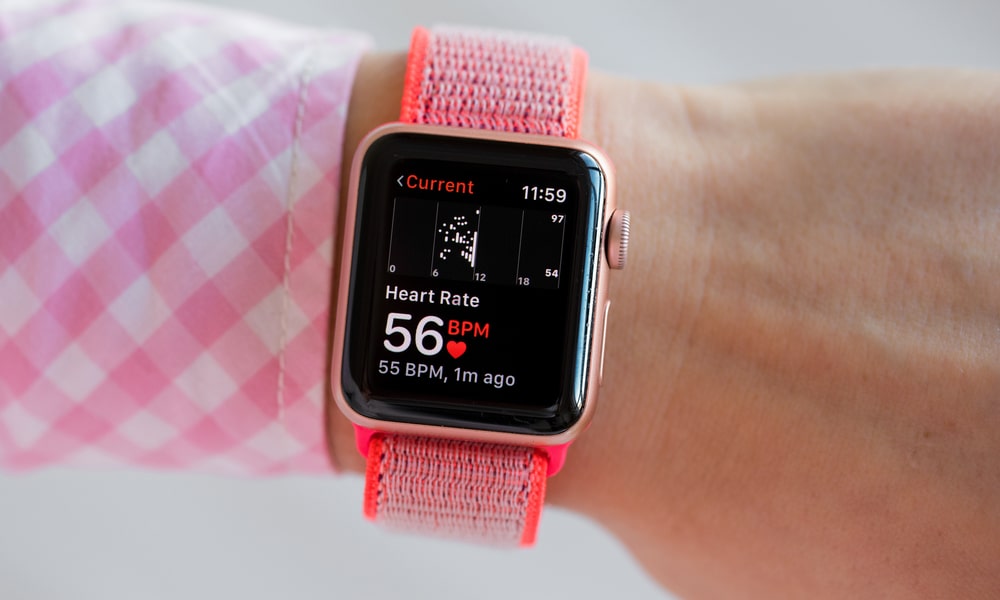
The Apple Watch display is something most folks interact with constantly, so once it starts feeling too limited, the whole device feels older. Maybe notifications feel cramped, maps are harder to glance at, typing feels too tight, or the brightness just doesn’t feel as comfortable outdoors as you’d like.
Apple has done a good job of making the displays on the newer Apple Watches larger while keeping the device’s size and weight basically the same. Of course, this isn’t only about wanting a nicer screen. A larger, brighter, easier-to-read display makes the watch more useful every day.
If you find yourself reaching for your iPhone more often because your Apple Watch’s screen feels too restricted, then the watch is no longer doing enough of the job on its own. At that point, a newer model with a better display can feel like a bigger upgrade than you might expect.
Your Apple Watch’s Body Is Visibly Worn Out
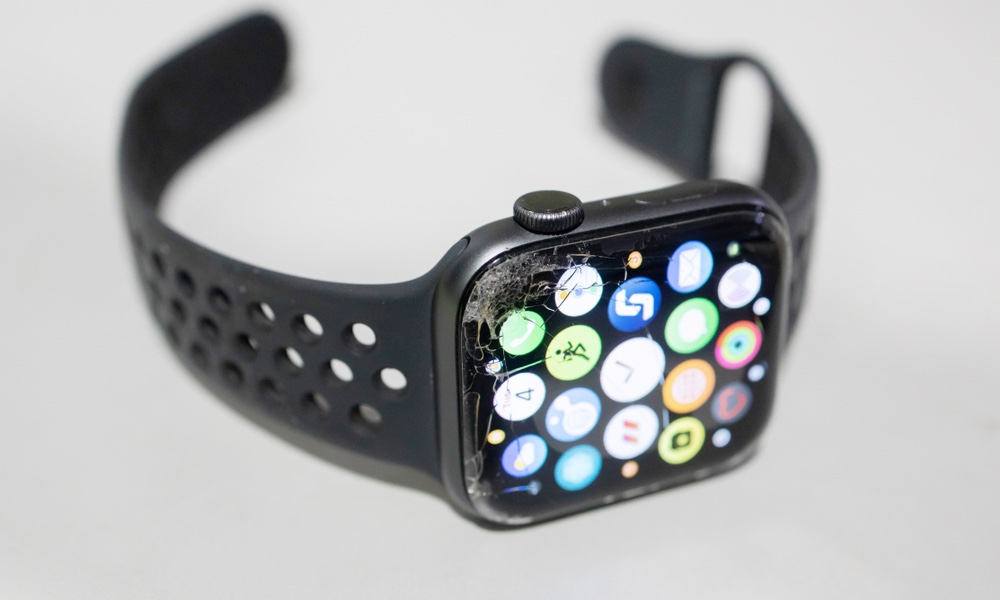
Cosmetic wear doesn’t always mean you need an upgrade, but there’s a line where wear and tear stop being purely cosmetic.
If your Apple Watch has deep scratches, a display that’s hard to read clearly, a body that looks heavily worn, or damage that makes it feel less useful, fragile, or even a hazard for your wrist, changing it is a must.
Luckily, if you’re someone who wears their Apple Watch to do extreme activities, upgrading is a really smart decision. That’s because the newer models have pushed durability forward in more noticeable ways. If your current watch already looks beat up and newer models offer better crack or scratch resistance, or stronger overall build, replacing it is more than a good idea.
It Needs a Really Expensive Repair
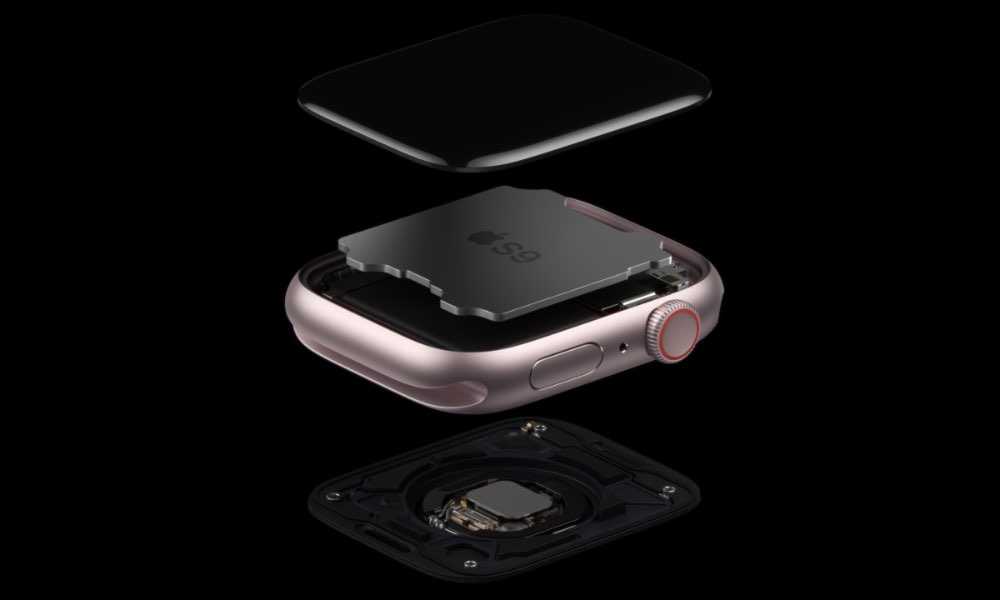
Nowadays, repairing an Apple Watch can be easier and cheaper than upgrading to a new model. With that said, there are always limits.
Sometimes, fixing the battery or dealing with a hardware issue is still the smarter move. But there comes a point where the cost of repairing an older Apple Watch becomes hard to justify, especially if that watch is already slowing down, aging out of software support, or showing other signs of decline.
If you’re pricing a battery issue, a display issue, or another service problem and realizing that money would be better spent getting a much newer model instead, the answer is probably already there. Remember that even if you repair everything, old Apple Watch models won’t support many future software updates. If your Apple Watch is already too old, it might be best to let it rest and get another one.
Give Your Older Apple Watch a Break
The Apple Watch doesn’t need to be completely broken before it becomes worth replacing. In fact, most upgrades happen well before that point.
Even if your Apple Watch still supports software updates, there are still other signs that it’s time to save up some cash for a new model. Shorter battery life, slower performance, and older hardware all add up.
So if your Apple Watch still lasts long enough, works smoothly, pairs cleanly with your iPhone, and gives you the features you care about, you can still use it for longer. But if you’re charging it constantly, avoiding apps because they’re slow, missing current features you actually want, or already questioning whether repair money would be wasted on it, then it’s time to consider moving on to a more capable version and retiring your current model by trading it in or giving it a second life as an alternate wearable for fitness or sleep tracking.






