PSA: Take Your Synology NAS Offline and Verify It’s Updated ASAP
Toggle Dark Mode
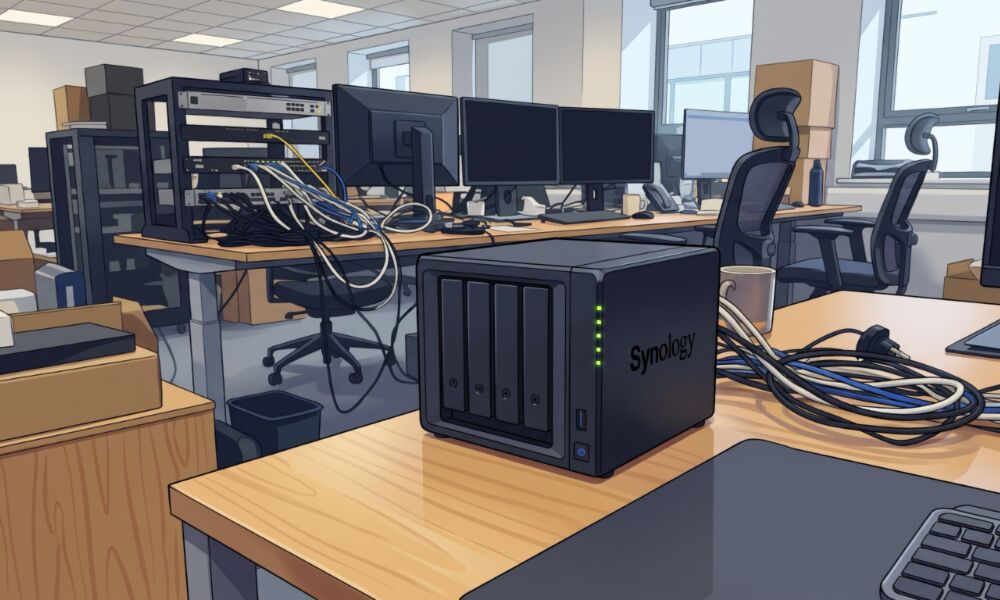
If you have a Synology NAS in your world, you should take the device offline immediately and update it as soon as possible. This is particularly important to do for older units.
AppleInsider reports that the recent discovery of several vulnerabilities in PHP has led to users all over the internet updating their servers to patch security flaws that leave them open to attack. As it turns out, the issue doesn’t just affect commercial web servers — it also poses a problem for home NAS units, as they often offer services that are accessible over the internet.
While the PHP security problems should be an eye-opener to spur users to start updating their devices on a regular basis, such updates guard against not only PHP vulnerabilities but also threats to your storage device as a whole.
Unfortunately, while some NAS manufacturers have made patches readily available, not all of the affected devices are set to update automatically. This means users need to be proactive in keeping an eye on their network storage hardware to ensure it’s running the latest software or firmware.
In some cases — and Synology users need to pay particular attention to this — the software may show no updates available, but there could be important ones that it’s not revealing.
Users on the internet are sharing how their NAS devices were attacked by ransomware, after bad actors exploited security flaws and encrypted their data, holding it for ransom.
One Redditor reported their Synology DS918+ being attacked by ransomware. “Fortunately, I already had a 3-2-1 backup setup. I still need to check the recovery copies and choose a clean restore point before I call the recovery sorted.”
The incident revealed that the fix against that specific exploit had been available since a November 2024 Update 6 release for DSM 7.2.1. Their NAS was still running the update prior to that — which goes to show the danger of assuming automatic updates are enabled, considering that DSM 7.2.1 is now on Update 13.
Meanwhile, another Reddit user related the attack on their Synology DS2422+ on October 29:
On October 29, 2026, at around 10:20 PM Italian time, my Synology DS2422+ was hit by what Synology Support identified as a recent C3RB3R attack, which hit my Synology DS2422+ – 70 TB involved, Volume 1 encrypted and now locked by the Encryption Key Vault…
So, even though patches were available, they hadn’t been implemented, not necessarily due to user error, but because some devices update automatically while others only appear to do so — particularly older models.
It’s worth adding that not all of these flaws are related to the recently discovered PHP vulnerabilities; these appear to have merely spurred a wave of attacks.
The Synology DSM manual shows that devices made in 2025 and later have an automatic updates feature, but it doesn’t mention anything about older hardware having the same ability.
This means users of older models should head into Synology’s DSM Control Panel and select Update & Restore to check for available updates and install them manually. Automatic update settings can also be configured by clicking the Update Settings button on that same page.
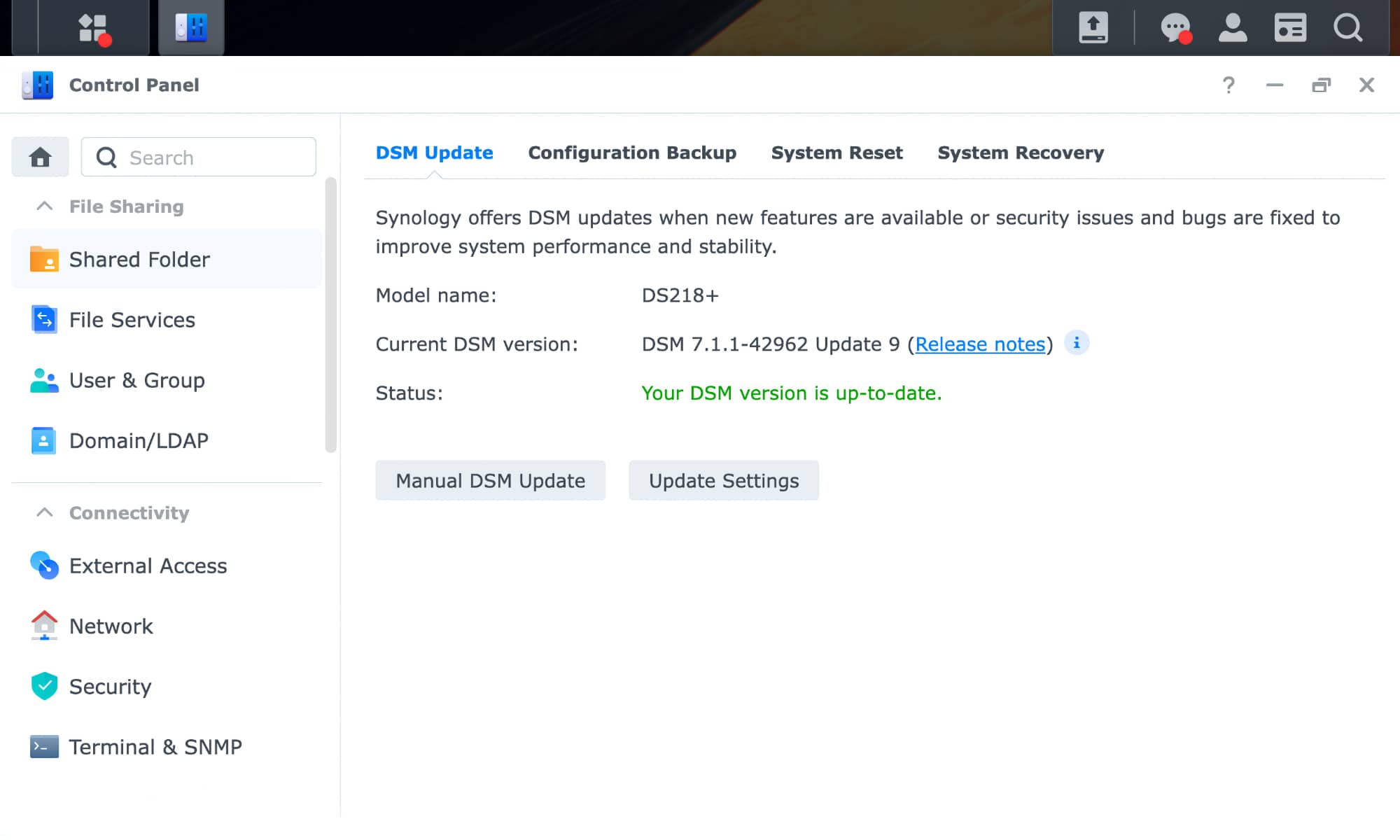
Unfortunately, even those who are proactively checking their NAS units are seeing messages that incorrectly say their “DSM version is up-to-date.” Automatic updates may have ceased to run due to staged rollouts or the company’s lifecycle policy for older devices.
When this happens, the manufacturer may still offer critical security patches, but you’ll need to download and install them manually by finding the PAT file in the Synology Download Center and using the Manual DSM Update button.
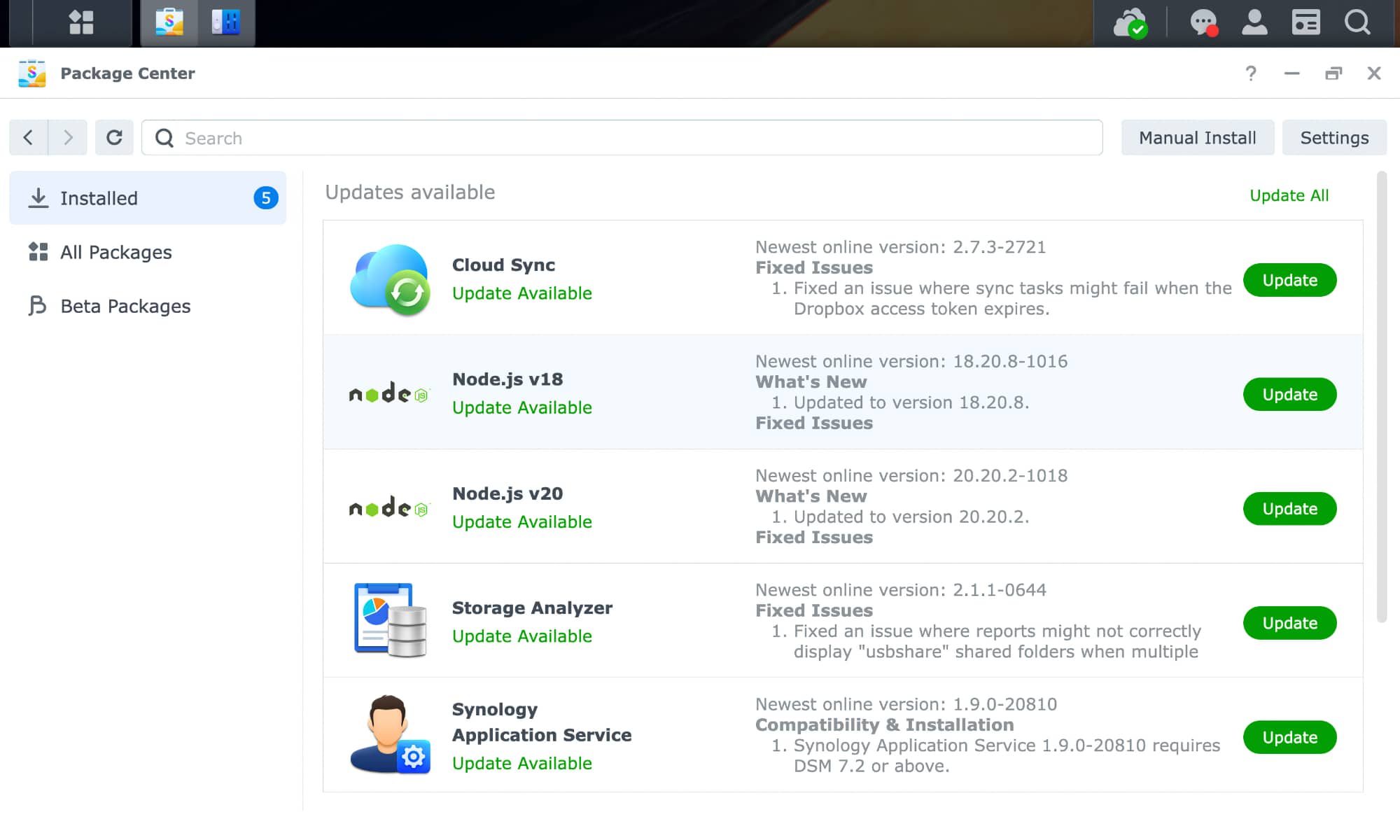
Finally, while the instructions above cover the core DSM operating system, it’s also important to visit the Package Center on your NAS and ensure that all of your packages are up to date — especially PHP itself if you’re running it.
iDrop News has long been an advocate for checking for updates on a regular basis. While we’re usually referring to Apple devices and accessories, regular manual checks are a smart habit for any modern hardware — especially a NAS holding your Mac’s Time Machine backups, or even your internet-connected television, refrigerator, or waffle maker.