
HomePod mini 2 Hands-On: All Dressed Up With Somewhere to Go (Eventually)
Toggle Dark Mode
Although Apple’s HomeView and fourth-generation Apple TV 4K aren’t expected to arrive until November 13, the first entry in the company’s October product lineup has just hit stores — and my desk.
The HomePod mini 2 went up for preorder immediately following Apple’s “Welcome Home” event on October 13, and the first shipments are arriving in customers’ hands today. The new smart speaker should also be available in an Apple Store or retailer near you.
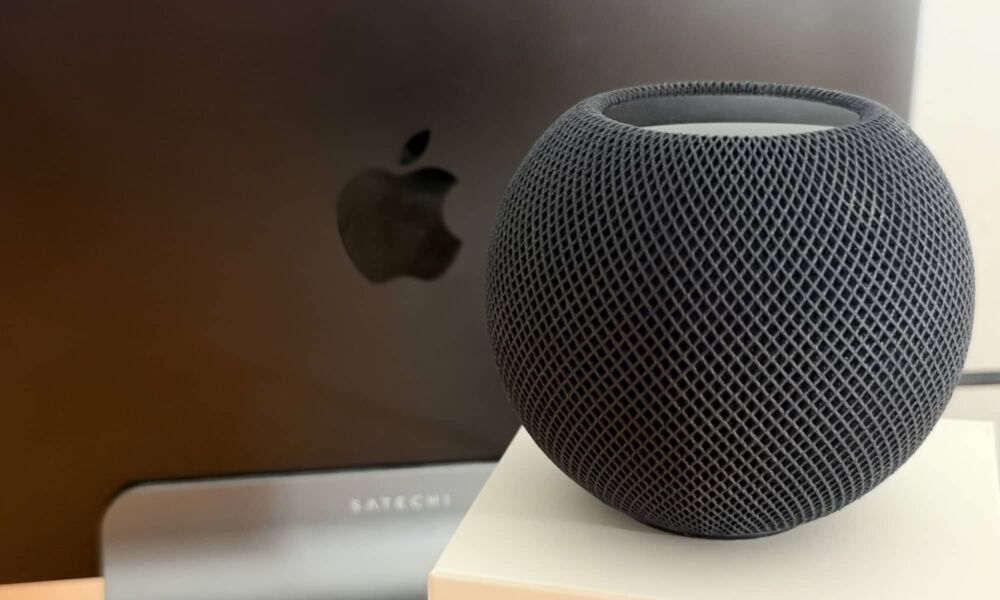
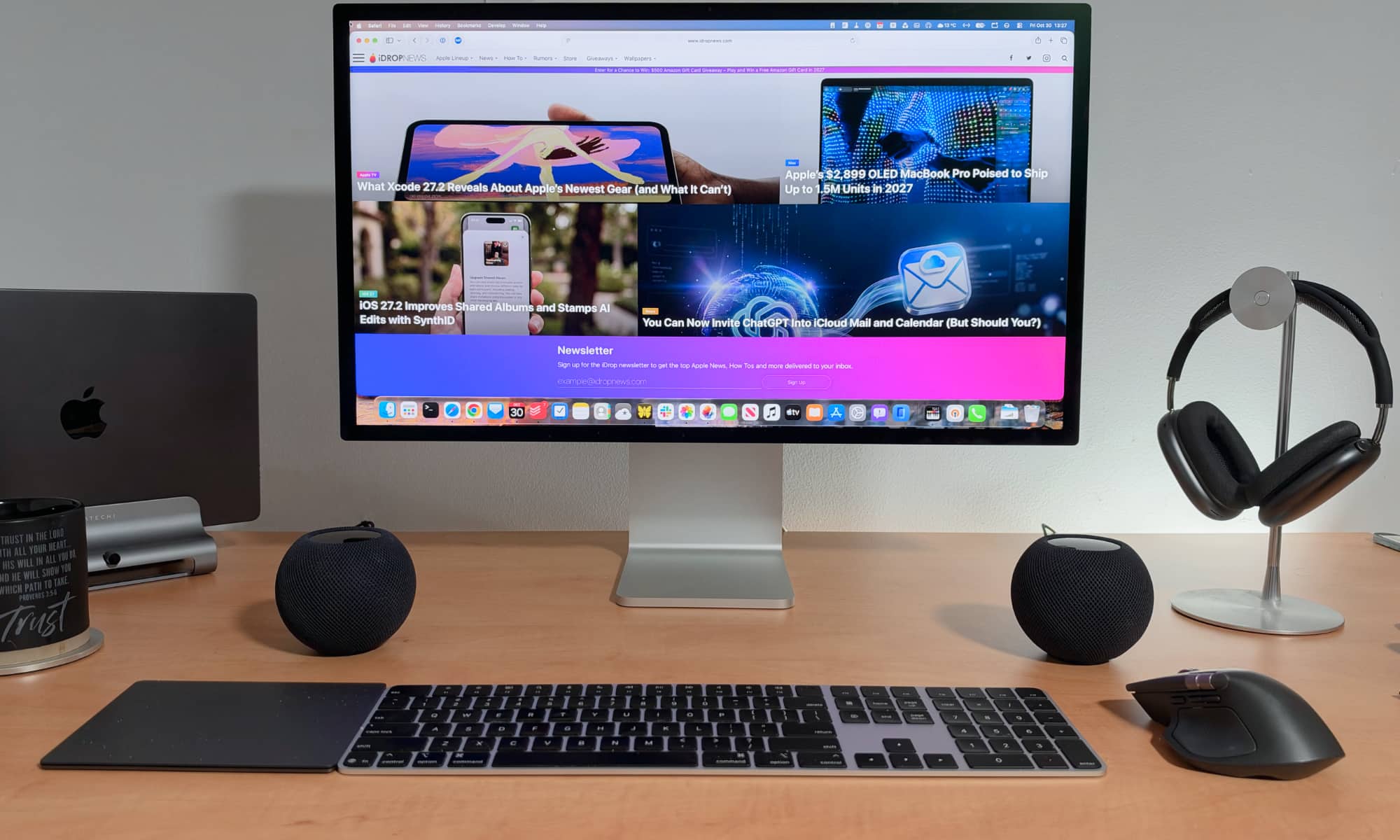
First off, the new HomePod mini 2 hasn’t gotten anything that even vaguely resembles a redesign — unless you count new colors, that is. The dimensions are identical, although I’ll admit I had to double-check that when I first compared the new midnight HomePod mini 2 to one of my original white HomePod mini units. I guess black really is a “slimming” color even in tech.
The 2020 HomePod mini initially shipped solely in space gray and white, but those were joined in 2021 by yellow, orange, and blue. Then, in 2024, Apple made one of the most underwhelming product announcements in recent history when it debuted the “new” midnight color to replace space gray.
New Hues, Same Cues
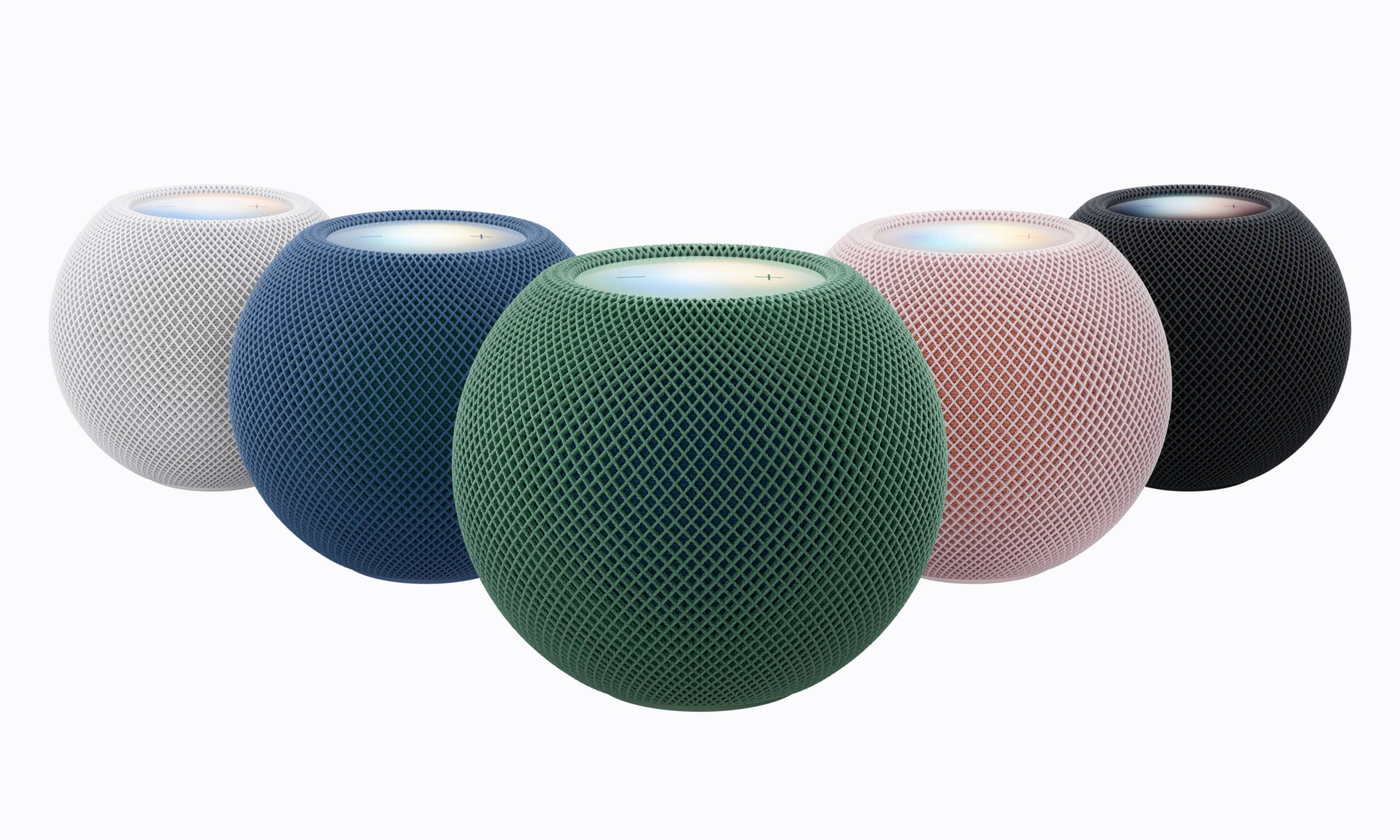
This time around, the HomePod mini 2 is launching in five shades, with pink, green, and blue joining the more typical midnight and white. Interestingly, Apple didn’t do “starlight” here; the white HomePod mini 2 is just as starkly white as its predecessor. If my own experience is any indication, that also means it won’t stay white for long (Apple offers instructions for cleaning your HomePod, but it explicitly tells you to avoid using alcohol or disinfecting wipes on the soft mesh fabric).
Needless to say, I learned my lesson and ordered a pair of HomePod mini 2 speakers in midnight this time around.
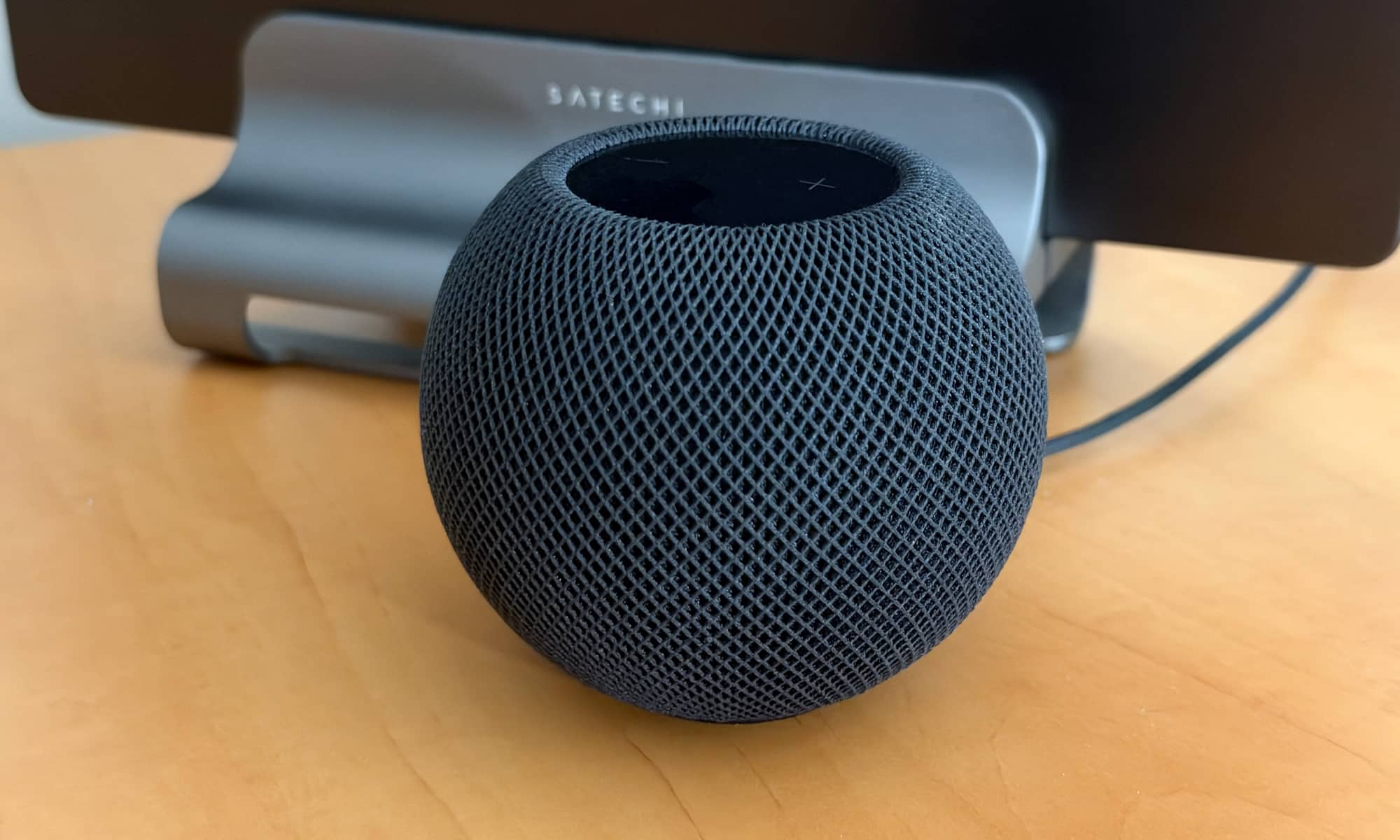
If you’ve ever unpacked and set up a HomePod mini, you’ll find the HomePod mini 2 experience to be basically identical. In fact, you’ll have a hard time telling the new HomePod mini 2 apart from its predecessor. The box still only says “HomePod mini,” so if you’re buying one anywhere other than an Apple Store (where the old ones have been pulled from the shelves), you’ll want to double-check the bottom of the box to ensure it says “HomePod mini 2.”
Inside the box, you’ll find the softball-sized speaker with the same permanently affixed 6-foot USB-C power cord and a standard Apple 20W power adapter. You can swap this out for your own adapter if you prefer — a dual-port adapter can save you an outlet if you’re setting up a stereo pair at your desk, but make sure it can output a standard 9V at 2.2A on both ports.
A Glowing Setup Experience
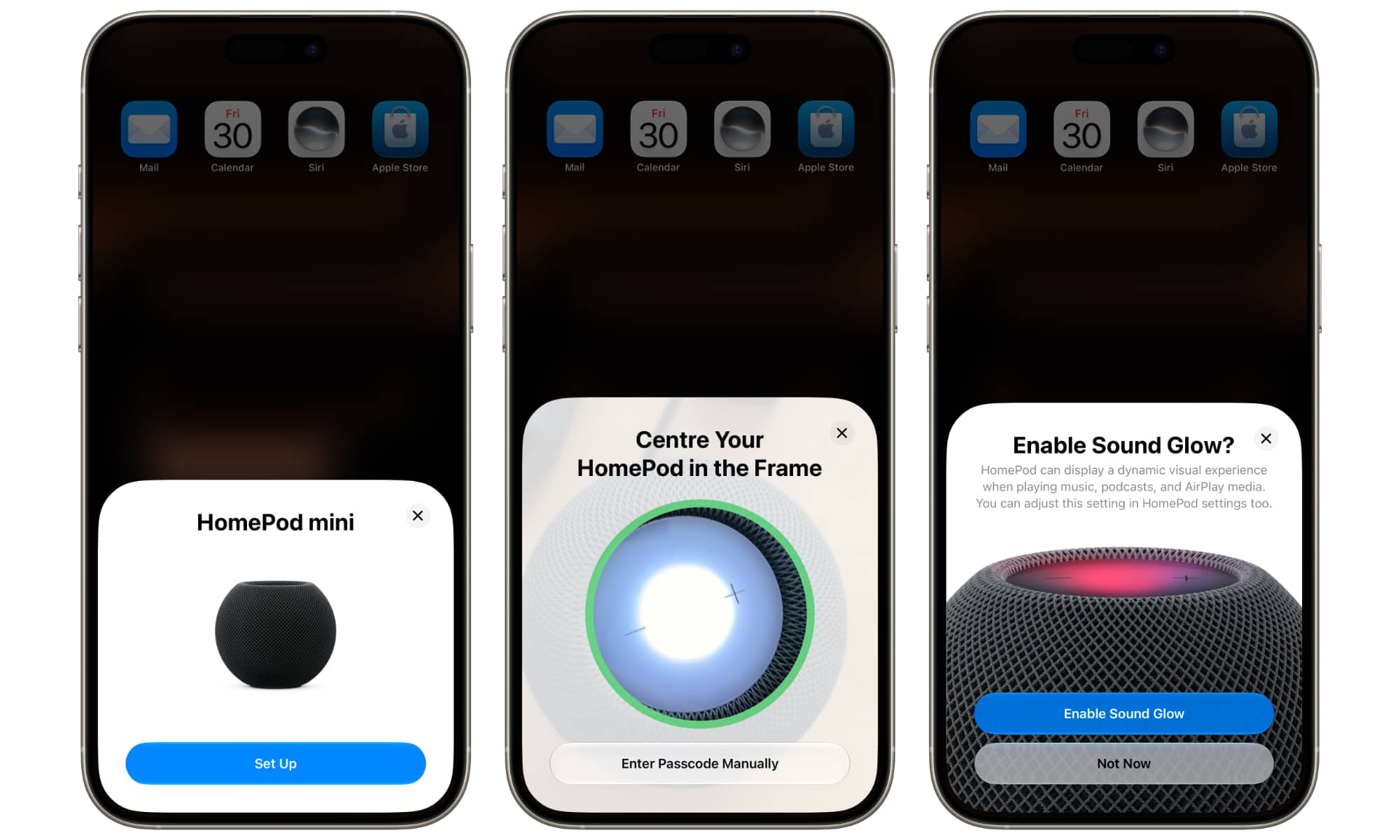
Once the HomePod mini 2 is plugged in, a setup prompt should pop up on your iPhone to walk you through the steps. The most notable change in the onboarding experience is that you’ll be asked whether you want to enable the new Sound Glow feature, which will let the top of the HomePod display ambient light patterns matched to your album artwork that will pulse as the music plays.
However, Sound Glow isn’t exclusive to the HomePod mini 2. Apple has also added it to the original HomePod mini and the full-sized HomePod 2 (but alas, not the original HomePod, which presumably lacked either the necessary processing power or LED display configuration). This means you’ll likely get the same prompt when setting up older models, as this is a function of iOS 27.2.
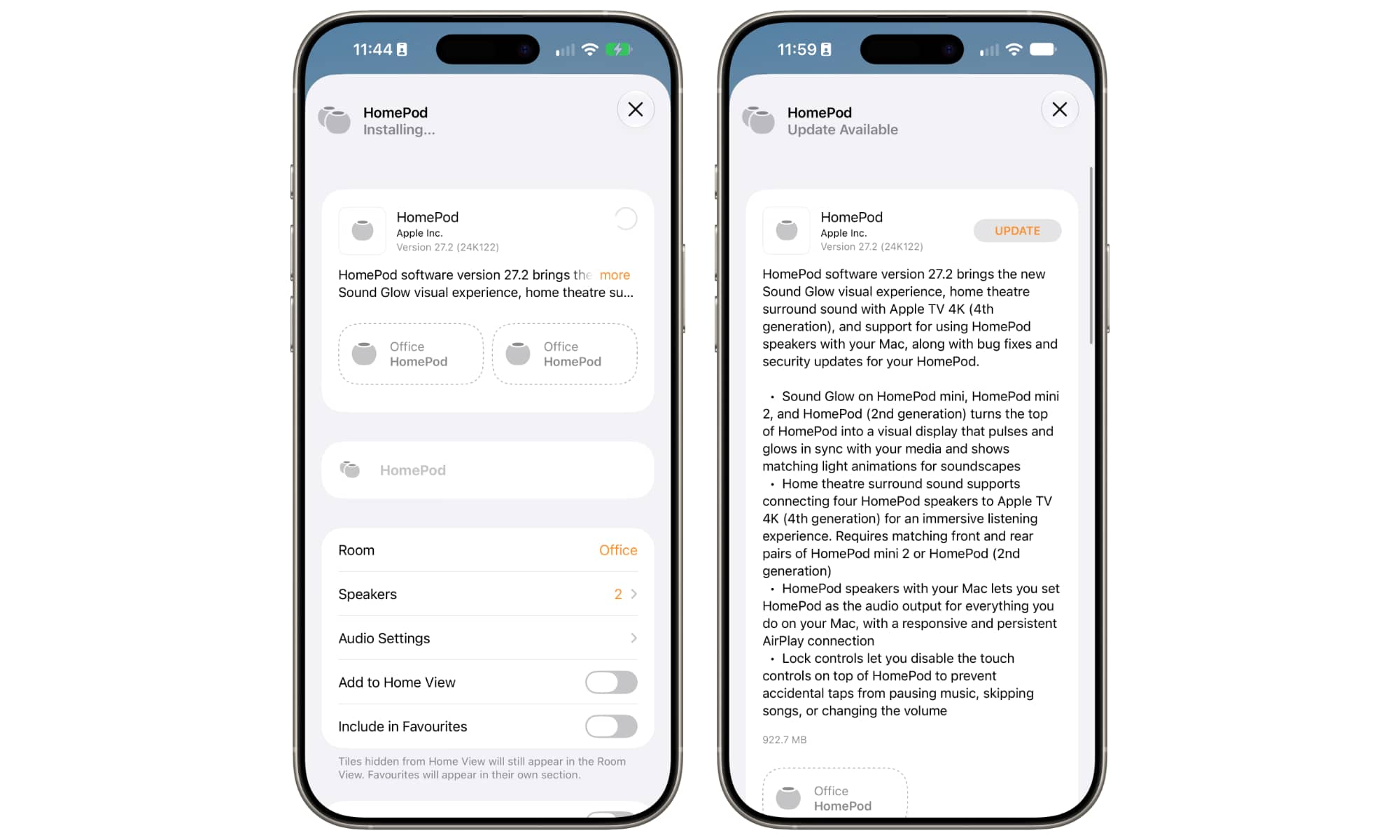
Speaking of which, don’t be surprised if your new HomePod mini 2 needs a software update out of the box. Mine both shipped with HomePod Software 27.0 (another hint that Apple has had these ready to go for a while). You’ll want to do that update as soon as possible, as the HomePod mini 2 won’t do anything particularly new or exciting without it.
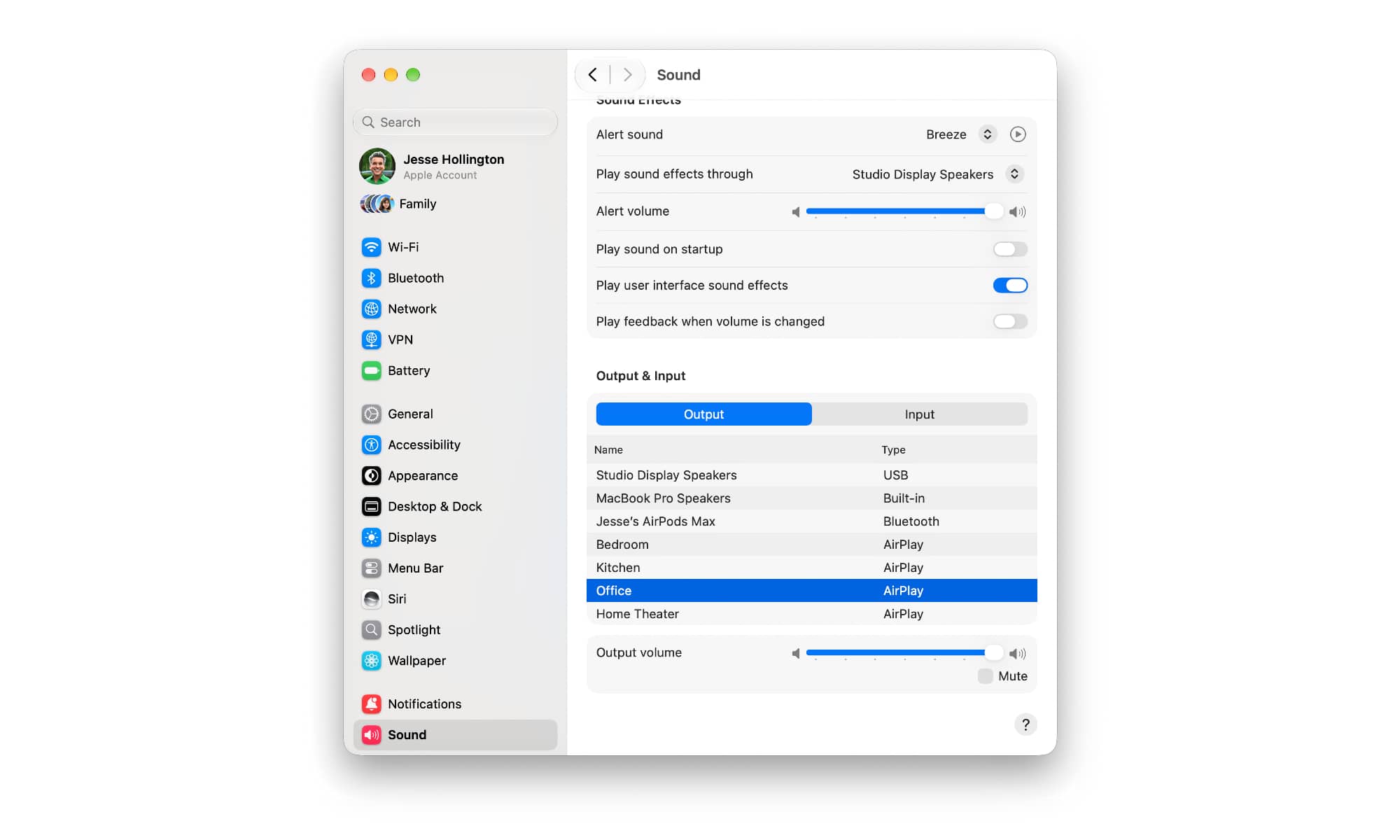
That includes the Sound Glow feature along with the ability to set the HomePod as a default speaker for your Mac. If your HomePod mini 2 is still showing as an “AirPlay” speaker in your macOS 27.2 Sound settings, you might think it’s simply because it hasn’t been updated yet.
The Mac Default Speaker Mystery
At least that was my hunch when I set up my first HomePod mini 2, as it seemed to have the same AirPlay lag it always did. However, even after HomePod Software 27.2 was fully installed on both speakers (with macOS 27.2 on my M4 Pro MacBook Pro), the new HomePod mini 2 still shows up as an “AirPlay” speaker, with no option to set it as a “default,” or even use it for system alert sounds. It also performs just like the original HomePod mini in this configuration, whether individually or as a stereo pair.
It’s unclear at this point whether this feature simply isn’t ready for prime time, if there are extra steps involved, or if “default audio output” simply doesn’t mean what we thought it meant. In fact, Apple’s HomePod Software 27.2 release notes hint that this may be little more than an AirPlay improvement:
HomePod speakers with your Mac lets you set HomePod as the audio output for everything you do on your Mac, with a responsive and persistent AirPlay connection.
It’s also worth noting that these release notes apply to all four HomePod models — even the original 2018 full-sized HomePod — which may explain why even that eight-year-old model now seems just as responsive to my MacBook as my brand-new HomePod mini 2 speakers.
Apple also has yet to provide any detailed instructions on this beyond what it says in its HomePod User Guide, although this still implies the feature is limited to the newer speaker models:
For immersive room-filling sound, you can set HomePod (2nd generation) or HomePod mini 2 — alone or as a stereo pair — as the default audio output for a Mac that supports Wi-Fi 6E or later.
As this notes, you’ll need a Mac with Wi-Fi 6E or Wi-Fi 7 support for this, which includes most Macs released in 2023 or later, with the notable exception of the 15-inch M2 MacBook Air.
It’s still not entirely clear why this requirement exists, since the full-sized 2023 HomePod, which can also be paired up as a default Mac speaker, only supports Wi-Fi 4, and existing Apple TV 4K models supported default stereo HomePod pairs using only Wi-Fi 5. It’s possible this may be more about the Wi-Fi chipsets in those Mac models rather than the Wi-Fi protocol itself.
For instance, this may be related to allowing a HomePod to stay connected via AirPlay even after a Mac goes to sleep — something that’s traditionally been a problem when using AirPlay speakers with a Mac.
I plan to keep investigating and will update this article or post a follow-up if I discover any additional details.
The Best Is Yet to Come
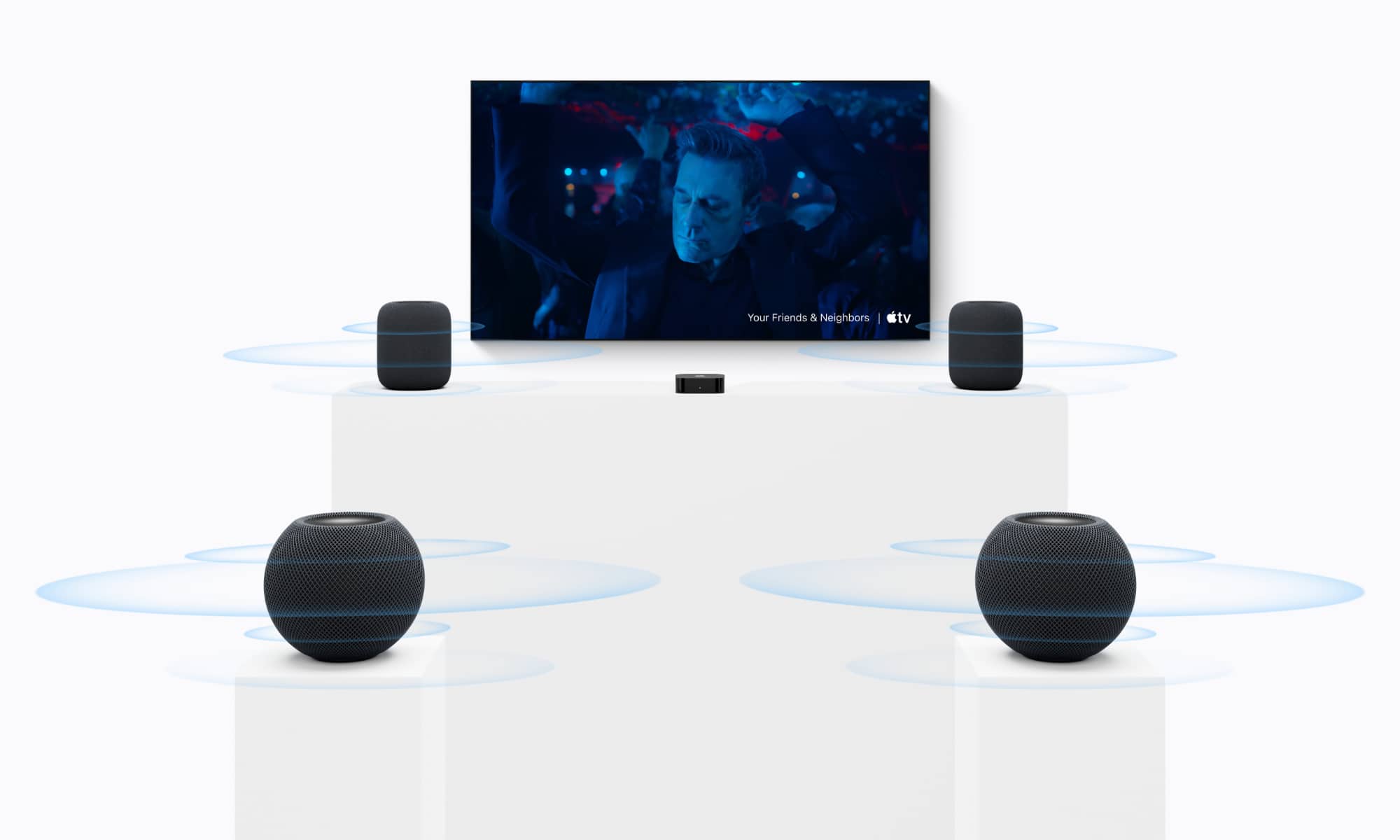
Sadly, we’ll also still have to wait a bit longer for the most promising new features of the HomePod mini 2: Siri AI and quad-speaker surround sound.
The ability to pair up four HomePod mini 2 speakers for surround sound is exclusive to the new fourth-generation Apple TV 4K with its A19 chip, which isn’t arriving until November 13. The new set-top box will also let you do the same with four full-sized HomePod 2 speakers, or even mix pairs, such as placing two HomePod 2 speakers at the front and two HomePod mini 2 speakers at the back.
As for Siri, the HomePod mini 2 supports it out of the box, of course, but it’s the same voice assistant as the rest of the HomePod family. After running a few Siri tests to compare one of my old HomePod mini speakers with the new HomePod mini 2, I can say the experience is basically identical. The HomePod mini 2 responds more quickly, thanks to its more powerful S10 chip, but the voice assistant itself hasn’t changed.
Apple says that “Siri AI will be available later as a free software update,” but it hasn’t put a timeline on that — not even “later this year.” Here’s hoping that shows up in HomePod Software 27.3.






