
The HomePod mini 2’s Coolest Party Trick Is Also Coming to Older Models
Toggle Dark Mode
While the jury is still out on whether the second-generation HomePod will get Siri AI, Apple is adding one feature from the new HomePod mini 2 to older HomePod models.
This week’s iOS 27.2 release candidate is accompanied by HomePod Software of the same version, and with it Apple is delivering the new Sound Glow feature to the original 2020 HomePod mini and the 2023 HomePod 2.

There’s no word yet on whether this will also be available for the HomePod that started it all — the original 2018 model — but that’s mostly because Apple has yet to release HomePod Software 27.2 for that. Apple doesn’t typically offer beta software for the original HomePod, and while some code references have suggested the older LED matrix and A8 chip may not be able to handle it, we won’t know for sure until the public release arrives next week.
Sound Glow
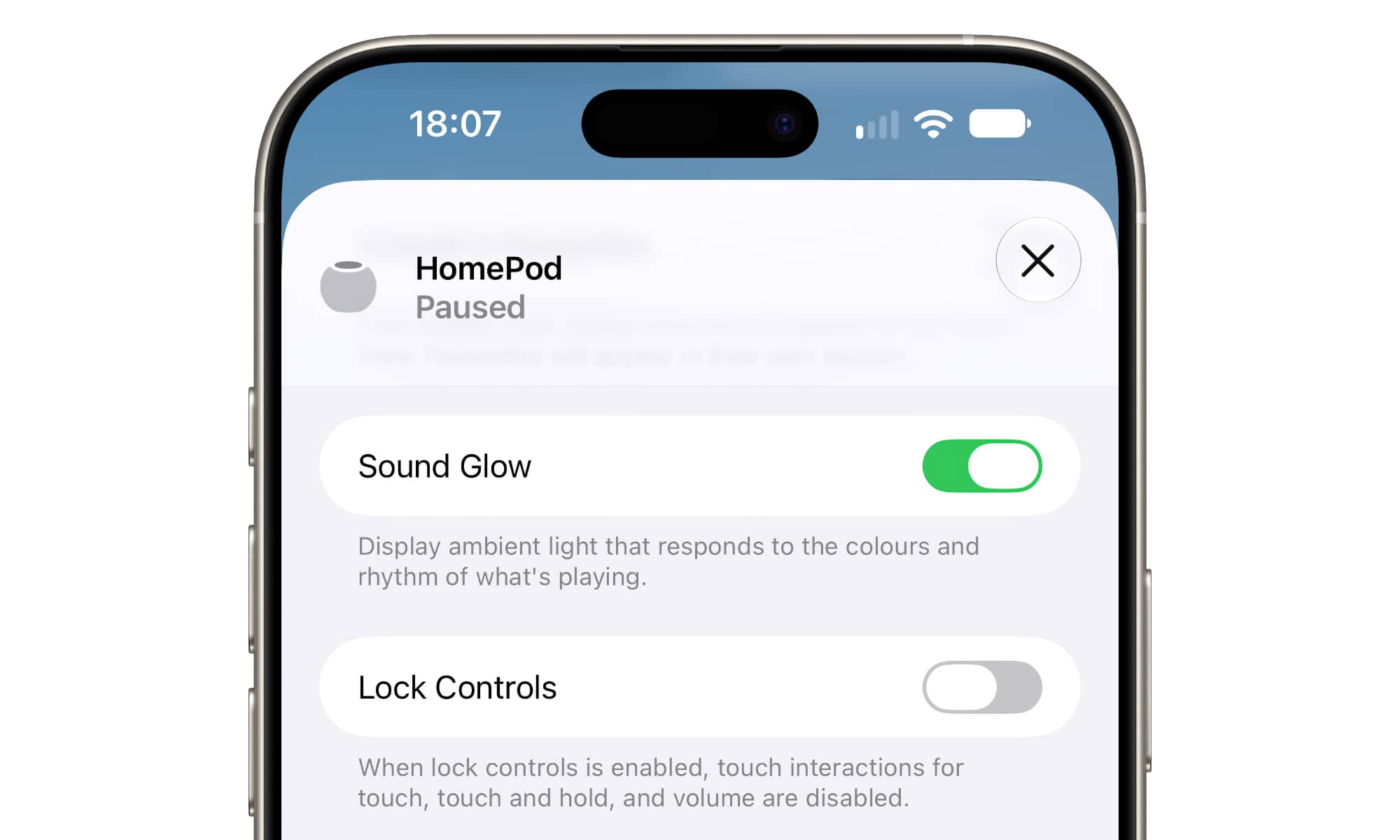
After updating to HomePod Software 27.2, Sound Glow appears as a new toggle in the Home app for each HomePod.
Display ambient light that responds to the colors and rhythm of what’s playing
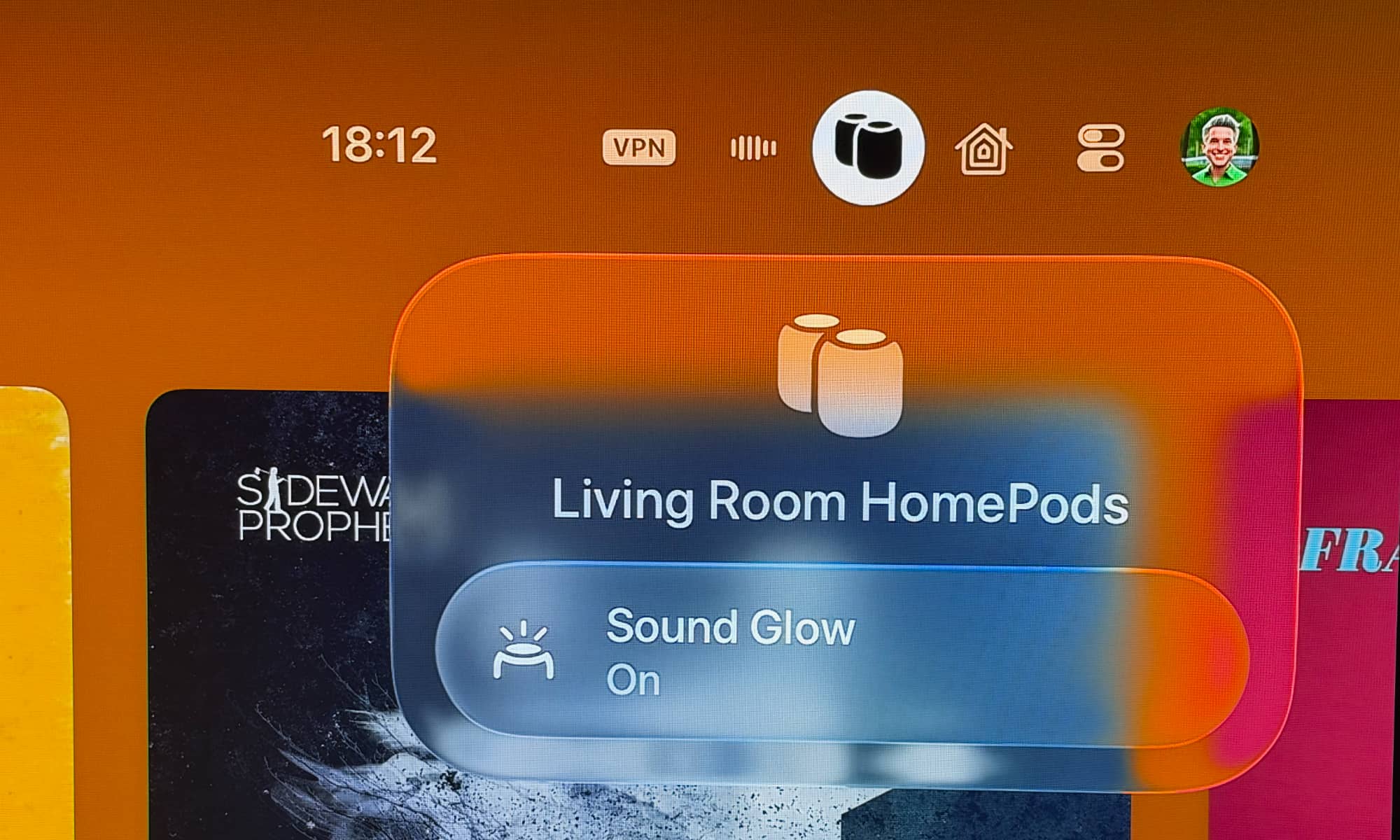
This means you’ll be able to choose which of your HomePods take advantage of this feature. The toggle also extends to tvOS 27.2 for HomePods that are paired with an Apple TV, which makes it easy to toggle it on for a party and off again when you’d prefer a less illuminated listening environment.
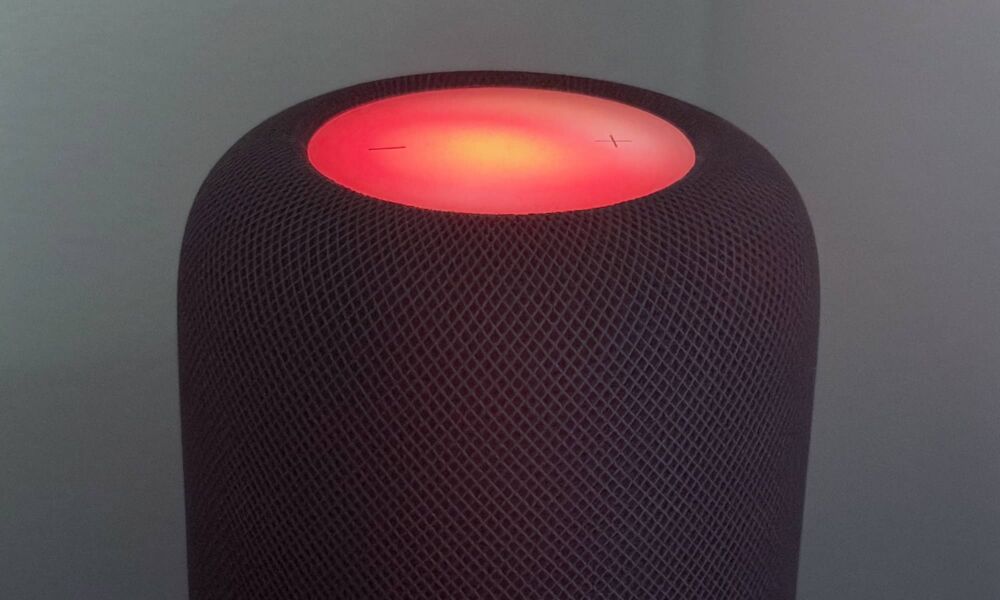
That said, Sound Glow won’t exactly light up the room. The LEDs on top of the HomePods aren’t all that bright, and Sound Glow doesn’t extend them beyond what you’ll already see when the HomePod is starting up, Siri is working, or you’ve transferred a phone call to it.
What makes Sound Glow unique is that it doesn’t just pulse as the music plays, but actually adapts colors to match the album artwork of whatever is playing, which means each track will have a slightly unique palette. Apple also says it will include “bespoke animations for a soothing atmosphere” when choosing ambient soundscapes like rain.
Lock Controls
Apple is also finally adding another small but useful setting that should be welcome for anyone who has ever tried to dust the top of their HomePod.
A new Lock Controls toggle below Sound Glow does pretty much exactly what it says:
When lock controls is enabled, touch interactions for touch, touch and hold, and volume are disabled
There are some references that suggest that features that require active confirmation, such as Intercom, alarms, timers, and FaceTime calls will still respond to touch, which makes sense.
This is one of these things that seems so obvious that we can’t believe it took Apple this long. In the past, users have been forced to rely on kludgy workarounds like Touch Accommodations — an accessibility feature that lets you set a hold duration to prevent accidental activations.
Now, you’ll be able to lock that top panel down completely with a single toggle in the Home app.
Again, there’s no word on whether this will also be available on the original HomePod, but we’d be shocked if it wasn’t. We just won’t know for sure until HomePod Software 27.2 comes out for that older model.
Meanwhile, we’ll also be waiting to see when and if Siri AI arrives. Apple has already made it clear that the HomePod mini 2 won’t even be able to call up Apple’s smarter voice assistant at launch, and even the tvOS 27.2 RC has yet to enable it for the second- and third-generation Apple TV 4K, even though Apple has promised it’s also coming to those older models in tvOS 27.2. However, thi may simply be a matter of Apple flicking a server-side switch one the new Apple TV 4K is released next month.






