
Plunging 330 Feet Into a Ravine: How One Driver Survived a Horrific Mountain Crash Thanks to Her iPhone
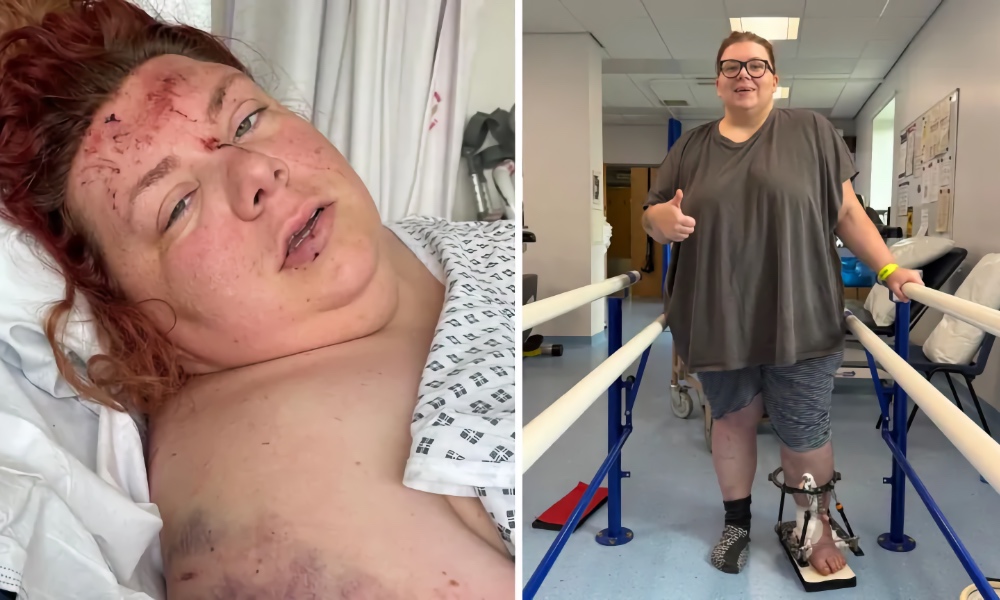 Natalia Sidorska survived a car crash which left her hospitalised for four months [Natalia Sidorska / BBC News]
Toggle Dark Mode
A woman credits the iPhone’s Crash Detection feature in saving her life after it automatically contacted emergency services when her car left the road, plunging 330 feet down a mountainside.
In June 2025, Natalia Sidorska, 32, lost control of her car late one evening while driving along Horseshoe Pass — a winding, scenic A road in Denbighshire, UK.
“I didn’t realise that there was a very tight bend coming up and when I realised… it was too late for me to do anything.”
After leaving the road, her car rolled down the mountainside before bursting into flames shortly after she was able to extract herself from the damaged vehicle. She says she tightly gripped the steering wheel of her vehicle to prevent falling out of the vehicle. She recalls the airbags deploying as the vehicle pinballed down the side of the mountain.
Once the vehicle finally stopped its downhill slide, Natalia realized she was trapped inside.

“I opened my eyes and I realised that I’m still alive and I’m underneath the back seat for some reason,” she said. “I tried to process what’s just happened. And then I started hearing the clicking fire noise. I realised that the car is on fire.”
Natalia was unable to move easily, due to injuries to her legs. She tried to force the doors open, with no success. This is when she “decided that I will fall asleep so the smoke can poison me before I can feel the pain caused by flames”.
But then, she remembered she had locked the vehicle’s doors before setting off.
Unlocking the doors, she was able to crawl from the wreckage and rolled herself away from the vehicle.
“I know it sounds like a movie, and if I wasn’t there, I wouldn’t believe it, but as soon as I looked at the car, it exploded,” she said. “It was literally seconds.”
Sidorska had thought she was on her own following the accident, and was surprised when a mountain rescue team and firefighters arrived on the scene of the crash about 20 minutes later. It turns out that emergency services had been notified of the crash and directed to the accident site by the woman’s iPhone and its automatic Crash Detection feature.
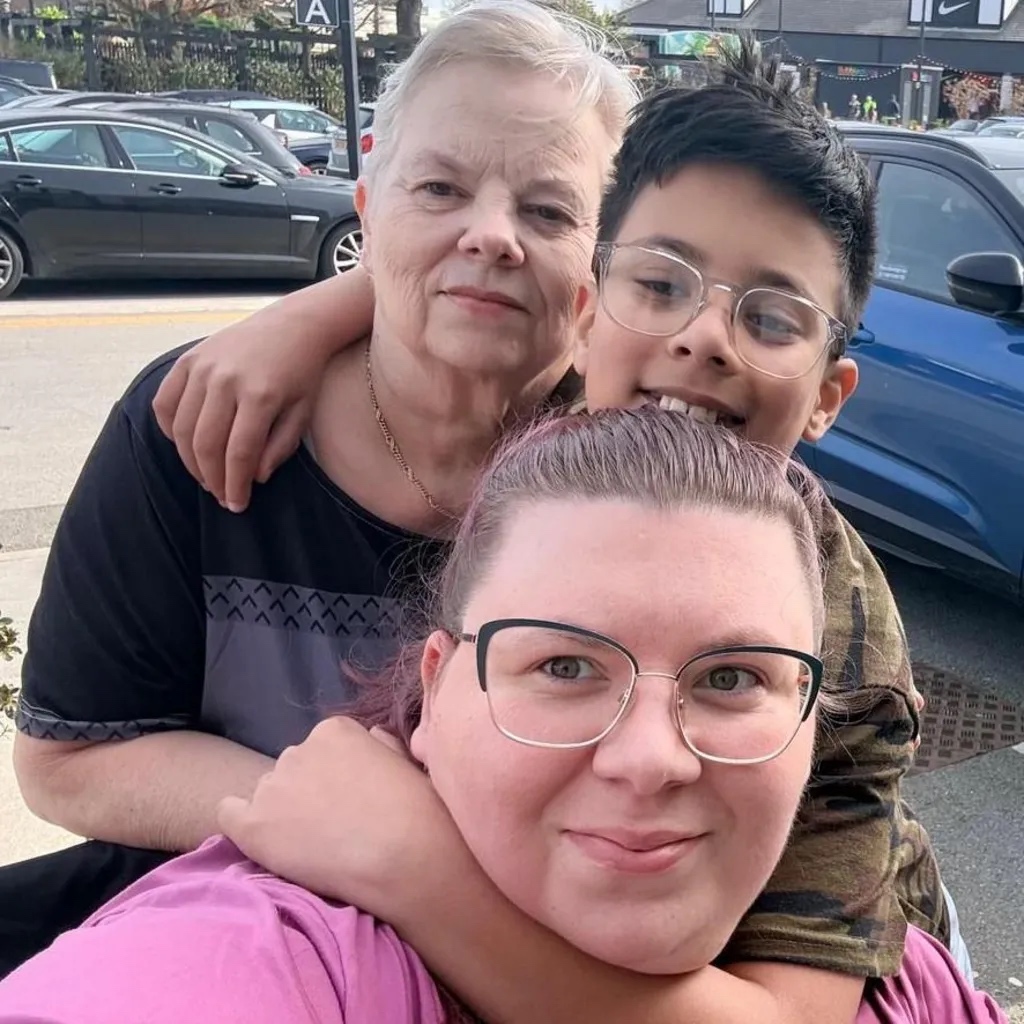
“I’m grateful to Apple for what the iPhone did,” Sidorska told the BBC. “I don’t think that I would have been able to get help that quickly.”
Unfortunately, the rescue was just the beginning of a long road to recovery. Sidorska spent four months in the hospital, requiring multiple surgeries as a result of the accident. She was faced with dealing with life-changing damage to her ankle and her spine.
Surgeons were forced to remove her talus bone, which is part of the ankle joint, after she developed an infection that prevented doctors from using metal implants.
“It will be a lifelong disability,” Sidorska said.
Despite the damage done by the accident, Natalia says she returned to driving, albeit with an adapted mobility car.
“It wasn’t the car that failed. It was me,” she said. “And if you drive, no matter how good you are, always be cautious.”
What Is Crash Detection?
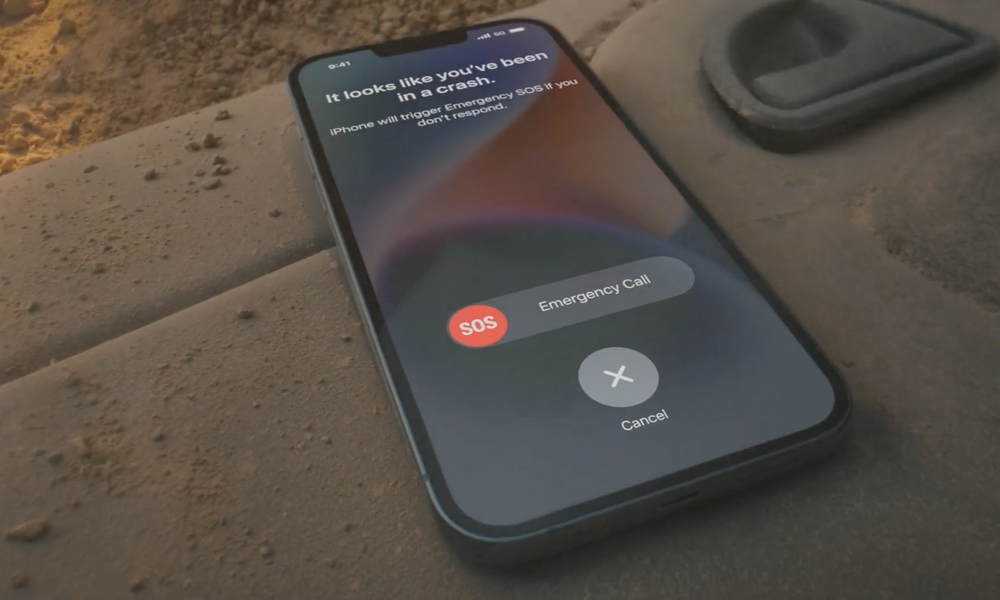
Crash Detection is a feature available on the iPhone 14 and Apple Watch Series 8 and later models, including the Apple Watch Ultra. While the feature can work on its own from a cellular Apple Watch, non-cellular models require an iPhone nearby to connect to emergency services.
When a severe crash is detected by either device, the emergency services call interface will appear on the Apple Watch, as it is most likely to be in closer proximity to the user. However, like any other call made from Apple’s wearable, the emergency call will be placed through the iPhone if it’s in range to ensure the strongest possible cellular connection.
The iPhone or Apple Watch will also call emergency services automatically if the driver doesn’t respond to the device’s prompts within 20 seconds.
Crash Detection is enabled automatically on all iPhone and Apple Watch models that offer support, meaning you’re protected unless the feature has been manually switched off. To check, go into the Settings app and tap on Emergency SOS on your iPhone or SOS on your Apple Watch, and confirm that the Call After Severe Crash toggle is enabled.






