
5 Android Features We’re Begging Apple to Steal for iOS 26
 Mikla / Adobe Stock
Toggle Dark Mode
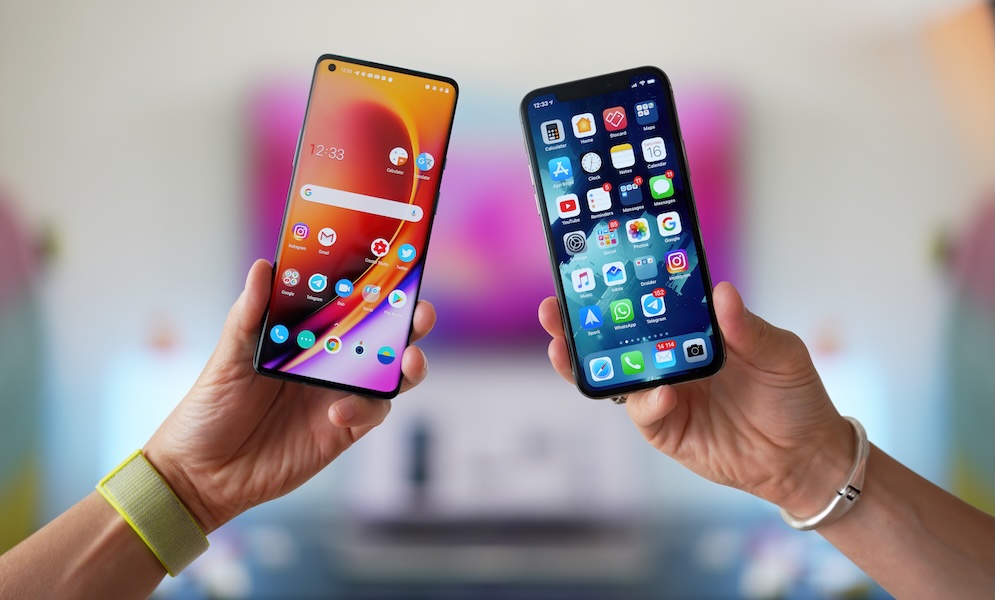
The debate between Android and iPhone has been a hot topic since the beginning of the smartphone era. Some say Apple’s restrictions make the iPhone worse, while others think that the lack of polish, quality, and optimization makes Android the lesser smartphone.
However, the truth is that neither platform is inherently better than the other. Each has its pros and cons, and the competition between devices can actually be beneficial for us, the users. Since both tech companies want folks to buy their smartphones, they have to keep giving us more new and cool features.

Not only that, but tech companies are often forced to copy each other’s features to avoid falling behind, which is also great for us, as we’ll have most of the other platform’s key features eventually.
With that said, Apple likes to take its time when it comes to adding features. Because of that, Android still has a handful of genuinely practical features Apple hasn’t fully matched on the iPhone yet.
However, with Apple’s Worldwide Developers Conference (WWDC) just around the corner, there’s still hope we might see Apple “borrow” some more features from the competition. Here are just a few Android features we’d love to see on the iPhone.
True Split-Screen Multitasking
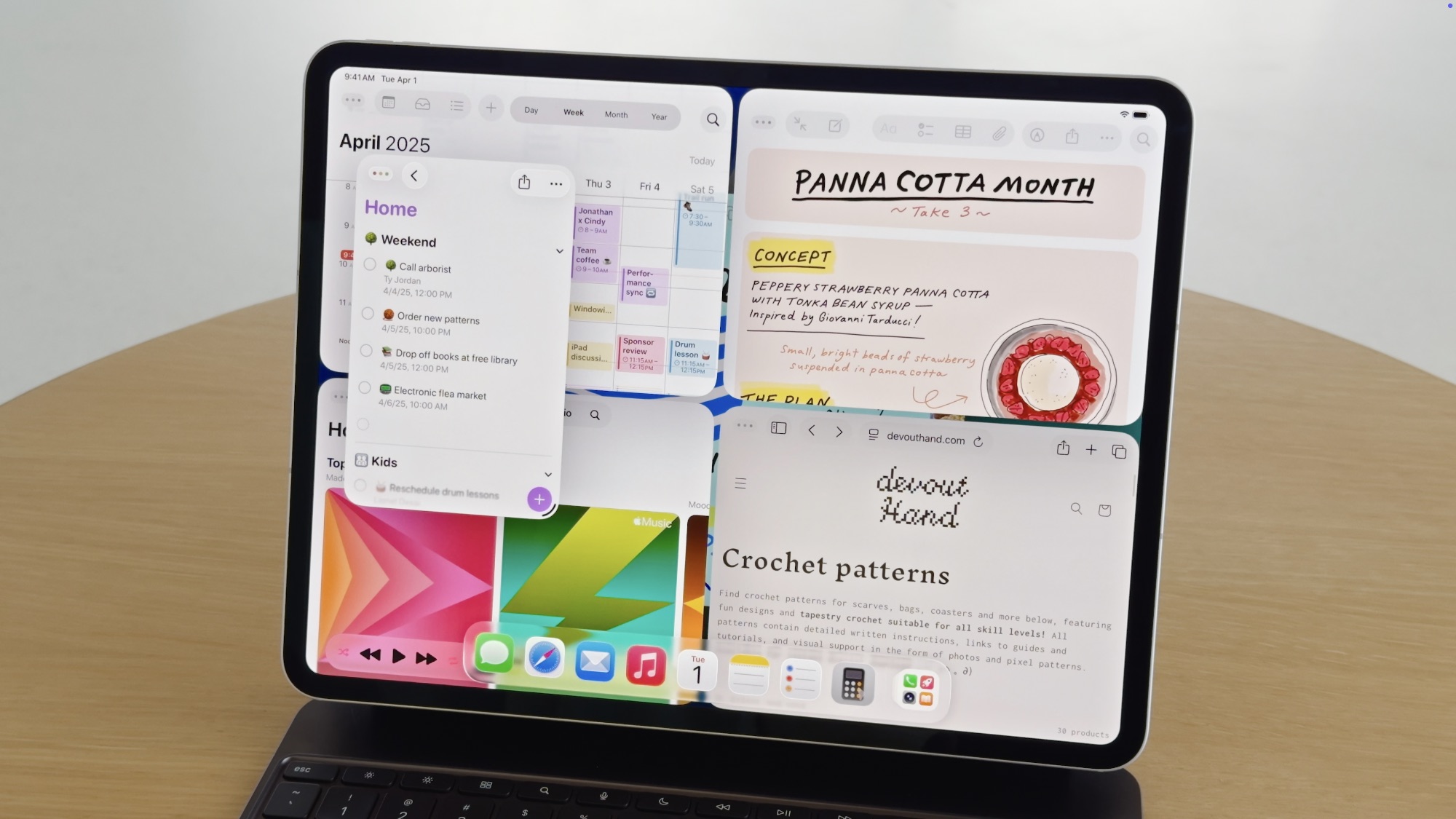
One of the biggest Android features the iPhone still lacks is true split-screen multitasking.
Android has supported a multi-window mode on phones for years, including split-screen layouts where two apps can share the screen at the same time. That means you can keep a chat open while checking a website, compare two documents side by side, or keep notes visible while reading something else.
The iPhone still doesn’t offer that kind of dual-app multitasking. Apple’s biggest multitasking feature is still mostly built around Picture in Picture. That’s handy for video and FaceTime, but obviously not the same thing. Watching a floating video while using another app is useful, but having Messages and Safari open at the same time is a completely different level of flexibility.
This would be useful enough on a regular iPhone, but it would really shine on the larger iPhone Pro Max — not to mention the much-rumored foldable iPhone that we’re expecting this year. Once you’re carrying around a large phone, it’s not unreasonable to want to look at more than one app at a time. The extra display space is there. The processing power is there. And for people who do a lot of messaging, research, planning, or document reading on their phones — aka “pro” users — split-screen support would cut down on a lot of constant app switching.
It’s not like Apple pretends not to know about this feature; the iPad has had it for years. It makes no sense that we still don’t have it, so maybe we’ll see it in the future.
A Real Desktop Mode When You Connect Your Phone to a Monitor
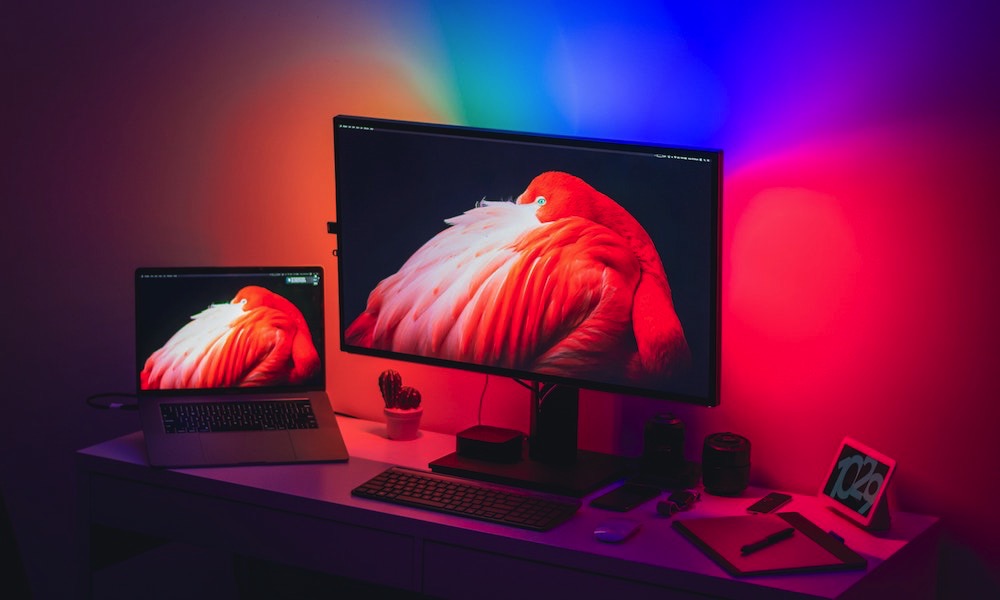
This is probably the most ambitious feature on this list, but it’s also potentially the most exciting. Some flavors of Android have long supported desktop-style capabilities when connecting to an external display, and Android 16 expanded that to a much wider range of devices, with Android 17 expected to push it even further.
This allows you to connect a supported Android phone to an external display to give you a taskbar, pinned apps, and multiple apps running side by side in freely resizable windows. At that point, the phone starts feeling a lot less like a phone mirroring its screen and a lot more like a lightweight computer.
To be fair, the iPhone does have some capabilities like that. Supported iPhones that are connected to a display can use your keyboard and mouse as if they were a computer. But the changes pretty much stop there. It still feels like you’re using an iPhone — just on a larger screen. On Android, desktop mode works way differently, and on some devices, you can use your smartphone and your “computer” for different tasks at the same time.
For a lot of people, this would be one of the most useful upgrades Apple could make. Imagine traveling with only your iPhone, then plugging it into a monitor at a hotel, desk, or shared workspace and getting something that feels closer to a real desktop interface.
You wouldn’t replace your Mac for every kind of work, of course, but you could absolutely cover email, messaging, docs, browser tabs, files, and basic productivity tasks much more comfortably than you can now.
Android is already pushing in that direction. While there were some rumors of this coming last year with a Stage Manager-like interface, they never materialized. For now, Apple seems more comfortable keeping the iPhone locked into being an iPhone even when it’s attached to a much larger display. Of course, that may not be too surprising; unlike Android makers, Apple already has the iPad and the Mac, and it would probably prefer folks to buy one of those devices in addition to their iPhone.
Notification History
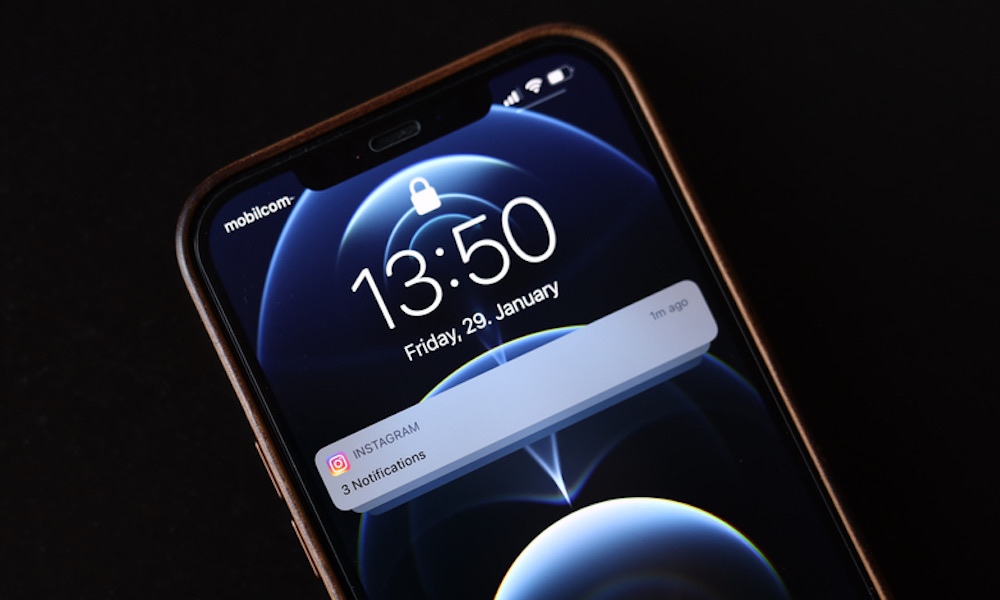
Almost everyone who has used a smartphone long enough has had the same annoying experience: A notification comes in, you swipe it away without thinking, and then five minutes later, you realize it was something important.
On Android, notification history gives you a pretty elegant answer to that problem. It can show snoozed notifications, recently dismissed alerts, and a history of the day’s notifications.
The iPhone still doesn’t have a true equivalent. Apple gives you notification grouping, summaries, and better customization than before, but there’s still no official system-wide history page for dismissed notifications. If you clear the wrong alert, you’re often stuck hoping you’ll get another alert or that you find the update yourself.
This is one of those small Android features that ends up being much more helpful in real life than it sounds. It isn’t flashy, and it probably wouldn’t even be showcased during Apple’s WWDC. But it does solve a very common everyday problem in a way you probably didn’t know you needed.
It would also fit nicely into the direction iOS has already taken with notification summaries and focus tools. Apple has put a lot of work into helping users manage incoming alerts. The next logical step would be to help users recover the ones they swiped away too quickly.
Multiple Users and Guest Mode

This is one of the most obviously useful Android features Apple still hasn’t brought to the iPhone. Android supports multiple users on a single device, with separate app data, settings, accounts, home screens, and personal spaces. It also supports a guest profile, which is perfect if you want to let someone use your phone temporarily without giving them access to your whole digital life.
When you think of a feature like this, Mac computers probably come to mind, but it would be great if Apple could also bring this to the iPhone. Just imagine the possibilities.
Maybe you want to hand your phone to a child for a trip, lend it to a family member for a quick task, keep a travel profile separate from your main setup, or let someone borrow your device without exposing your messages, photos, accounts, and saved apps. Android already has a built-in way to think about this, while the iPhone is still behind.
Maybe Apple believes the iPhone is too personal a device for true multi-user support, but that logic feels less convincing than it used to. There are many common situations where you would benefit from this feature. From lending your device to someone, to keeping your actual profile private. Let’s hope we get to see this in a future update.
Easier App Installation Outside the App Store
This is something we Apple fans have asked for for years. And to be fair, some users did kind of get this, but most of the world can’t install any apps from outside the App Store.
Android has allowed installation from sources outside Google Play for a long time. As long as the user explicitly opts in, you can literally search for any app via a Google search and download it immediately.
That doesn’t just matter to power users or developers trying out their apps; it can also mean easier access to niche apps, developer betas, regional software, and alternative marketplaces without waiting for one tightly controlled store process.
The iPhone has started moving in this direction, but only in a much more limited way. Apple now supports alternative app distribution in some regions, like the European Union and Japan, but only because it’s been forced to — and it hasn’t given in easily at all.
This is one of the more controversial items on the list, and understandably so. Apple’s tighter control does come with security benefits. Having the ability to install any software from anywhere on the web means you can get attacked or scammed if you’re not careful.
But Android’s approach already shows that a platform can allow outside installation while still keeping it behind clear warnings and user permissions. It doesn’t need to be a free-for-all to be more flexible than it is today.
A more open installation model would also be good for users and developers alike. Unfortunately, the only one who might be affected is Apple and its bottom line, which is probably the only reason why we might never see this on an iPhone on this side of the pond — unless Apple is legally forced to do it. Fingers crossed.
We’re Waiting, Apple!
The interesting thing about all these features is that none of them feel like fantasy anymore; they aren’t experimental concepts or forum ideas that only make sense on paper.
Android already supports them in real, usable ways right now. And in most cases, they solve pretty ordinary problems.
Not only that, but Apple has started to add new features that iPhone fans have asked for for years. The infamous lack of widgets is a thing of the past, USB-C is now the norm across all Apple devices, and base iPhone models now support higher refresh rates. So there’s still a chance we might see some of these features in iOS in the near future.
WWDC is less than two months away, which means Apple might surprise us with one or more of these features, while still bringing new things that not even Android devices can do. We’ll have to wait and see what the company has in store for us.






