
Beyond the Rings: 8 Apple Watch Features That Keep You Healthy
 ms_pics_and_more / Shutterstock
Toggle Dark Mode
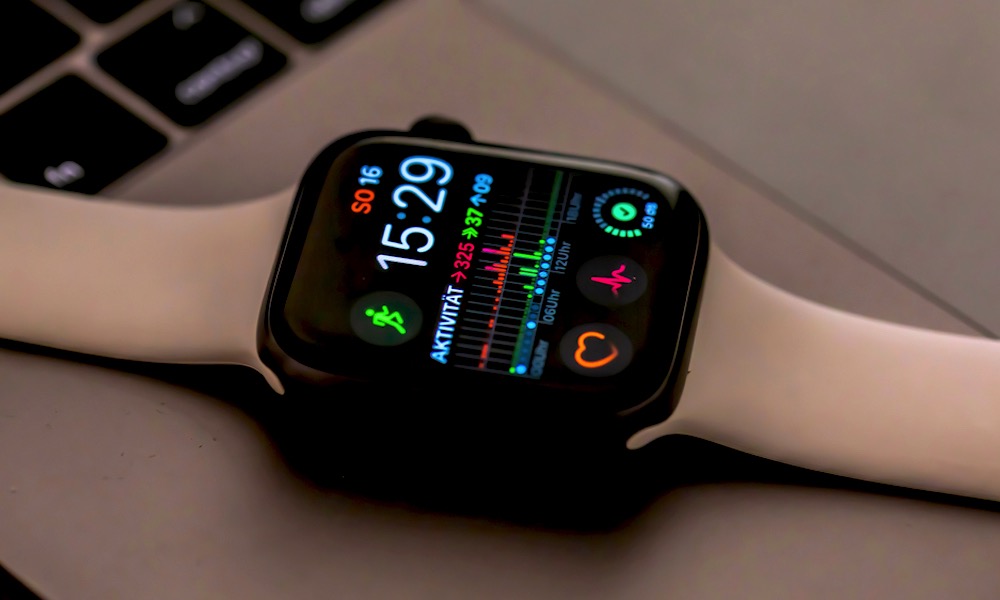
The Apple Watch has grown far beyond a simple device for checking messages and seeing who’s calling. Over the last few years, it’s become one of the most useful health and wellness tools Apple makes, as it’s something you can wear all day without thinking too much about it.
The best part about the Apple Watch is that many of its health features don’t require you to open an app every five minutes or track every small detail manually. Some features run quietly in the background, while others only appear when your Apple Watch notices something important.

Of course, the Apple Watch isn’t a replacement for a medical professional, and you shouldn’t treat any reading as a diagnosis. However, it can help you notice patterns that you may want to talk to your doctor about, while also staying more active, sleeping better, managing your medications, and getting help faster during an emergency.
If you already wear an Apple Watch, here are the health features worth using today — and if you don’t already have one, these may be enough to convince you to take the plunge.
Heart Rate Notifications
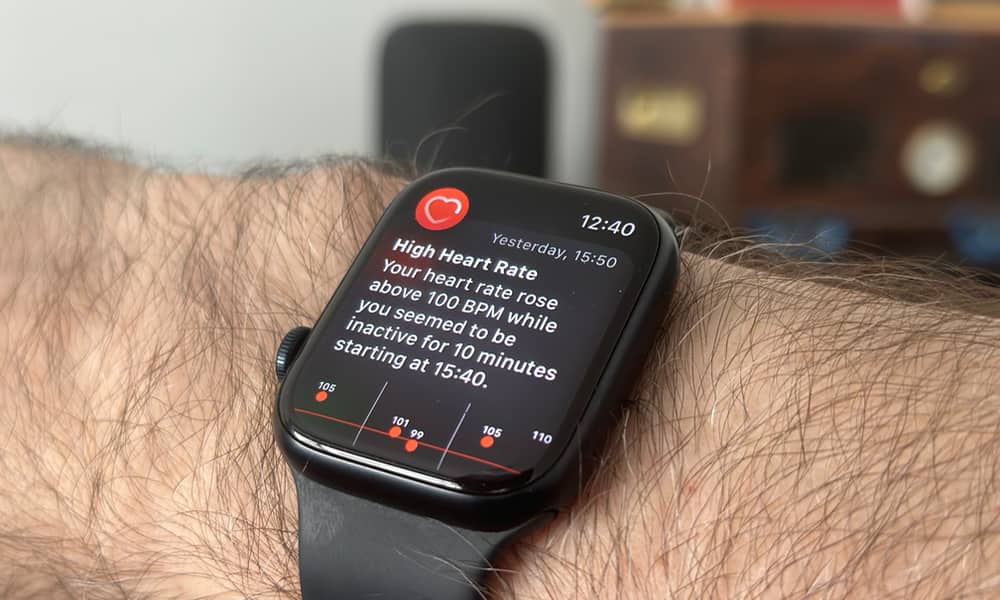
Your Apple Watch monitors your heart rate throughout the day and can alert you when something seems unusual. You can receive notifications for a heart rate that’s too high, too low, or irregular while you appear to be inactive.
This can be incredibly helpful because many people don’t always notice when their heart rate is acting strangely. You might feel tired, stressed, dizzy, or completely normal, but your watch may still catch something worth paying attention to. These alerts don’t mean something is definitely wrong, but they can give you a reason to check in with a doctor.
You can customize high and low heart rate thresholds from the Watch app on your iPhone. You can also turn on irregular rhythm notifications, which look for signs that may suggest atrial fibrillation. If you have heart concerns, family history, or you just want a better understanding of your body, this is one of the first features you should review.
The best part is that you don’t have to keep opening the Heart Rate app all day. Once notifications are enabled, your Apple Watch handles the monitoring in the background.
Sleep Tracking
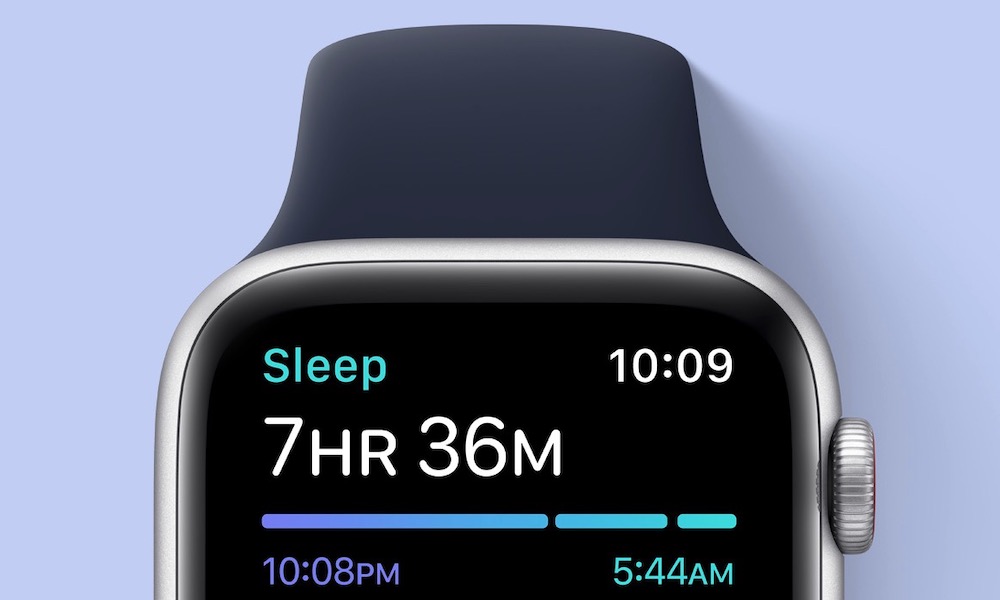
Sleep has a huge impact on your energy, mood, focus, and overall health, but most people don’t really know how much sleep they’re getting. Your Apple Watch can help by tracking your sleep duration, sleep stages, and consistency.
With this feature, your Apple Watch can show how much time you spent awake, in REM sleep, in core sleep, and in deep sleep. With watchOS 26, your watch wraps this data into a native, morning Sleep Score from 0 to 100, along with descriptors from “Very Low” to “Very High.” It’s an easy way to see at a glance how well you rested and how your daily habits affect your nights.
Sleep tracking can also encourage better routines, especially when combined with the Sleep focus mode. Seeing that you’re going to bed too late or waking up at inconsistent times can be the push you need to adjust your schedule. You don’t have to chase perfect numbers every night, but the data can help you understand what’s actually happening.
Once you see weeks of sleep history, it becomes much easier to connect poor sleep with low energy, stress, or lack of focus.
Activity Rings
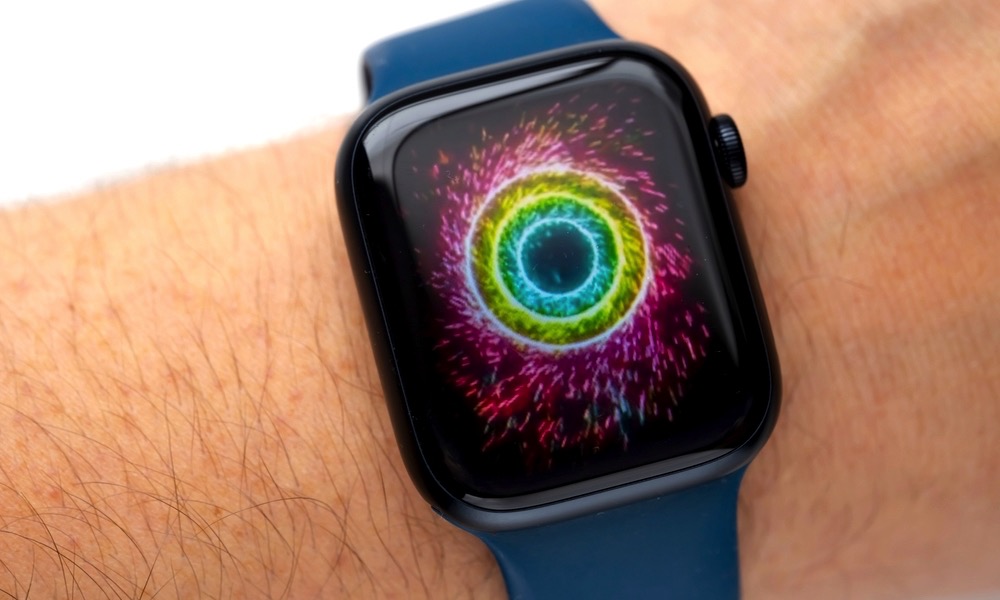
The Activity Rings are one of the simplest Apple Watch features, but they’re also one of the most motivating. The rings track Move, Exercise, and Stand progress throughout the day, giving you a clear visual goal to work toward.
This helps make daily movement feel more approachable. You don’t need to run five miles or do an intense workout to get benefits from your rings. Walking more, standing up regularly, and adding short exercise sessions can all contribute to better daily activity.
The Stand ring is especially useful if you spend a lot of time sitting because of your work. Your Apple Watch can remind you to stand and move for at least a minute each hour, which is a small but helpful way to break up long periods of inactivity.
Over time, the Activity Rings can make movement feel more consistent. You’ll want to keep your streaks going, which means you start looking for small ways to move throughout the day. It’s better than an intense workout plan, and you’ll still get some of the benefits.
Medication Reminders
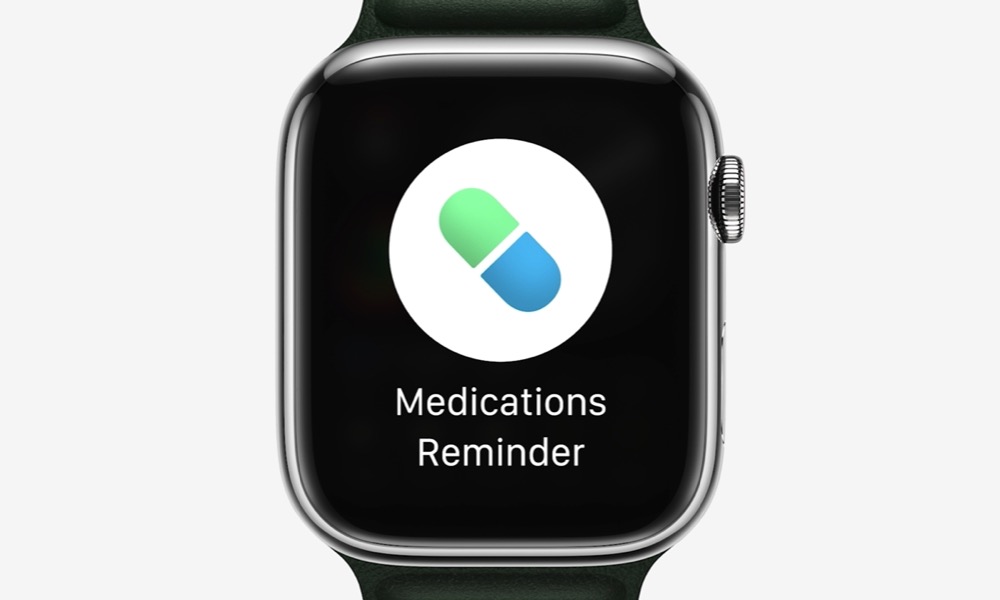
The Medications feature in the Health app can send reminders to your Apple Watch when it’s time to take medications, vitamins, or supplements. If you take more than one thing every day, this can quickly become a game-changer for your everyday life.
Missing a dose is easy, especially when your schedule changes or your day gets busy. Your Apple Watch can tap your wrist when it’s time, letting you log the dose right away. That’s much harder to ignore than a reminder buried on your iPhone.
Of course, this is helpful for seniors, caregivers, and people managing chronic conditions. But it can also work for anyone taking short-term medication, like antibiotics, where your timing and consistency matter a lot. It’s a simple feature, but it can make daily health routines much easier.
Fall Detection
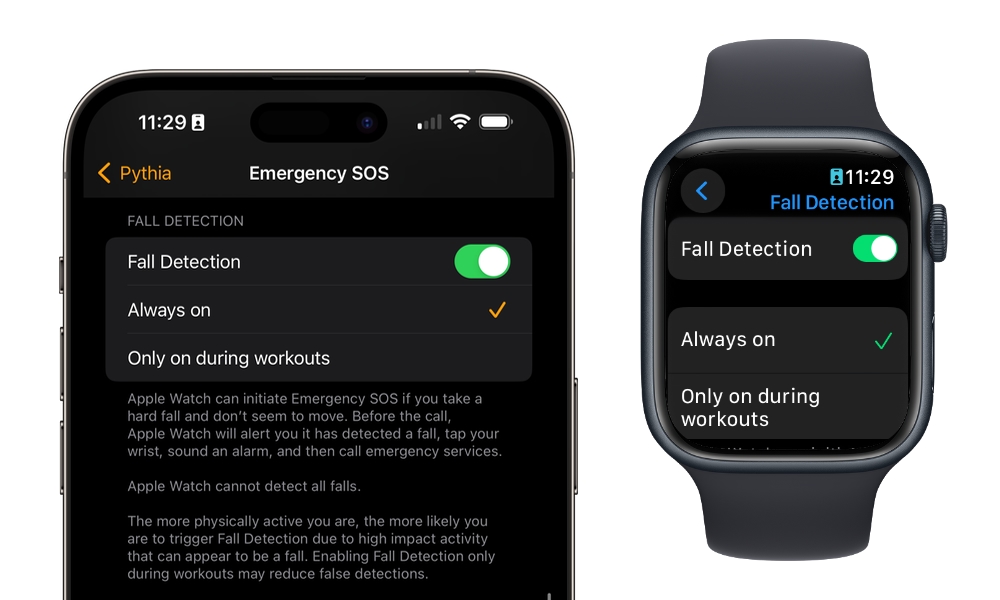
Depending on who you are, Fall Detection could be one of the most important safety features on Apple’s wearable. When your Apple Watch detects a hard fall, it can send a notification to your wrist and ask if you’re okay. If you don’t respond, it can call emergency services and your emergency contacts automatically.
This is really useful for older adults, people living alone, or anyone who does activities where falls are more likely. Hiking, cycling, running, and even everyday accidents at home can all lead to situations where reaching your iPhone isn’t possible.
Fall Detection can also give you extra peace of mind if you don’t live with your parents or grandparents but still want to make sure they’re okay. Nobody wants to think about falling and being unable to call for help, but having an Apple Watch that can respond automatically adds a real safety layer.
Many people have already been saved thanks to this feature, so we already know it works really well. Of course, it’s something we never want to use, but it’s still nice to have available with no extra work on our end.
Mindfulness App

Sure, your physical health is important, but so is your mental and emotional health. That’s where the Mindfulness app on your Apple Watch comes in.
The Mindfulness app is easy to ignore, but it can be surprisingly helpful if you use it consistently. It offers short breathing sessions and reflection prompts that encourage you to pause during the day.
Stress is one of those things many people don’t track until it starts affecting sleep, focus, mood, or energy. But with the Mindfulness app, you get a simpler way to step away from whatever you’re doing and slow down for a minute or two.
Breathing sessions guide you through a short rhythm using visuals and a gentle haptic response on your wrist. Reflection sessions prompt you to focus on a thought, feeling, or positive moment. Neither one requires much time, which makes them easier to fit into a busy day at work, or even when you’re parked before a big day.
Apple has also added mood logging to the Health app, so you can record how you’re feeling and look for patterns over time. It won’t solve stress by itself, but it can help you become more aware of it, and understand certain triggers or patterns you didn’t know you had.
Noise Notifications
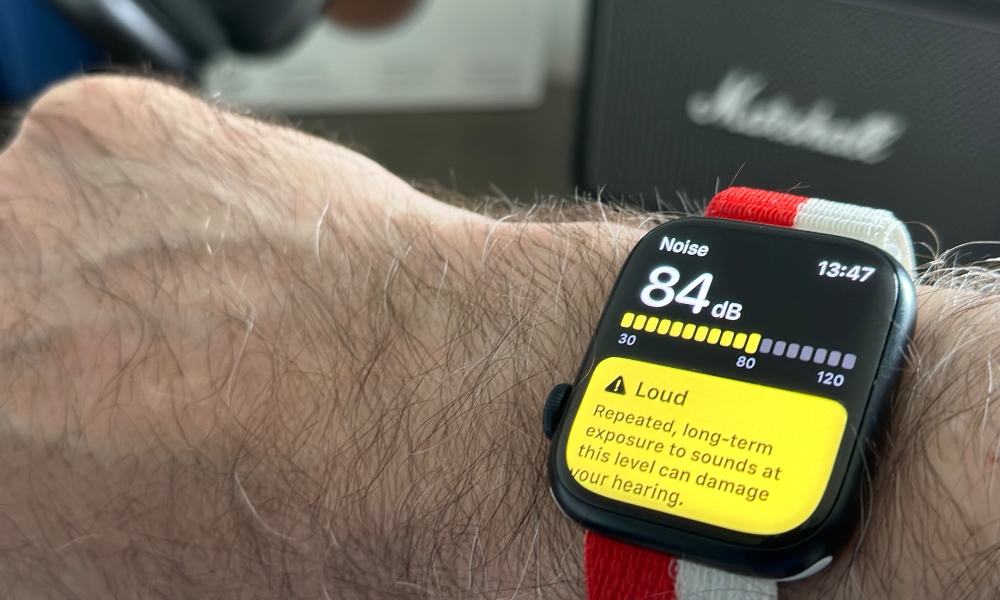
It doesn’t matter how old you are; you need to take care of your hearing as soon as possible. Luckily, there’s an app for that on your Apple Watch.
The Noise app measures environmental sound levels and warns you when your surroundings may be loud enough to affect your hearing. Hearing damage often happens gradually, and many people don’t realize how loud their surroundings really are.
Concerts, power tools, sporting events, loud restaurants, traffic, and public transportation can all reach uncomfortable or even risky noise levels. Your Apple Watch can notify you when sound levels are high enough that extended exposure may be harmful, so you can step away if possible.
It’s worth noting that this feature doesn’t record or save audio; it only measures sound levels, which helps protect privacy while still giving you useful information. If you get a notification, it may be a good time to move away, lower the volume, or use some form of hearing protection.
Emergency SOS
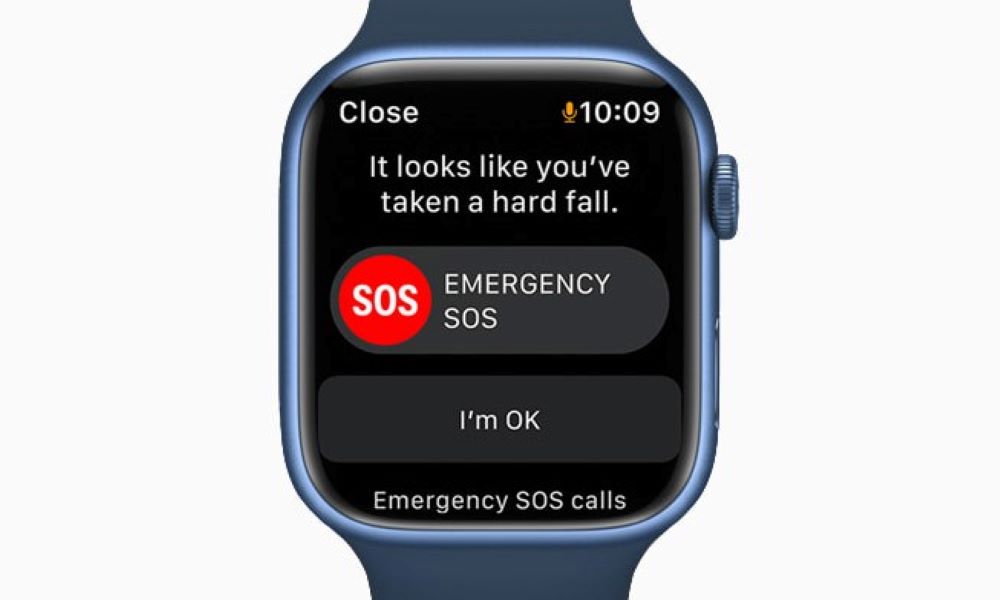
Emergency SOS lets you quickly contact emergency services directly from your Apple Watch. In a stressful situation, that can be much easier than finding your iPhone, unlocking it, and dialing manually.
On most Apple Watch models, all you need to do is press and hold the side button to start an emergency call. Your watch can also notify emergency contacts and share your location after the call, which can help loved ones know something has happened.
This is useful during medical emergencies, accidents, unsafe situations, travel problems, or moments when you can’t easily reach your iPhone. Just make sure your emergency contacts and Medical ID are updated in the Health app on your iPhone, and you’re good to go.
The Apple Watch Can Help You Pay Closer Attention to Your Health
The Apple Watch has become much more than a fitness tracker; it can monitor heart trends, track sleep, remind you to take medication, encourage daily movement, warn you about loud environments, and help you call your emergency contacts when you need help quickly.
Not every feature will be useful for every person. Some people may care most about workouts and Activity Rings, while others may get more value from heart notifications, Fall Detection, medication reminders, or sleep tracking. The best features are the ones that fit your actual life.
But keep in mind that these small health features can add up over time. Your Apple Watch won’t replace your doctor, but it can help you notice patterns, stay more consistent, and feel a little more prepared throughout the day.






