
Liquid Glass Isn’t Shattering: Why Apple Is Doubling Down on Its New UI
 Apple
Apple
Toggle Dark Mode
Let’s face it: Big design changes can be polarizing, and Apple’s big visual overhaul in iOS 26, macOS 26 Tahoe, and the rest have certainly proven that. After a decade of relative stability and predictability for iPhone users, Apple gave its user interface a fresh coat of paint, and many folks are still adjusting to the changes.
Unfortunately, we have some bad news for those who passionately loathe Liquid Glass: Apple has no plans to walk it back. Some optimistically hoped that when design chief Alan Dye left Apple last fall, taking his right-hand man Billy Sorrentino along with him, the new design would leave with them. However, such a hope was probably a bit naive.

After all, even at the pinnacle of Jony Ive’s rein as Apple’s legendary Chief Design Officer, many of the ideas that came out of Apple were group efforts that also had to pass muster with Apple’s top leadership before they’d be allowed anywhere near a shipping product.
Dye didn’t have nearly the cachet of Ive, so while he may have been the face of Liquid Glass, he wouldn’t have been able to push this forward alone. New UI designs also don’t spring up overnight, and Liquid Glass was undoubtedly the culmination of years of effort that likely began taking form in the days when Ive — or at least some of his other chief lieutenants — was still around.
In this week’s Power On newsletter, Bloomberg’s Mark Gurman confirms this, adding that many of the other architects of Liquid Glass remain with the company. That includes Dye’s successor, Steve Lemay, who many opponents of the new design thought would ride in on a white horse.
Lemay — along with Dye and Sorrentino — was a driving force behind Liquid Glass and was deeply involved in its development. Chan Karunamuni, another Apple designer whose work is frequently praised on social media, also was pivotal to the creation of the interface. He led Apple’s talk for developers detailing the changes.
Mark Gurman
Further, while Liquid Glass has proven unpopular among many Apple fans, Gurman suggests it received universal support inside the walls of Apple Park. “I haven’t been able to find any evidence suggesting there were designers internally opposed to it during development,” Gurman says, adding that “Apple’s executive team was also fully behind the interface.”
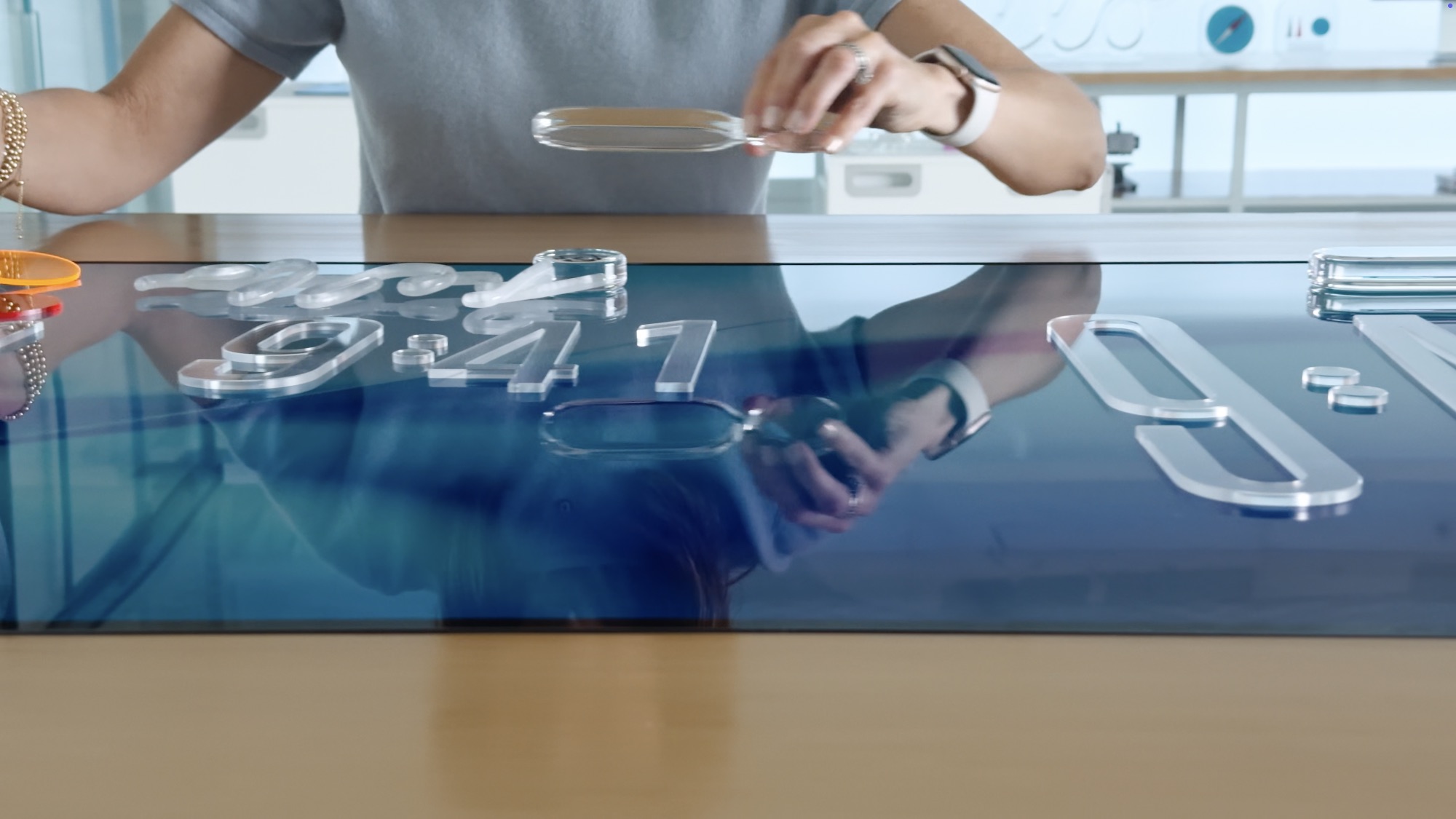
While it didn’t get the “Liquid Glass” moniker until last year’s Worldwide Developers Conference (WWDC), the glass-like design has been a part of the Apple Vision Pro operating system, visionOS, from the start. It wasn’t long after the Vision Pro went on sale that rumors began popping up that iOS 18 would get a similar UI treatment to unify it with Apple’s new headset. We’ll probably never know whether that was actually in the cards or some leakers simply jumped the gun, but it’s likely Liquid Glass still needed a bit of polish before it was ready for prime time.
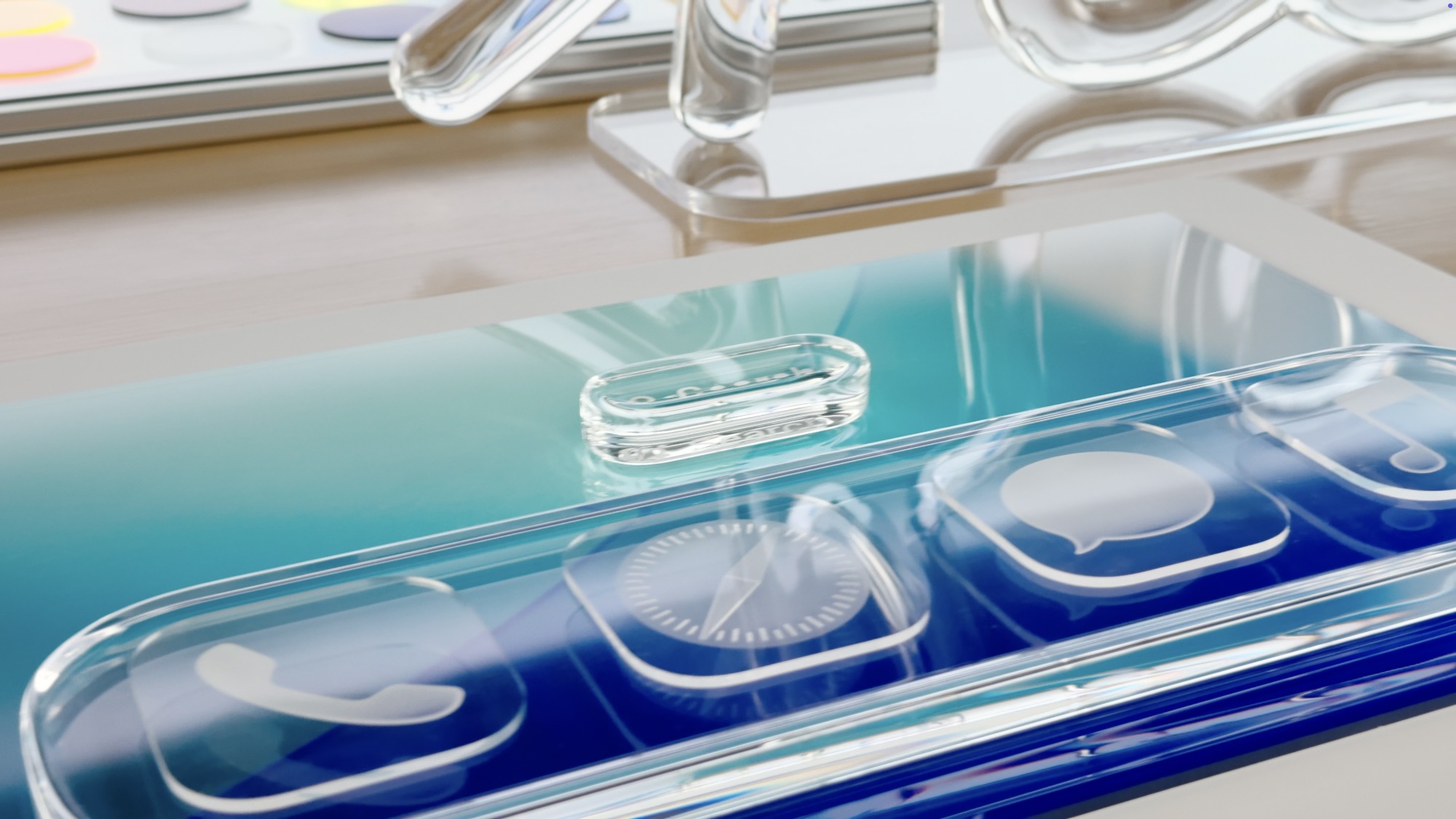
In fact, there’s a valid argument that it could have used a bit more time in the oven. The biggest problems with Liquid Glass aren’t necessarily the UI styling itself, but rather the fact that it feels a bit sloppy, especially on macOS Tahoe.
Not all of the problems are even inherent to Liquid Glass. Weird icons, including an inscrutable change to the Finder icon, and someone’s choice to stick icons on every menu item are somewhat jarring changes that seem completely unrelated to simply going for a glassier UI design.
Most of the legitimate complaints about Liquid Glass are from macOS Tahoe users, particularly from those who have delighted in the Mac for years. There’s no arguing that Liquid Glass is making things feel a bit more “Fisher Price,” but that may also be partly what Apple is going for to match the new audience for the $599 MacBook Neo.
However, as Gurman points out, the anger toward Liquid Glass has been greatly exaggerated. After all, hundreds of millions of people have upgraded to iOS 26, iPadOS 26, and macOS 26, and while it’s not hard to find people complaining online, there aren’t exactly crowds lined up with torches and pitchforks outside of Apple Stores demanding to downgrade their devices.
The idea that iOS 26 and Liquid Glass represent a crisis for Apple — or some unforgivable offense against good design that customers around the world despise — is greatly overblown. The vast majority of users appear happy with the update, and adoption of the latest operating systems has steadily climbed in recent months after a slightly slower-than-usual initial response.
Mark Gurman
Those who remember Jony Ive’s move to eschew the skeuomorphism of the early iPhone era and go with a flat user interface in iOS 7 know that was also far from perfect right out of the gate. Many design and user interface experts felt that Ive had gone too far, taking so much depth out of the UI as to make it unusable. Three years of iterative improvements, with thicker fonts, more muted colors, and blurred backgrounds, eventually got us to the point where it was much more usable — but that took until iOS 10.
Liquid Glass isn’t a bad idea; it just needs a lot of the same sort of polish. Apple has already been doing that throughout iOS 26 point releases, although these have mostly taken the form of ways to let users tone things down. While Apple’s design teams reportedly have their hands full with other projects like the new “HomePad” and the touchscreen MacBook Pro, Gurman says that “a whole bunch” of the quirks of Liquid Glass are engineering problems, not design choices, which suggests that some of these things could be addressed by the overall quality improvements that are expected to be a focus for iOS 27.
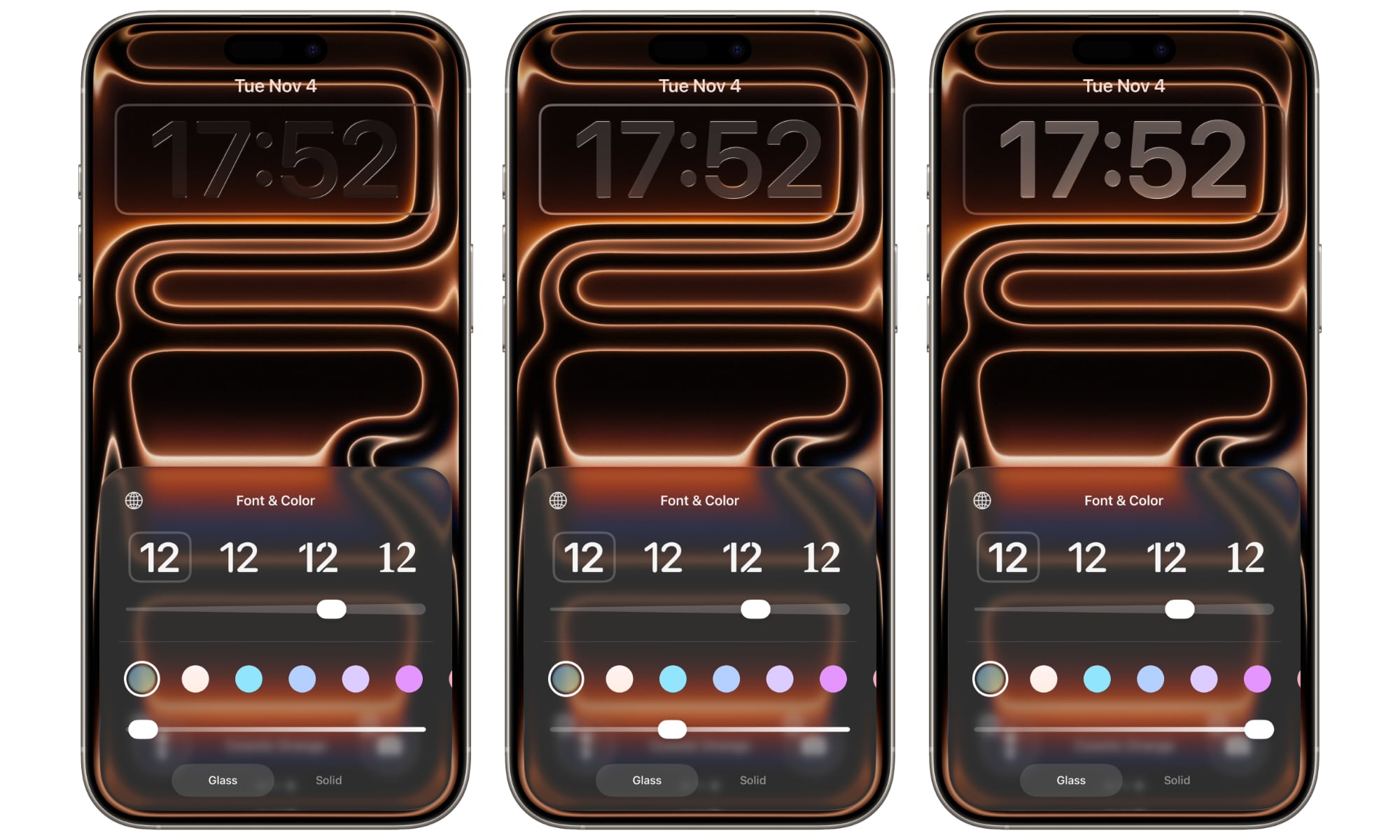
The most significant of these is the possibility of a system-wide slider that would provide fine control over the glass effect across all UI elements. Apple managed to implement this for the Lock Screen clock in iOS 26.2, but Gurman’s sources suggested that was a compromise, as it “ran into engineering challenges when trying to extend it across the entire system.” If Apple can get this working for iOS 27, then users will finally be able to dial down the glassy effect in other areas like app folders, the home screen, and navigation bars.






