
New Year, Fresh Start: 5 Reasons to Switch to Mac in 2026
 Matoo.Studio
Toggle Dark Mode
As we head into 2026, many of us are looking for a digital fresh start — and if you’ve spent most of your tech life on Windows, you might be wondering if it’s finally time to try something new.
Windows PCs still dominate offices, gaming setups, and budget laptops everywhere, since they offer variety and can be built to fit almost any budget or niche. Still, over the last few years, the Mac has changed dramatically. Apple Silicon reshaped what people expect from laptop performance, macOS became even more productivity-oriented, and Apple’s ecosystem is constantly growing to remove the friction from your digital life.

So if you’ve ever wondered whether it’s finally time to switch, you’re asking the right question at the right moment. Today’s Macs aren’t the same machines they were in the Intel era. Whether you’re using an older Windows laptop or even a newer one that’s already slowing down, the jump to macOS might give you a far bigger upgrade than you expect.
Let’s walk through five genuinely good reasons why switching from Windows to Mac makes more sense right now than in any other moment in Apple’s history.
1. Apple Silicon Delivers Performance and Battery Life Windows Laptops Can’t Match
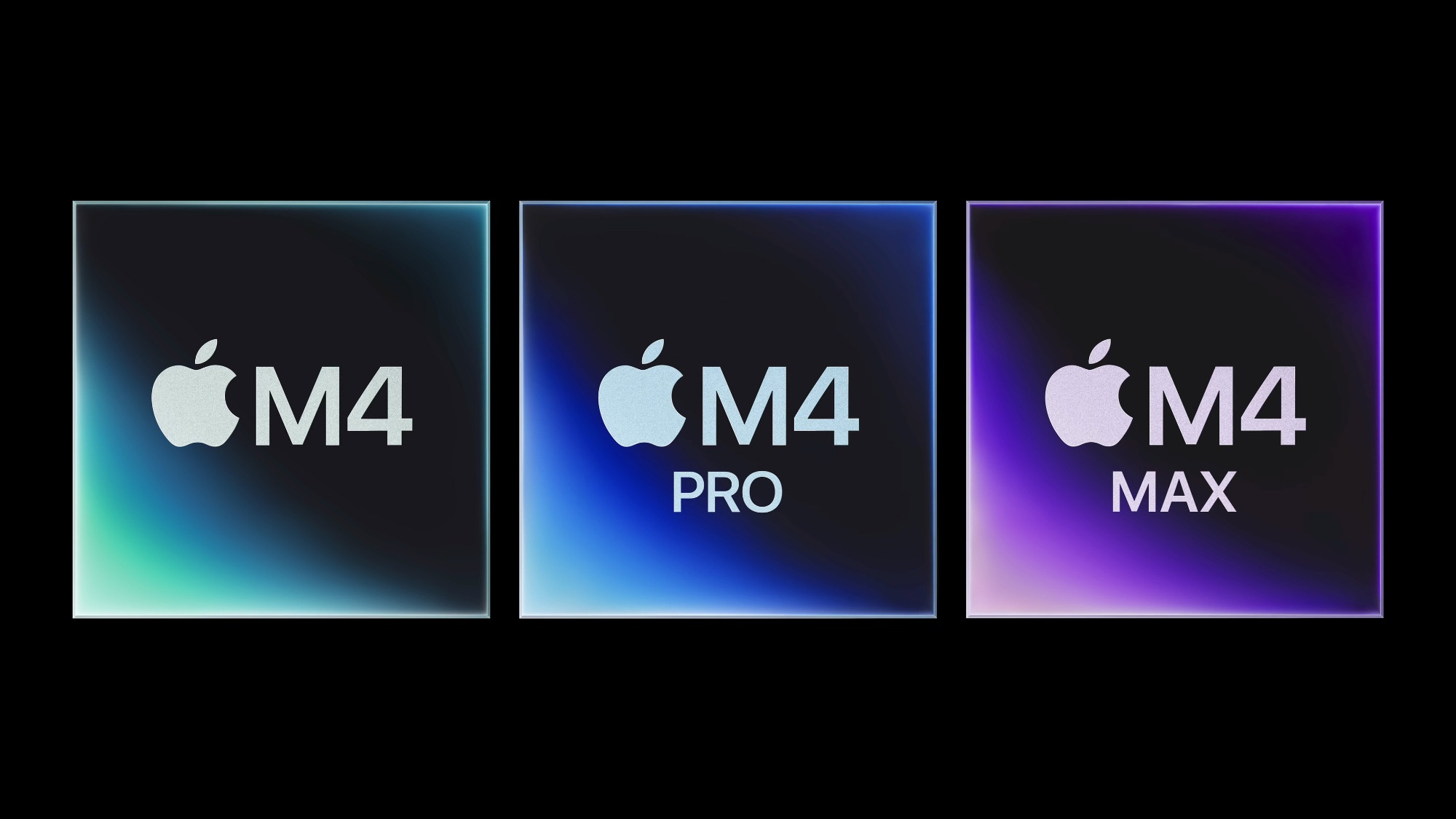
The biggest reason people switch comes down to one thing: Apple Silicon. Since Apple moved from Intel processors to its own M-series chips, every Mac, from the thinnest MacBook Air to the desktop-class MacBook Pro, has gained a level of efficiency and raw performance that Windows laptops still struggle to reach consistently.
These chips combine the CPU, GPU, memory, and neural engine into a unified system that’s incredibly fast and shockingly power-efficient. You don’t need a bulky laptop or a loud cooling fan just to get through a heavy workload anymore.
Even the MacBook Air can handle video editing, 3D rendering in lighter apps, coding projects, music production, and dozens of open browser tabs without the fan sounding like it’s preparing for liftoff.
Battery life is another eye-opener. Many Windows laptops advertise “all-day” battery, but even under ideal real-world conditions, you’ll be lucky to get 8 hours. Meanwhile, it’s normal for a MacBook Air or MacBook Pro to last 15, 18, or even 20+ hours, depending on the model and your workload.
That means you can work all day without worrying about outlets. You can even work or run intense apps without the laptop getting painfully warm. This makes a MacBook the perfect laptop for people who are always on the go or want snappy performance on their most demanding tasks. New ARM-based Windows laptops are starting to bridge the battery gap, but they still struggle with mainstream compatibility. More importantly, a MacBook delivers performance consistency that even the best Windows laptops can’t match: it runs just as fast on battery as it does when plugged in.
Even if you’re not pushing your machine to the max, the difference in everyday tasks like opening apps instantly, switching spaces smoothly, and scrolling without stutter is noticeable from the moment you set up a new Mac. And unlike many PCs, where performance fades after a few months, Apple Silicon stays consistently fast because macOS is tailored specifically for this hardware.
If you want a computer that simply feels fast every time you open it, the M-series chips make a bigger difference than almost anything else.
2. macOS Is Easier to Maintain and Less Likely to Slow Down Over Time
Ask longtime Windows users what frustrates them most, and you’ll hear many similar answers: random slowdowns, endless driver updates, mysterious errors, and the feeling that every major update feels like a roll of the dice. Apple takes an entirely different approach with macOS; because it controls both the hardware and the operating system, the result is a platform that stays stable, powerful, and easy to maintain.
There’s no bloatware. No hidden background apps installed by third-party manufacturers. No need to clean registries or manage complicated antivirus tools. macOS doesn’t accumulate the same type of system clutter that tends to drag down Windows machines.
Of course, that doesn’t mean you can use a Mac however you want without facing any problems. Still, they tend to continue delivering great performance over a longer time, especially when compared to Windows computers.
Updates also work differently. On a Mac, most system updates install quickly and quietly. You don’t have to worry about graphics drivers breaking your display or incompatible software crashing after an update. Everything is tested to work together, and you feel that difference after a few months of use.
The efficiency of Apple Silicon also means Macs don’t rely on aggressive fan curves or thermal throttling to stay cool. This goes a long way toward maintaining performance over the long term, and it’s a major reason why people routinely keep their Macs for five, six, even eight years without needing upgrades.
If you’re tired of spending more time troubleshooting your computer than using it, macOS eliminates a huge amount of daily friction.
3. The Apple Ecosystem Makes Everyday Productivity Seamless
One of the biggest surprises for new Mac users is just how much smoother daily life becomes when your laptop works in perfect sync with your other Apple devices. You don’t have to think about connecting anything; it all “just works” behind the scenes.
If you use an iPhone, Apple Watch, iPad, or AirPods, the integration benefits are impossible to ignore.
For instance, AirDrop makes it incredibly easy to move your files across devices. Instead of emailing yourself photos or searching for a cable, you simply tap Share on your iPhone and send any type of file, document, or picture directly to your Mac in seconds.
There’s also Universal Clipboard, which takes that convenience even further. You can copy a link, a photo, or even a full paragraph on your iPhone and instantly paste it on your Mac without doing anything extra. The first time it happens, it genuinely feels like magic.
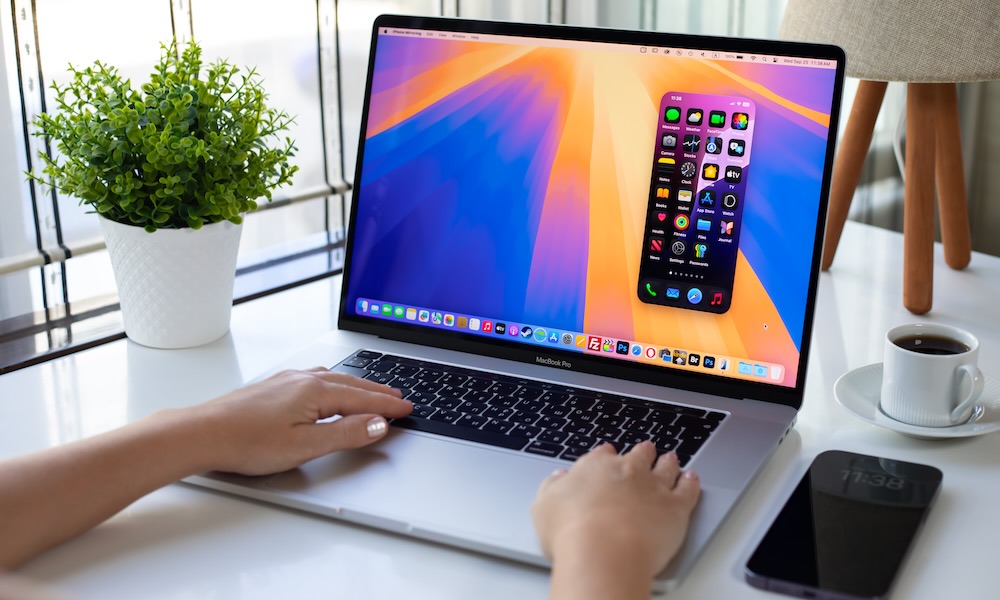
You can even use iPhone Mirroring to view and control your phone’s screen directly on your Mac, allowing you to use mobile apps without ever picking up your device.
And if you’re an iPhone user and constantly in Zoom meetings, you’ll love the Continuity Camera. This feature adds another layer of practicality by automatically turning your iPhone into a high-quality webcam. There’s no setup involved, no pairing steps, and no third-party apps — it just switches on when you join a video call on your Mac. The iPhone’s mic also serves as the audio input, which should let others hear you much better than the built-in mics, especially if you’re using an entry-level MacBook Air.
The same level of seamlessness applies to Messages and FaceTime. You can send and receive your iMessages and SMS conversations right from the desktop, continue chats you began on your phone, and hop into FaceTime calls with the comfort of a larger screen.
Apple designed these features to be invisible but remarkable. Once you get used to having them, going back to a Windows laptop feels like stepping back in time. Even Microsoft’s attempts to bridge the gap through Phone Link don’t come anywhere close to the reliability and speed of Apple’s ecosystem.
If you already own an iPhone, switching to a Mac upgrades every Apple device you use.
4. macOS Offers Better Privacy and More On-Device Intelligence

Privacy has become a bigger priority over the last decade, and this is an area where Apple is trying to stand out from other companies. macOS is designed to minimize tracking, protect your data, and keep sensitive information on your device rather than sending everything to the cloud.
Things like on-device Siri processing, dictation, photo recognition, and Apple Intelligence features all work locally whenever possible. That means your personal information stays on your Mac instead of being analyzed on someone else’s server.
Of course, there are exceptions. A Mac won’t be able to handle everything we ask Apple Intelligence to do, so some complex tasks are offloaded to Apple’s Private Cloud Compute, but your data is still protected even when it’s sent to Apple’s servers.
You also get other key protections, like App Tracking Transparency to control which apps track your activity, Mail Privacy Protection to stop senders from knowing when or where you opened an email, and Private Relay for more secure browsing, although some of these features are only available to iCloud+ subscribers.
This isn’t just a marketing claim; you genuinely feel the difference when using macOS. Permissions are clearer, apps have fewer ways to overreach, and your data isn’t constantly being fed into ad networks or cross-device tracking tools.
If you want a computer that respects your privacy and gives you more control over how your information is used, macOS is the safer and more transparent platform.
5. Macs Hold Their Value Better Than Windows PCs
The upfront price of a Mac can look intimidating compared to some Windows laptops, but the long-term value tells a different story. Because Apple Silicon runs so efficiently and macOS remains stable over time, Macs tend to last significantly longer. Often well beyond the average PC’s typical lifespan.
A five-year-old M1 MacBook Air still runs modern macOS versions smoothly and outperforms many brand-new budget Windows laptops sold today. It will also continue getting updates for at least a couple more years. Meanwhile, many budget or midrange Windows laptops start to feel sluggish after only a couple of years, especially models with limited RAM or slow SSDs.
Macs also have excellent resale value. After two or three years, many models still retain 40–60% of their original price. With the right buyer, you can get even more than that. That means you can upgrade more easily by selling your previous Mac.
And because Macs rarely require major repairs or replacements, the total cost of ownership is often lower than the original sticker price suggests. You simply buy one machine and use it for years without worrying about performance degradation or failing components.
If you’re tired of replacing your laptop frequently or buying models that feel outdated within a year, switching to Mac can be a smarter long-term investment.
Make the Right Choice
Switching from Windows to Mac isn’t about picking sides or declaring one platform the “winner.” It’s about choosing the experience that fits your life better — and the reasons to make the jump are now stronger than they’ve ever been.
Apple Silicon gives Macs incredible performance and battery life. macOS keeps things stable with minimal maintenance. The Apple ecosystem connects all your devices in ways Windows can’t replicate. Privacy is always one of Apple’s focal points, and the Mac you buy today will still be valuable years from now.
If you value simplicity, reliability, and a laptop that quietly makes your life easier, this is genuinely one of the best moments in Apple’s history to switch from Windows. Sure, there will be a learning curve, but it will be worth it in the end.






