
‘DarkSword’ Unsheathed: Why Your iPhone Needs a Shield Today
Toggle Dark Mode
It’s been a tumultuous few weeks for the security community, with two major new exploit kits, ”Coruna” and “DarkSword,” promising to wreak havoc on unsuspecting iPhone users. While the good news is that Apple has already plugged the holes used by these nefarious hacking tools, the last of those fixes have only arrived in the past two weeks.
This means if you haven’t updated your iPhone recently, you’re going to be a sitting duck for these attacks. As we pointed out last week, folks who have resisted moving off iOS 13 and iOS 14 are completely vulnerable, as Apple stopped issuing security patches for those versions over four years ago; since any device that can run either of these releases can be updated to at least iOS 15, there’s no excuse to stay behind.

However, it’s those who are resisting iOS 26 and its Liquid Glass interface that could be at the most risk. The DarkSword exploit is specifically designed to target devices running iOS 18.4 through iOS 18.7, and while it’s been patched in iOS 18.7.6, it’s easy to let the updates to these minor “sub-point” releases slip.
As if it’s not enough that these exploits are out there, a new development has made the urgency of updating to the latest iOS patches even more pressing: DarkSword is now publicly available to anyone.
While exploit kits like Coruna and DarkSword regularly make the rounds in hacking communities on the dark web, it’s far less common to see them exposed to any rookie hacker who wants to try and play around with them. Nevertheless, that’s exactly what’s happened with DarkSword.
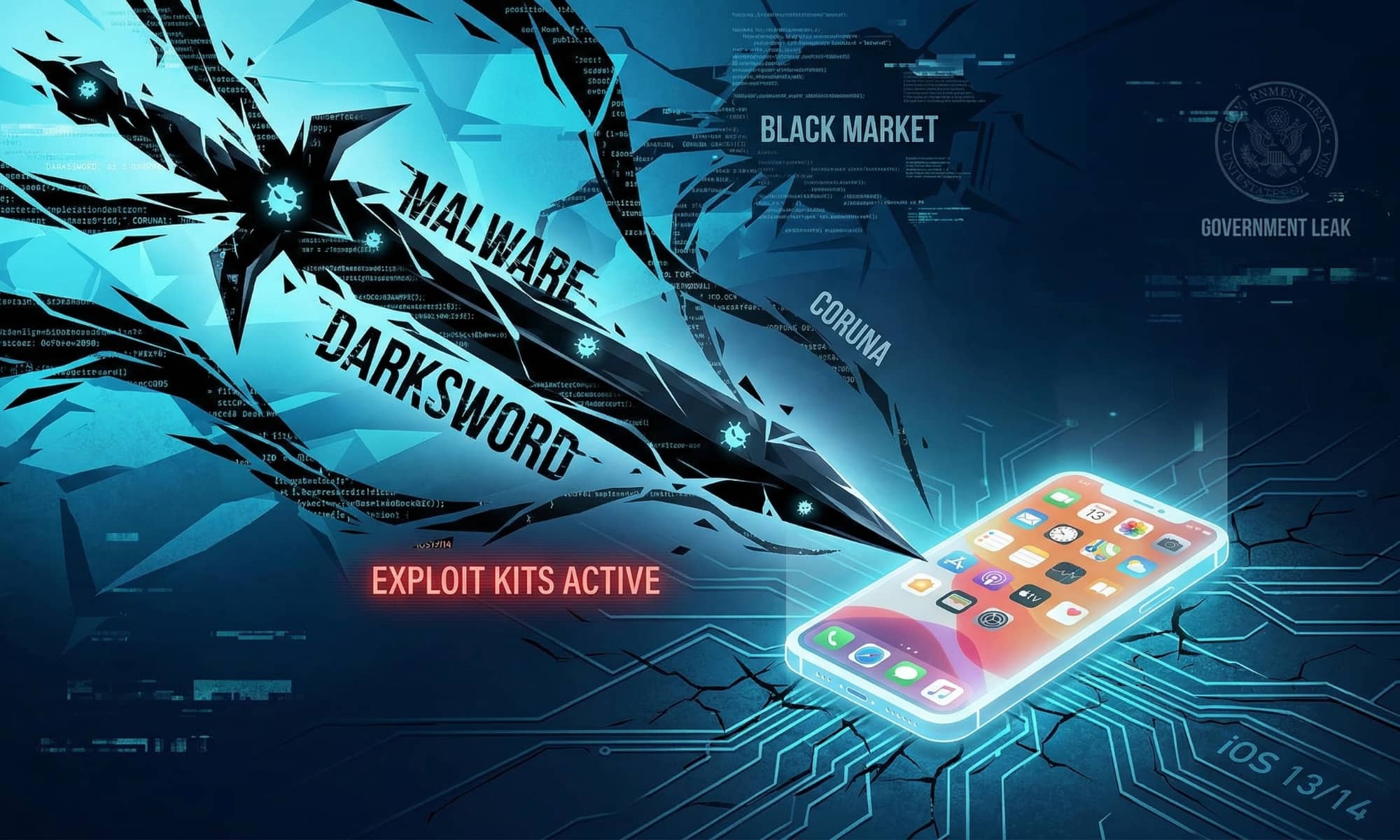
TechCrunch was tipped off to the appearance of DarkSword on GitHub yesterday by Matthias Frielingsdorf of the security firm iVerify, which was among the first to report on the iOS Exploit Kit.
“This is bad. They are way too easy to repurpose,” Matthias Frielingsdorf, the co-founder of mobile security startup iVerify, told TechCrunch on Monday. “I don’t think that can be contained anymore. So we need to expect criminals and others to start deploying this.”
In practical terms, this means that even the most inept of bad actors can grab the files and have their own iOS exploit kit up and running to attack unsuspecting — and unpatched — iPhones in only a few minutes. “The exploits will work out of the box,” Frielingsdorf said. “There is no iOS expertise required.” The exploit relies on little more than a collection of HTML and JavaScript that can be hosted on any web server.
To make matters worse, the DarkSword code found on GitHub is a newer version of the exploit, although so far it seems to be mostly the same as what Frielingsdorf and the other folks at iVerify analyzed previously, which means the latest iOS patches should still protect against it.
We very strongly recommend updating to the latest version of iOS to protect yourself against these exploits. If, however, you can’t do that for some reason — perhaps you’re traveling and don’t have a sufficient data plan — you can turn on Lockdown Mode in the interim. This has been proven to protect against these exploits, as it limits what they can do on your iPhone. However, it also limits what you can do on your iPhone, so it’s not a long-term solution, and you likely won’t want to use Lockdown Mode for any longer than strictly necessary.
For greater certainty, here are the iOS and iPadOS versions you should be running to protect yourself against DarkSword (and Coruna):
- iOS/iPadOS 26.4, released today; although iOS/iPadOS 26.3.1 is also considered safe.
- iOS/iPadOS 18.7.7 for all iPhone XS models, the iPhone XR, and the iPad 7.
- iOS/iPadOS 16.7.15 for all iPhone 8 models, the iPhone X, the iPad 5, and the first-generation iPad Pro models.
- iOS/iPadOS 15.8.7 for all iPhone 6s models, all iPhone 7 models, the original 2016 iPhone SE, the iPad Air 2, iPad mini 4, and last iPod touch.
Note that these exploits only work against devices running iOS 13 or later, so older iPhones that can’t be upgraded to at least iOS 13, such as the iPhone 5s and iPhone 6, are unaffected. Apple released iOS 12.5.8 for those iPhone models, along with iPadOS 12.5.8 for the iPad Air, iPad mini 2, iPad mini 3, and iPod touch (6th generation) in January, but this was purely an update to keep iMessage and FaceTime working, and contains no published security fixes.
Here’s how to confirm your iPhone and iPad are running the latest software updates:
- Open the Settings app.
- Select Software Update and wait a few seconds.
- If you see a message that iOS is up to date you should be good to go, but check the version number below it to make sure it matches one of the above or a higher number.
- Otherwise, you’ll see the latest update; tap Update Now to install it and follow the instructions to enter your passcode to confirm the update.
Note that you’ll generally be required to update to the latest major release that matches your hardware. For example, an iPhone XS user will be offered iOS 18.7.7, but someone with an iPhone 11 or newer model will need to go to iOS 26.4 — even if you’re still running iOS 18. While Apple typically allows a “grace period” after a major release to let folks enjoy security patches for the prior one, that ended in December; the only devices that can now get iOS 18.7.7 are those that can’t be updated to iOS 26.






