
WhatsApp Finally Gets Real on Your Dashboard
Toggle Dark Mode
Meta has just completed the last item in a trifecta of interesting app updates for CarPlay users, with a new version of its popular messaging app that extends itself to the dashboard in a whole new way.
While WhatsApp has technically been available on CarPlay since 2018, anyone who has ever used it can attest to its rather limited design — it’s basically been little more than a shortcut for calling up Siri to compose a new message or place a voice call, with no actual native WhatsApp interface. For example, there was no way to browse through recent conversations or even ask Siri to read previous messages.

Late last month, signs appeared that this was about to change when WABetaInfo discovered early support for a dedicated CarPlay app in the latest beta update, available via TestFlight.
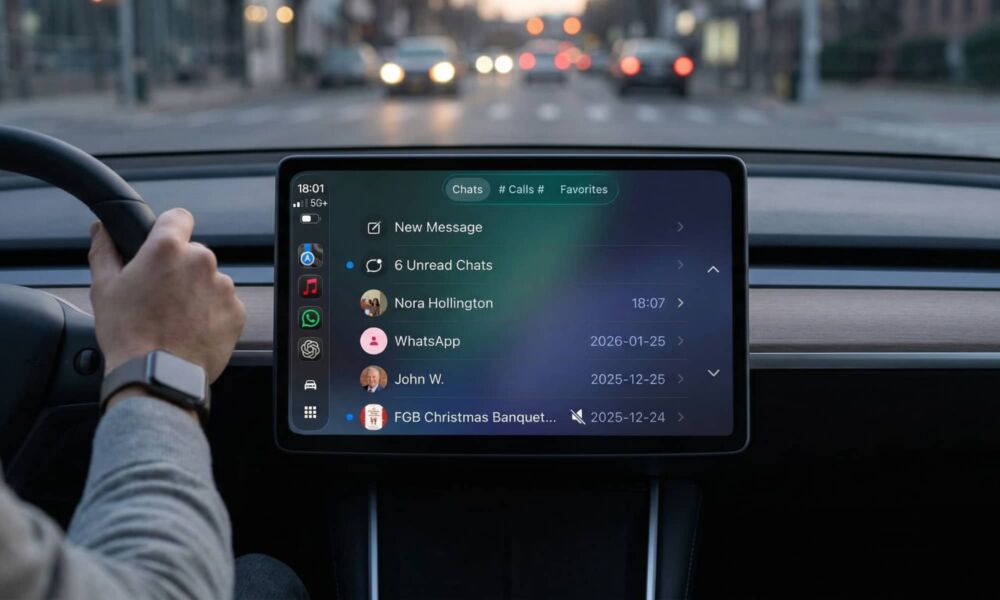
As soon as users open WhatsApp from the system launcher, they are presented with a dedicated chat list screen. This is the first tab of the app that lets users see their recent conversations, and they typically covers interactions from the past 20 to 25 days.
WABetaInfo
It wasn’t clear when WhatsApp planned to launch the improved CarPlay integration, but the good news is that we haven’t had to wait long. While the individual release notes don’t say anything about it, the App Store page for WhatsApp highlights a “Major Update” that includes “WhatsApp for CarPlay.”
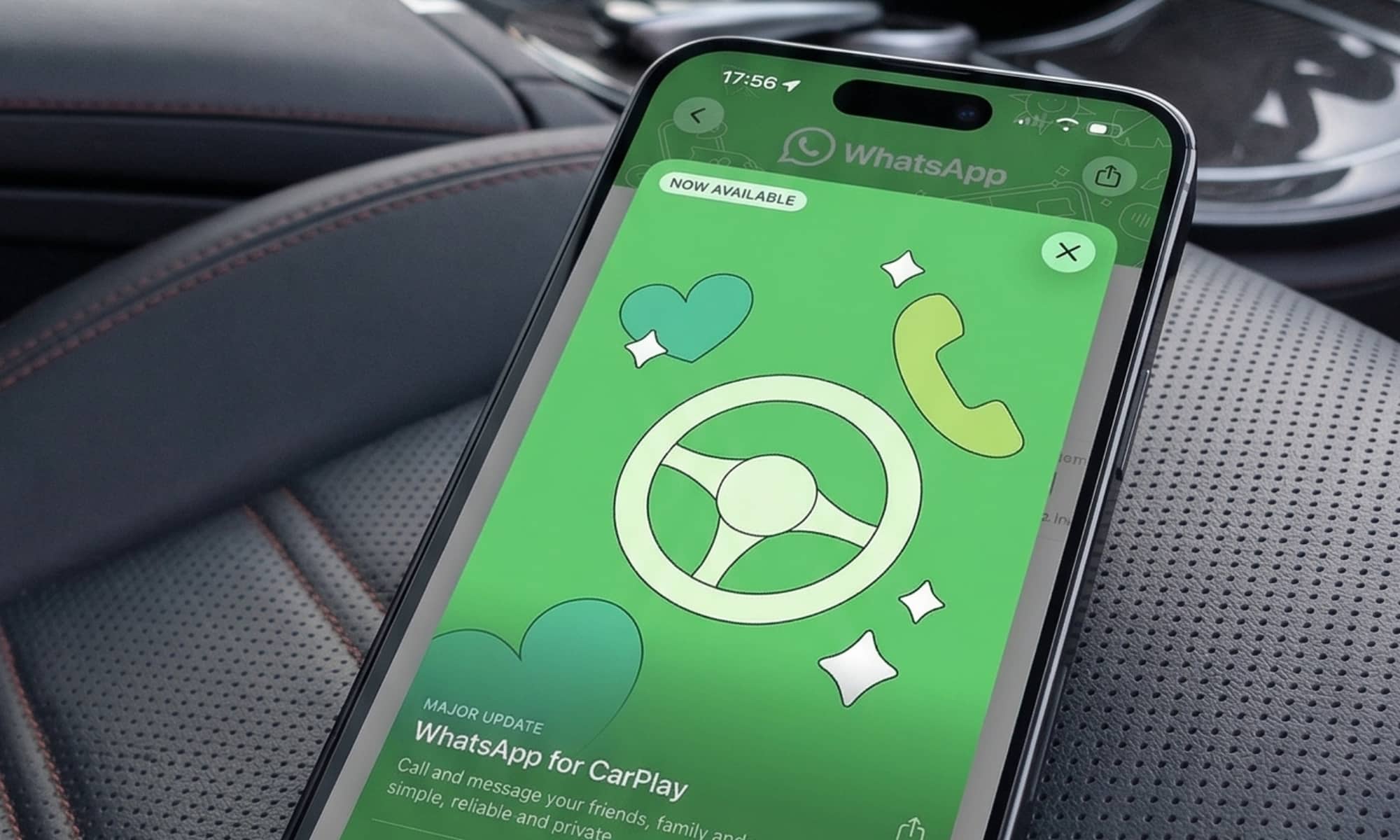
WhatsApp 26.13.74 brings CarPlay integration to a whole new level comparable to Apple’s Messages app. That includes the ability to view a history of recent calls and chats, although you still won’t be able to read them on the screen, as that’s a standard CarPlay safety restriction that applies to all messages and communications apps. After all, when you’re not driving and don’t need to keep your eyes on the road, you can just as easily pick up your iPhone to access WhatsApp directly.
Chats and Calls are grouped in separate tabs, with a third one for your Favorites. The list of recent chats makes it much easier to choose who to reply to. This looks and feels almost identical to Apple’s own Messages app, except that unread chats are grouped at the top, below a button that lets you compose a new message from scratch. You’ll also see indicators beside chats that are pinned or muted.
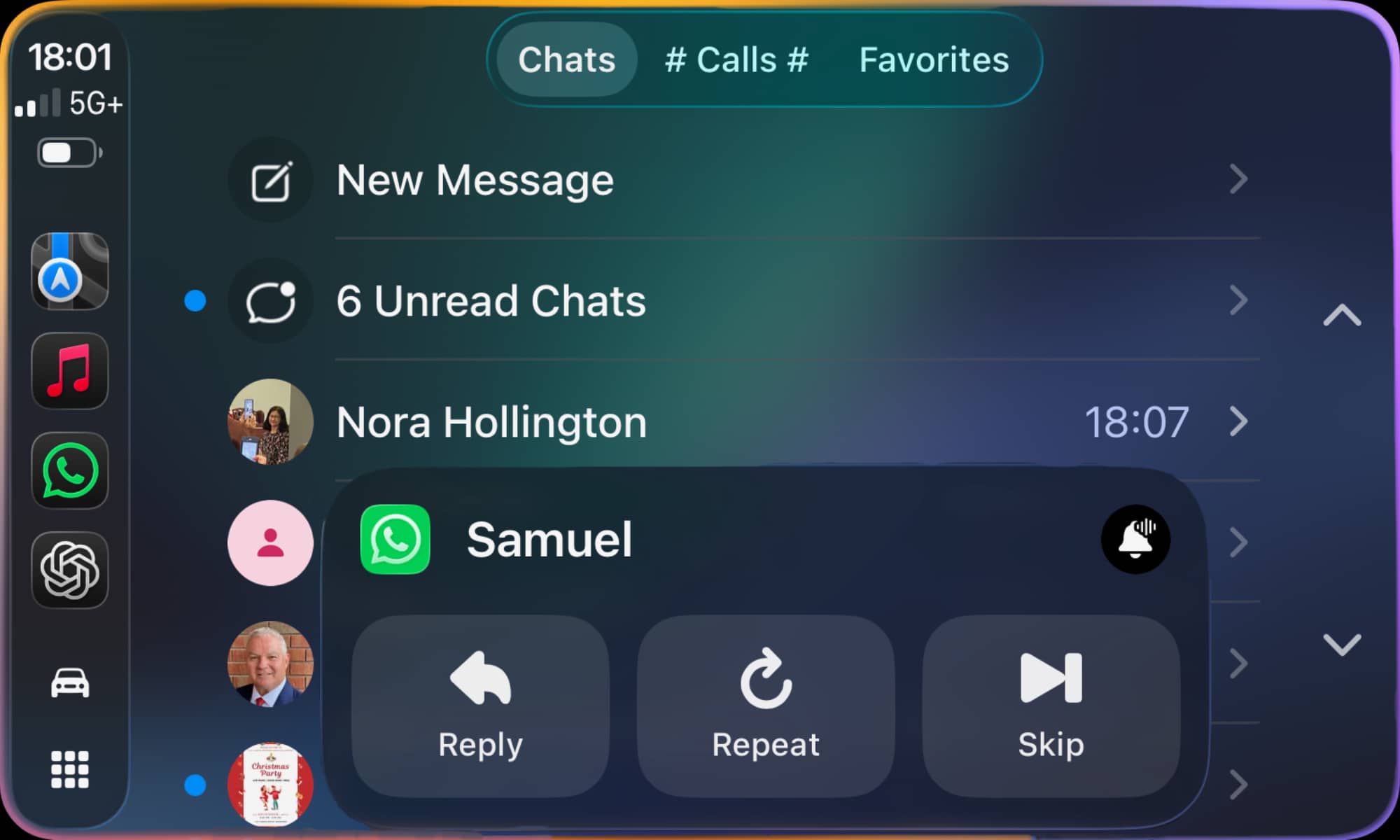
Tapping “Unread Chats” at the top will have Siri read back all your new messages, starting with the oldest, allowing you to reply to each one or move on to the next. A “Skip” button in the playback overlay also lets you stop the current message and move on to the next one. Tapping any of the other entries in the chat list will take you to directly to a prompt to dictate a new message into that chat. A button at the top lets you compose a new message by first speaking the name of the contact and then dictating the message to Siri.
The Calls tab provides a history of both incoming, outgoing, and missed calls placed through WhatsApp, whether via CarPlay or directly from your iPhone. An “Ask Siri to Make a Call” button works in much the same way that it does for chats, asking who you want to call and then placing a voice call through WhatsApp.
You can also head over to the Favorites tab to start a chat or call someone you regularly communicate with by tapping their name. This will open a screen showing their name and profile icon with Message and Call buttons beneath.
You can get the new WhatsApp CarPlay experience by updating to the latest version of WhatsApp and simply opening it on your dashboard. Today’s update follows a Google Meet and ChatGPT, both of which came to CarPlay for the first time last week.






