
Southwest Gifts Travelers iOS 26 Boarding Passes for the Holidays
Toggle Dark Mode
Among many other great features and improvements, this year’s iOS 26 release has brought a major overhaul to Apple’s Wallet app, including an enhanced boarding pass experience that’s ideal for travellers.
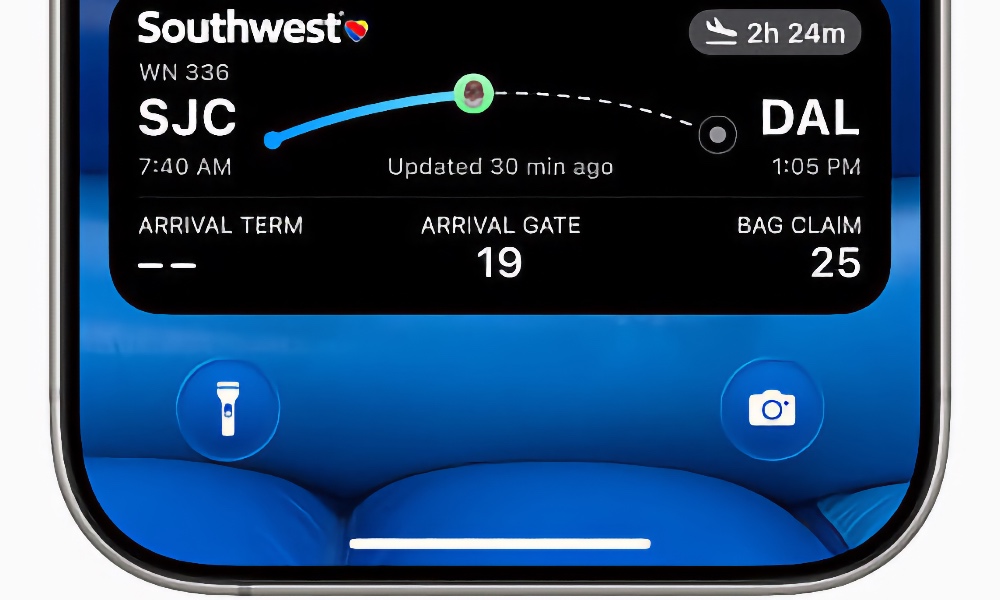
This week, Southwest Airlines has joined United and Delta in supporting the new boarding passes — just in time for the peak holiday travel season. That brings the count up to three of the ten airlines that Apple has promised will be adopting the new feature.

Southwest Airlines and iOS 26 Boarding Passes
While Southwest Airlines has yet to officially announce boarding pass support, 9to5Mac scribe Ryan Christoffel discovered that the well-known budget airline now supports iOS 26 boarding passes while traveling on a flight last week.
The iOS 26 boarding pass feature should make life a bit easier for Southwest, United, and Delta passengers as they attempt to navigate the busy holiday travel season.
If you’ve recently traveled on Southwest Airlines and didn’t find the feature to be available, it could be that Southwest is rolling out support, and it just hasn’t reached your area yet.
How Do iOS 26 Boarding Passes Work?
Apple’s Wallet app can be used to store several things, including car keys, credit cards, event tickets, and more. This can make it possible to handle most of your holiday activities this season, including driving, shopping, traveling by plane, and more, allowing you to confirm reservations, rent a car, open the car, board a plane, and pay for all of it while only using your iPhone or Apple Watch.
One of the increasingly popular abilities it has is to store boarding passes.
By saving boarding passes to your Apple Wallet, you can keep track of your flight at a glance on your iPhone’s lock screen and in the Dynamic Island on iPhone 14 Pro and newer handsets.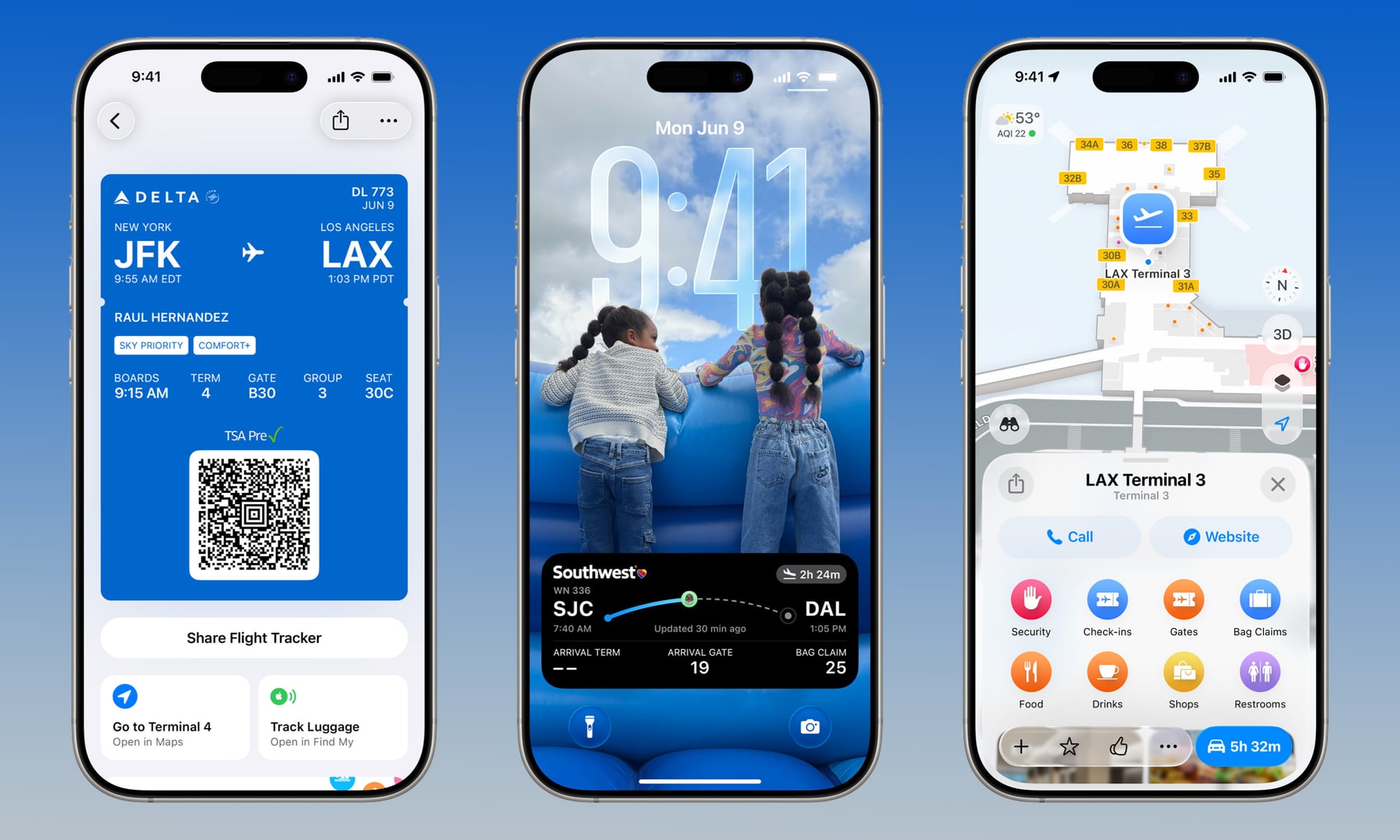
iOS 26 brought three new features:
- Live Activities: Real-time flight status (gate changes, boarding countdowns) stays visible on your Lock Screen and in the Dynamic Island.
- Integrated Airport Maps: One-tap access to terminal layouts to help you find your gate or nearest lounge.
- Find My Luggage Tracking: New shortcuts allow you to track AirTag-equipped bags or report missing luggage directly from the pass interface.
This means the Wallet app can automatically update flight details, including the flight’s gate and departure time. It can also display other relevant information about your trip, including Maps to navigate airports, use Find My to track important items (like your bags), report missing bags (and use an AirTag to track them if you have one handy), and more. New shortcuts in iOS 26 available below the passes provide one-tap access to open Apple Maps for airport directions and use the Find My app for baggage tracking.
This puts all of your important travel information in one convenient place. Once you’ve received your boarding pass from a participating airline, you can view your flight’s status as a Live Activity straight from the Wallet app, with no need to involve a third-party airline or flight tracker app.
You can even share these Live Activities via Messages, with the tap of a button. If the recipient uses a supported iPhone, they’ll get their own Live Activity to allow them to track your flight. Even if you don’t use the Live Activity feature, you’ll still see your boarding pass dynamically update in the Wallet app, informing you of gate changes, or changes in departure time.
Who Else Is Expected to Offer Support for iOS 26 Boarding Passes?
While we haven’t seen any reports of any other airlines adding iOS 26 boarding pass support, Apple announced in June that the new feature would “be available starting with” the following additional airlines:
- Air Canada
- American Airlines
- JetBlue
- Jetstar
- Lufthansa
- Qantas
- Virgin Australia.
Have you spotted iOS 26’s new boarding passes for any other airline yet? Have you used the feature on any of your flights? Did it make flying any easier? Let us know in the comments.






