
You Can Pair Your MacBook Neo With an Apple Studio Display
Toggle Dark Mode
It’s been a fun week for Apple fans as we saw the company roll out six new products, from the iPhone 17e to the all-new MacBook Neo. However, while Apple’s new duo of $599 budget products bookended the week, it was also packed with some powerful entires like the flagship M5 Max MacBook Pro and two new Studio Displays: The Apple Studio Display and Apple Studio Display XDR.
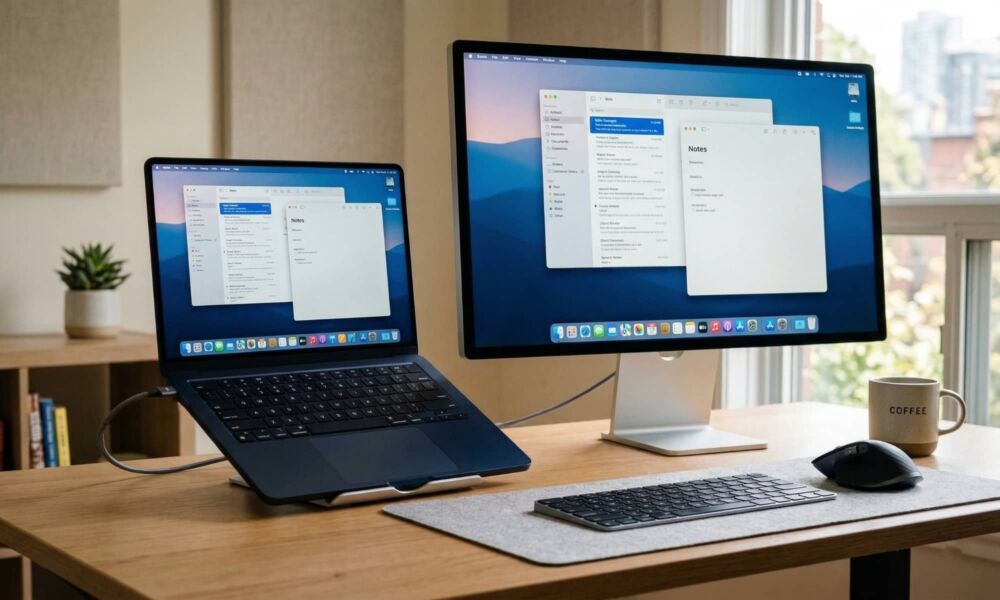
These were the “wildcard” products this week, since even though rumors said they were ready, it also seemed plausible that Apple might hold off making the unveiling until the new M5 Mac Studio is ready to go along with them. However, they also make sleek companions for Apple’s powerful new MacBook Pro lineup, as Apple subtly pointed out by announcing them the very same day — and featuring them in its promotional lifestyle photos.

Both of the new Studio Displays have some pretty demanding requirements, requiring macOS 26.3.1 (which was only released yesterday), while also cutting off the last few Intel Macs that can still run this latest software release.
However, with both displays supporting 5K resolution and Thunderbolt 5, Apple threw us another curveball with its finishing product flourish on Wednesday: the MacBook Neo.

While Apple’s most exciting products are usually on the higher end, this budget MacBook could be the biggest thing the company releases this year, as its $599 price tag is sure to take the marketplace by storm. Apple cut a lot of corners to get to that price tag, including packing in an iPhone chip — but it still promises to run circles around pretty much every other laptop that competes in the same price range.
It’s no surprise that a laptop in this price range doesn’t sport Thunderbolt ports; you get two USB-C ports — and only one of them supports USB 3 and DisplayPort. That left an open question as to whether the MacBook Neo might be the one new Apple product that won’t work with its new Studio Displays — especially since it’s not on the list of compatible Macs.
As I explained yesterday, the Apple Studio Displays should work as a basic display with any device that supports the necessary Thunderbolt or USB-C DisplayPort protocols. You’ll probably even be able to use the camera, microphone, and speakers, but as generic USB devices without any of the more advanced features like Center Stage, Spatial Audio, and Voice Isolation.
That made it likely that even if the MacBook Neo wasn’t “officially” supported by the Apple Studio Display, connecting one would still let you see something on the screen. However, it would be a less than ideal user experience, which is an anathema to Apple, and would explain why it was left off the compatibility list.
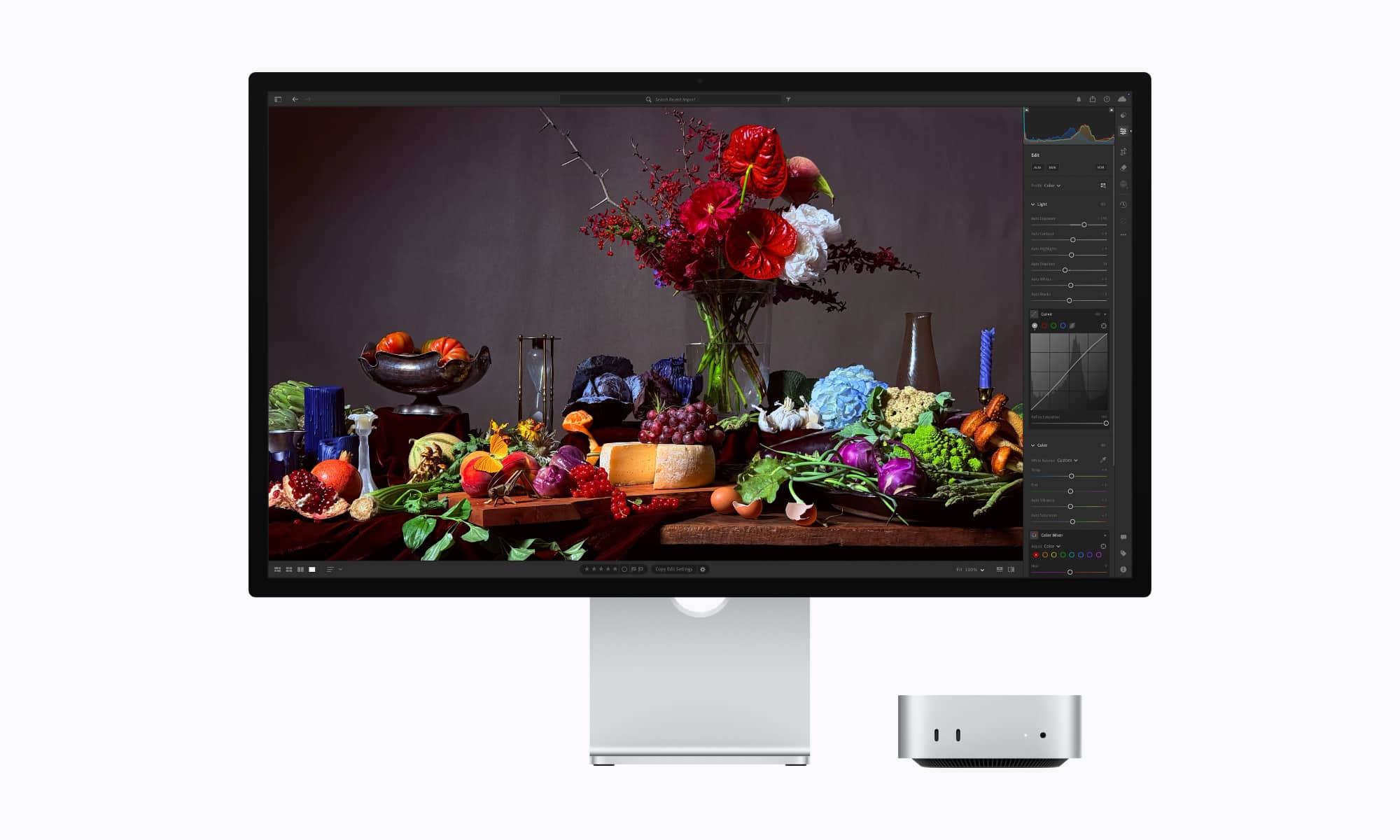
Now, it turns out that may have simply been an oversight. After all, the Studio Display was released a day before the MacBook Neo, so Apple wasn’t about to deliberately give away the surprise by including it in the specs — notwithstanding the fact that it did leak out, but that was on an obscure regulatory page, not a mainstream product page that thousands of people would have been checking out following Tuesday’s announcements.
After initially speculating that the MacBook Neo wouldn’t be supported, the folks at 9to5Mac received confirmation from Apple that the Studio Display will work just fine with a MacBook Neo, subject to one entirely unsurprising technical limitation: output will be scaled to 4K 60 Hz, as that’s all the USB-C port on the budget MacBook is capable of, and even Apple’s pricey Studio Displays can’t pull data from a port isn’t able to deliver it. The other obvious limitation is that the extra Thunderbolt 5 port on the back won’t do anything special; it’s likely to just function as a third USB-C port.
As of this writing, Apple still hasn’t added the MacBook Neo to the Studio Display compatibility list, but the fact that only mentioned the resolution and refresh rate limitations suggests that everything else should work just fine with a MacBook Neo. That makes sense, since macOS 26.3.1 has the same drivers available regardless of what it’s running on, and the camera, speakers, and mics are straight USB peripherals that don’t require the bandwidth of Thunderbolt.
Of course, you may be questioning the logic of connecting a $600 MacBook to a $1,600 display, and you’d be right in thinking it doesn’t make much sense to buy a Studio Display if you’re only going to use it with a MacBook Neo — there are plenty of significantly more affordable options to choose from with specs that match the MacBook Neo’s 4K 60 Hz output.
Buying a MacBook Neo to save money for a Studio Display is a bit like buying a compact sedan to justify building a two-car garage. It’s a fair play if you already have another vehicle in the mix — and the same logic applies to your desktop setup. A Studio Display can be used with more than one computer, and that’s where compatibility with a MacBook Neo could be a bonus for those who are considering purchasing a Studio Display for another Mac — even a Mac mini — and want to also have the option to occasionally dock a MacBook Neo.






