
Is the $599 MacBook Neo a Masterpiece or a Mess of Compromises?

Toggle Dark Mode
The MacBook Neo is definitely not for everyone. This is Apple’s new entry-level laptop. It starts at $599, and it’s clearly aimed at people who want a real MacBook without paying $1,000+ for the MacBook Air.
That lower price is what makes the MacBook Neo interesting, but it’s also what makes it complicated. Budget Apple products have had a long history of making big compromises, and the question is never really whether the product is good or not, but whether the lower price makes those compromises worth living with. In the MacBook Neo’s case, the answer will depend on who you are and what you want out of your Mac.

Let’s take a look at what the MacBook Neo is great at and the trade-offs you’ll be making if you buy it.
This Is the Cheapest Way to Get a Brand-New MacBook

The MacBook Neo’s biggest selling point is obviously the price. At $599, it dramatically lowers the barrier to entry for buying a new Mac laptop, and Apple also introduced education pricing of $499, which makes it an even easier buy if you’re a student or someone on a budget.
With the Neo’s price and specs, you can see this MacBook is for real casual users. After all, a lot of buyers don’t need the best MacBook; they need the MacBook they can actually afford without feeling like they’re making a terrible compromise. The Neo is a strong option because it brings Apple’s laptop experience down to a price that feels much easier to justify for school, home use, and general everyday tasks. For first-time Mac buyers, that matters much more than having the latest M-series chip or a ton of extra storage.
So if you’re a casual user, a student, or simply on a budget, the MacBook Neo is a very easy pick. If your priority is simply getting a new MacBook for the least amount of money, this laptop immediately makes sense. It’s far from the best MacBook overall, but it may be the easiest one for average buyers to say yes to.
Despite the Price, It Still Feels Like a Premium MacBook

A budget laptop can be cheap without feeling cheap, and that is one of the MacBook Neo’s biggest strengths. Apple gave it an aluminum design, a 13-inch Liquid Retina display, all-day battery life, and the general Mac experience that people expect. You can even get Touch ID if you opt for the 512 GB model, which is a nice plus. Overall, it still looks like a MacBook, feels like a MacBook, and behaves like a MacBook.
Usually, low-cost laptops feel disposable from the start. The materials are weaker, the keyboard feels hollow, and the screen feels dim. The Neo avoids all of that. Even though it’s clearly Apple’s entry-level laptop, it still carries enough of the company’s unique design and polish to feel like another premium member.
So if you’re looking for a computer that feels premium at a lower price tag, the MacBook Neo will not disappoint.
Battery Life Is Still Good Enough for Most People
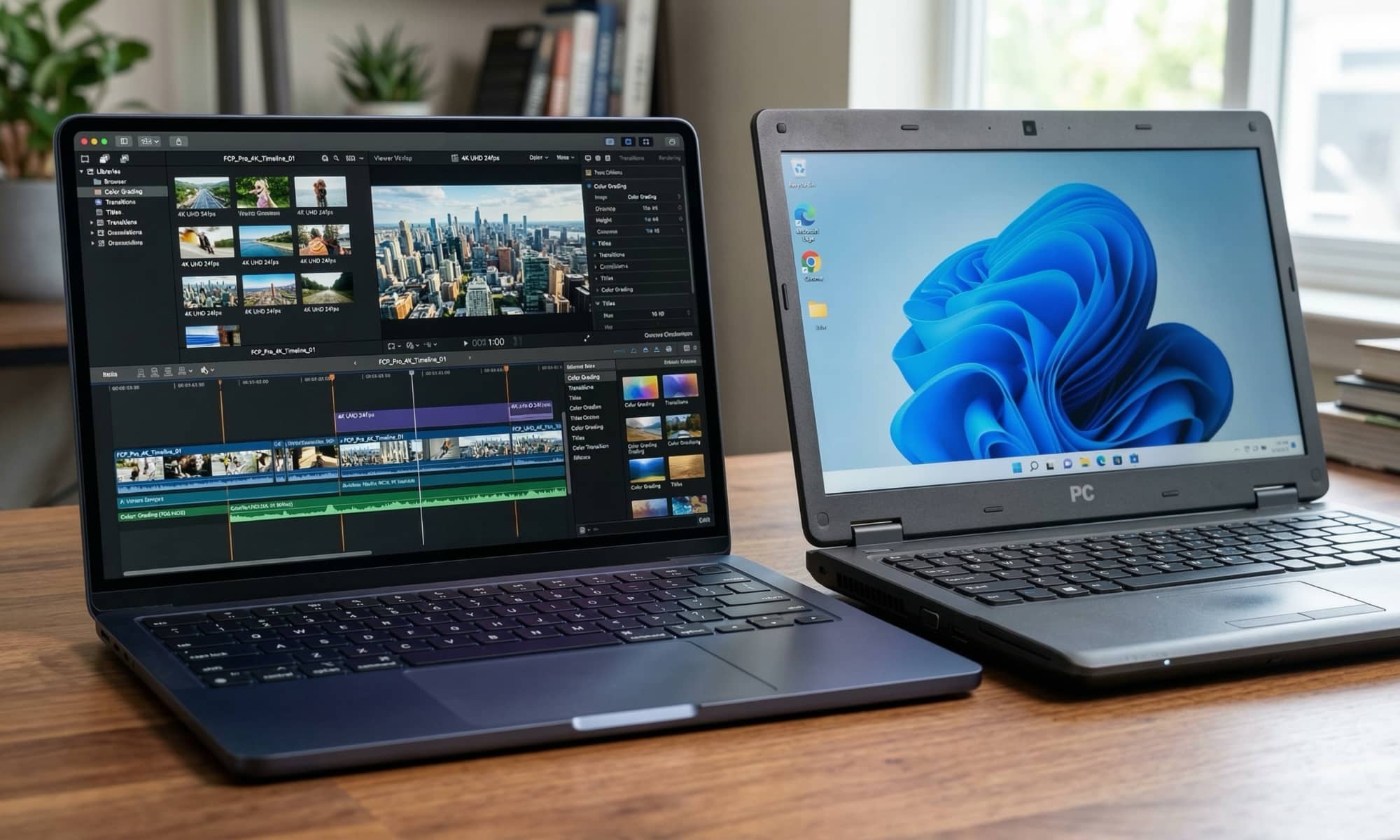
A lot of us like to focus on performance, but when it comes to a laptop — something you carry with you all day — battery and portability are what you should be prioritizing.
A computer that’s light, quiet, and lasts most of the day is much easier to live with than a stronger machine that feels more annoying to carry, charge, or manage. And as you can expect, the MacBook Neo is really convenient to take with you everywhere.
Apple says it delivers all-day battery life, lasting up to 16 hours on a single charge. Of course, real-time use will be different, but the point still holds. For comparison, the 13-inch MacBook Air, which starts at $1,099, is said to last up to 18 hours.
Additionally, with a 13-inch display and a weight of 2.7 pounds (1.23 kg) — the same as the 13-inch MacBook Air — the MacBook Neo won’t weigh you down.
This is a laptop designed to be carried around, used unplugged, and trusted throughout a normal day, reinforcing the idea that it’s perfect for students. However, people who are always working at coffee shops or traveling will also get the most out of the Neo’s light and compact design.
For some people, battery life and a compact design matter more than raw power. If you’re one of those people, you’ll probably love the MacBook Neo.
The A18 Pro Is Powerful Enough For Normal People
The MacBook Neo uses Apple’s A18 Pro chip from the iPhone 16 Pro. This is one of the most discussed parts of this computer, mostly because it’s believed to be one of the Neo’s biggest “compromises.” However, it’s not as much of a trade-off as you may think. Sure, this isn’t a laptop designed to break benchmarks, or compete with a MacBook Pro or even the MacBook Air, but it’s still built to be plenty fast enough for the work average users actually do.
And for students who don’t need to use heavy apps and casual users, it makes sense. Web browsing, writing, documents, email, streaming, school portals, messaging, video calls, general multitasking, and even basic photo and video editing are all tasks the MacBook Neo will handle comfortably.
If that sounds like your daily computer life, then the chip probably matters less than the internet wants you to think. If you don’t plan on having extreme workloads, the MacBook Neo will work smoothly for a long time. After all, this chip lets the iPhone 16 Pro run PS5-quality AAA console games, record Dolby Vision video in 4K at 120 fps, and run on-device Apple Intelligence.
The real limitation here for professional photo and video work won’t be the chip, but the screen. The MacBook Neo lacks the True Tone display and P3 wide color gamut that pros rely on for accuracy.
RAM and Storage Are the MacBook Neo’s Biggest Weakness

If there’s one compromise that stands out above all the others, it’s memory. The MacBook Neo has only 8 GB of unified memory, and there are no upgrade options available. That can be extremely limiting in the long run. Still, if you’re coming from Windows it’s worth noting that Apple silicon and macOS make much better use of RAM. For web browsing, writing, streaming, and most schoolwork, 8 GB should be more than fine — Roman Loyola at Macworld had no problem keeping over four dozen tabs open in Safari or Chrome or even editing 4K video in Premiere Pro — but over time, you might still feel like your MacBook Neo is getting less fast or powerful, especially as new software updates demand more from it.
Additionally, you have storage; the base model comes with 256 GB, which you can upgrade to 512 GB. Both of these options might not be enough for some users, especially if you have a ton of pictures and videos. Neither of these compromises will feel bad now, but could later in your Neo’s lifespan.
Any laptop can feel totally acceptable when you first boot it up, but it can still age poorly if the memory is too low. That is why this is probably the strongest reason against buying the MacBook Neo if you can afford to spend more.
Still, for casual users, the RAM and storage may still be enough. For anyone who wants more power, it’s the single biggest reason to look for a different computer.
The Ports Are Very Limited, Even for Casual Users

The Neo’s other obvious weakness is connectivity. The computer only has one USB 3 (USB-C) port, one USB 2 (USB-C) port that can only transfer data at 480 Mbps, and a 3.5mm headphone jack. It lacks features like Thunderbolt ports and MagSafe, which are conveniences people may not realize how much they care about until they use a laptop daily.
For a basic student or family laptop, that may not sound like a big deal. A lot of buyers will charge it, maybe plug in headphones, and occasionally connect something simple. In that kind of use, the limited number of ports is manageable. But the moment you start using external drives, docks, desk accessories, or more advanced setups, you’ll likely need to add a USB-C hub into the mix. That’s fine if you only use those accessories at your desk, but it’s one more thing to carry around if you need this kind of connectivity on the go.
This is one of those areas where the Neo starts to feel like exactly a budget MacBook. It is fine for light use, but it is not designed for performance. If you depend on more accessories, especially on the move, you’ll probably feel this limitation sooner than you expect.
Who the MacBook Neo Is Good For

The MacBook Neo makes the most sense for students, casual users, first-time Mac buyers, and people who mostly browse the web, write, stream, join video calls, and use basic, everyday apps. For those buyers, the lower price matters more than higher memory ceilings or stronger ports.
So if you just want one laptop, one charger, and the Mac experience without worrying about benchmarks, or talking yourself into buying a more expensive machine, the MacBook Neo is great for you.
It gives you the basics that make a Mac feel like a Mac without forcing you into premium pricing.
Who Should Skip the New MacBook Neo

The MacBook Neo is much harder to use if you’re a power user, a creator, a developer, or a heavy multitasker. You will more likely feel frustrated by the ports and the limited memory and storage.
It is also not ideal for people who know they push laptops harder over time. Maybe you don’t need heavy performance today, but if you’re a student or someone who will eventually use more demanding and complex tools, the Neo’s compromises become a bigger risk because you may outgrow the machine faster than you expected.
If you’re that type of buyer, it makes more sense to spend more on a MacBook Air or consider a Mac mini if portability is not important and you already have accessories.
So, Is The MacBook Neo Worth It?
Yes, but for the right user.
The MacBook Neo is worth it if your goal is to get the cheapest new MacBook possible without giving up the basics that make a Mac feel good to use. Its biggest strengths are price, convenience, portability, and the fact that it is a complete laptop right out of the box. For students, casual users, people on a budget, and first-time Mac buyers, the MacBook Neo will feel right at home.
If you don’t fit into any of those categories, you’re better off saving some money and getting a more powerful Mac, like the MacBook Air (if you want something portable), or the Mac mini (if you plan to use it at your office every day).






