
Don’t Panic About the MacBook Neo’s Missing Camera LED
Toggle Dark Mode
The MacBook Neo is shaping up to be one of the most fascinating new Apple products we’ve seen in years, not because it introduces any revolutionary new technologies, but because it’s redefined what a $599 laptop can be.
Everyone who has gotten their hands on Apple’s new budget laptop can attest to the fact that there’s a surprising amount of power packed under the hood for its price tag. Sure, an M5 MacBook Pro will still leave it in the dust when it comes to demanding tasks like 3D rendering and 8K video editing, but the Neo was built-to-spec to reach its affordable price, and Apple has cut all the right corners — and made some clever tweaks in the process.

Not only does the MacBook Neo perform impressively well, both in benchmarks and real-world applications, but it’s already been crowned the king of repairability — at least by Mac standards — with a modular design that lets traditionally tethered parts like the battery and keyboard be replaced individually, and removed with nothing more than a screwdriver. It’s also giving PC makers a rough month as they try to figure out how to compete with it amidst rising chip costs, and it probably doesn’t help that it can also run Windows.
In the week since the new MacBook started showing up in stores, folks have also been discovering smaller nuances that show Apple’s creativity in reducing costs without compromising on security and privacy.
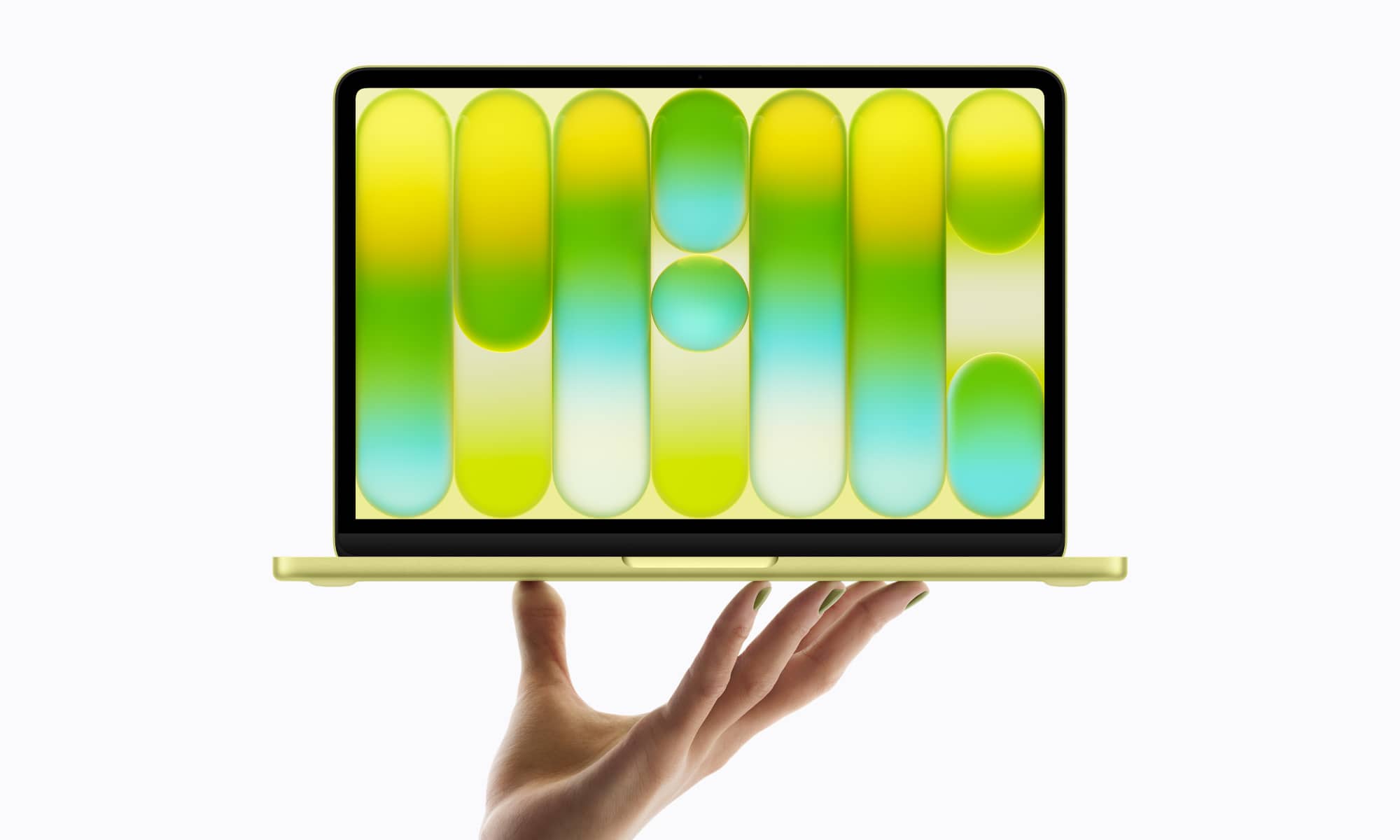
One of the MacBook Neo’s drawbacks compared to its pricier siblings is the 1080p FaceTime HD camera. While higher-end MacBooks now sport 12 MP Center Stage cameras, it’s worth remembering the MacBook Air only made that jump in early 2024 with the M4 model; in that context, the Neo’s 1080p sensor doesn’t feel like much of a step back.
However, some early reviewers noticed something seemingly missing on the MacBook Neo: a hardware LED to indicate when the camera is in use. This has been a staple of Apple’s camera-equipped Macs nearly two decades — since the 2008 MacBook and MacBook Pro — and it’s significant because it’s wired into the hardware in such a way that it cannot be bypassed by software on any level.
In fact, this is so tightly integrated into the hardware that it’s not even a function of the macOS operating system. The power to the camera runs through the LED, so it works even if you rip out macOS and hack Linux onto your MacBook. The LED is guaranteed to be on when the camera is on, so there’s zero chance of malicious software being able to spy on you without you knowing about it.

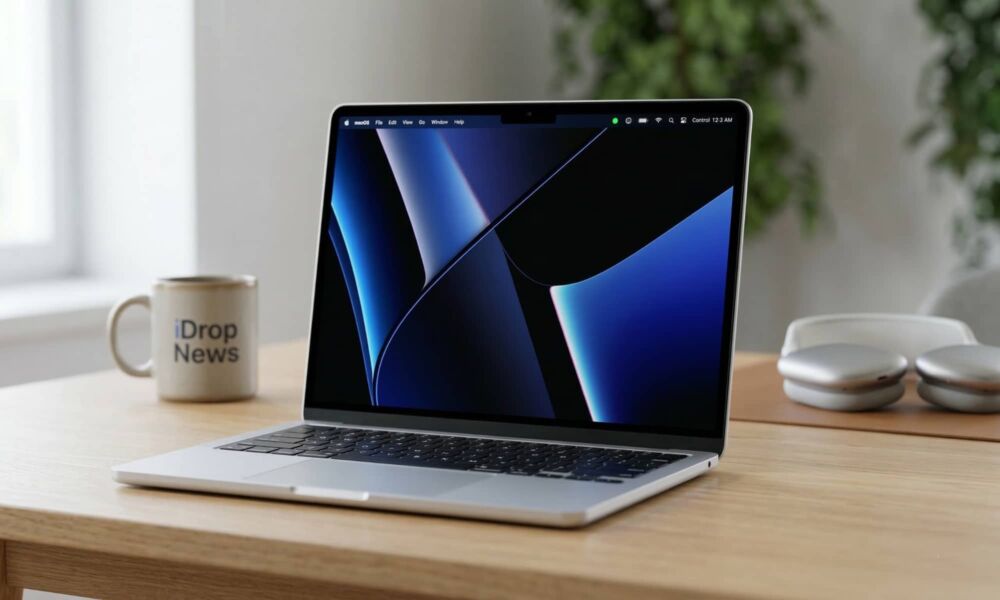
However, instead of a physical LED, the MacBook Neo shows a green dot in the menu bar, similar to what you’ll see on an iPhone or iPad. Needless to say, that change made some folks a bit nervous, since it implied that it might be possible to bypass the indicator in software. While John Gruber made that assumption in his initial review, he quickly corrected himself after consulting Apple’s Platform Security Guide, which explains it thusly:
MacBook Neo combines system software and dedicated silicon elements within A18 Pro to provide additional security for the camera feed. The architecture is designed to prevent any untrusted software—even with root or kernel privileges in macOS—from engaging the camera without also visibly lighting the on-screen camera indicator light.
Note that this is from the March 2026 version of the Apple Platform Security guide, which doesn’t appear to have yet been updated outside the US; at least the Canadian, Australian, and UK versions still show December 2024.
While this should be enough to instill confidence that the green dot on your MacBook Neo will still protect your privacy, Gruber posted a follow-up after Guilherme Rambo filled him in on the nitty-gritty technical details.
As Rambo explained, the indicator light may be software-based, but it’s still controlled by a part of the hardware that everyday software can’t touch — a Secure Exclave. We won’t bore you with the gory technical details — you can read all about them at the provided links if you’re really interested — but the short version is that the MacBook Neo essentially borrows the same technique that was baked into the iPhone and iPad to make its camera and microphone indicators immutable in iOS 14.
In fact, it leverages the same security architecture that powers iPhone encryption, biometric authentication such as Face ID, and Apple Pay — a set of secure chips — the Secure Enclave and Secure Exclave — that run their own operating systems independently of iOS, iPadOS, or macOS, and therefore can’t be messed with even by a kernel level exploit because the kernel can’t touch them.
While the switch from a physical LED to a few pixels naturally allowed Apple to shave off some costs — every bit counts when you’re trying to hit a $599 price point — it also saves some room inside the lid and simplifies repairs, making it a win all around.






