
How to Fix the Logitech Options+ ‘Hang’ on Your Mac

Toggle Dark Mode
While Logitech’s MX Master 4 has gotten mixed reviews, some of that is because many folks still prefer its solid and reliable predecessors. Logitech has been in the mouse game for a long time, and while Apple’s Magic Trackpad is undeniably better for some applications, the MX Master series leaves Apple’s Magic Mouse in the dust — especially for power users.
Given the company’s extensive lineup of mice and other pointing devices, Logitech’s products have become a go-to for many Mac users. Sadly, that also magnified the impact of a recent gaffe that left many folks with stranded or unpredictable mouse pointers.

While the problem doesn’t seem to have impacted everyone, a user on Reddit shared yesterday how his MX Master 3S had suddenly reverted to offering only the most basic functionality.
“Today all of a sudden I noticed that my mouse had randomly changed scroll directions and all the extra buttons were not working as I intended,” user Disastrous-Track3876 reported. The Redditor quickly surmised that the problem was likely related to Logi’s Options+ software, which drives the advanced features, but upon going into take a look, the app appeared to be spinning away in a hung state.
While my MX Master 4 seems to have continued working just fine throughout the ordeal, not only scrolling correctly but even allowing me to use advanced features like the Action Ring, I found my Options+ app doing the same thing.

The Fix
Thankfully, there’s an easy fix for this problem, but it’s also one that shouldn’t have occurred in the first place as it was an entirely preventable accident: it turns out someone at Logitech forgot to renew their Apple Developer Certificate.
As absurd of a mistake as that sounds for a company that size, it was a comment on the original Reddit thread that first caught the flub, showing the Apple Developer ID for Logitech Inc. expiring on Tuesday, January 6 at 21:39:41 Central European Time (CET).
The good news is that Logitech had the integrity to come clean in a statement by an official spokesperson who also acts as moderator of the subreddit:
We dropped the ball here. This is an inexcusable mistake. We’re extremely sorry for the inconvenience caused.
The expired developer certificate rendered the Logi Options+ app unusable. While I didn’t test this, I suspect folks like me may have been unaffected simply because we hadn’t rebooted after it expired, leaving the underlying drivers still functioning even if the front-end user interface wasn’t loading.
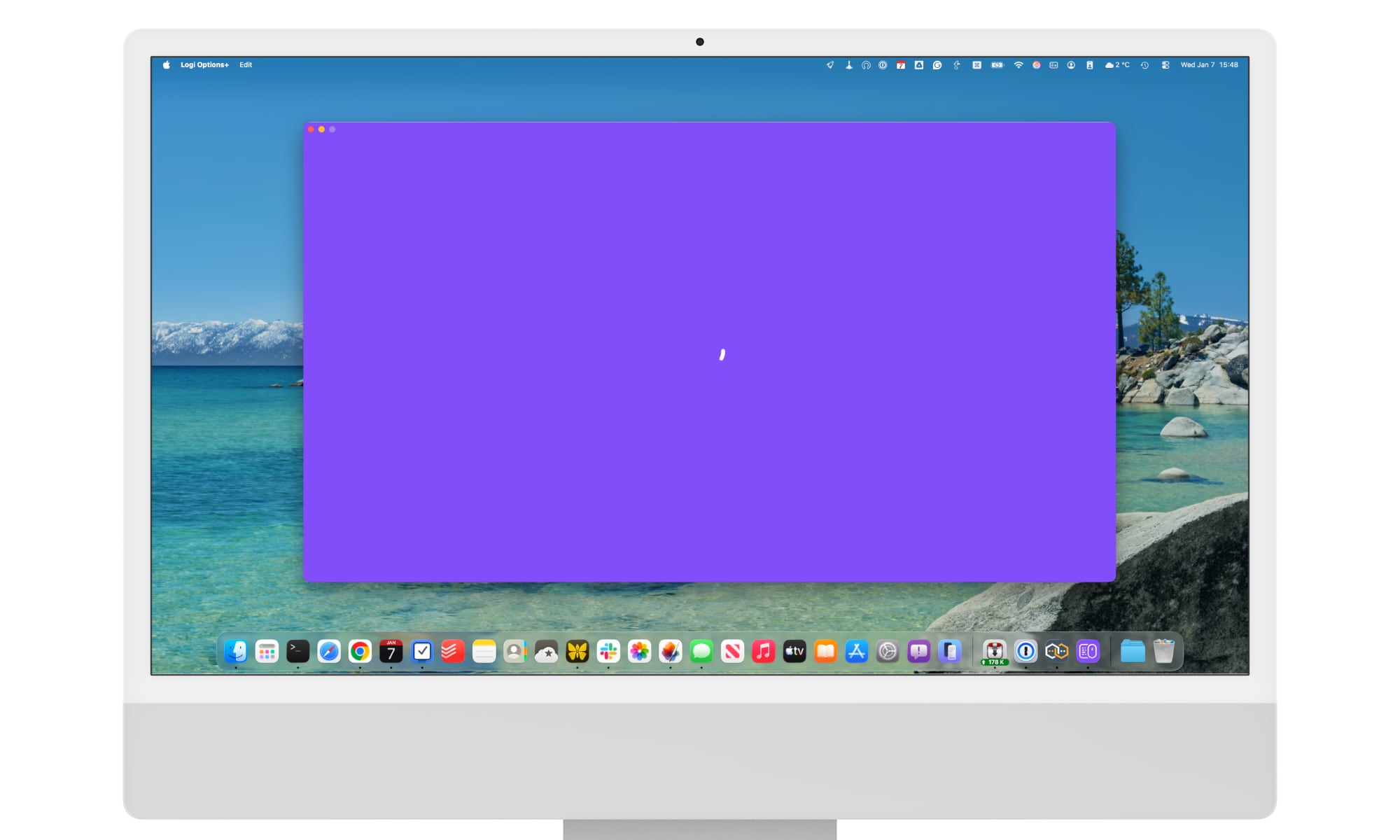
While Logitech has renewed its Apple Developer Certificate, that won’t magically make the expired app function. It’s released an updated version of the app, but the auto-updater in the expired Options+ naturally isn’t working either, so users will need to install it manually.
Logitech has published a FAQ to explain how to fix this problem, which affects both the Options+ and G HUB apps. I recommend reading that for the full details, but to summarize:
- Don’t uninstall the existing Logi Options+ or G HUB apps, as it may result in the loss of customizations and settings.
- Download the manual patch directly from Logitech’s site.
- Run the installer to “overwrite” the existing app. This replaces the expired certificate with the new one while keeping your settings intact. The version number will also remain the same as this is effectively just an update to apply the renewed Apple Developer certificate.
While it’s good that Logitech was on top of this, it’s a cautionary tale on the risks of Apple’s macOS gatekeeping. While developer IDs are a great defense against malware, this shows that they’re also a double-edged sword. A developer that goes out of business or isn’t as diligent about renewing their certificate can leave their users stranded.






