
iOS 26.4 Beta 3 Arrives to Silence Your Chirping AirTags
 Adam Elements
Toggle Dark Mode
Apple’s iOS 26.4 betas continue to arrive at a fast and furious pace. It’s been only two weeks since the first iOS 26.4 developer beta hit our iPhones, followed by a second beta last Monday. Now, even as Apple kicks off a week of new product releases, it’s still found the time to send out a third developer beta.
Mind you, it’s probably fair to say that the folks who are building Apple’s underlying operating systems have little to do with this week’s product releases, but Apple may have had another incentive to get this third beta out the door as soon as possible.

Those paying attention may have noticed something missing: while Apple’s developer betas are nearly always followed by a public beta within a day or two, that didn’t happen for beta 2. While the public betas are always identical to the developer betas that precede them, that 24–48 hour delay allows Apple to avoid sending out a problematic release to a wider audience.
That’s likely what happened here, as something broke in iOS 26.4 beta 2 that gave early adopters a good demonstration of the noises that AirTags and AirPods make when they’re separated from their paired iPhones.
‘Orphaned’ AirTags
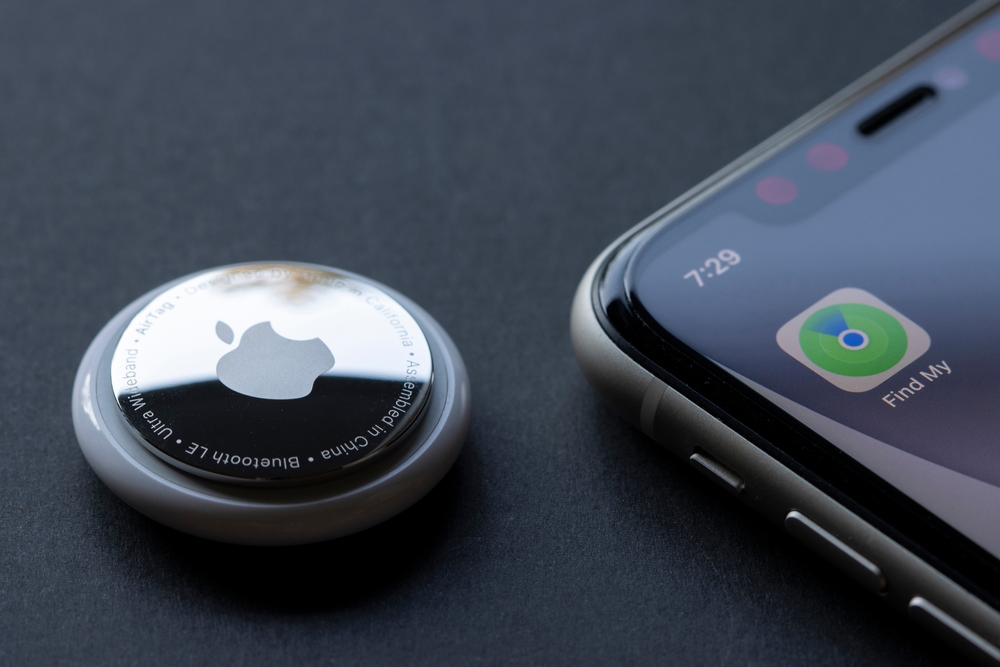
About a day after I installed the second developer beta, the AirTag on my keychain began occasionally chirping at me. I didn’t think much of it the first time, but when I attempted to use Precision Finding to locate my AirPods Pro case an hour or two later, I realized that iOS 26.4 beta 2 had effectively disabled the ability for the iPhone to pick up Find My-enabled devices, like AirTags, AirPods, and compatible third-party item trackers.
Opening the Find My app showed that, despite being in my pockets less than a foot away from my iPhone, my AirTags and AirPods hadn’t been “seen” since before I installed the beta. While they came back briefly after restarting my iPhone, that only lasted for about 30 minutes before they became invisible again. A quick internet search turned up various folks reporting the same problems on Reddit and the MacRumors forums.
The inability to find lost items was bad enough, although it wasn’t a deal breaker, as Find My also works from other devices, and those that weren’t running the latest beta seemed unaffected by this. However, the really annoying part was the regular “chirping” of the AirTags and AirPods to alert me that my own devices might be stalking me, not to mention the notifications my family members kept getting on their iPhones.
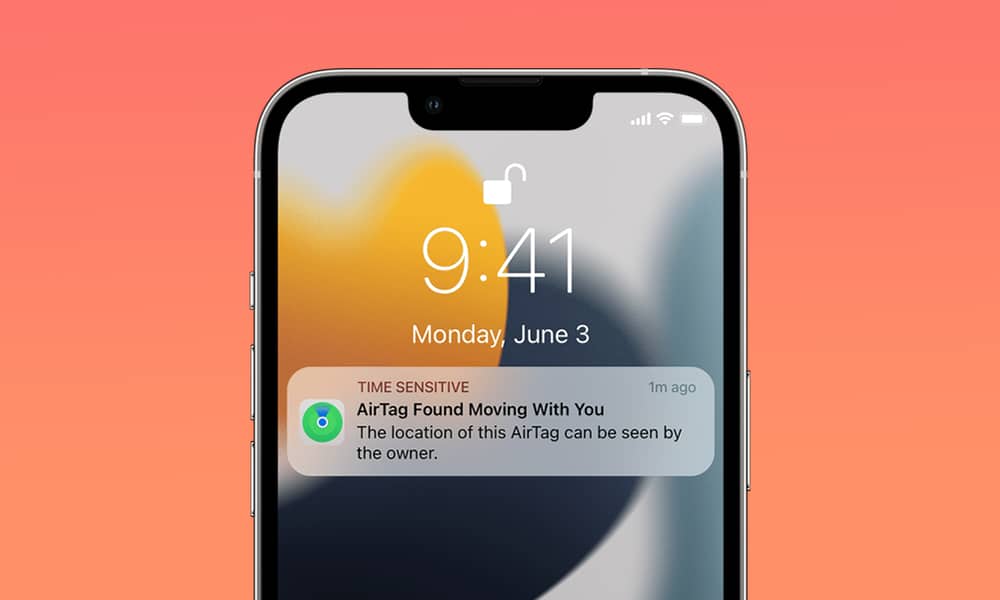
These alerts stem from a safety feature that many AirTag and AirPods owners never encounter; when a Find My device is out of contact with its paired iPhone for more than about 8 hours, it will begin sounding audible alerts whenever it’s moved. This is to let anyone nearby know that there may be a device tracking them without their knowledge. Along the same lines, anyone with an iPhone running iOS 14.5 or later will receive a notification that an unknown tracking device is moving around with them.
These features are invisible to most Find My users because their devices are usually either with them or left somewhere relatively static. However, since iOS 26.4 beta 2 caused my iPhone to stop communicating with all of my Find My Devices — the AirTags on my keys and in my bag, my AirPods Pro 3, and the Eufy Find My card in my wallet — they all went into that safety mode and began chirping whenever I moved around with them. That was irritating enough when I was getting dressed at home, but it was downright embarrassing when my pockets began chirping in the middle of a quiet prayer meeting.
We probably won’t ever know for sure if this is the reason why Apple held back the public beta last week, but the good news is that it’s fixed in the third beta. However, it’s also a good reminder of why developer betas aren’t intended for the devices you use every day. I choose to live a bit dangerously because I write about these things, but everyone who isn’t willing to live with the risks of really strange problems should ensure they stay on the public beta track — or avoid betas altogether.






