
How to Make Your Mac Simple, Familiar, and Easier to Use (and Discover 1,200 Hidden Features)
Toggle Dark Mode
What if you could unlock 1,200 hidden Mac features instantly, without any technical expertise?
Windows users sometimes regret switching to Mac when they realize that you don’t have all the controls that Microsoft offers. macOS is a more simple system (albeit more stable) that doesn’t allow for modifications, or at least not as easily. And whether you’re new to Mac or a seasoned user, you probably already know that macOS doesn’t reveal its full potential on the surface. Things you could tweak freely on Windows — system behaviors, UI tweaks, advanced settings — are sometimes buried deep or require cryptic Terminal commands.
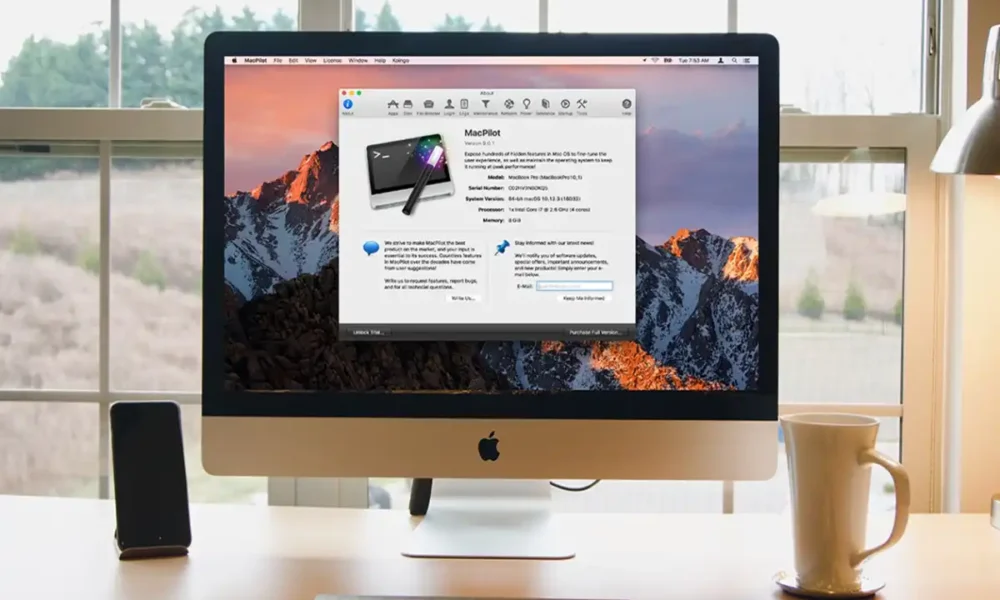
MacPilot helps reveal capabilities Apple hides from casual users and lets you take real control of your Mac.
Why This Matters for Regular Users as well as Windows Switchers
You can simply see macOS features most users never see — from system tweaks to interface behavior — without ever using Terminal.
Adjust settings others can’t touch:
- Show hidden files in Finder
- Silence startup chimes
- Add smart spaces and stacks to the Dock
- Change screenshot formats
All with clear labels and one-click toggles.
Who is MacPilot Perfect For
- Windows veterans who want Mac power and control
- New Mac users who feel limited by macOS defaults
- Power users who demand customization and performance
- IT pros and creative professionals who rely on advanced tweaks
Why it’s the Best Time To Purchase Now
- Looking for a thoughtful present for somebody who needs help with their Mac
- Save over $70 by visiting here (currently on sale for $28)

We may earn a commission from affiliate links. Continue Below.






