
Google’s Live Translate Comes to iPhone (and Leaves Apple in the Dust)

Toggle Dark Mode
Apple’s new Live Translation feature in iOS 26 is a great new feature, but it’s also fairly limited: you need to be using H2-equipped AirPods and an iPhone that supports Apple Intelligence. It also only works with nine languages.
Fortunately, for those who don’t fit into those niches, Google is coming to the rescue, expanding its own Live Translate feature to the iPhone via the Google Translate app.

While it’s still rolling out, and will be limited to select countries, Google announced yesterday that its advanced Live translate with headphones feature is officially coming to iOS, and expanding to more countries on all platforms, including France, Germany, Italy, Japan, Spain, Thailand, and the UK. It was previously limited to the US, India, and Mexico.
Google has always had a massive lead in language support compared to Apple’s built-in Translate app, and it also beat Apple to offering Live Translation on Android via its Pixel phones and buds, later expanding that to embrace nearly all third-party Bluetooth headphones. So, it’s not really a surprise that it’s also pulling ahead on the iPhone.
To give you an idea of just wide this gap is, Apple Translate supports only 19 languages, which goes up to 21 if you factor in both the US and UK flavors of English and Traditional and Simplified Mandarin Chinese. By contrast, Google Translate boasts over 249 languages, dialects, and language varieties. In other words, it’s not even close.
What makes Apple’s limitations so frustrating is that Apple’s translation features are quite good, and they’re built in and run on-device. However, that focus on privacy has left them so far behind the curve that many people can’t use them. In a gaffe that’s become legendary among Filipino iPhone users, Apple actually showed Tagalog translation on an iPadOS 15 slide at WWDC 2021, raising many people’s hopes. Yet, here we are five years later with no sign of that language getting any closer to reality.
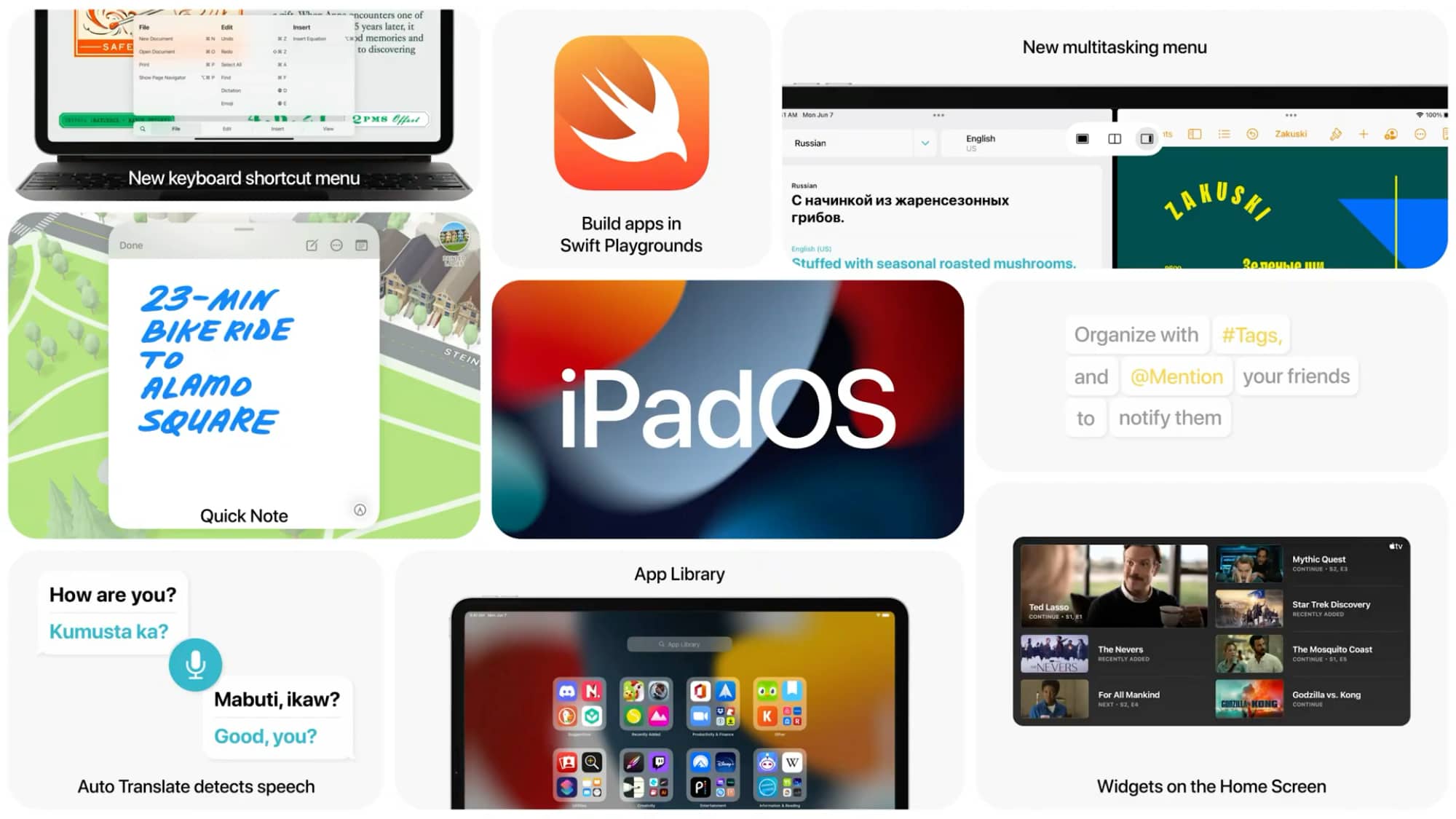
Meanwhile, Google’s Live translate feature supports over 70 languages (including Filipino/Tagalog). You can find a full list in Google’s support article, although it rather inconveniently uses two-letter language codes, so you’ll have to cross-reference them on Wikipedia or elsewhere.
To save you the trouble, the list today includes Afrikaans, Albanian, Amharic, Arabic, Armenian, Azerbaijani, Basque, Bengali, Bulgarian, Burmese, Catalan, Chinese (Traditional), Croatian, Czech, Danish, Dari, Dutch, English, Estonian, Finnish, French, French (Canada), Galician, Georgian, German, Greek, Gujarati, Hebrew, Hindi, Hungarian, Icelandic, Indonesian, Italian, Japanese, Javanese, Kannada, Khmer, Korean, Lao, Latvian, Lithuanian, Macedonian, Malay, Malayalam, Marathi, Mongolian, Nepali, Norwegian, Persian, Polish, Portuguese, Portuguese (Portugal), Punjabi, Punjabi (Arabic), Romanian, Russian, Serbian, Sinhala, Slovak, Slovenian, Spanish, Sundanese, Swahili, Swedish, Tagalog, Tamil, Telugu, Thai, Turkish, Ukrainian, Urdu, Uzbek, Vietnamese, and Zulu.
Of course, the obvious downside here is that this relies on cloud-based processing, which privacy-conscious users may not be a fan of. That also means you need a data connection. Still, you don’t have too many other options if you want to converse in a language that Apple Live Translation doesn’t support.
Similarly, Google’s Live translate with headphones works with any set of headphones, not just AirPods, and it can be used on any iPhone capable of running iOS 16 or later, which means the 2017 iPhone X, iPhone 8, and all newer models. That’s another sizeable gap from Apple’s Live Translation, which requires at least an iPhone 15 Pro.
Google Live translate with headphones is built into the standard Google Translate app, where it can be activated by tapping “Live translate” and connecting your headphones. Google Translate can also be set as a default translation app for any iPhone running at least iOS 18.4, allowing it to be called up instead of Apple’s Translate app.






