
Move Over, Siri: ChatGPT is Officially a CarPlay App
Toggle Dark Mode
One of the more significant changes tucked away in last week’s iOS 26.4 release is something that wasn’t readily apparent to most users. That’s because it’s a new API that Apple unlocked to allow developers to bring more features to their users — in this case, a new class of apps for your CarPlay Dashboard.
We saw the first evidence of this during the iOS 26.4 betas, when Apple quietly updated its CarPlay Developer Guide to add “voice-based conversational apps” as a new category. For safety reasons, Apple has always maintained tight control over what apps can use CarPlay, limiting them to things like audio, communications, EV charging, navigation, parking, and quick food ordering.

However, with iOS 26.4 that’s expanded to allow chatbots to be used on the go, and now OpenAI appears to have won the race to the dashboard, with a ChatGPT update that takes full advantage of Apple’s more permissive approach to rival AI apps.
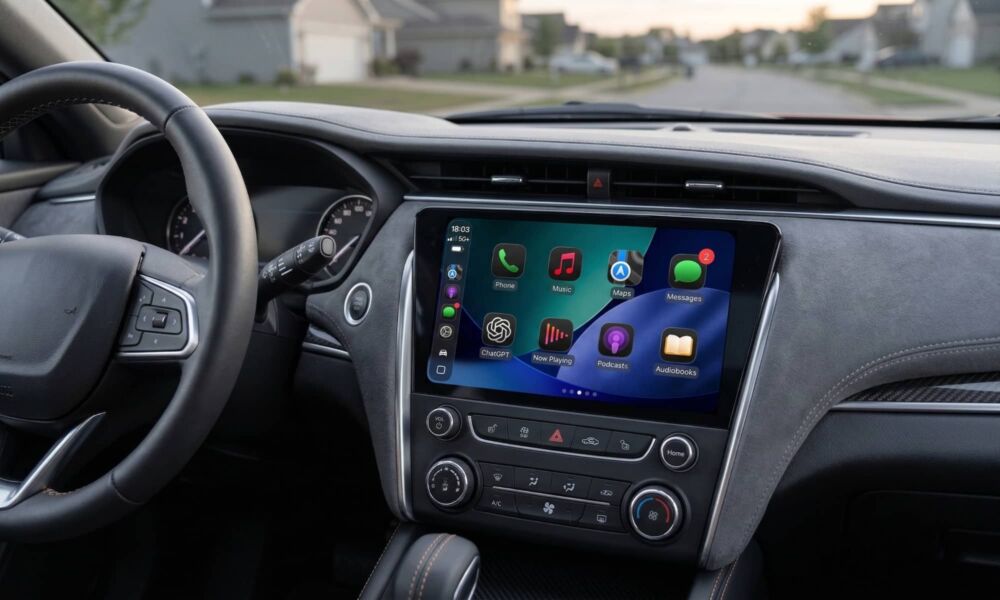
While the release notes on the App Store modestly list only “Bug fixes and small improvements,” I’ve confirmed that the ChatGPT app does indeed get a place on my CarPlay Dashboard.
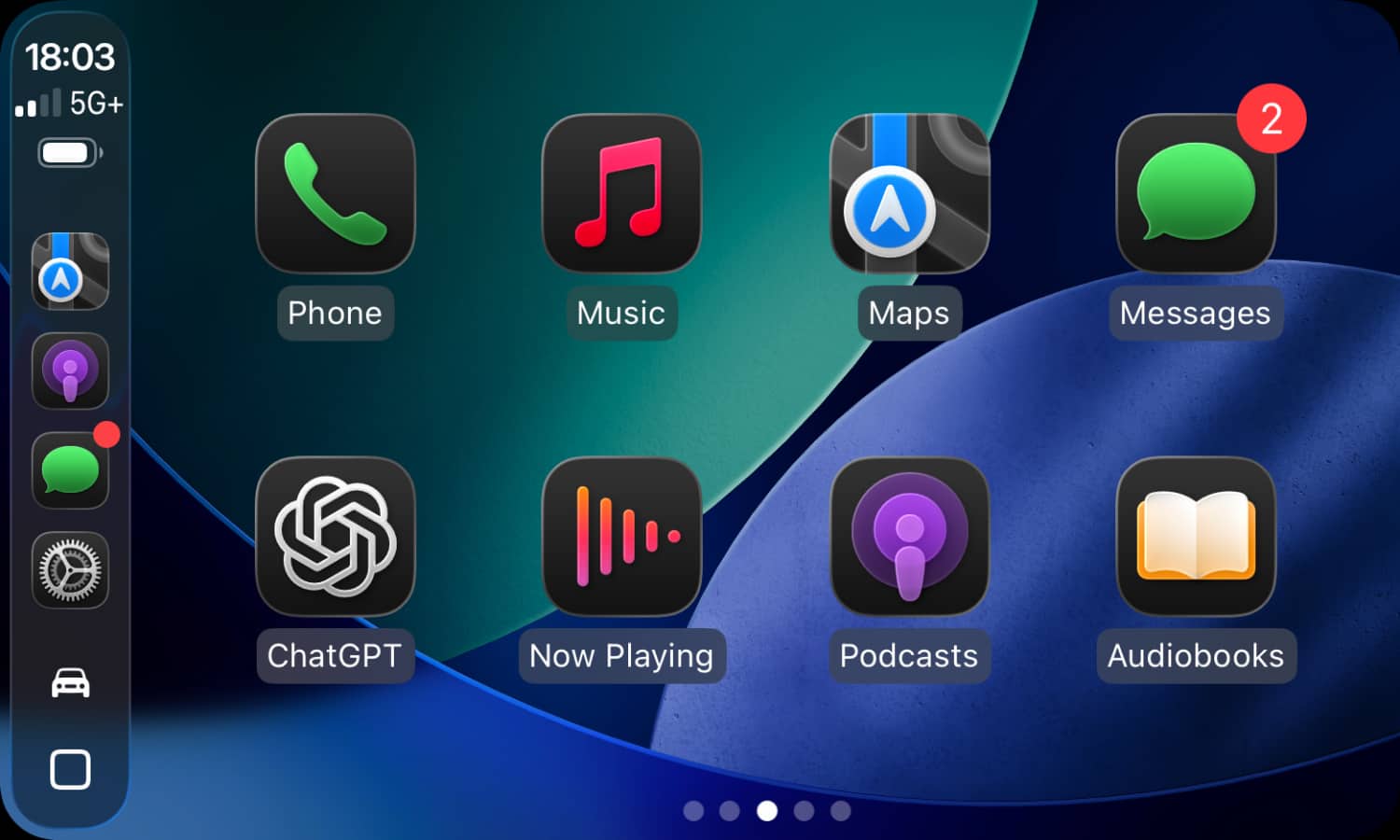
To be clear, there’s no special integration here like there is with Siri. You won’t be able to call up ChatGPT — or any other voice assistant — by name or by pressing the steering wheel control. That still summons Siri, although you can still ask it to “Ask ChatGPT” if you want to interact with it that way.
However, the ChatGPT app takes things to another level, since it doesn’t just answer one-off requests but actually lets you carry on a full conversation, remaining open until you’re ready to end things.
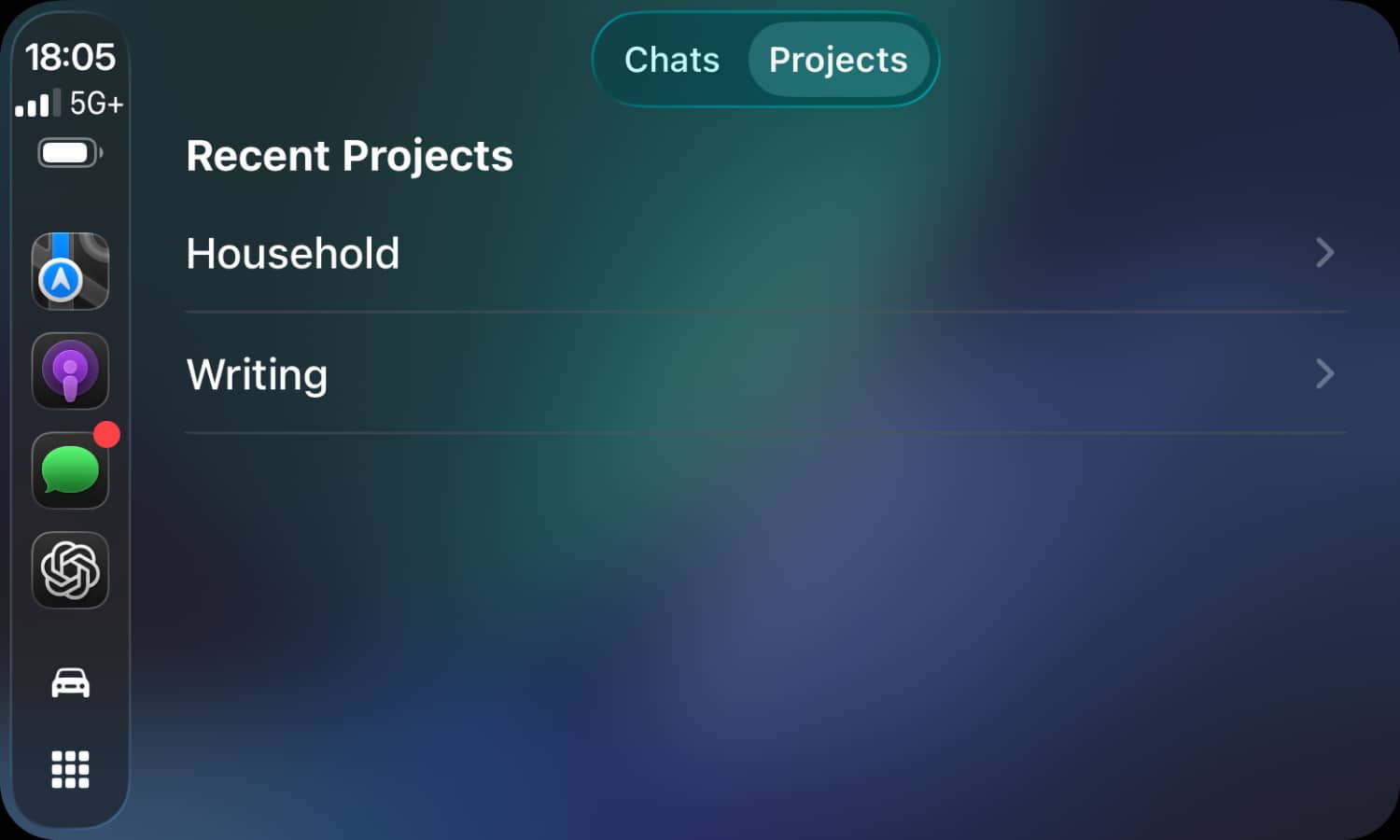
Opening the ChatGPT app in CarPlay will show you a list of your recent chats, with a toggle at the top to switch to a list of Projects.
To start a new conversation, you can tap New voice chat at which point the screen will be taken over by a round waveform and ChatGPT will immediately start listening. You can then interact with it by asking questions, listening to its responses, and then asking follow-up questions or even changing the subject entirely.
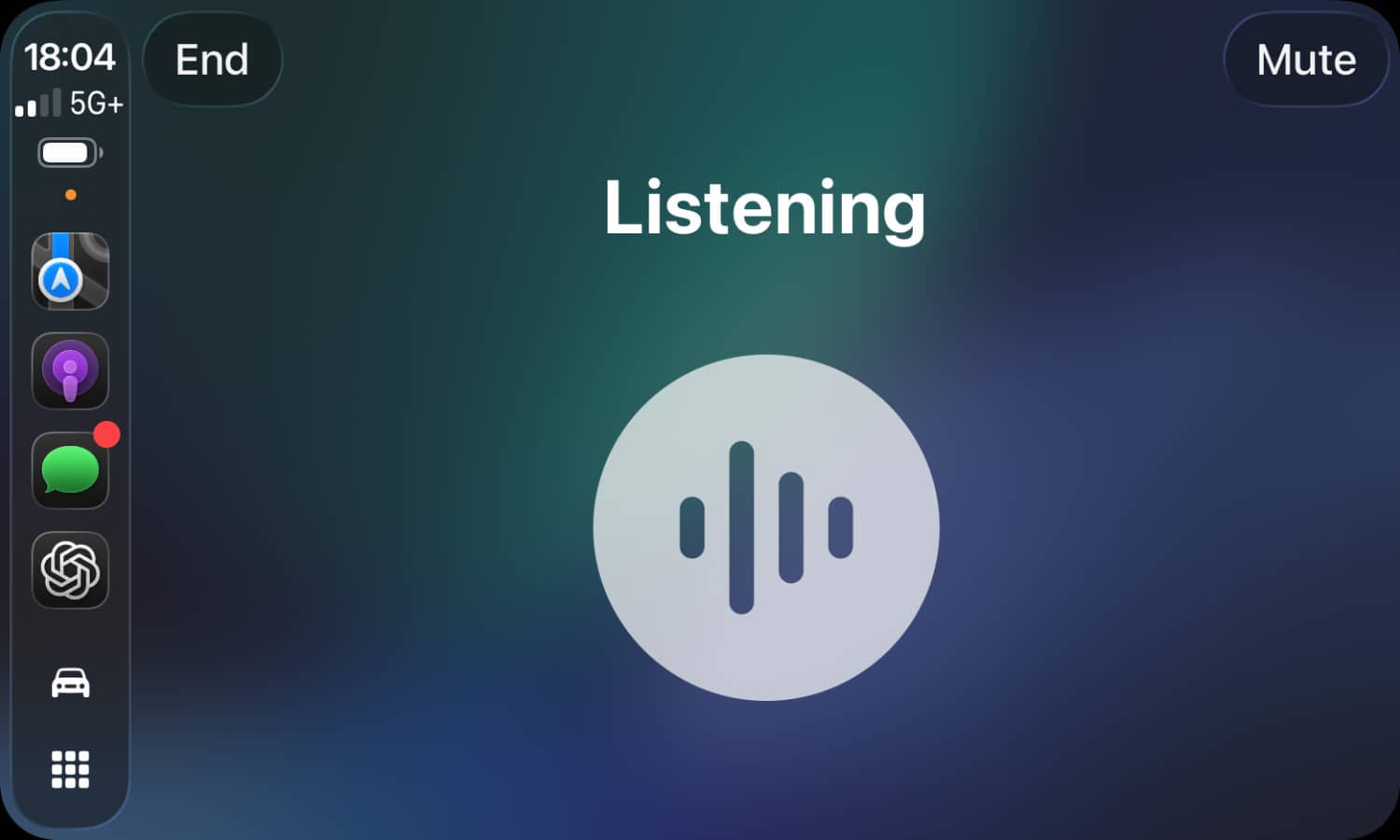
This will continue until you end things by tapping the End button in the top-right. Alternatively, you can use the Mute button in the opposite top corner to temporarily mute your microphone, effectively putting the current chat on hold while you talk to someone else.
As per Apple’s guidelines for “voice-based conversational apps,” there’s no textual responses. The only way to interact with ChatGPT in the car is by talking to it and listening to its responses. You won’t see anything written out, although your chats are saved in your ChatGPT account so you can review them in the app later on when you’re not driving.
Apple’s guidelines do allow for limited visual responses, such as showing a mini-map with pins for nearby points of interest, but ChatGPT doesn’t appear to be taking advantage of that — or at least I couldn’t find a query that triggered it do anything other than give me a strictly verbal response.
Of course, this is just a “version 1.0” attempt, so we can hope OpenAI will improve things. We also wouldn’t be surprised if ChatGPT is soon followed by updates to Gemini and Claude that deliver similar dashboard functionality, as neither Google nor Anthropic are going to want to cede the in-car territory to their rival.






