
Apple Pushes iOS 26.4.1 to Fix Annoying iCloud Sync Bug
Toggle Dark Mode
Although the iOS 26.5 beta cycle has begun and the first iOS 27 beta is only two months away, Apple isn’t neglecting folks on its latest public iOS 26.4 release. This week, it pushed out iOS 26.4.1, a small maintenance update that fixes at least one important issue related to iCloud syncing.
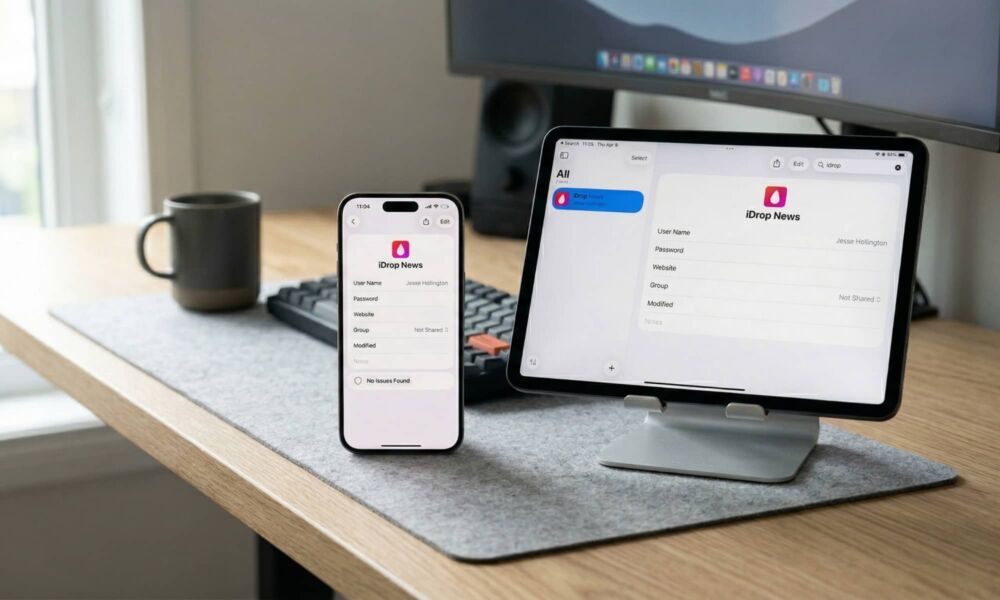
As usual for “sub-point” updates, the iOS 26.4.1 release notes offer no specific indications of what’s changed other than the usual “bug fixes and performance improvements.” However, a thread on the Apple Developer Forums spotted by the folks at 9to5Mac reveals that a “regression” in iOS 26.4 had broken iCloud syncing for many apps — including Apple’s own Passwords app — while also confirming that iOS 26.4.1 fixes this issue.
The specific issue appeared to revolve around how iOS 26.4 processed background notifications when data was changed in iCloud from another device — a feature known as CloudKit push notifications. This impacted any apps that rely on using iCloud to sync data, and while it wouldn’t prevent these apps from updating entirely, it made the sync process slower and less reliable since apps would have to manually check for changes. Not every app does this as often as you’d think, since they expect to be able to rely on the proactive notifications to tell them when there’s new data to fetch.

Apple Passwords was the most obvious first-party app that was impacted by this, but others like Journal were also affected, with entries recorded or updated on a Mac not showing up on an iPhone until the app was manually refreshed. There are also a ton of third-party apps that rely on CloudKit that were impacted, such as Drafts, Ulysses, and Bear, just to name a few.
The issue impacted both iOS and iPadOS 26.4, but doesn’t appear to have been a problem in watchOS 26.4 or macOS 26.4 Tahoe, which probably explains why we haven’t seen 26.4.1 updates for these. In other words, changes made for an iCloud-synced app on an iPhone or iPad would travel to the Mac in a timely manner, but the reverse wasn’t true.
That appears to be the only significant change for everyday users in iOS 26.4.1, and this was also apparently fixed in the first iOS 26.5 beta last week, suggesting Apple may have already caught the problem even before developers reported it.
A new support document on what’s new for enterprise users indicates that “Stolen Device Protection will be automatically enabled on devices that update from iOS 26.4 to iOS 26.4.1,” but since this happened for most folks in iOS 26.4, we’re assuming Apple simply delayed the change for devices managed by organizational policies.
Also, unlike other recent updates, there are no published security fixes, so we can take a breather and remain confident that Apple is staying ahead of the cat-and-mouse game it’s been fighting with DarkSword. Still, if you’re using any iCloud-synced apps at all — and you probably are — it’s worth updating your iPhone to iOS 26.4.1 just to make sure your data stays up to date.






