
Apple Creator Studio Has a Bizarre AI Problem

Toggle Dark Mode
When Apple launched Creator Studio last month, two of the biggest selling points were getting its highest-end creative apps for a low monthly price and taking advantage of new generative AI features. Sadly, it’s turning out to be less of a value proposition than many had hoped.
Paying $129 a year for a bundle that includes Final Cut Pro, Logic Pro, and Pixelmator Pro for both Mac and iPad isn’t a bad deal, but there’s far less incentive for anyone who already owns those apps to jump in unless they plan to lean heavily into iPad creation. After all, Apple is bringing all the same features to the standalone versions of Final Cut Pro and Logic Pro, and while it sadly hasn’t extended that courtesy to Pixelmator Pro customers, the only change so far in the Creator Studio version is a new Warp tool and the Liquid Glass aesthetic.

However, Apple has another selling point for the bundle: generative AI features to boost your creativity. These don’t apply so much to its high-end “pro” tools as it’s consumer-grade apps — Pages, Numbers, and Keynote — which have also somewhat awkwardly been folded into the subscription.

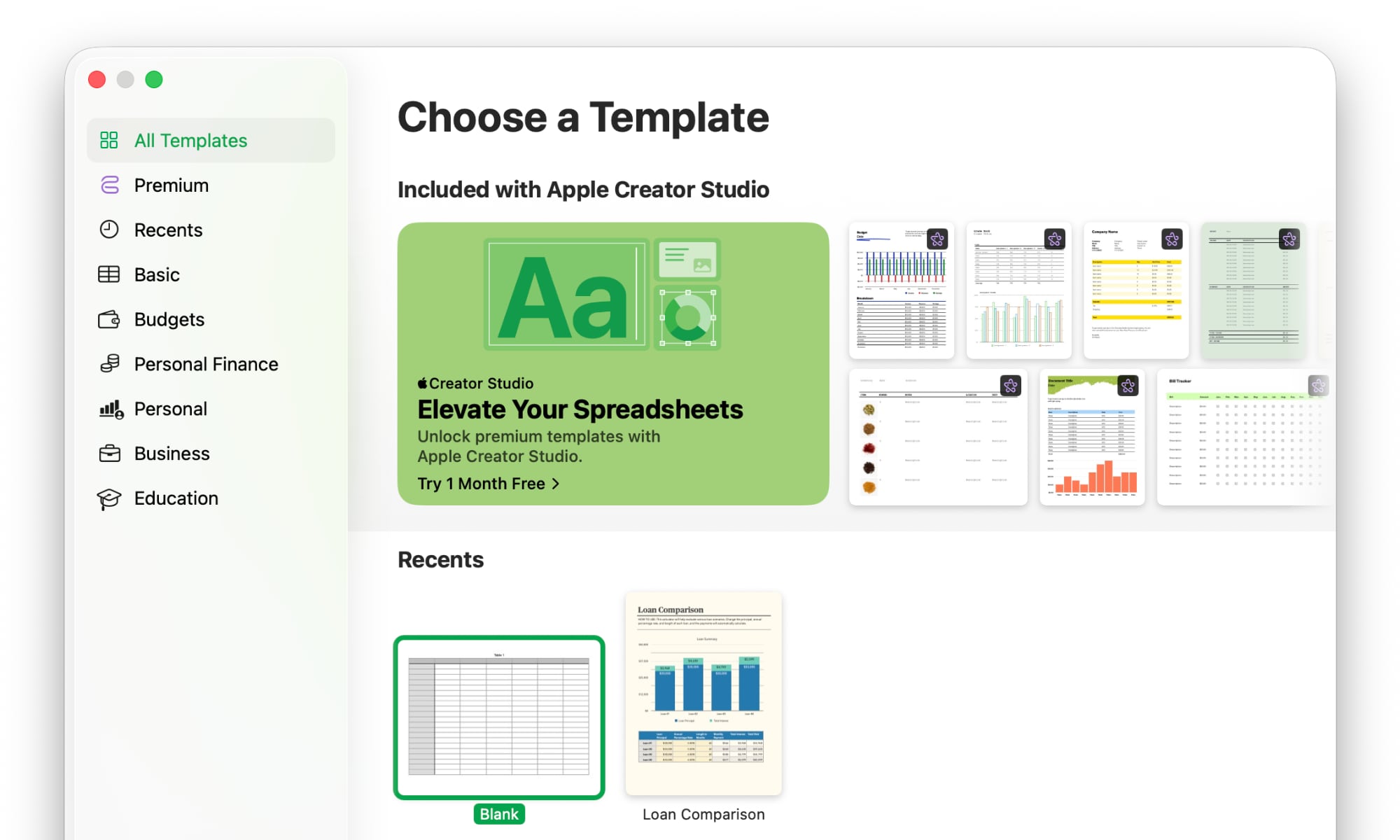
The trio of what were once known as the iWork apps remain as free as they’ve always been, but those who opt for an Apple Creator Studio subscription will get access to a Content Hub of professionally designed stock templates, photos, graphics, and illustrations, plus two new AI tools: “Magic Fill” in Numbers and “Draft Presentation” in Keynote — and that’s where things start to get a bit complicated.
Apple made it clear from the start that the “Intelligence features” would have some usage limits. It didn’t exactly advertise this, of course, but it was clearly spelled out in the main Creator Studio support document, where it noted all image and slide generation features are “subject to limitations.”
While acknowledging that everyone’s mileage may vary, it promised that mosts should be able to generate at least 50 images, 50 presentations of 8–10 slides each, and presenter notes for 700 slides each month, with these usage limits resetting for the next month. However, it seems that some early adopters are finding the real numbers to be far lower.
While describing his experience with OpenAI’s new Codex tool in a thread on Mastodon, developer Steve Troughton-Smith compared it to Creator Studio, and was surprised to discover that a single AI-generated Keynote slideshow took up nearly half of his monthly AI usage allotment, while an entire Xcode app built in Codex only used less than a tenth of his weekly limit.
This entire app used 7% of my weekly Codex usage limit. Compare that to a single (awful) slideshow in Keynote using 47% of my monthly Apple Creator Studio usage limit.
Steve Troughton-Smith
As John Gruber notes at Daring Fireball, that’s the opposite of what you’d expect, as a complex coding tool that can build an entire, ready-to-go app containing 1650 lines of code should be much more resource-intensive than a seemingly basic Keynote presentation. Of course, we’re also talking about percentages, so this likely speaks more to how many resources Apple is willing to commit to each project — and it’s clear it’s prioritizing Codex.
Both Codex and Creator Studio are powered by OpenAI under the hood, but of course Codex is OpenAI’s own baby, while Apple is presumably paying OpenAI for the privilege of sending generative AI requests to it. There’s no word on what kind of business arrangement exists between the two companies, but it’s unlikely to be the zero-dollar deal brokered for Apple Intelligence two years ago — especially now that Apple has gotten into bed with Gemini.
Checking Your Usage
We’ll give Apple the benefit of the doubt that perhaps it’s simply scaling up the AI features — they are considered “beta” right now, after all, and Apple notes that things like “server availability and network availability” can factor in.
Still, the key takeaway from this is that if you plan to rely on Creator Studio’s generative AI features, you may want to be careful how much you use them — and keep an eye on your limits.
Apple allows you to check your usage status at any time by selecting Intelligence Features from the menu bar in the Mac versions or the More button in the iPad apps. Unfortunately, it won’t give you an estimate of how much your request is going to use before you submit it, merely tell you how much you have left remaining after the fact. Like anything else in beta, it’s probably not good to rely on this for mission-critical projects quite yet, but that does provide some room to play around with some sample projects and get a feel for how much you’ll be able to produce with it.






