
Panic! At The Inbox: The Peer-to-Peer Guide to Surviving a Hack
Toggle Dark Mode
The moment you realize an account has been hacked, your brain usually goes straight to panic, which is completely normal. You’re thinking about private messages, saved payment methods, photos, work files, and all the other stuff that lives behind a password. The important thing to remember is that you don’t need to be totally calm to handle this well — you just need to be fast and organized.
Doing the right things after you get hacked will help you minimize the damage as much as possible. Sure, you might still have to deal with some issues, but the quicker you are, the better the result will be.

To help you out, this guide walks you through the immediate steps to take after a compromise and how to regain control of your digital life. We’ve also included a few essential tips to harden your security so this doesn’t happen again.
Confirm Your Account Really Is Compromised and What Kind of Access They Have
Before you start changing everything, take a couple of deep breaths and a few moments to confirm what’s happening and how bad it is.
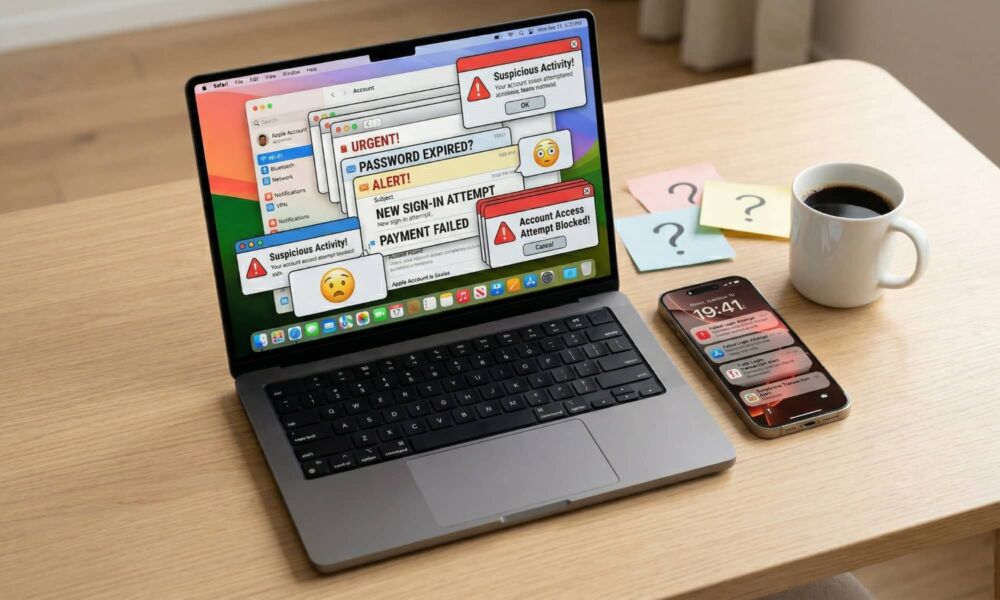
Look for the obvious red flags first: password reset emails you didn’t request, security alerts about a new sign-in, messages you didn’t send, or a notification saying your recovery phone number was updated. If you’re seeing purchases, changes to your profile information, or brand-new devices you don’t recognize, you’re not dealing with a glitch — you’re dealing with an intruder.
If you can still access the account, go straight to the security activity section and check recent sign-ins and devices. Most major platforms provide a view that shows where logins happened, what device was used, and whether something was blocked or approved.
This step matters because the kind of access changes what you do next. If someone only guessed your password, a password change and sign-out might end it. But if they changed your recovery email or added their own phone number, they’re trying to stay inside your account even after you “fix” the issue.
If You Can Still Log in, Lock the Attacker Out Immediately
If you still have access to your account, you want to shut the door right now, not after you finish investigating. Change the password immediately, and don’t do the common thing where you just slightly edit the old one.
Replace your password completely with something long and unique that you’ve never used anywhere else. If you’re doing this on your iPhone or Mac, a password manager or iCloud Keychain can generate a strong password instantly, so you’re not stuck trying to invent something you might forget because you’re under a lot of stress.
Once the password is changed, your next move is to kill active sessions. Many attackers don’t need your password once they’re in, because they already have an authenticated session running on their device. Look for an option like “Sign out of all devices,” or “Manage devices,” then remove anything you don’t recognize.
If a hacker has a trusted device or a session token that remains valid, they can hang around quietly even after you “secured” your account. You want them out everywhere, not just locked out the next time they try to log in normally.
If You’re Locked Out, Start Account Recovery the Right Way

If you can’t log in, don’t waste time trying the same password variations over and over. That’s how people get themselves temporarily locked out, which slows down recovery at the worst possible moment. Instead, go directly to the platform’s official recovery process and follow it carefully. The biggest danger in this phase is phishing, because hackers love to capitalize on urgency by sending fake recovery links that look real enough to trick you.
When possible, start recovery from a device and location you commonly use. Many providers weigh that during the verification process, and it can improve your odds of getting back in faster. Also, keep your recovery attempts consistent. If you try five different recovery methods across three devices in a short window, some systems will treat that as suspicious behavior and slow you down with cooldowns.
Pro Tip: The absolute best way to prevent a future lockout is to set up an Account Recovery Contact. Think of this as giving a trusted friend or family member a digital spare key to your house. They can’t see your data or log into your account, but if you ever get locked out, Apple can send them a short-lived recovery code to help you get back in.
You can set this up on iOS 26 or macOS 26 by going to Settings (or System Settings on Mac), tapping your Apple Account name at the top, and navigating to Sign-In & Security > Account Recovery and choosing Add Recovery Contact and following the prompts to add someone you trust.
Taking thirty seconds to do this now can save you hours of verification headaches if your account is ever compromised again.
Check and Undo Any Changes Hackers May Have Made

A lot of attackers don’t just log in to your account; they make little changes that keep the door cracked open. They’ll add a recovery email you don’t recognize, swap the phone number, or even grant access to a third-party app using a legitimate connection method.
Start looking into your account’s recovery options. If there’s a recovery email or phone number you don’t recognize, remove it. Then check trusted devices and remove anything unfamiliar. After that, look at email forwarding, filters, or rules, especially in services where attackers can automatically forward password reset emails to themselves without you noticing.
Finally, check connected apps and third-party access. If you see unfamiliar apps with account permissions, revoke them. Also, pay attention to “Sign in with Apple” or “Sign in with Google” connections, because those can become a backdoor into other services if the main account is compromised.
Change Passwords Anywhere You Reused Them
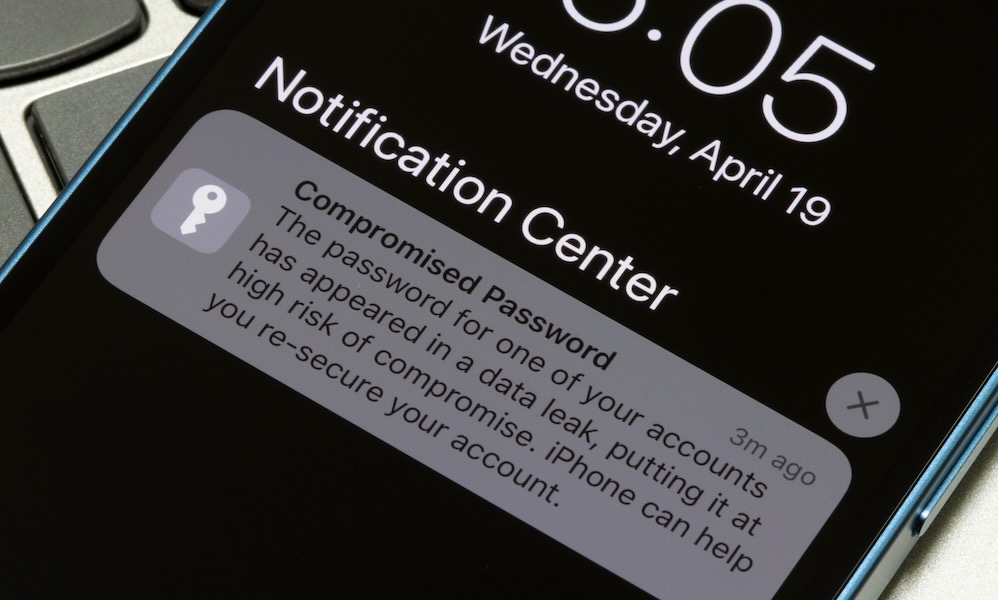
This part is definitely annoying, but it’s where many people are at risk of another breach. If the password that was hacked was reused elsewhere, you have to assume those accounts are at risk, too. Attackers commonly use credential stuffing, which is a fancy way of saying they take leaked passwords and try them across popular sites until something works. Even similar passwords can be guessed if your pattern is predictable.
Start with your email accounts and anything related to your finances. Then move to your Apple Account or Google Account, then social media, then shopping accounts. If you have work accounts, change those too, and make sure to add a layer of security by using two-factor authentication whenever you can.
As you change passwords, make sure they’re unique, which is the whole point of this exercise. A password manager makes this dramatically easier by letting you generate strong passwords and store them without relying on your memory.
Check for Unauthorized Purchases and Payment Changes

Some account hacks aren’t about spying — they’re about cashing out fast. That can look like purchases on your shopping accounts, new payment methods added, gift cards bought, subscriptions started, or transfers initiated through payment services. The faster you catch this, the easier it usually is to stop. Many companies have a short window where they can reverse suspicious activity more easily.
Go through recent transactions across your bank, credit card, payment apps, and any store accounts you use. Remove unknown payment methods and cancel subscriptions you didn’t authorize. If you see fraud, contact the financial institution or payment provider immediately and dispute the charges using their official process.
Also, watch for address changes. Hackers sometimes change shipping addresses so they can place an order that appears normal on your account but is delivered somewhere else. Check your saved addresses, saved cards, and purchase history.
Run Device Security Checks

Sometimes the account isn’t the original problem; your device is. If a computer has malware, it can grab your new password the moment you type it. If a browser has a shady extension installed, it can inject scripts, steal cookies, or capture credentials. That’s why you need a quick device check, especially if you logged into the compromised account from a shared computer or a machine you haven’t updated in a while.
Start simple: update iOS, iPadOS, macOS, and all your apps to the latest versions available for your device. Then review browser extensions and remove anything you don’t recognize or don’t truly need. On computers, run reputable malware scans, and pay attention to anything that flags credential-stealing behavior.
If you suspect spyware or a high-risk compromise, consider the advanced option, which is to back up essentials, erase everything, and start from scratch. That sounds extreme, but it’s often the cleanest way to remove persistent threats when you can’t be sure what’s been modified.
Warn Your Contacts Before the Hacker Uses Your Name

If your email, WhatsApp, or social media account was hacked, assume your contacts are the hacker’s next target. Cybercriminals love using compromised accounts to scam friends, coworkers, and clients because of the trust already established. They’ll send messages asking for money, gift cards, or verification codes. They’ll send links that look urgent and personal. And because it’s coming from you, people are more likely to click.
Send a short warning message to your key contacts. Keep it simple and direct. Tell them your account was compromised, to ignore recent messages or links, and not to send money or codes. If you use the account for work, notify the organization you work for immediately so they can alert others and review internal security.
This step is uncomfortable, but it protects the people you care for, as well as your reputation. A fast warning can stop a scam from spreading, and it gives your contacts context if they already received something suspicious.
Report It In The Right Places
Reporting doesn’t always feel satisfying, but it matters for two reasons. First, it can help you recover faster because platforms often have specialized flows for compromised accounts. Second, it creates a paper trail in case money is lost or identity theft becomes an issue later. If the hack involved fraud or impersonation, you want documentation so the authorities know it’s not you trying to scam other people.
Start by reporting the problem inside the platform itself. Most services have a security or help section where you can flag unauthorized activity and trigger protective steps. If money is lost, report it to the payment provider and your financial institution using their fraud processes. If identity theft is involved in the US, government resources like IdentityTheft.gov and the FTC’s fraud reporting tools can guide you through the next steps and help generate a report.
If it’s a work account, follow your organization’s incident process immediately. Even if you feel like you can fix it yourself, companies often have legal and security requirements, especially if customer data could be exposed. Reporting quickly protects you and everyone else.
Stay Safe Online
Getting hacked feels personal, but it’s usually not. Most takeovers happen because of reused passwords, phishing tricks, leaked credentials, or weak recovery settings that attackers can exploit at scale. The good news is that when you respond quickly, you can usually shut it down, recover access, and prevent it from happening again.
Just remember to try to act as fast as possible. The longer you wait, the more damage hackers can do to your accounts, and even to your contacts. Last but not least, give yourself a break. When this type of stuff happens, we can’t help but feel mad at ourselves. Sure, you could’ve made your accounts more secure so this didn’t happen in the first place, but remember that even the smartest people in the world can fall for scams. This could happen to anyone, but now you know what you need to do so it doesn’t happen again.






