
The Scammer’s Playbook: How Everyday Mac Users Get Targeted
Toggle Dark Mode
It is a common belief that Macs are inherently safer than Windows computers. And to be fair, macOS does a lot right out of the box. It blocks sketchy apps from the get-go, Safari is solid for privacy, and it tends to be measurably safer against both apps and potential cyberattacks. Apple also constantly pushes out security updates — even for Macs that are several years old.
But here’s the part people don’t love hearing: attackers don’t usually start with your operating system. They start with you and your daily habits. They go after the places where we’re most predictable, like urgent situations, trust, convenience, and the tiny moments where you’re distracted and trying to get something done.

That’s why the most common attacks still look boring on paper. To make matters worse, many of us know about them and fall into the trap of thinking we’re “too smart to fall for them.”
Still, even today you’ll find fake login pages, people reusing weak passwords, scam pop-ups, and shady downloads. The biggest difference is that the delivery has gotten cleaner and more convincing with the rise of AI, allowing even half-literate foreign scammers to wage sophisticated attacks.
The bottom line is that no one is 100% safe against online scams and hacks. Not even a Mac user. So let’s go over the most common ways everyday users get targeted today, to help you be confident that you’ll be safe rather than sorry.
Phishing Emails or Messages That Look Completely Legit
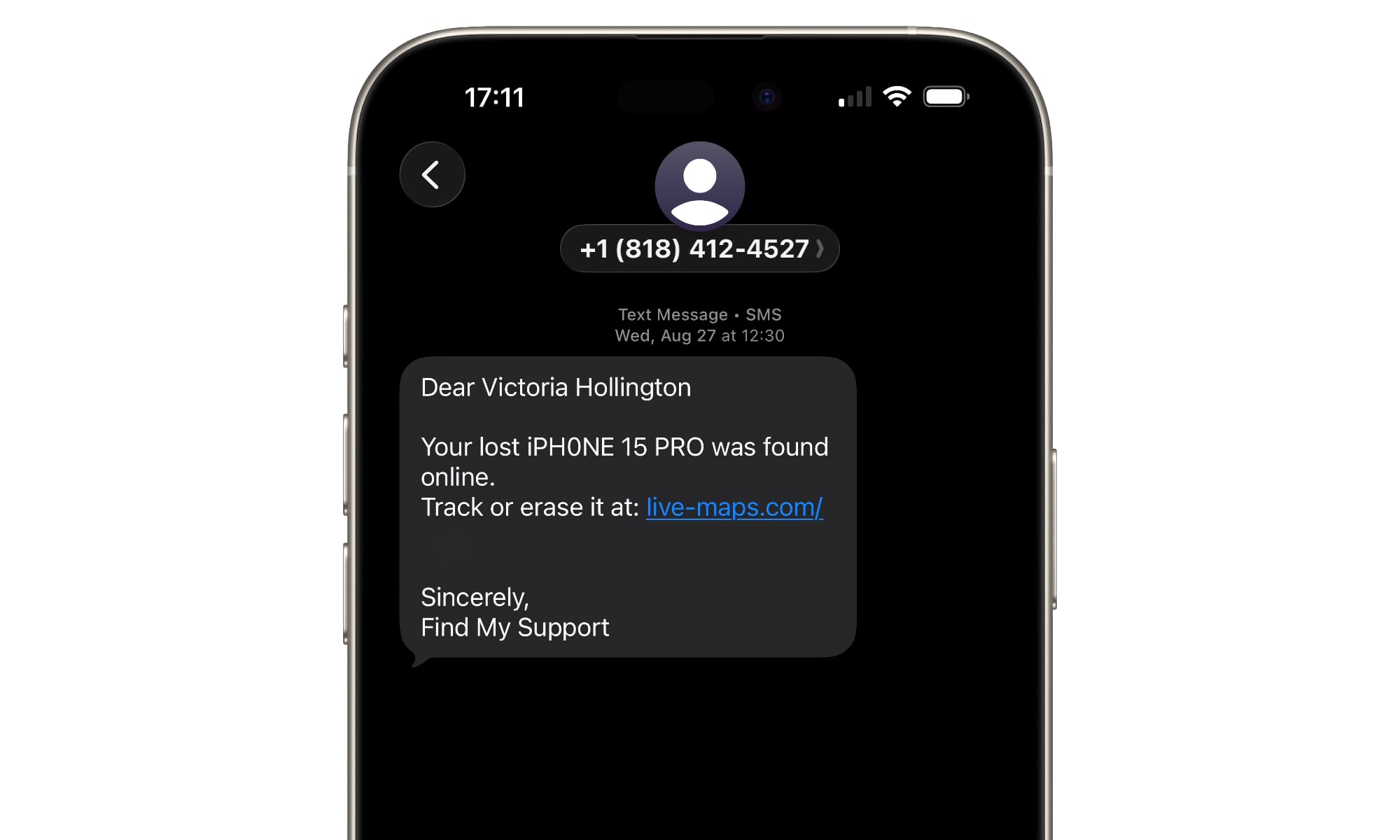
Phishing is still the MVP of cybercrime because it can work on nearly anyone, including smart people who should know better. Modern phishing emails don’t look like badly written messes from random addresses; they look like the real deal. Scammers can now imitate a real Apple receipt or a real bank alert. Sometimes it even references something you recently did, like ordering a package or signing in from a new device.
The safest thing you can do is boring but effective: never click a link in an unexpected email or message. Open the app or type in the site in your browser. If it’s real, the alert will be there too.
If you want a built-in safety net, lean on AutoFill. If you use the Passwords app (or another reputable password manager), it won’t automatically fill in your login info on a fake lookalike domain.
‘Your Mac Is Infected’ Pop-Ups
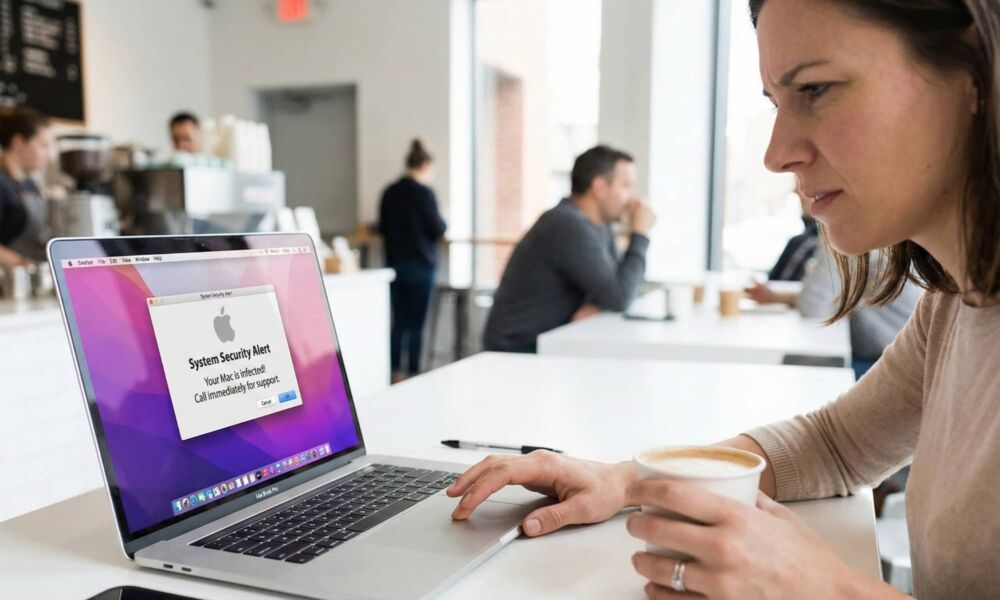
Picture this: you’re browsing, you click a questionable page, and suddenly your screen screams at you that your Mac is infected. It might show an Apple logo, or it might say your data is at risk. It might even tell you to call a number immediately. The entire goal is to create panic so you stop thinking clearly.
This scam works because the message mimics the design of a system warning from Apple, even though it’s really just a webpage. And if you haven’t seen it before, it’s easy to assume your Mac is actually reporting something bad.
Avoid engaging with the pop-up. Don’t click the buttons. Don’t call the number. Just close the tab. If your browser refuses to cooperate, force-quit the browser and reopen it.
And always remember that Apple does not send malware alerts through random websites. Real security prompts come from macOS itself, not from a banner that wants your credit card.
Hackers Target Reused and Easy Passwords
This is a seemingly small and very common mistake that causes a lot of damage. When a site gets breached, attackers don’t just try that password once. They try it everywhere: email, shopping accounts, social media, cloud storage, and bank accounts.
If your email gets taken over, everything else becomes easier to steal. If your Apple Account gets taken over, it can turn into a disaster, as your iCloud data, device backups, synced passwords, and more are at risk.
The fix isn’t super complicated: you merely need to be sure you use unique passwords for important accounts. Not “unique-ish,” but actually unique passwords that are hard to crack and each used in one and only one account. Don’t rely on a single strong password for all your important accounts — use a unique password for each, since even the most secure sites like banks and government agencies aren’t completely immune to data breaches.
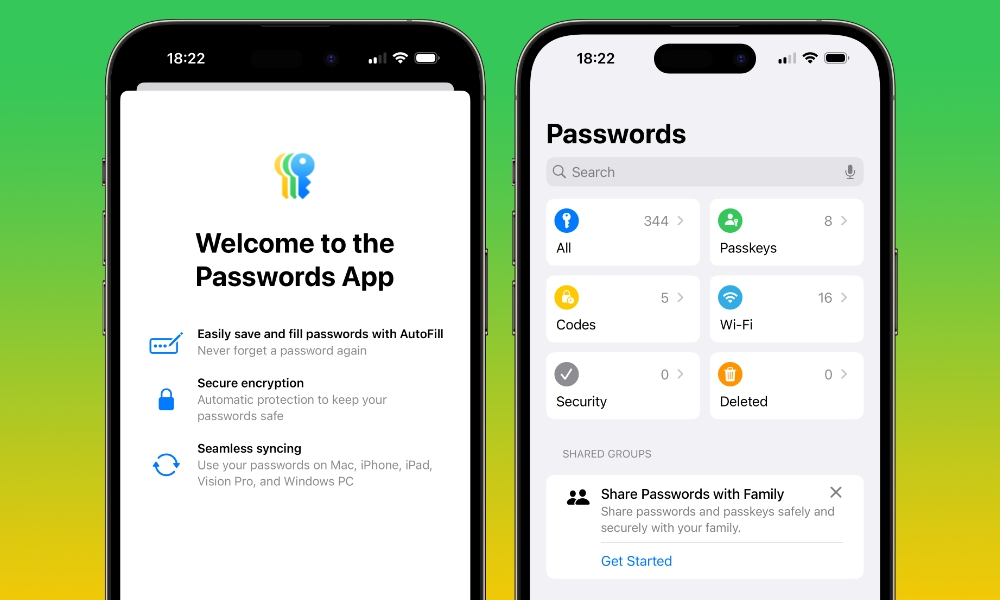
The good news is you don’t have to memorize any of them. Apple’s Passwords app makes it incredibly easy to keep all of your credentials in one place across all of your Apple devices, from your Mac to your iPhone.
If you’re using the same password across multiple accounts (especially important accounts like your Apple Account or banking account), or you’re using “password” as your password, take some time to generate harder passwords. The harder the better. And stop using the same password across all your accounts. Yes, it’s easier to remember, but it’s also easier to hack into.
You’ll be shocked at how much safer you get with a few changes in the right places.
Malicious Browser Extensions
Extensions feel harmless because they’re framed as helpful add-ons. Some genuinely are useful PDF tools or AI helpers. But the wrong extension can track what you do, inject ads, or quietly redirect you to phishing pages.
This is especially relevant if you like testing new extensions that look useful, but actually come from shady developers you’ve never heard of.
There’s also the possibility that you visited a shady website and accidentally accepted a request to install an extension that’s causing more harm than good.
On Mac, you’re better off keeping extensions minimal and intentional. If you can’t figure out why you installed an extension, you probably don’t need it. So, whatever the reason, be sure to manage which extensions you have installed in your browser. If you’re using Safari, you can do that by going to Safari and then clicking on Safari Extensions.
Safari users also have a nice advantage here as Safari extensions are more controlled and Apple’s browser has strong built-in tracking prevention. That doesn’t make it perfect, but it reduces the risk of getting shady extensions installed.
Public Wi-Fi Snooping
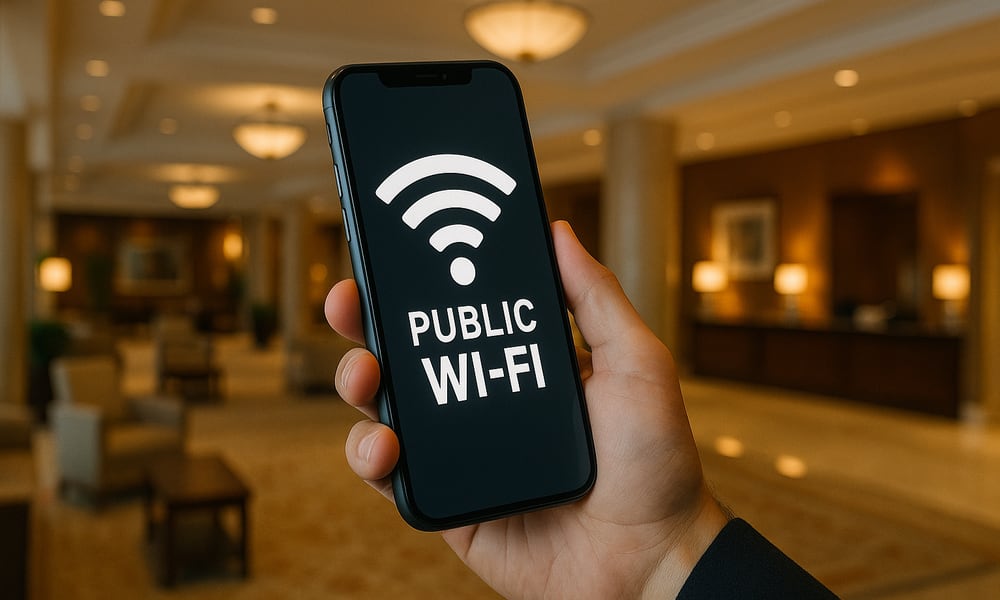
Public Wi-Fi isn’t always a trap, but it’s a place where being careless can get you into trouble. The biggest risk today isn’t someone magically reading every secure website you visit on a legitimate public Wi-FI network — HTTPS nearly everywhere has eliminated that. The real risk is logging into sensitive accounts on a network you don’t trust while being sloppy with links, pop-ups, or fake websites.
To make things worse, hotels and airports are famous for having a proliferation of fake networks that try to trick you into connecting to them. Even coffee shops can have a fake access point that mimics the real one. And once you’re connected, attackers try to get you to hand over credentials the old-fashioned way: redirecting you to fake websites that look like the real deal.
If you travel a lot or like to work at cafes, be sure to avoid signing into your most sensitive accounts if you don’t need to. Also, don’t enter your passwords in weird pop-up login pages that appear after you’re connected to the Wi-Fi network. You should also consider getting a trustworthy VPN service when you’re using a public network.
Also, don’t ignore your instincts. If a Wi-Fi login page looks off, it probably is.
Fake Tech Support Calls

This scam is so old it should be extinct, yet it still works because it targets a specific emotion: fear. A scammer calls pretending to be Apple, Microsoft, or your bank, tells you there’s suspicious activity or that you lost all your money, and offers to help immediately.
The “help” usually means remote access, a weird payment, or an offer to enter your account to fix the issue if you simply give them your password.
People get caught by this because the call often sounds plausible, as you’re told there’s an issue with your accounts or with your device. Combine that with a confident delivery — they’re called “con(fidence) men” for a reason — and it’ll feel extremely real.
Just remember that big companies like Apple or Microsoft do not cold-call you about malware . If you didn’t call first for support, treat it as a scam.
If you’re worried something is actually wrong, use official support channels you start yourself. Don’t let an incoming call determine your next move.
Social Engineering Through Social Media
Modern hacking often looks like a normal conversation. A fake support account replies to your complaint, a friend’s account asks for help, someone offers you a deal, or a “brand” asks you to verify. You get pulled into DMs where things are harder to verify and easier to manipulate.
This method works because it bypasses technical defenses completely. It uses social pressure and familiarity.
The best defense is verification through a different channel. If someone you know asks for money, gift cards, or a code, call them. If “support” asks for account details, stop and contact the company through its official app or website.
Most companies will not ask for data that’s too personal, so if that happens, avoid talking to that person altogether. Block and report their account, and be sure to let your close friends and family know.
Last but not least, never, ever share authentication codes in DMs. That request is a flashing red flag, even if it comes from an account that looks real.
Insecure iCloud and Apple Account Settings
If you want to understand Apple’s modern security, know that your Apple Account is your master key. If someone gets into it, they don’t just get one account. They get access to your entire ecosystem.
The most common weak points are surprisingly basic: a reused password, weak device passcodes, missing two-factor authentication, and old devices still signed into the account.
Take five minutes to review your connected devices and sign-in methods. If there’s a device you don’t recognize, remove it. If you’re not using two-factor authentication, turn it on. If your email account isn’t secure, fix that too — because email is how most account hacks happen.
Fake QR Codes
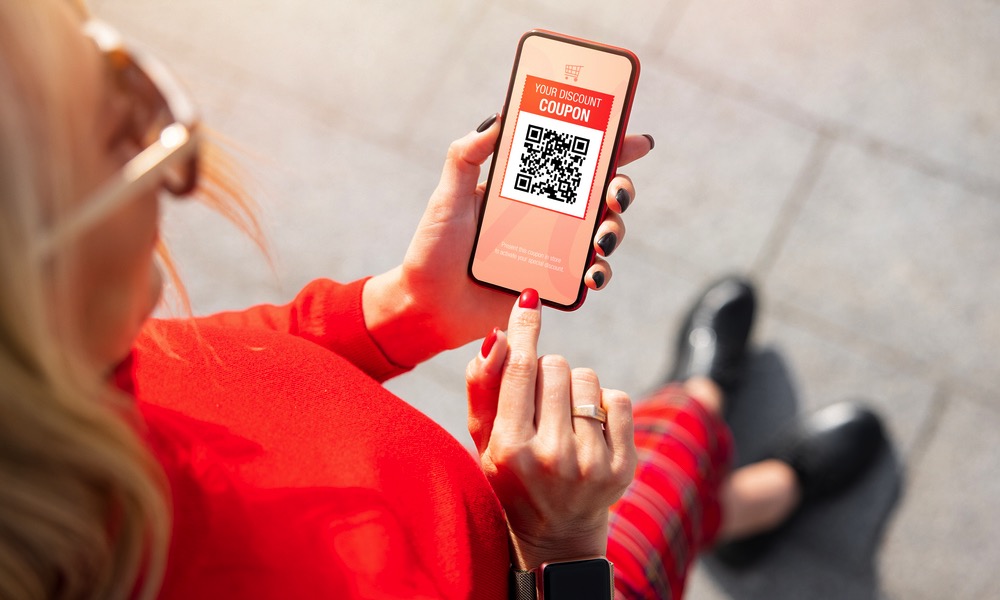
QR codes feel safe because they’re convenient. You scan, and you go to the website instantly. No typing, no thinking, and that’s exactly why scammers love them.
The thing to remember is that QR codes aren’t magical — they’re typically just graphical versions of the same things you’d otherwise type into your browser manually. That means a malicious QR code can more easily send you to a fake login page, a fake payment portal, or a site that tries to trick you into installing something. And because you’re not thinking ill of the QR code, you’re more likely to trust whatever appears on your screen.
The habit that protects you is simple: before you proceed, look at the URL preview. Does it match the brand you expect? Does it look weird, misspelled, or overly long? If it feels off, back out.
Overall, try to avoid scanning QR codes you find in public. Sure, we all get curious, but a tap on your iPhone might give someone more access to your phone than you might think.
Stay Safe Online and Offline
The most frustrating part of modern hacking is that it doesn’t look like hacking. It looks like a normal email, a normal login, a regular download, or a message from someone you trust. That’s why good security isn’t about being a technical expert; it’s about building good habits that protect you even when you’re busy, tired, or distracted.
By remembering this list, you’ll know the most common ways hackers attack regular people. They don’t need fancy equipment or over-the-top tools because simple things like a phishing email or social engineering work well. Even the smartest people in the world are at risk, so don’t ever think that you’re above a scam or cyberattack. Sure, your computer or phone will do a lot to protect you, but the biggest change will be in your habits and mentality.






