
Letting Apps Launch Automatically At Startup
This is one of the things that could affect both your MacBook’s battery life and performance if you aren’t careful.
Letting too many apps open when you first boot up your computer means you’re letting your MacBook load a bunch of apps and background tools before you even begin working. The worst part is that many apps, from productivity apps to even Spotify, often add themselves to your Login Items.
Sure, some of these are useful, but many startup items don’t need to launch every single time you turn on your Mac.
The more background items you allow, the more your Mac may have to manage throughout the day. That can affect performance, battery life, and how warm your MacBook feels, especially if several apps start syncing or checking for updates at the same time.
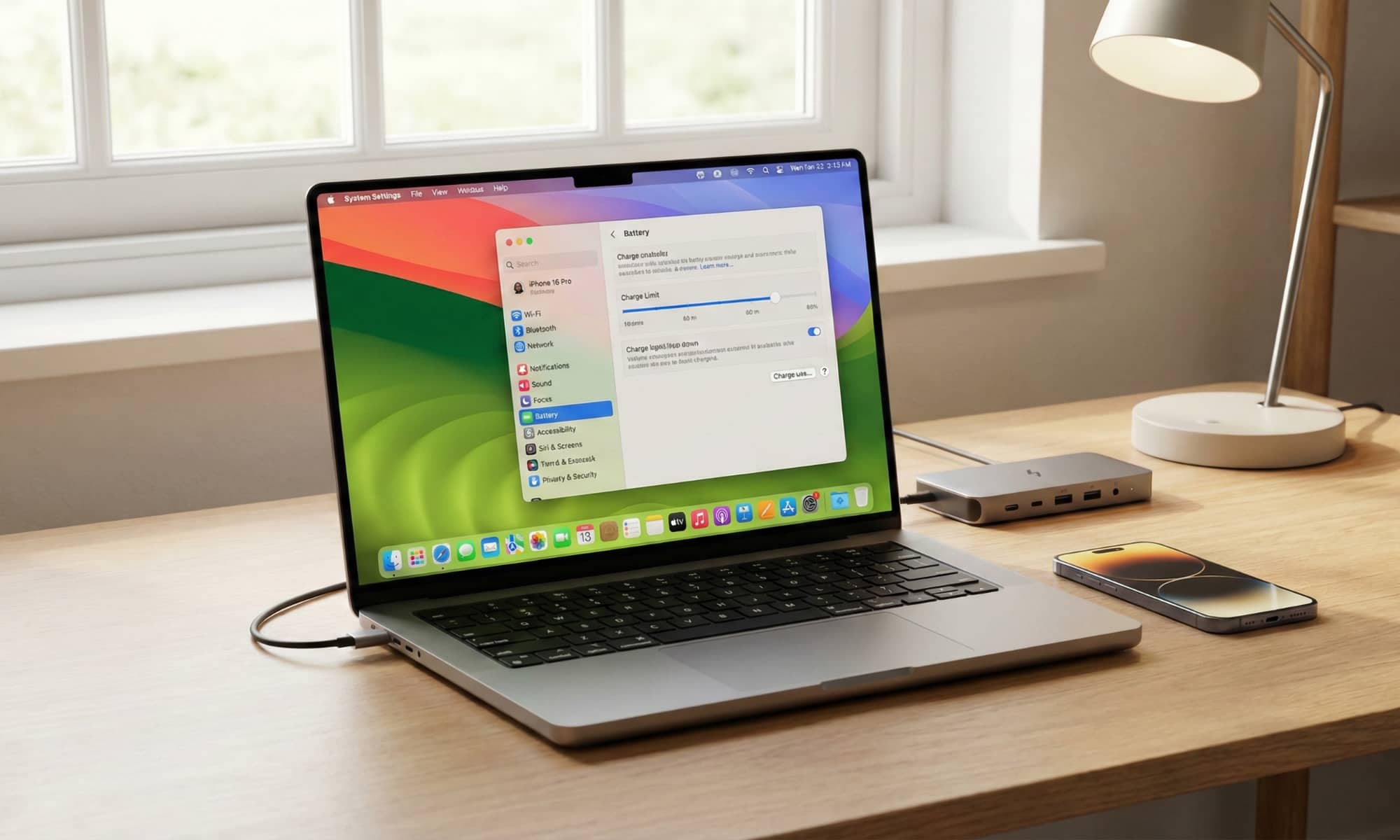
Go to System Settings > General > Login Items & Extensions. From there, remove the apps you don’t need right at the start, and review the apps that can work in the background while you’re there. Keep the essentials, but don’t let every app decide it deserves to run all day.