
You Keep Your Screen Brightness Too High
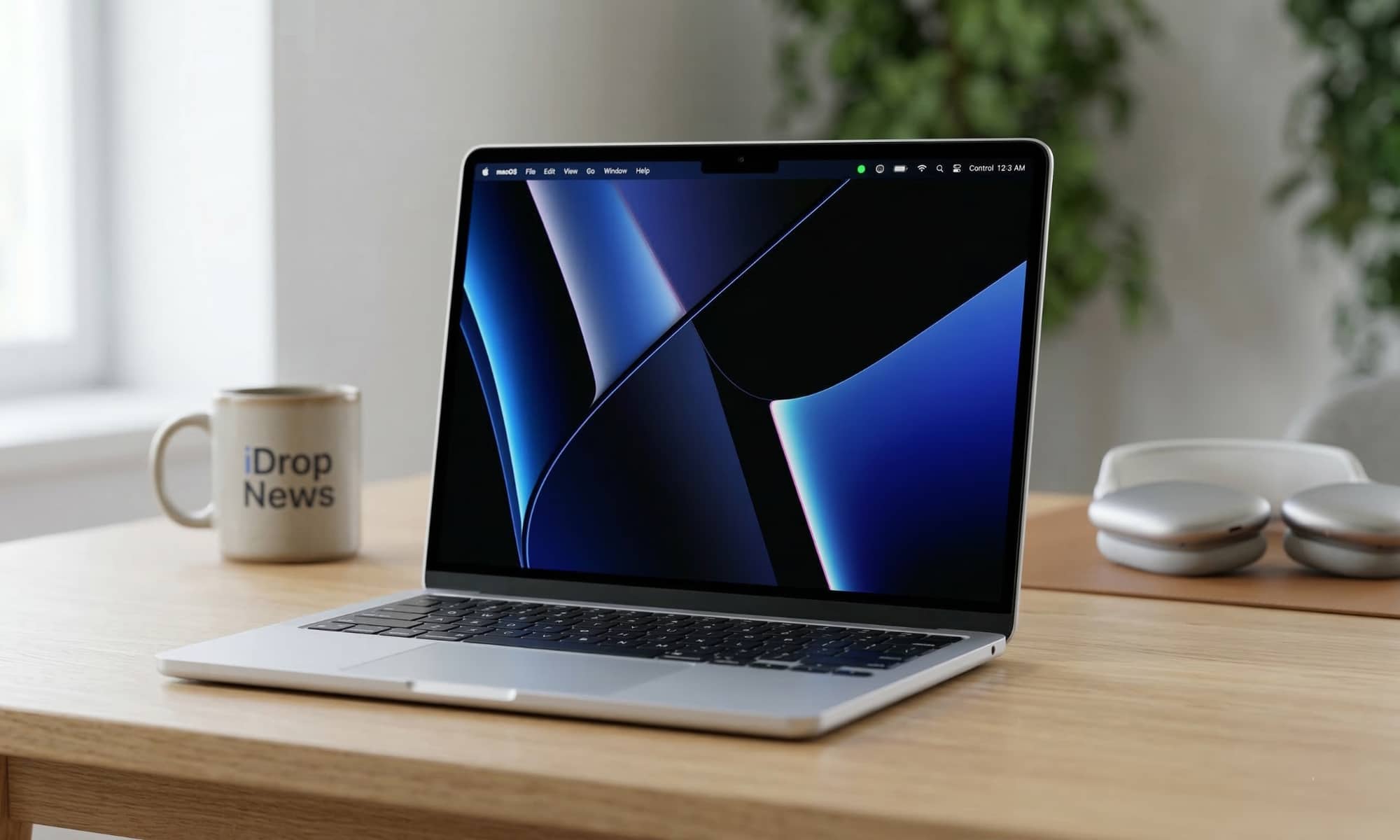
Your MacBook’s display is one of the biggest reasons for battery drain. If you keep the brightness at maximum all day, your Mac has to use more power every minute the screen is on. That might not seem like a big deal if you’re only opening your laptop for a short period, but it makes a massive difference during long days of meetings, classes, or travel.
A lot of people leave brightness higher than necessary simply because they never adjust it. Indoors, you usually don’t need the screen anywhere near full brightness.
Simply lower the brightness from Control Center or with the keyboard shortcut, which is usually the F1 key. You don’t have to make the screen uncomfortable to read. Just bring it down to the lowest level that still feels clear.
You should also turn on automatic brightness. Go to System Settings > Displays, and enable Automatically adjust brightness. This lets your Mac adapt to the lighting around you instead of wasting power when the room doesn’t require it.