
Make It A Menu of Different Actions
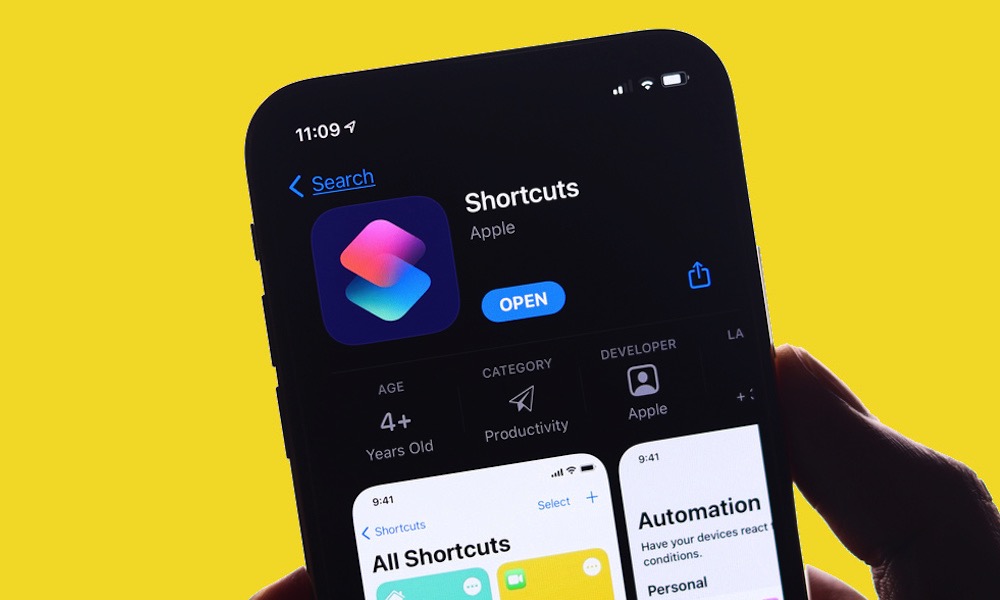
There is one downside with the Action button: it can only trigger one specific action. It would be great if you could trigger more by double or triple pressing the button, but for now we’re stuck with a single action.
So, if you can’t decide on one best use for the Action button, you don’t actually have to. One of the smartest power-user setups is assigning the button to a Shortcut that opens a menu first, then lets you choose from several actions. That menu could include things like start a note, turn on a Focus mode, identify music, translate something, text someone, or open Apple Maps.
This is probably the most flexible Action button setup you can build because it prevents the feature from being locked to a single task. Instead of choosing a single favorite shortcut forever, you get a small command center behind a single button.
And the best part? You can customize that shortcut however you like. So you can add or remove actions based on what you want to do on your iPhone. It’s ideal if your needs change throughout the day or if you like the idea of a hardware shortcut but don’t want to waste it on something too narrow.