
Make It a Shortcut for Your Favorite App
Sometimes the smartest Action button setup isn’t that creative at all — it’s just practical. Using Apple Shortcuts, you can assign the Action button to open whichever app you use most, whether that’s Calendar, Spotify, Todoist, Messages, or something else you reach for constantly.
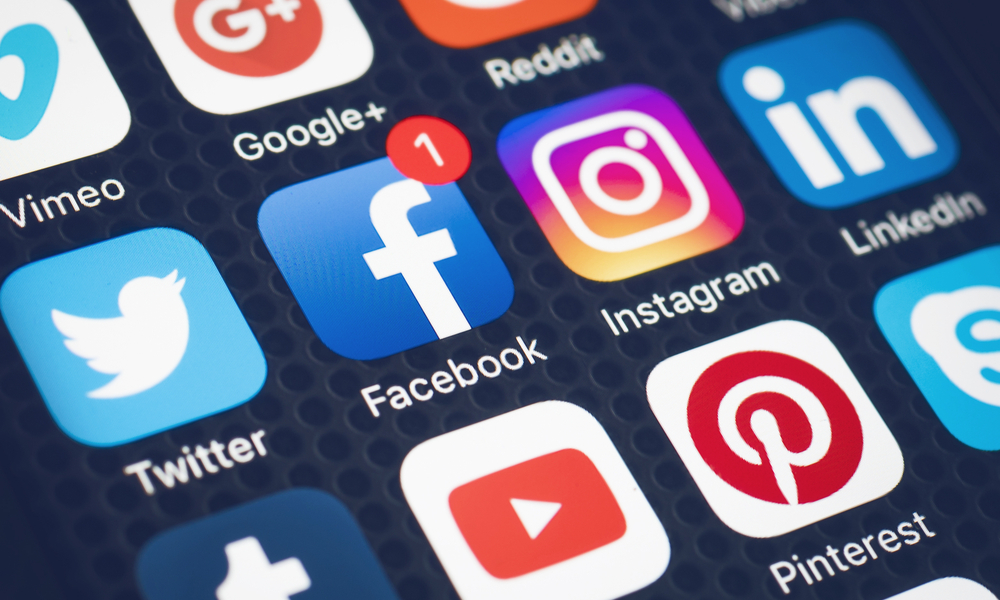
If there’s one app you open dozens of times a day, making it your hardware shortcut can save you more time than some elaborate automation you only trigger twice a week. Granted, if the app you use the most is Instagram or TikTok, you might want to skip this, as it’s an easy way to just get distracted at work or in class.
With that said, it’s always best to customize your iPhone to match your daily habits, so if you use an app constantly, it’s a no-brainer to give it a specific shortcut.