
Turn It Into a Super-Fast Camera Launcher
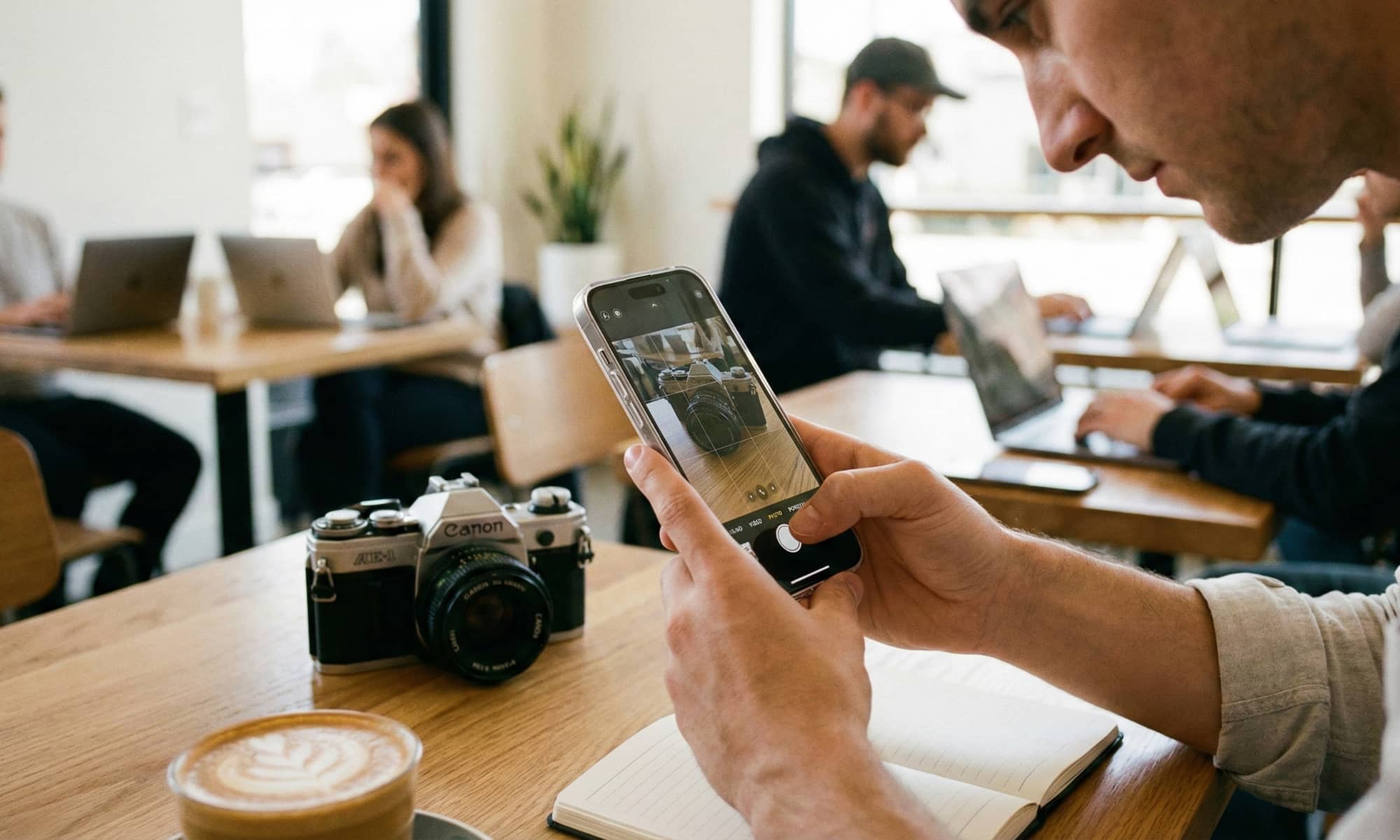
One of the most effective uses of the Action button for certain iPhone models is providing instant access to your camera. If you have an iPhone 16e or 17e, or even an iPhone 15 Pro, you won’t have access to one of Apple’s newest buttons: the Camera Control. But that doesn’t mean you can’t create your own.
You can set your Action button to open the Camera, but where it really stands out is that it even lets you choose a specific mode like Photo, Selfie, Video, Portrait, or Portrait Selfie instead of just launching the app in a generic way (like the Camera Control does).
So, if you like to take spontaneous photos, customizing your Action button this way is a must. If you’re a parent, traveler, pet owner, or just someone who likes taking quick photos when something interesting happens, this is the best way to do it if you don’t have a Camera Control. It’s not the flashiest, most creative use for your Action button, but it may be the one you use most often.