
The Shortcuts App
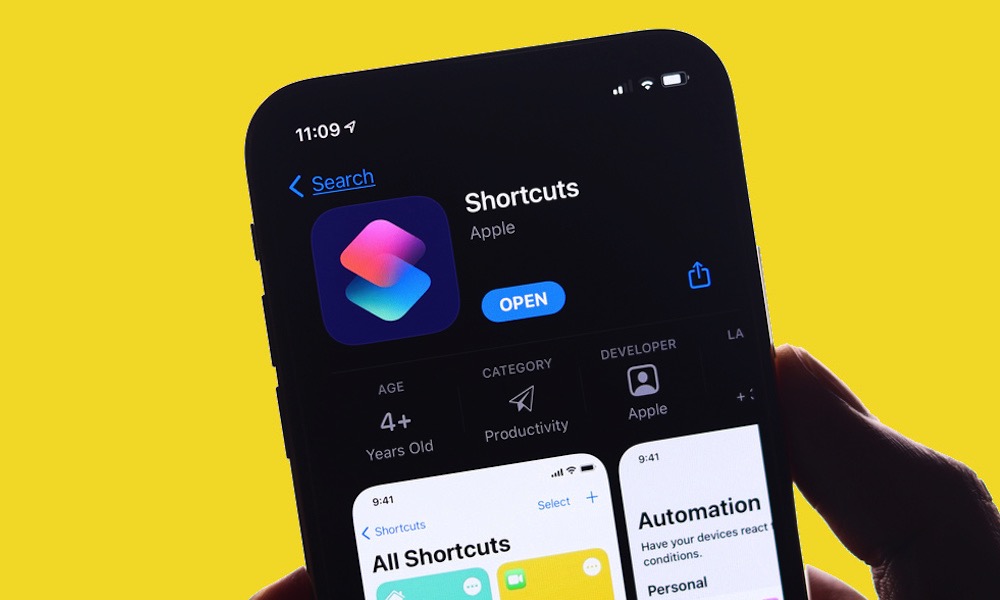
Shortcuts is already incredibly powerful, but it isn’t always easy to understand. Creating a complicated workflow requires finding the right actions and arranging them in the correct order.
Luckily, Describe a Shortcut aims to remove much of that difficulty. In iOS 27, you can explain what you want the shortcut to do using regular language. Apple Intelligence then does the heavy lifting and creates the shortcut for you.
As of right now, the feature is fairly basic, but it’s still quite useful. For instance, you can create a shortcut to send a specific message to your loved ones, or one that starts a timer and opens a reading app while also silencing notifications with a Focus mode.
This could make automation accessible to people who’ve always avoided Shortcuts. Of course, you’ll still need to test each workflow carefully, but now everyone will be able to start creating any shortcut they want.
Experienced users should benefit as well. Describing the first version of a complicated automation or shortcut may be faster than building every step from scratch, even when you plan to edit the result manually.