
Safari
Safari is getting several new features in iOS 27 that could make the browser much easier to manage. The first is automatic tab organization, which groups related pages into topics without requiring you to create each Tab Group yourself.
Suppose you’re researching a weekend trip, for instance. Safari may place airline pages and hotel websites into one group while keeping unrelated shopping tabs somewhere else. As you continue browsing, the new pages can join an existing topic or create another group.
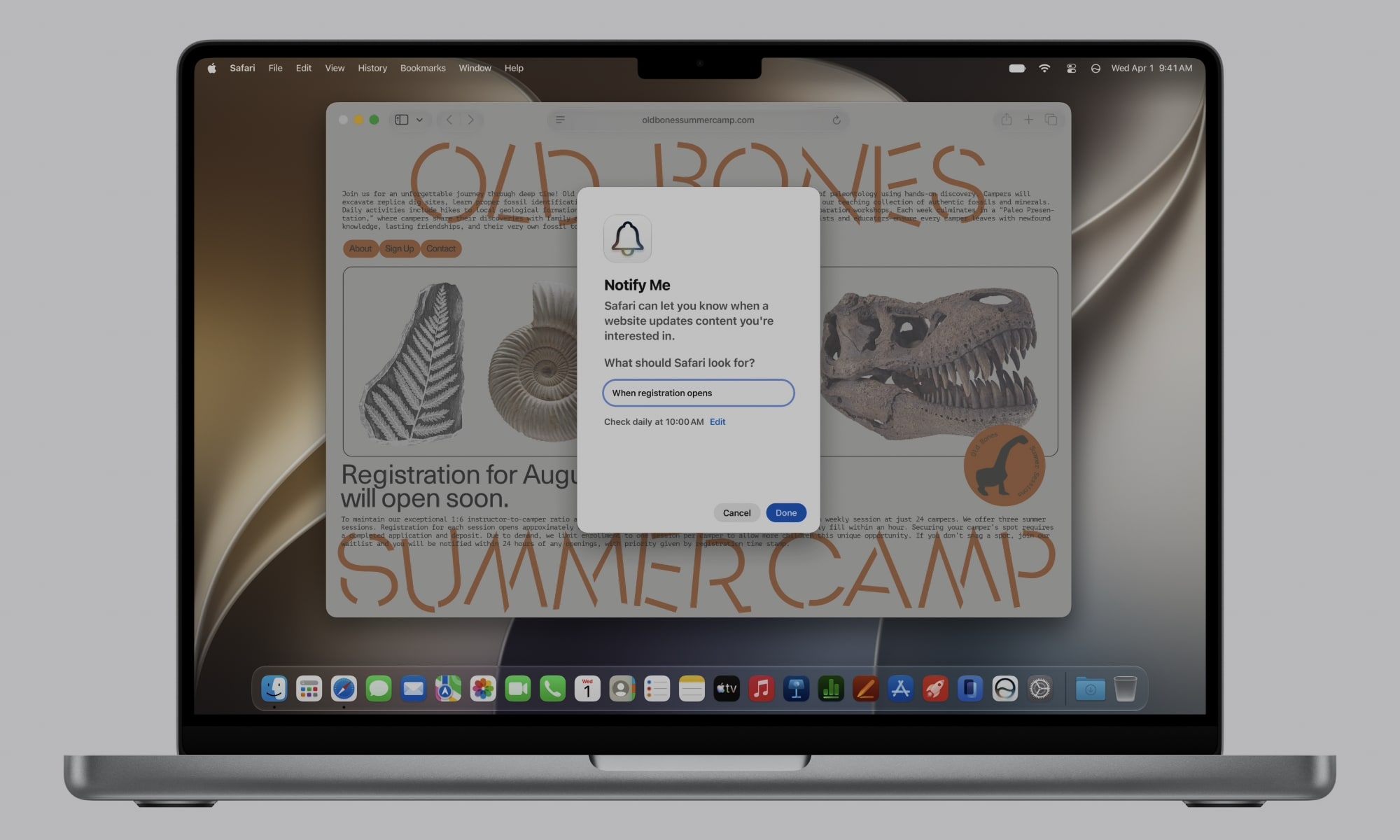
Safari’s Notify Me feature is another major addition. It can monitor supported webpages and send a notification when it detects a change that you asked for.
So instead of having to manually open or refresh the same page, you can just ask Safari that you want to be alerted when there’s a change, like a product is available again, or something similar. It’s a time saver, and it’ll only get better over time.
Apple is also introducing Describe an Extension, which is a really useful feature. You’ll be able to explain to Safari the browser tool you want, and Safari will attempt to create it. For instance, you can create a button to save specific websites or something similar. Of course, it won’t be able to create really complex extensions right now, but it’s helpful that you won’t even have to search for an extension you want to use; you can just ask your iPhone or Mac to create it for you instead.