
6 Tech Habits That Are Quietly Wasting Your Time (And How to Fix Them)
 DenPhotos / Shutterstock
Most people don’t lose hours every week because of one obvious mistake. Instead, time disappears a few minutes at a time. You check a notification while you’re working, spend longer than expected looking for a file, or open social media while waiting in line. At first, none of these things seem like they would take a lot of time out of your day, but they tend to add up.
Technology is supposed to make everyday life easier, but it can also create small distractions that become part of your routine without you noticing. Many of these habits develop because they’re fun or convenient. Unfortunately, wasting time while working or studying will definitely come back to bite you later on.
The encouraging part is that you don’t have to stop using your favorite devices to get that time back. A handful of small changes can make your iPhone and other Apple devices work more efficiently while helping you stay focused on what you’re actually trying to accomplish. Read on for 6 tech habits to break if you want to improve your productivity.
Checking Every Notification Immediately
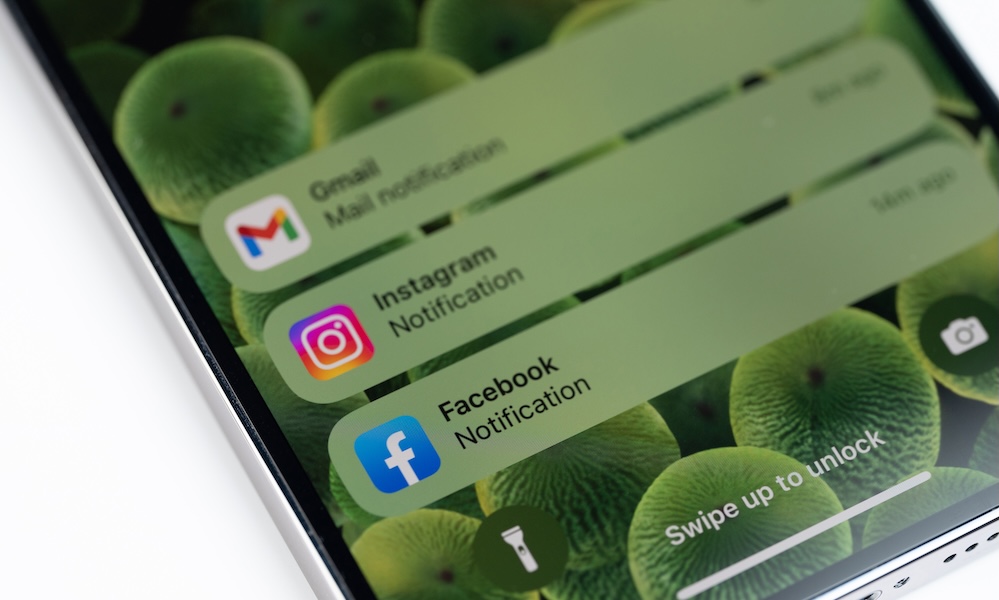
Every notification feels like it deserves immediate attention. Whether it’s a ping from your iPhone, a banner on your Mac, or a vibration from your Apple Watch, the natural reaction is to stop what you’re doing and see what came in. Most of the time, though, the alert isn’t nearly as urgent as it seems.
The interruption lasts longer than it appears. Reading a message may only take a few seconds, but returning your attention to the task you were working on often takes much longer. If this happens repeatedly throughout the day, projects that should’ve been finished in an hour are nowhere near finished, and you might have to pull an all-nighter just to finish them.
Instead of allowing every app to interrupt you, decide which ones are actually important. Phone calls from family members, calendar reminders, and messages from important contacts usually make sense to keep. Everything else can wait until you’re ready to check it.
For this, you can go to your iPhone Settings > Notifications, and turn off everything you don’t need. You can also create a Scheduled Summary so the notifications are still there, but they won’t distract you until a specific time of the day.
Focus modes are also helpful as they let you decide which people and apps can reach you during different parts of the day. For instance, you can silence your personal contacts when you’re working, and silence your boss when you want to spend time with your family. Those few minutes spent adjusting your settings can save far more time over the course of a week.
Searching and Opening Apps the Slow Way
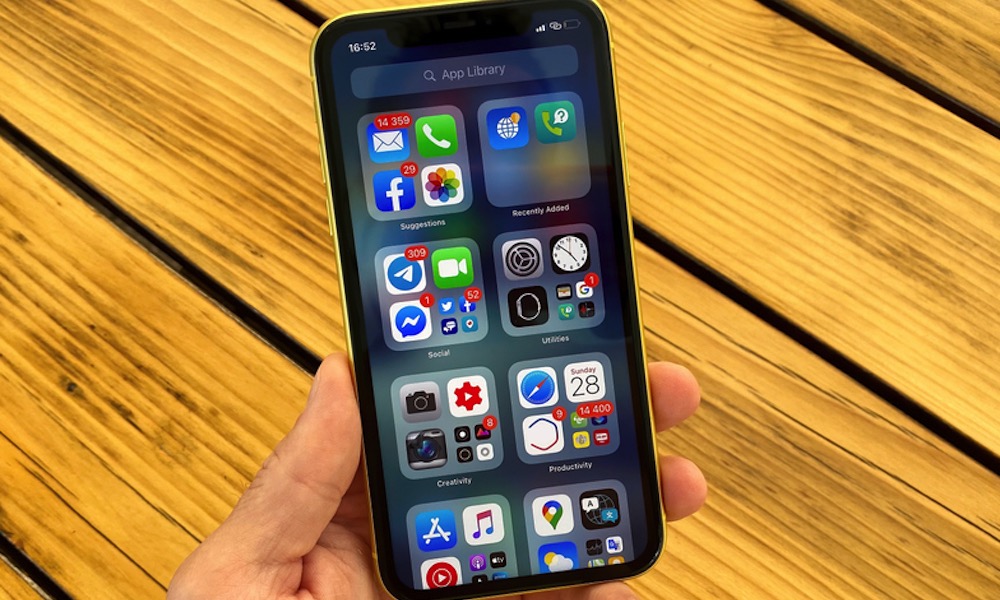
Finding an app by swiping through several Home Screen pages isn’t a huge inconvenience. Neither is opening folders until you locate the icon you’re looking for. Still, those extra seconds add up, and it can take a lot of time out of your day without you even noticing it.
That’s why Spotlight search is almost always faster. On your iPhone, you only need to swipe down on the Home Screen and type a few letters. On your Mac, pressing the Command key and the spacebar brings up Spotlight instantly. This way, you can open the app without even thinking about where it’s located, and it can save a lot of time.
If there are apps you open several times every day, using widgets and Shortcuts can reduce the time you spend looking for them even further. Supported iPhone models can also assign frequently used actions to the Action button, making common tasks even quicker to reach.
Letting Your Email Control Your Day
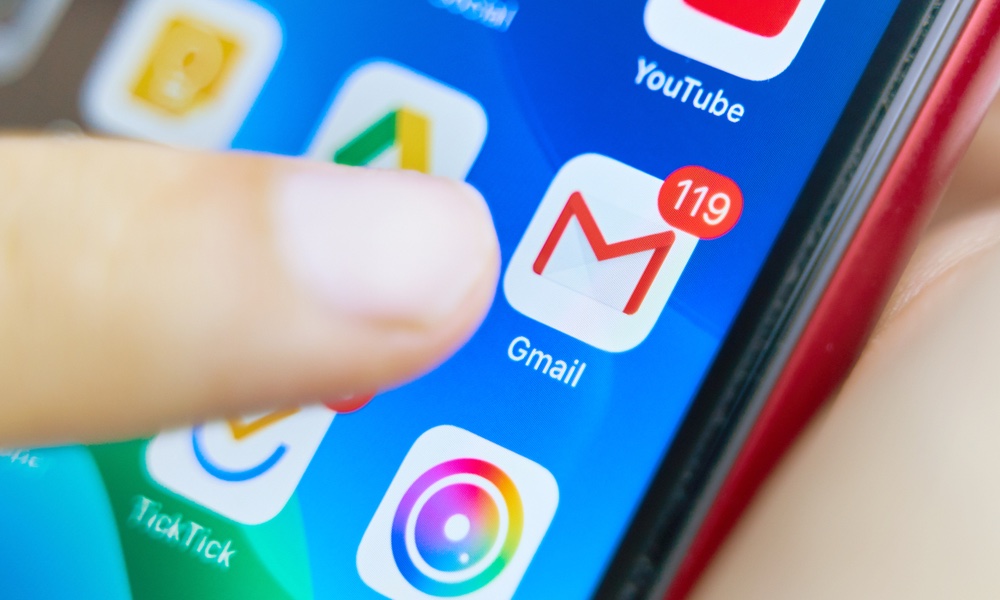
Email has a way of convincing you that every new message is important and deserves immediate attention. The inbox becomes a running to-do list that constantly changes, making it difficult to focus on the work you originally planned to finish.
Many people keep Gmail open all day, checking every incoming message within minutes. That routine creates a cycle of interruptions where your attention keeps shifting between projects instead of staying with one task until it’s finished. Of course, this doesn’t just happen via email; thanks to apps like Slack, our brains expect us to be completely available and online and still find time to do our own work.
A much better approach is to decide when you’ll check email instead of letting email decide for you. Depending on your work, checking your inbox a few times during the day may be more than enough. When you know another opportunity to reply is already scheduled, there’s much less pressure to interrupt yourself every time a message arrives.
You can make this system even better by organizing your inbox. VIP contacts, filters, labels, and notification settings help separate important messages from newsletters or promotional emails. Once those distractions are out of the way, your inbox becomes much easier to manage.
Scrolling While You Have Some Time to Spare
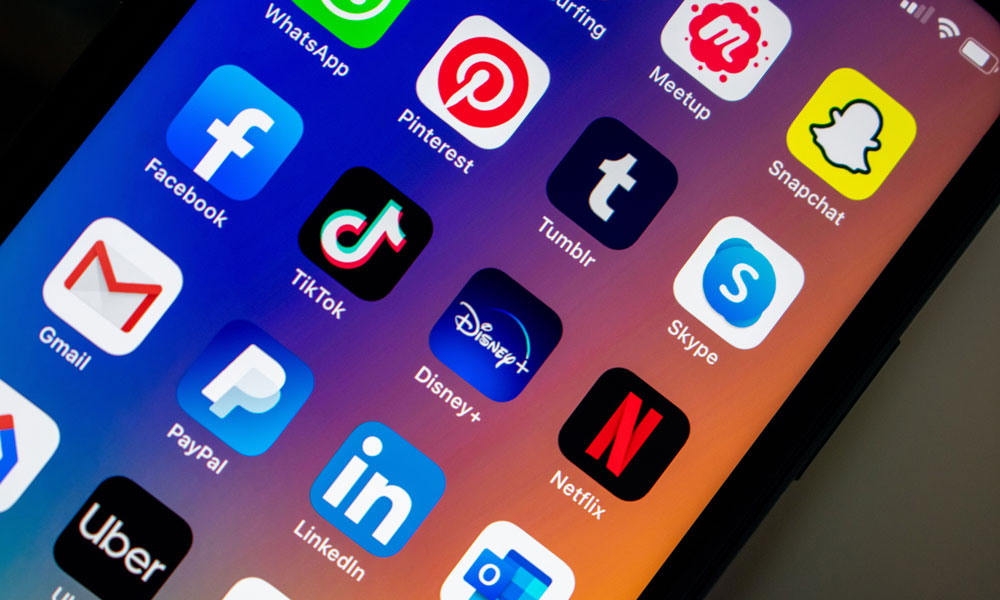
Modern smartphones have trained many of us to fill every spare minute with scrolling. Waiting for coffee, standing in line at the grocery store, or sitting through a commercial break often leads to opening TikTok, Instagram, Reddit, or another app almost automatically.
Of course, we’re not saying that’s bad per se. But once you start, you rarely stop when you intended. One interesting video becomes another, then another, until several minutes disappear without much thought.
Breaking this pattern doesn’t mean you have to avoid social media or entertainment apps altogether. Instead, try giving those short waiting periods a more intentional purpose. You could read a saved article, continue an audiobook, review a note you wrote earlier, or spend a minute practicing a language you’ve been learning.
Sometimes the best option is doing nothing at all. Giving your mind a brief pause instead of immediately reaching for another feed can feel surprisingly refreshing. Those small moments don’t have to be filled every single time, and letting them stay quiet can help you feel less mentally exhausted by the end of the day.
Constantly Switching Between Apps
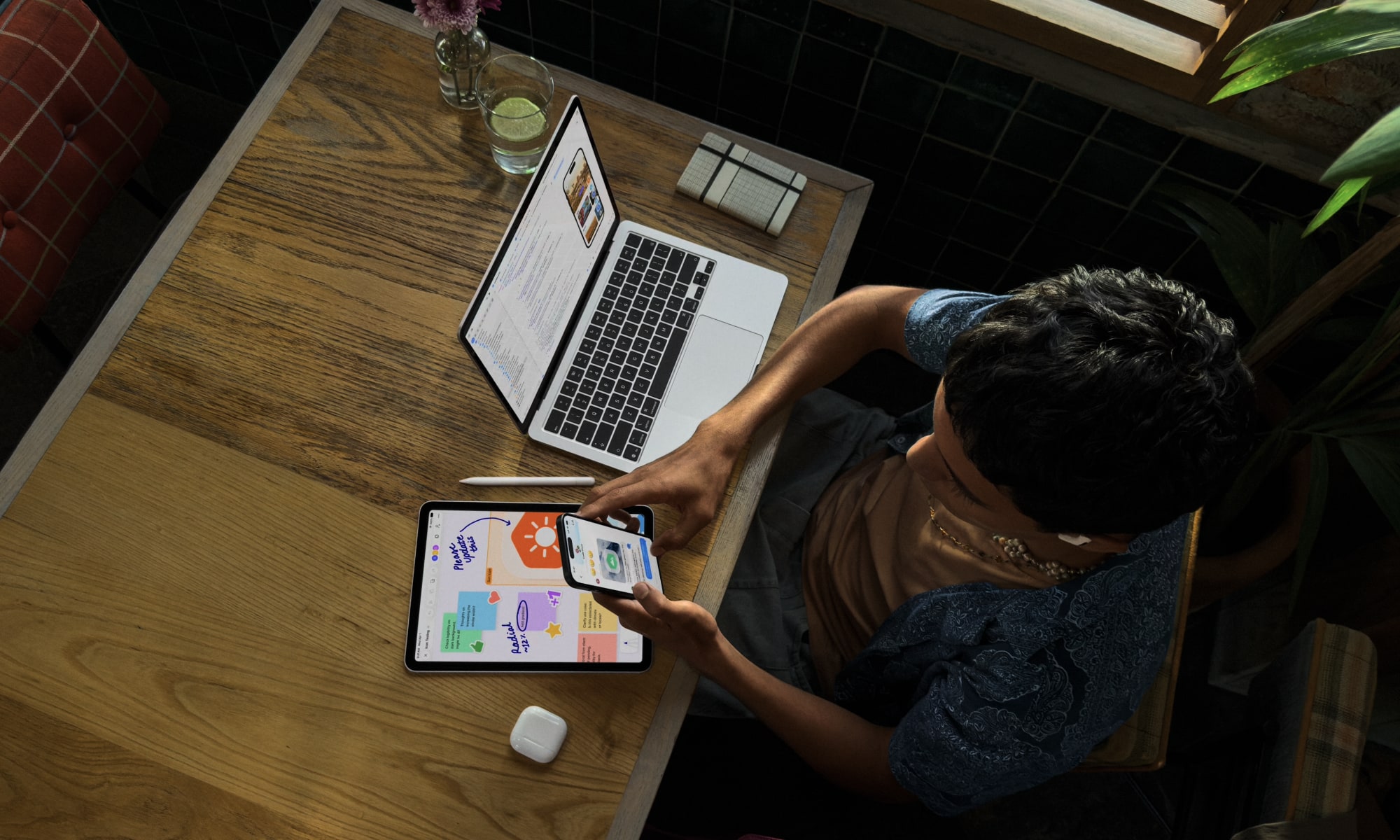
Moving between apps throughout the day can make you feel productive because you’re always doing something. You answer a message, check your email, look at your calendar, open Safari, then return to the document you were writing before another notification pulls you somewhere else.
Each switch forces your brain to refocus. Even if you remember where you left off, you still need a moment to rebuild your train of thought. Those interruptions happen so often that many people stop noticing them, even though they slow you down every time.
A better approach is to group similar work together whenever possible so you don’t have to hop between apps all that often. If you’re going to answer messages, answer several at once instead of responding every few minutes. If you need to review your calendar, do so before starting your next project rather than checking it repeatedly throughout the day.
Focus modes on your Apple devices can also help by hiding distracting apps while you’re working. You can build a specific Home Screen for when you’re working so social media or messaging apps disappear for a while.
Never Reviewing Your Screen Time

Many people have a rough idea of how they use their devices, but rough estimates are often inaccurate, especially when it comes to how much time you’re wasting. It’s easy to believe you only spend a few minutes on social media each day until Screen Time tells a very different story.
Looking at your Screen Time report once a week can reveal patterns you might never notice otherwise. You can see which apps receive the most attention and how often you use your iPhone on average each week. Fair warning, though: the results might not be pretty.
Still, the goal isn’t to judge yourself every time you spend an evening watching videos or playing a game. Instead, use the information to spot habits that no longer match how you want to spend your time. Sometimes a single app stands out immediately, making it obvious where small changes like getting rid of an app for a few days could have the biggest impact.
If you don’t want to delete your favorite apps, consider setting an App Limit, removing unnecessary notifications, or moving that app off your Home Screen. Those adjustments are often enough to reduce mindless use without removing the app completely.
Get Your Time Back
Thanks to technology, wasting time is easier than ever. Not only that, but wasting time happens in small doses, like when you pause work to check a notification or switch to a social media app or game for “just five minutes.” Since most interruptions only last a minute or two, it’s easy to overlook how much time disappears by the end of the week.
Fortunately, fixing these habits doesn’t require a major change in your life. Following the tips on this list, and even coming up with your own, can help you create a more optimized day for when you need to get the work done.
We’re not saying that you shouldn’t waste time ever. But if you need to work or study, it’s best to use tech instead of it using you.