
Searching and Opening Apps the Slow Way
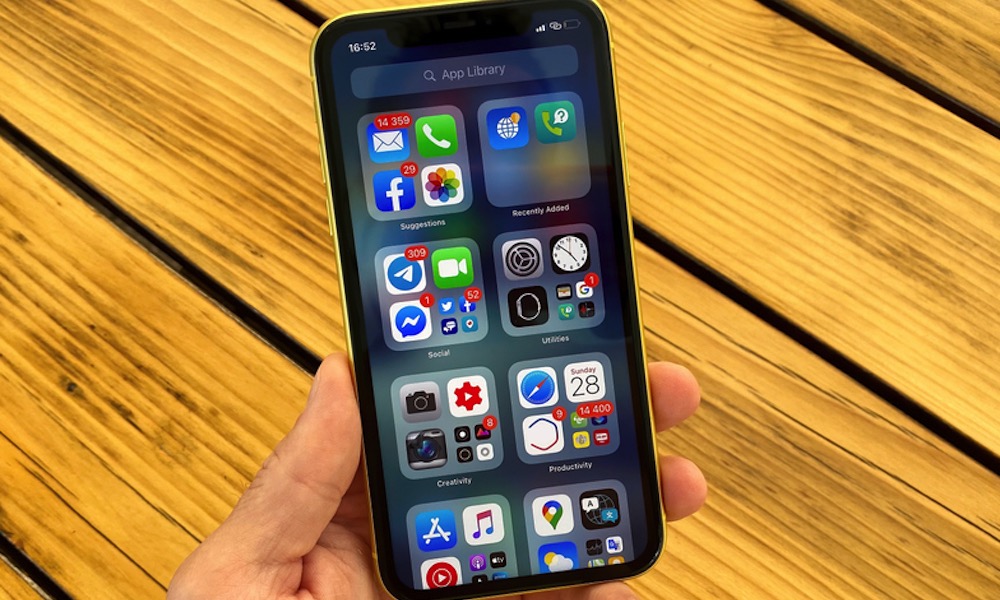
Finding an app by swiping through several Home Screen pages isn’t a huge inconvenience. Neither is opening folders until you locate the icon you’re looking for. Still, those extra seconds add up, and it can take a lot of time out of your day without you even noticing it.
That’s why Spotlight search is almost always faster. On your iPhone, you only need to swipe down on the Home Screen and type a few letters. On your Mac, pressing the Command key and the spacebar brings up Spotlight instantly. This way, you can open the app without even thinking about where it’s located, and it can save a lot of time.
If there are apps you open several times every day, using widgets and Shortcuts can reduce the time you spend looking for them even further. Supported iPhone models can also assign frequently used actions to the Action button, making common tasks even quicker to reach.