
Checking Every Notification Immediately
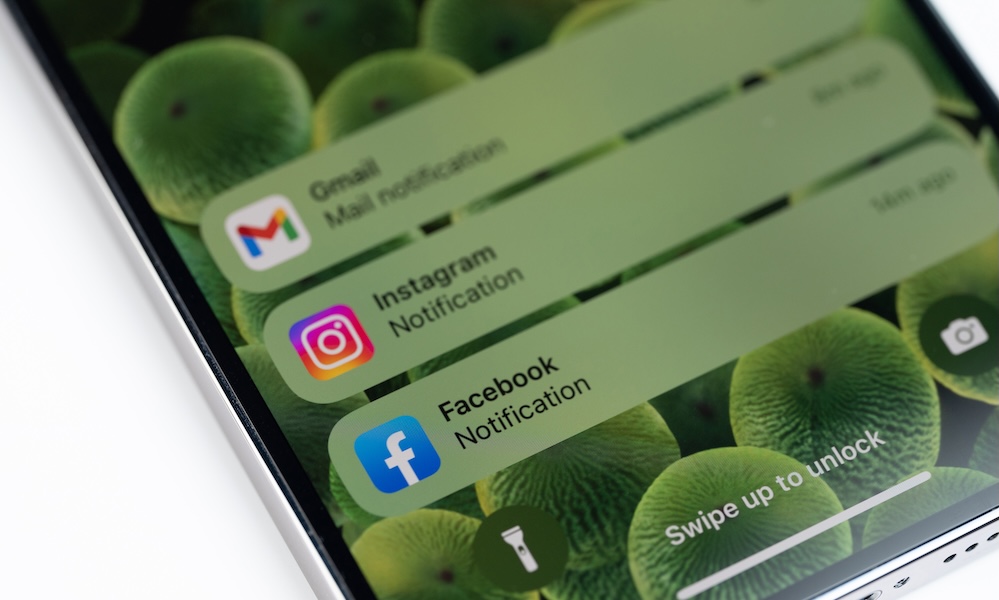
Every notification feels like it deserves immediate attention. Whether it’s a ping from your iPhone, a banner on your Mac, or a vibration from your Apple Watch, the natural reaction is to stop what you’re doing and see what came in. Most of the time, though, the alert isn’t nearly as urgent as it seems.
The interruption lasts longer than it appears. Reading a message may only take a few seconds, but returning your attention to the task you were working on often takes much longer. If this happens repeatedly throughout the day, projects that should’ve been finished in an hour are nowhere near finished, and you might have to pull an all-nighter just to finish them.
Instead of allowing every app to interrupt you, decide which ones are actually important. Phone calls from family members, calendar reminders, and messages from important contacts usually make sense to keep. Everything else can wait until you’re ready to check it.
For this, you can go to your iPhone Settings > Notifications, and turn off everything you don’t need. You can also create a Scheduled Summary so the notifications are still there, but they won’t distract you until a specific time of the day.
Focus modes are also helpful as they let you decide which people and apps can reach you during different parts of the day. For instance, you can silence your personal contacts when you’re working, and silence your boss when you want to spend time with your family. Those few minutes spent adjusting your settings can save far more time over the course of a week.