
Keep Your Apple Devices Updated
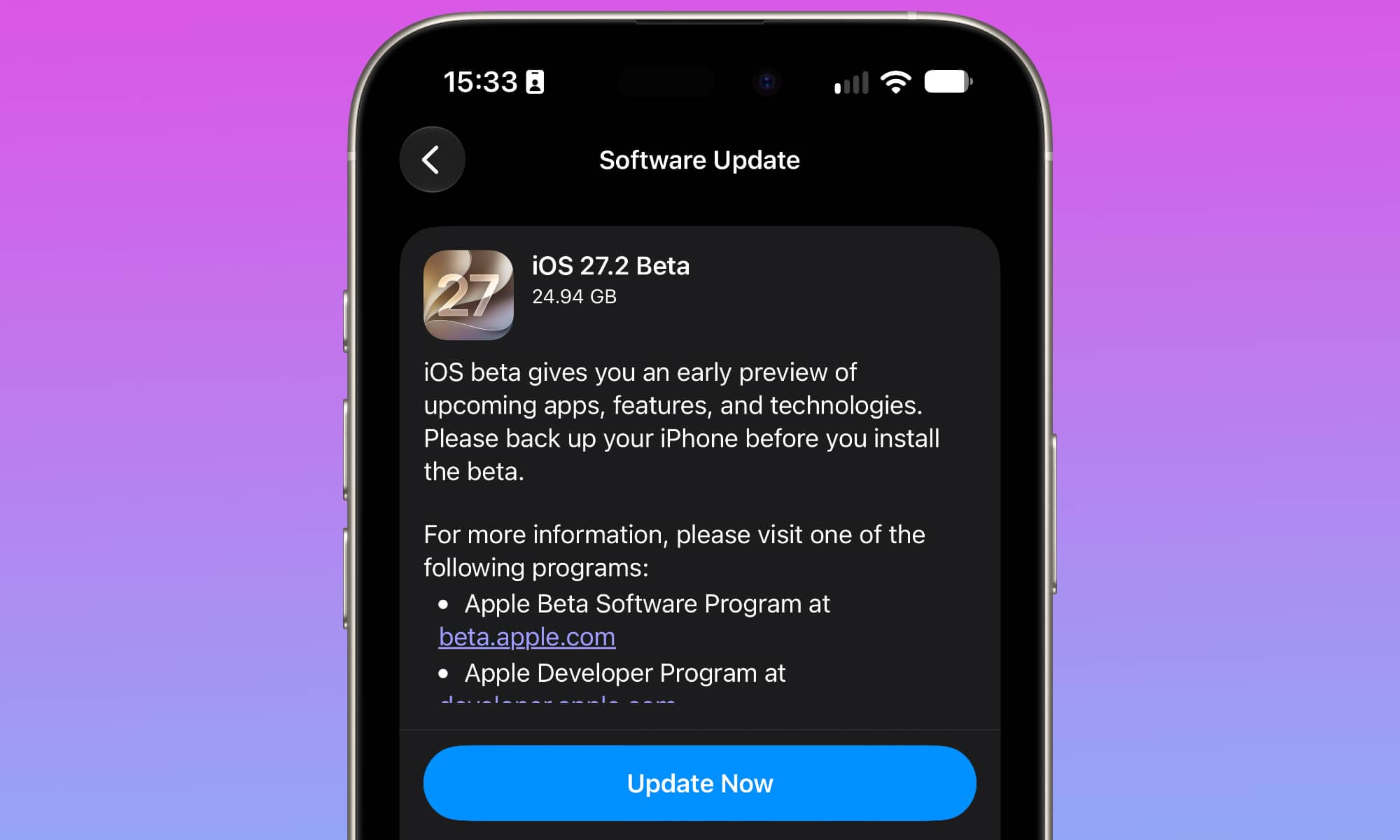
Keeping your devices up to date is such a simple but useful tip. By simply tapping one button, you can extend your Apple devices’ life without changing the hardware.
Apple regularly releases software updates that address security vulnerabilities and fix bugs. Some updates also improve compatibility with newer apps and services, allowing older devices to remain useful for longer.
The latest iOS 27 update, for example, even improved the performance and speed of every iPhone that supports it (even the older models), which is a good reason to keep your device up to date.
While you don’t need to install every update the second it drops, avoiding them can be risky, as most updates address security vulnerabilities — and advertise their existence in the process.
To check for updates on your iPhone or iPad, open Settings > General > Software Update. On your Mac, open System Settings > General > Software Update.
Of course, before installing a major update, it’s also a good idea to back up your devices, so you can go back in case something goes wrong. It doesn’t happen very often, but it’s best to be safe rather than sorry.