
The Apple Watch ‘Sweet Spot’: Which Older Models Are Worth Buying in 2026?
 CanadaPanda / Shutterstock
Toggle Dark Mode
Buying an older Apple Watch can be a great way to save money while still getting the benefits of the latest and greatest watchOS features. It’s an especially smart idea if you don’t care about having the latest hardware but still want the look and feel of a premium wearable.
However, there’s a point where going cheaper starts working against you. The Apple Watch isn’t like the iPhone in this way, as it tends to lose software support faster. And once that happens, you start missing out on a lot of new features, app compatibility, and eventually security updates, too. That means an older Apple Watch might still turn on and work, but it won’t necessarily feel like a modern device.

That’s why the real question isn’t what’s the cheapest Apple Watch you can find; it’s what’s the oldest one that still acceptably runs current software and has enough life left that you won’t regret the purchase in a year. If you get that part right, you can save money without sacrificing the experience that makes the Apple Watch worth buying in the first place. Let’s take a look at what you should consider before buying a “new” old Apple Watch.
Things to Consider Before Buying an Older Apple Watch
The first thing to think about is age. Apple releases a new Apple Watch roughly once a year, but it only changes the wearable’s design every 3–4 years, so even a model that looks fairly recent can already be several generations old. That’s why it’s important to know which model you’re considering, as a really old device might start to feel dated for even the most basic tasks.
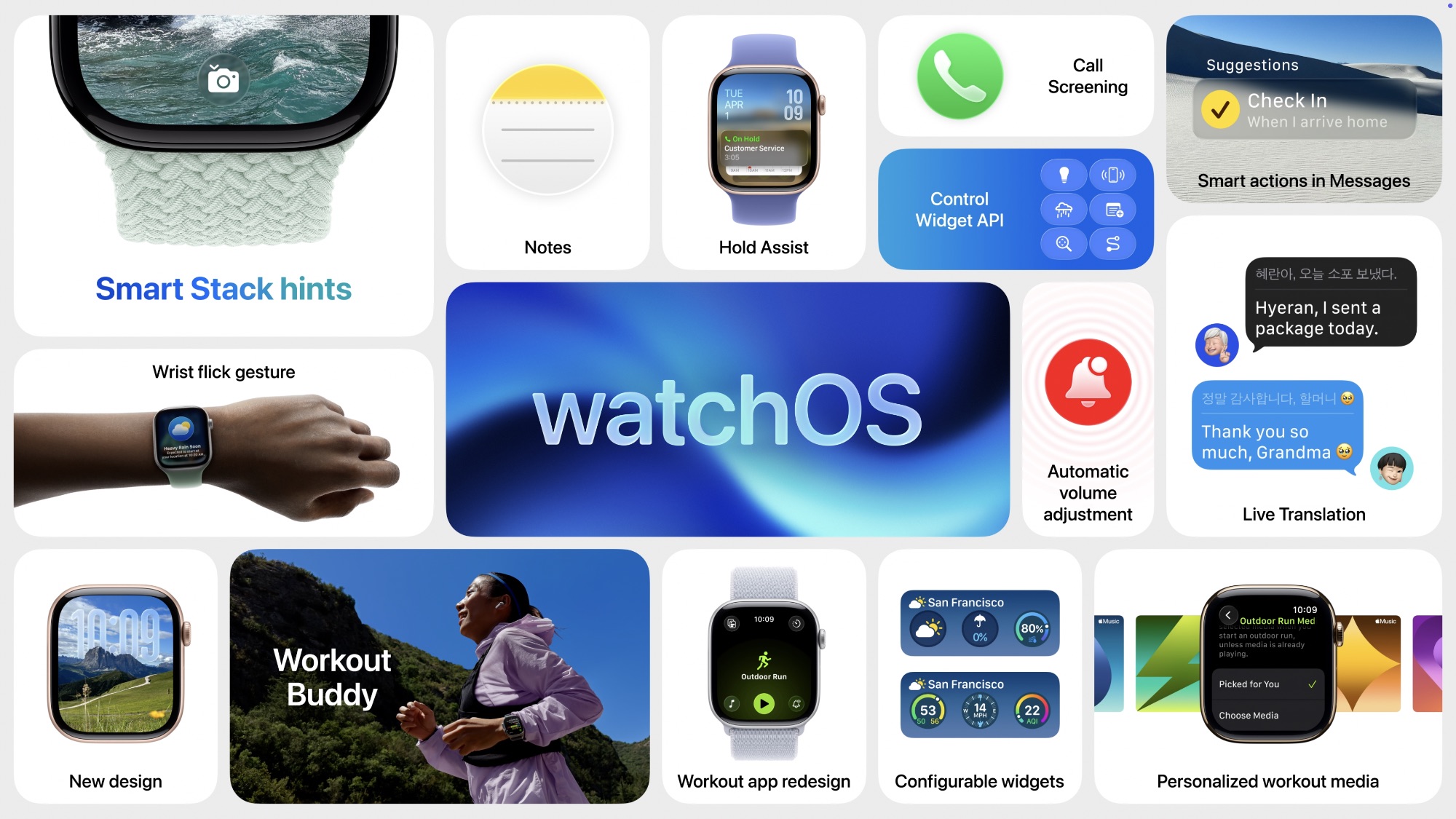
Software support is just as important. Apple Watch models usually get a few years of watchOS updates, but that support doesn’t last forever. Depending on your device, you should expect around three to five years of software updates. For instance, the Apple Watch Series 6, released in 2020, still supports last year’s watchOS 26 update, but the first-generation Apple Watch SE which came out the same year as the Series 6 doesn’t, likely due to using an older “Series 5” chip.
So if you get a budget Apple Watch SE, you might find yourself cut off sooner. Once it falls behind, you stop getting new features, and over time, some apps may stop working properly. Even if everything still runs today, buying a watch that’s already near the end of its update cycle means you’re starting with limited runway.
Compatibility with your iPhone is another big factor that often gets overlooked. The Apple Watch depends heavily on the iPhone. While each watchOS update requires at least the corresponding iOS version to be installed on the iPhone, it’s possible to run your iPhone ahead of your Apple Watch with a later iOS release. However, those newer iOS versions won’t always pair well with older watchOS versions. That means if your iPhone stays up to date but your watch can’t, you could run into pairing limitations or missing features. The good news is that Apple has a helpful Apple Watch and iPhone compatibility chart with all the information you need.
Battery health is also a big deal. The Apple Watch already needs daily charging for most users, so any battery wear becomes noticeable quickly. Older watches, especially used ones, will almost always have some level of battery degradation. That can mean shorter usage time, more frequent charging, or even needing a battery replacement sooner than expected.
Finally, there’s the issue of missing features. Apple has added a lot to the Apple Watch over the years, including better health tracking, safety features like crash detection, and faster charging. If you go too far back, you’re not just saving money; you’re giving up features that are part of what makes newer Apple Watches feel useful and modern today.
Now with all of that out of the way, let’s take a look at the older Apple Watch models that you can buy today.
Apple Watch Series 8: The Best Older Premium Option
As we mentioned, the Apple Watch SE models might not give you many software updates, so even if you can find them for a lower price, you might be better off with a main-series Apple Watch, as they have more up-to-date hardware and software.
That’s why, if you can find a good deal, the Apple Watch Series 8 is one of the best older premium options. Of course, a Series 9 or Series 10 would be much better, and those will be obvious choices if you can find a great deal on them. But we’re looking for the best and oldest Apple Watch you can buy and still get value for your money.
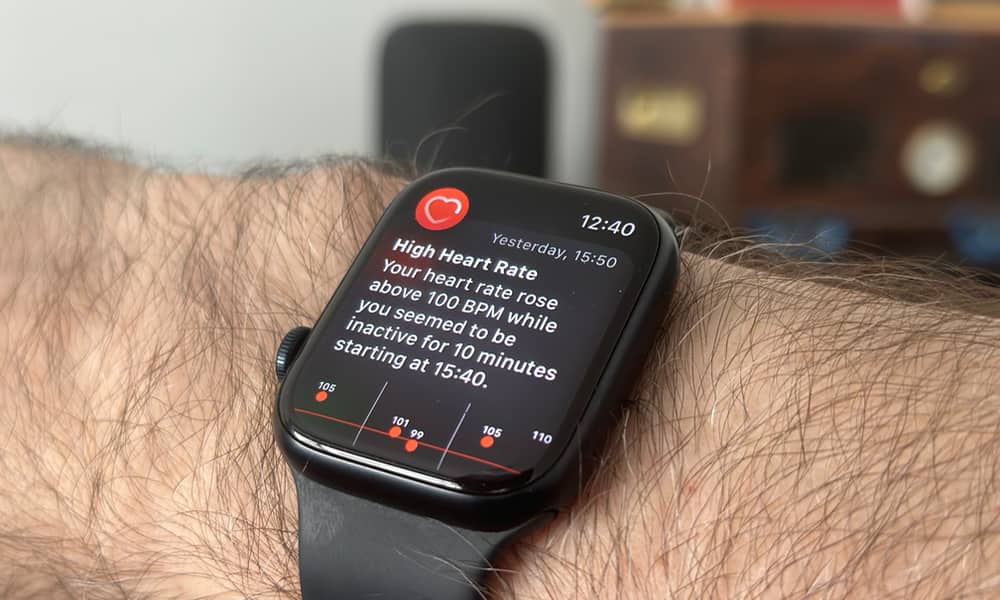
And the Series 8 does the job pretty well. It still feels very close to a current Apple Watch, both in performance and features. You get things like an Always-On display, wrist temperature sensing, and most of the health features that make the Apple Watch great.
Overall, it doesn’t feel like you’re buying into an older generation in the same way as earlier models. It still fits comfortably into the modern Apple Watch experience. Plus, it’s still got a couple of years’ worth of software updates, assuming that Apple will continue its current trend.
That gives you more confidence that you won’t need to upgrade again too soon. If you want something that balances savings with a premium feel, this is one of the best places to look.
Apple Watch SE 2: A Good Model That’s Still a Bit Limited
The second-generation Apple Watch SE is still a solid model, but it might not be the best bang for your buck. This model came out in 2022, alongside the Apple Watch Series 8. Despite that, it might only have one more year of software updates left, at least if Apple does the same as it did with the first-generation Apple Watch SE, but that’s a little less certain, since unlike its predecessor, it features the same S8 chip as its premium sibling.
Even so, the SE 2’s hardware now feels noticeably dated. With the SE 3 now offering an Always-On display and temperature sensing at a budget price, the SE 2 is a much harder sell in 2026. Sure, you might find it at a much lower price than the Series 8, and if you don’t care about the extra features or the premium feel, then go for it. But if you can afford it, the Series 8 will give you much better bang for your buck.
Apple Watch Series 7: The Edge of What You Should Consider

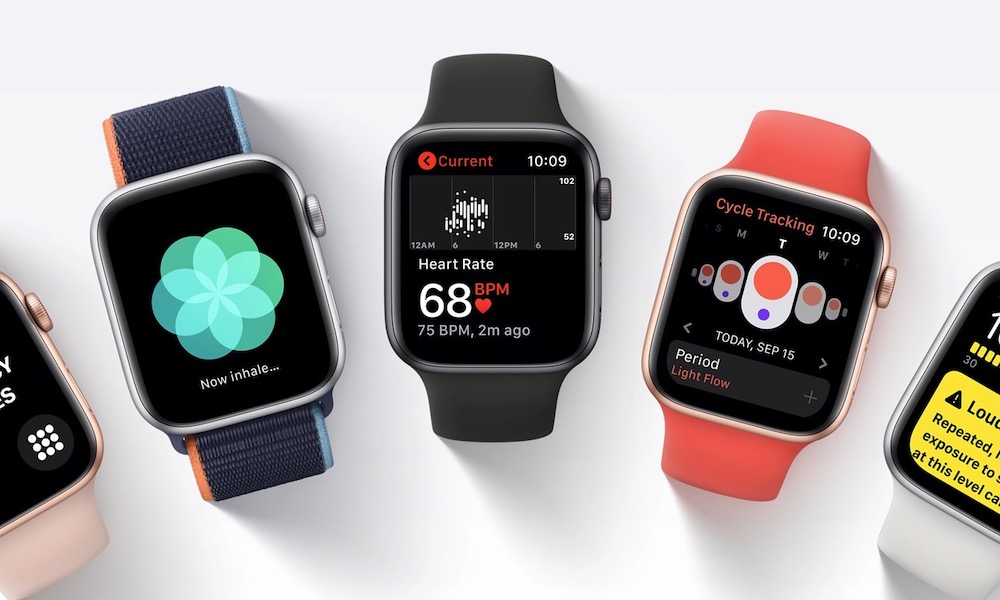
The Apple Watch Series 7 sits right on the edge. It still works, and includes features like blood oxygen tracking, an Always-On display, and fast charging. It was also the first model to get a new design with a larger display, and offers more or less the same performance as the Series 8. On paper, that can make it look like a great deal if you find one at a really low price.
The issue is that this is where long-term value starts to fade. The Series 7 is already one of the oldest models still hanging on in terms of software support. While it runs watchOS 26 smoothly, it’s a prime candidate for the chopping block when watchOS 27 arrives this fall.
That means you’re buying something that may not have many updates left. It can still be fine in the short term, but it’s harder to recommend if you want an Apple Watch that will stay current for a few more years.
Battery wear is also more of a concern at this point. A Series 7 watch is now several years old, which increases the chances that the battery won’t perform as well as you’d like. Unless the price is significantly lower, this Apple Watch isn’t worth it.
What You Should Avoid
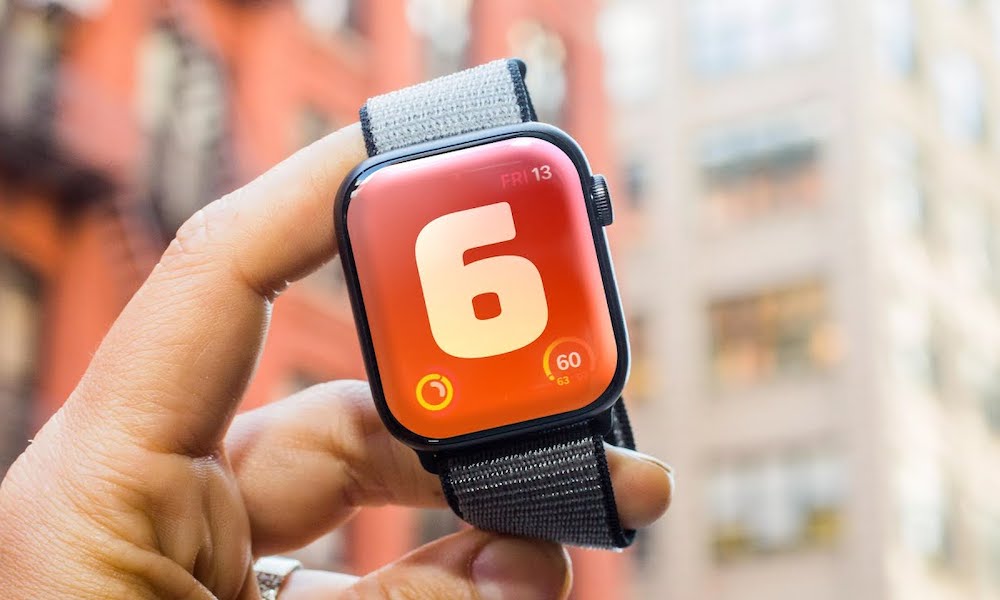
Once you get to the Apple Watch Series 6 and older, it’s best to move on. These Apple Watch models are now far enough behind that you’ll likely be dealing with outdated software, slower performance, and aging batteries all at once. Even if they seem cheap, they usually don’t hold up well as everyday devices anymore.
So even if you find them in a crazy deal, you’ll literally just be wasting your money if you plan to use this as your main wearable. These legacy models likely won’t survive a full workday on a single charge — a dealbreaker for a device meant to track your sleep and heart rate.
Final Recommendation
The simplest way to think about this is to set a clear floor. For most people, the Apple Watch Series 8 is the safest, oldest, and most reliable Apple Watch they should buy. If you want something nicer that lasts longer, and you can find a great deal for it, the Series 9 will be a much better choice — especially since it’s the oldest model to fully support everything in watchOS 26, including wrist gestures and Sleep Apnea and Hypertension Notifications — but if you’re looking for the oldest one you can buy and still get good value out of it, the Series 8 will get the job done.
The Apple Watch SE 2 and the Series 7 are best avoided unless you get a crazy deal for them. Just know that you’re getting an Apple Watch that will be outdated in a couple of years, which is not as good a deal when you think about it. And if you’re looking at an Apple Watch Series 6 or older, it’s usually better to skip them entirely.
At the end of the day, the best Apple Watch for your money isn’t the oldest one you can find; it’s the oldest one that still feels like a modern device when you wear it every day. If it’s fast enough, supported long enough, and capable enough to handle your daily use without frustration, that’s the one worth buying.






