
1Password
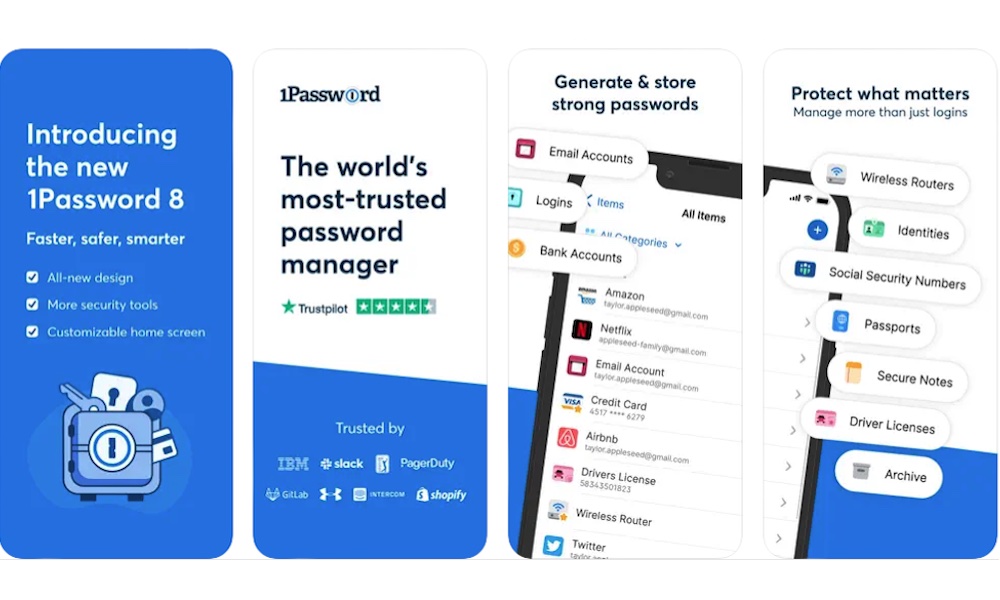
A new iPhone is a great time to fix your account security, and 1Password is one of the smartest apps to install if you want to do that properly.
A password manager helps you stop reusing weak passwords, which is one of the biggest mistakes people make online. Scammers and criminals have a much better chances of hacking into your accounts if you’re still using something like “Password123” as a password. That’s why it’s always recommended to use strong passwords — and use a different one on each of your important accounts.
Of course, that can be hard to do if you have to keep them all in your head. That’s where 1Password comes in, storing your logins in one secure place that works with Safari and other apps on your iPhone, making signing in easier instead of more annoying.
There are plenty of other options available, including Apple’s built-in Passwords app, but 1Password remains the gold standard for power users. It works inside third-party apps, supports autofill across multiple platforms, lets you store secure notes and other information, and has a dedicated Safari extension. Not to mention that you can access it from nearly every other device you have, whether it’s an Android phone, a Windows computer, or even a Chromebook. All your passwords are updated and synced automatically through the company’s secure cloud service, so you’ll never have to worry about that yourself.