
Microsoft Authenticator
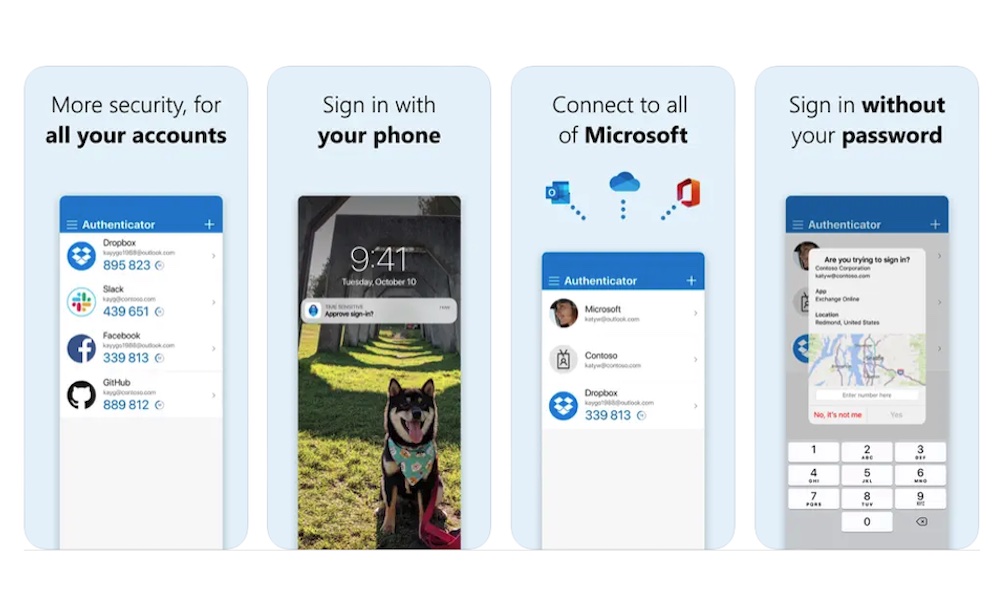
A password manager is a great first step, but it shouldn’t be the only one. Microsoft Authenticator is another smart app to install because it gives you a better way to handle multi-factor authentication. That means your accounts aren’t relying only on a password, which is important if you want stronger protection for email, work apps, banking tools, and other sensitive services.
Even if you use a strong password, there’s still a chance that someone might get hold of it. However, once you add two-factor authentication (2FA) to the mix, it becomes even harder for someone to get into your account without you knowing about it.
It’s especially useful if you already use Microsoft accounts for work, school, or personal life, but it’s not limited to that. Authenticator apps are one of the simplest ways to strengthen your account security overall, and this one is one of the best.