
The 2026 iPhone Starter Pack: 10 iPhone Apps to Download First
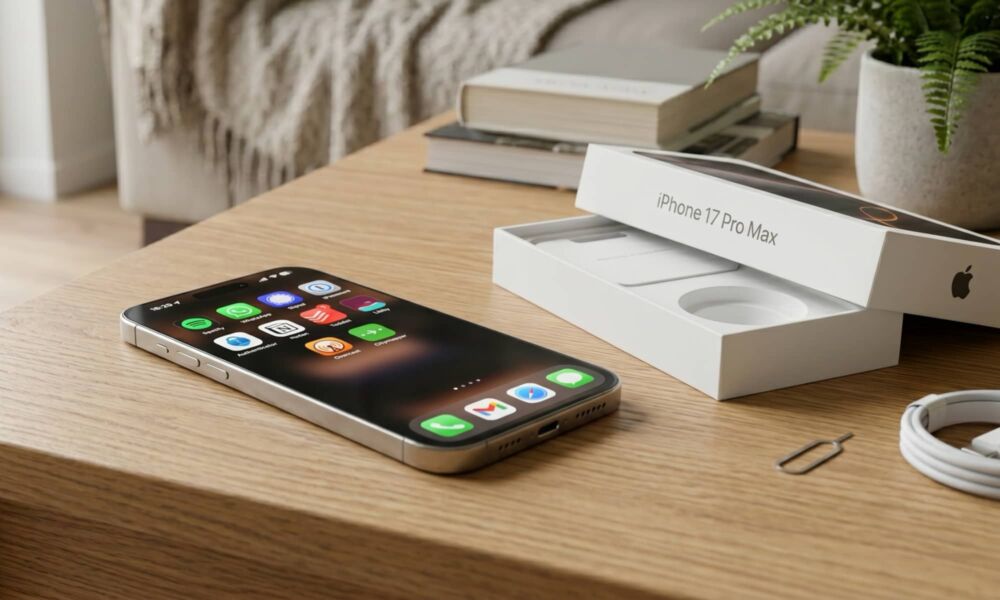
Whether you're a first-time iPhone user or you just want to try something new with your device, you’ve come to the right place. By default, a new iPhone already comes with a lot of great built-in apps, but the App Store is where you’ll find the apps that will make your iPhone even more useful.
Some people want good instant-messaging apps, others want better productivity tools, a solid podcast player, cloud storage, or an easier way to handle security from day one. Regardless of what you’re looking for, chances are there’s already an app for that.
On the other hand, if you want to try some new apps but don’t know where to start, read on for 10 useful and entertaining apps any new iPhone user will love.
Spotify
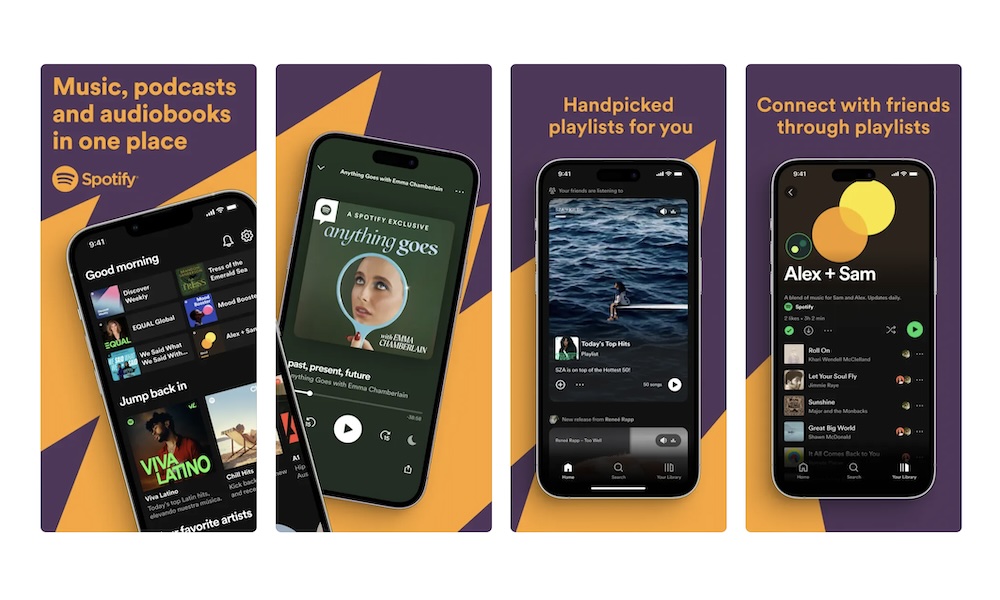
A new iPhone always feels more personal once you add a music app you’ll actually use every day, and Spotify is still one of the easiest picks.
It gives you access to a huge mix of music, playlists, podcasts, and even audiobooks, which means it can quickly become one of the most-used apps on your new iPhone. Whether you want background music while you work, custom playlists for the gym, or a queue of podcasts for your commute, Spotify covers a lot of ground in one place.
The best part is how well Spotify’s algorithm works. The playlists are strong, and the recommendations are helpful. Not to mention that cross-device support is one of its biggest advantages. If you move between your iPhone, laptop, smart speaker, tablet, and even a web browser, Spotify makes it easy to keep everything connected.
Another great advantage is that you can start for free. You can just download it and start listening to some tunes. And if you go Premium, offline downloads make it even more convenient for flights, road trips, and places with weak service.
WhatsApp Messenger
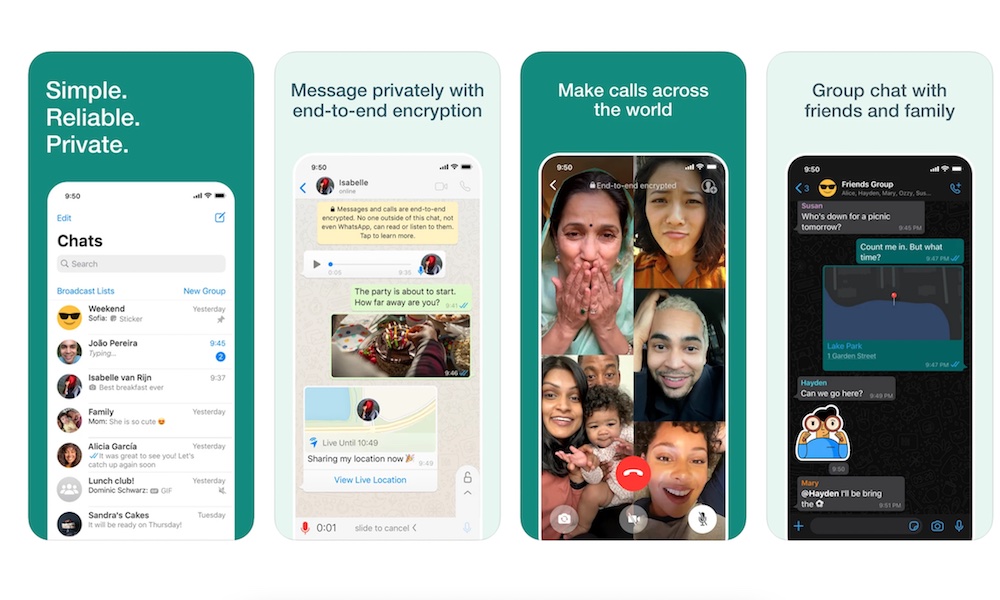
WhatsApp is one of the first things many people install on a new phone — and that makes sense.
After all, it’s still the most widely used messaging app in the world. In many places it matters just as much, if not more, than Apple's default Messages app. If your family, friends, or coworkers already use WhatsApp, adding it to your iPhone early can make the transition to a new device feel a lot smoother.
That’s especially true if you’re in mixed iPhone and Android groups. WhatsApp keeps everything simple by giving you text messaging, voice messages, and audio and video calls all in one place. It also works across mobile devices, tablets, and computers, which is a big plus if you don’t want your conversations locked to one screen or you use WhatsApp at work, too.
Signal
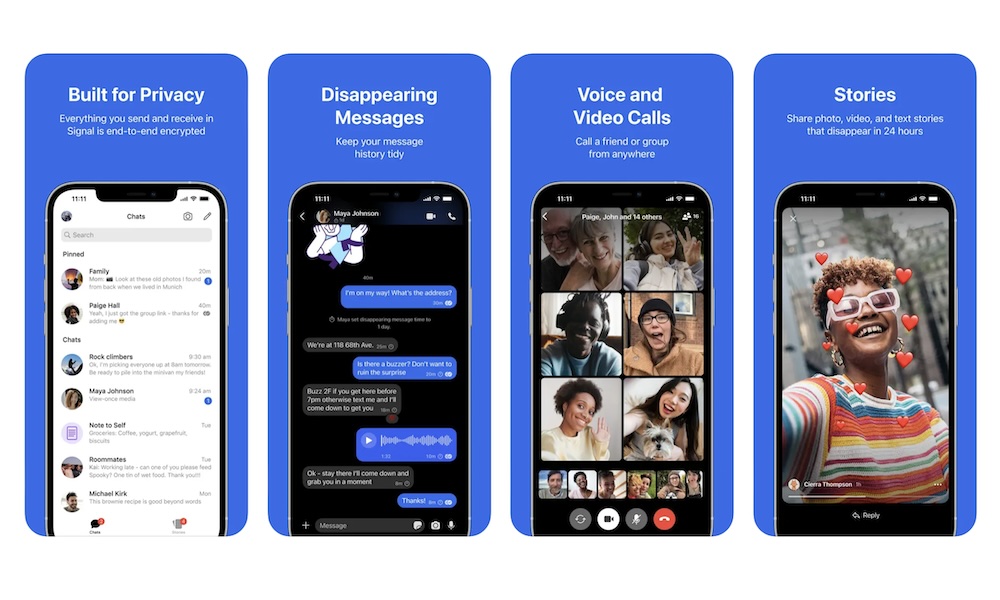
If privacy matters to you, Signal is one of the best messaging apps you can install on a new iPhone. It’s built around secure communication, with end-to-end encrypted messages, voice calls, video calls, and group chats.
That may sound like something only privacy enthusiasts care about, but these days, privacy matters more than you might think. It gives you a clean, modern messaging app that better protects your conversations without making it hard to use.
While the design and user interface aren’t on the same level, Signal basically works just like apps like WhatsApp. You can send pictures, GIFs, or stickers. You can also make calls and do pretty much anything that all the other messaging apps do.
You also don’t need to choose Signal over other messaging apps; you can keep both and use them with specific friends or family when you want to keep things private.
1Password
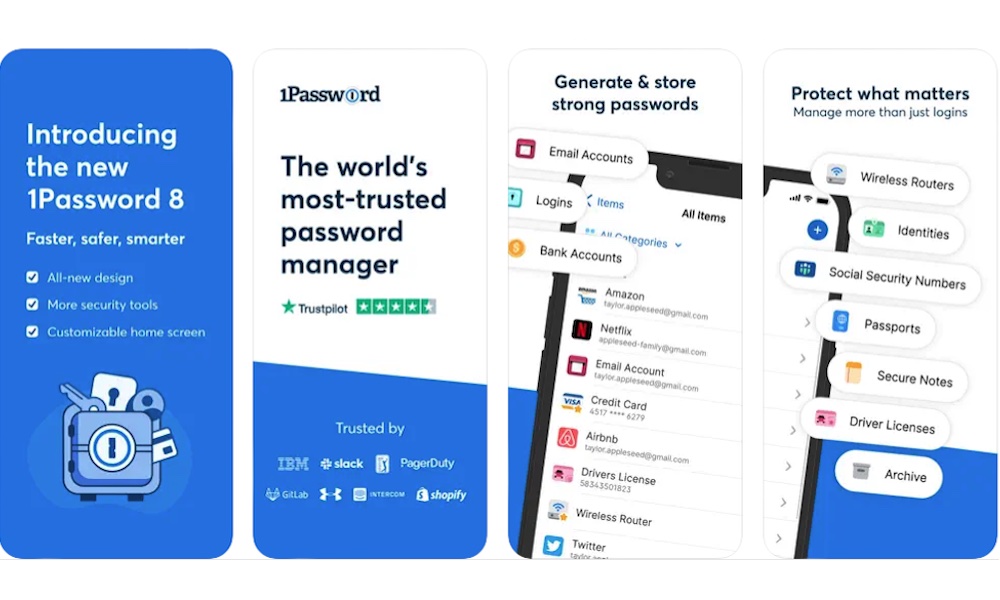
A new iPhone is a great time to fix your account security, and 1Password is one of the smartest apps to install if you want to do that properly.
A password manager helps you stop reusing weak passwords, which is one of the biggest mistakes people make online. Scammers and criminals have a much better chances of hacking into your accounts if you’re still using something like “Password123” as a password. That’s why it’s always recommended to use strong passwords — and use a different one on each of your important accounts.
Of course, that can be hard to do if you have to keep them all in your head. That's where 1Password comes in, storing your logins in one secure place that works with Safari and other apps on your iPhone, making signing in easier instead of more annoying.
There are plenty of other options available, including Apple's built-in Passwords app, but 1Password remains the gold standard for power users. It works inside third-party apps, supports autofill across multiple platforms, lets you store secure notes and other information, and has a dedicated Safari extension. Not to mention that you can access it from nearly every other device you have, whether it’s an Android phone, a Windows computer, or even a Chromebook. All your passwords are updated and synced automatically through the company's secure cloud service, so you’ll never have to worry about that yourself.
Microsoft Authenticator
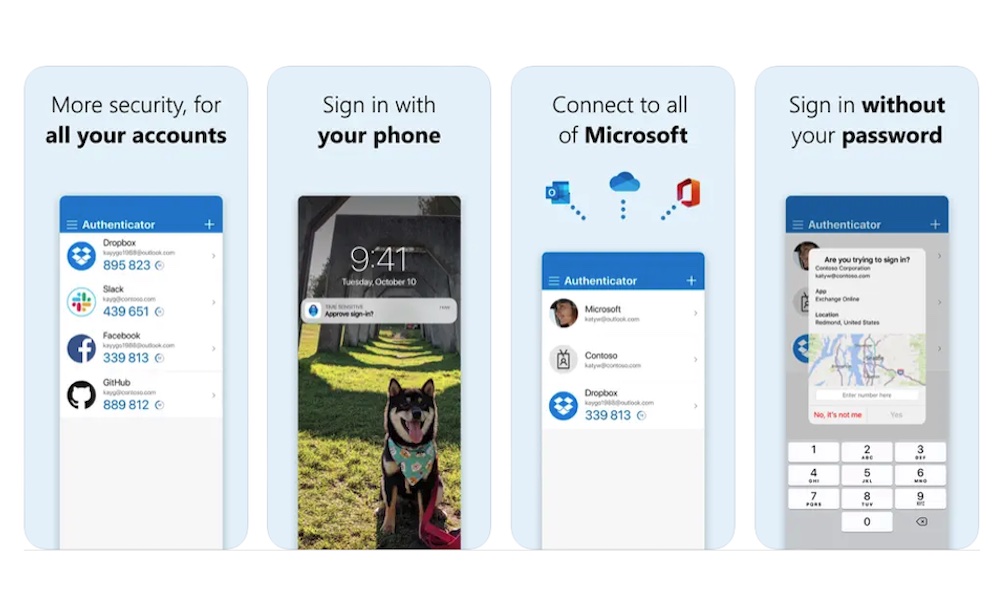
A password manager is a great first step, but it shouldn’t be the only one. Microsoft Authenticator is another smart app to install because it gives you a better way to handle multi-factor authentication. That means your accounts aren’t relying only on a password, which is important if you want stronger protection for email, work apps, banking tools, and other sensitive services.
Even if you use a strong password, there’s still a chance that someone might get hold of it. However, once you add two-factor authentication (2FA) to the mix, it becomes even harder for someone to get into your account without you knowing about it.
It’s especially useful if you already use Microsoft accounts for work, school, or personal life, but it’s not limited to that. Authenticator apps are one of the simplest ways to strengthen your account security overall, and this one is one of the best.
Notion
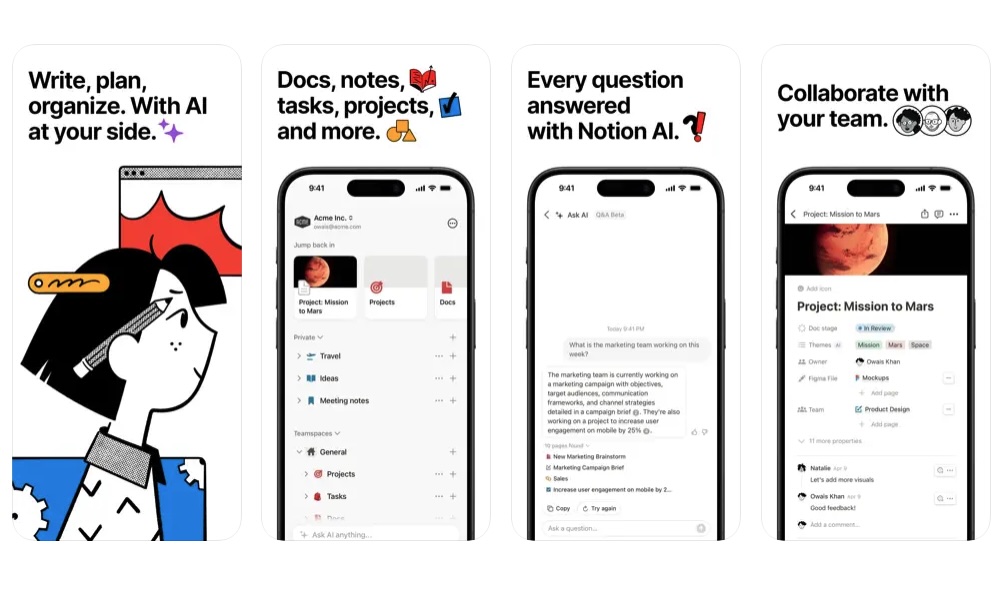
Some people just want a simple notes app. Others want something that can grow into a full system for planning their work, life, school, or creative projects. That’s where Notion stands out. You can start small, with a few notes and checklists, then expand into task boards, project pages, shared documents, and more if you decide to build it out later.
Notion is one of the best note-taking apps on the App Store, and for a good reason. It’s filled with many different features that make organizing your life a whole lot easier, including deeply integrated AI tools that make organizing complex projects surprisingly straightforward.
Of course, you don’t need to use every feature at once. Notion is also a pretty simple and intuitive app. You can start simple and take it to the next level over time.
Overall, if you like the idea of one app handling notes, tasks, and planning instead of juggling several separate tools, Notion is one of the best places to start. It’s also useful whether you’re organizing personal life, schoolwork, or team projects.
Todoist
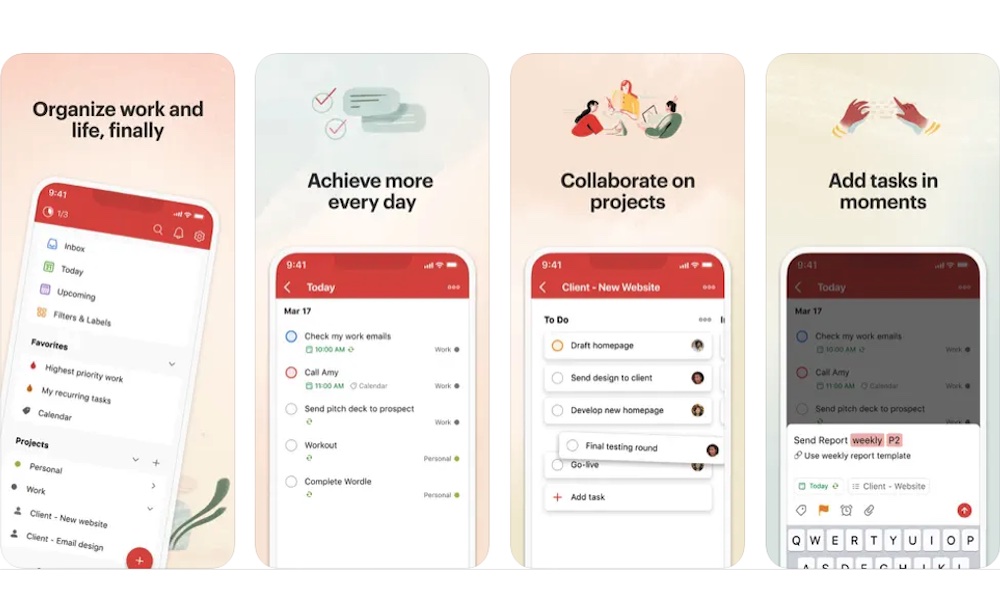
If Notion feels a little too broad for what you need, Todoist is a great middle ground. It’s one of the easiest productivity apps for new iPhone users to understand because it focuses on what most people actually need: tasks, planning, and simple organization.
Overall, Todoist is the best of two worlds. It feels more structured than a simple note-taking app, but it’s still simple enough that anyone can just pick it up and start using it without a long tutorial beforehand.
You can use it for grocery lists, work deadlines, recurring chores, school assignments, or longer-term goals without feeling like you’re running a whole business dashboard from your phone. Of course, if you want, you can also use it to run more complex projects, and even share them with other users, so everyone knows what they should be doing and update their progress, without having to micro-manage everything yourself.
Libby
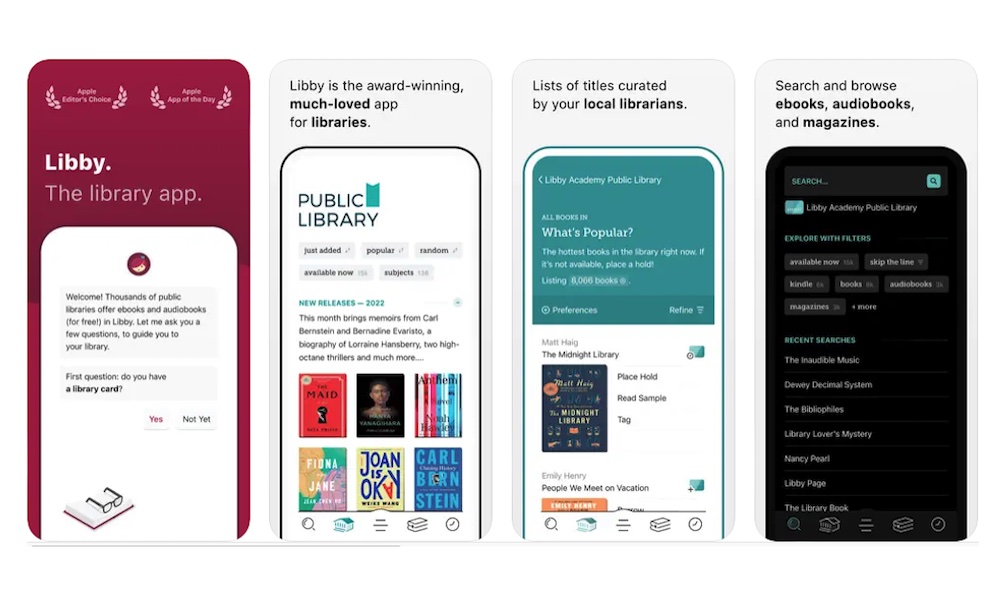
Libby is one of the best-value apps on the App Store, and the kind of app that feels useful immediately for anyone who loves reading. If you have a library card and you’re part of a participating library, Libby lets you borrow ebooks, audiobooks, and magazines for free. That means your new iPhone can double as a portable library without adding another monthly subscription to your life.
The best part is that you don’t just find old, outdated books; you can also find some hidden gems you didn’t know you’d love and popular titles that you’d have to pay for with other apps. The downside is that this works as a literal library, which means you’ll need to wait if the book you want isn’t available. Likewise, you’ll need to return the book after some time, even if you didn’t finish it.
Once you sign in with a library card, the app is simple to use, and downloaded content makes it even more practical when you’re offline. If you read even semi-regularly, Libby is one of the smartest downloads you can make.
Overcast
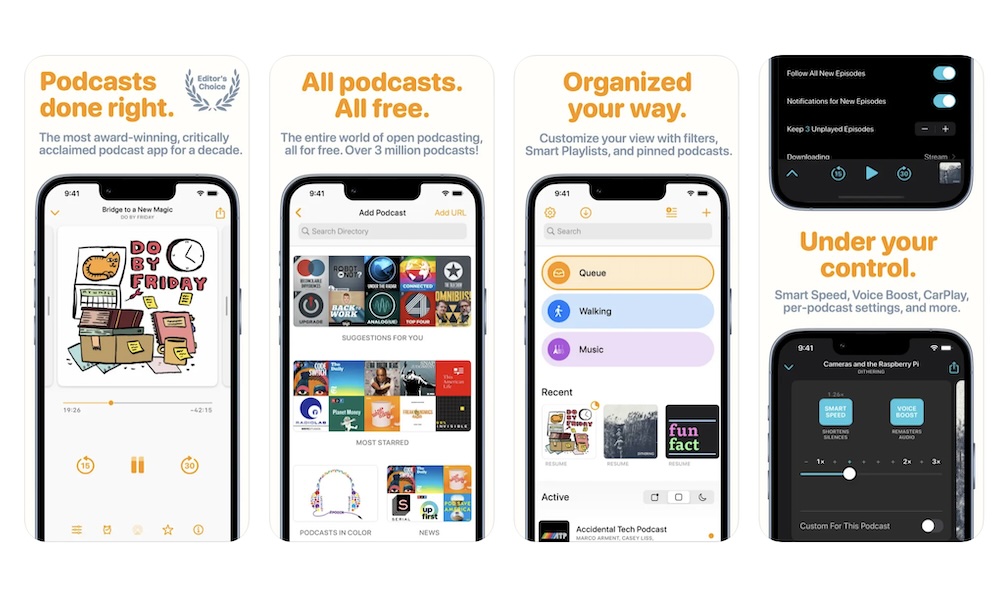
If you listen to podcasts regularly, Overcast is one of the best podcast apps you can put on an iPhone. It's been around for a long time, and part of its appeal is how easy it is to use, while still offering some premium features at no extra cost.
It offers strong podcast organization, custom playlists, helpful discovery tools, and offline downloads, which give it more depth than a basic player while still feeling clean and easy to use.
You can absolutely get by with simpler apps, but Overcast gives you more control once your subscriptions start building up. If you like the idea of organizing shows more deliberately and having a podcast app that feels designed for people who actually listen a lot, this one is worth installing right away.
Citymapper
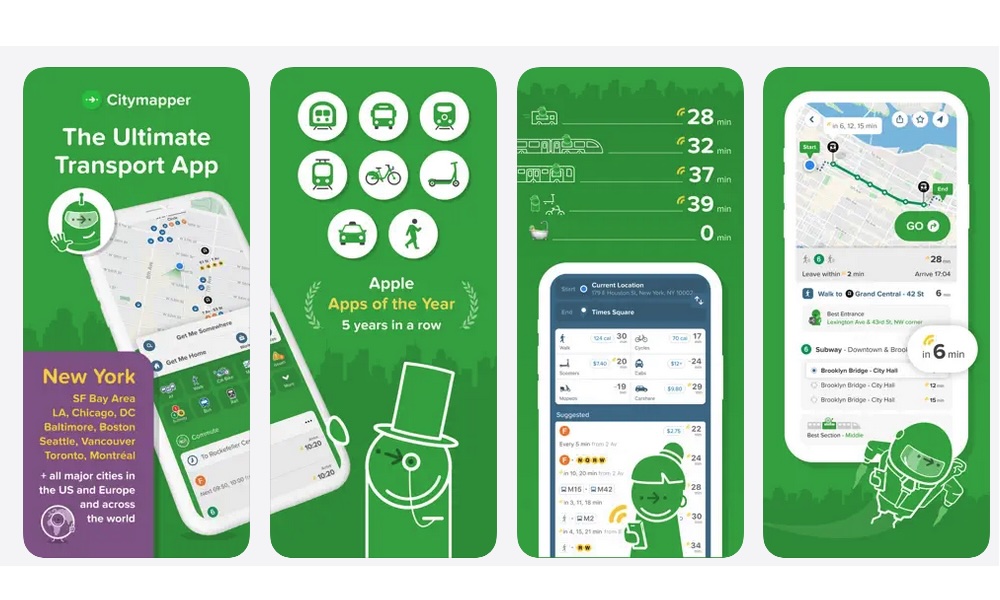
If you live in a larger city or rely heavily on public transportation, Citymapper can be more useful than a general maps app in day-to-day life.
It’s built around transit, walking, and urban travel, making it especially good for commuting and navigating dense city environments. Instead of treating transit like a secondary feature, it puts it front and center.
At its core, this app might work similarly to Waze or Apple Maps, but it does that job way better. Not only can you find the best route to any place with any type of transportation, like buses, cars, or just walking, but you can also find a ton of useful data, like cab fares available, or the ability to find the nearest e-scooter.
The only real catch is that Citymapper isn’t everywhere yet. While it has expanded significantly into mid-sized markets over the last few years, you may still be left out if you don't live in a major city in the US or Europe.
A lot of navigation apps are great for driving, but city life often depends on trains, buses, walking routes, bike options, and real-time changes. Citymapper is built for that kind of movement. So if your new iPhone is going to be a daily travel companion in a major city, this is one of the most practical navigation apps you can add.
Get Started With These Apps
When you think about which apps to download to your new iPhone, you’ll need to get the ones that make it more useful every day. That could mean better music and podcasts, easier communication, or simpler task management. Once you have a few good apps covering those basics, the iPhone starts to feel a lot more complete.
That’s also why you don’t need to download everything at once. A better approach is to start with the most useful apps to you. From there, you can continue to download apps that actually work the way you want them to.