
5 Powerful iPhone Apps You Can Download for Free Right Now
 Brett Jordan
Your iPhone already comes with a large collection of useful apps. You get a great browser, a fantastic notes app, and a pretty functional Passwords app at no extra cost. Apple has also added more advanced tools over the years, which means many users can get by without downloading much from the App Store.
Still, third-party developers can fill gaps that Apple’s apps don’t always cover. You may want a browser with stronger built-in blocking or a password manager that works just as well on Windows. Other apps can give you a bunch of tools that Apple isn’t even thinking of adding to its own apps.
That’s why we’re here: to bring you the best the App Store has to offer. Every app on this list can be downloaded and used for free. Some include optional subscriptions, while reserving a few advanced features for paying users. However, their free versions offer enough value to remain useful without forcing you to spend a single dollar. Read on for 5 useful and free apps every iPhone user should check out.
Brave
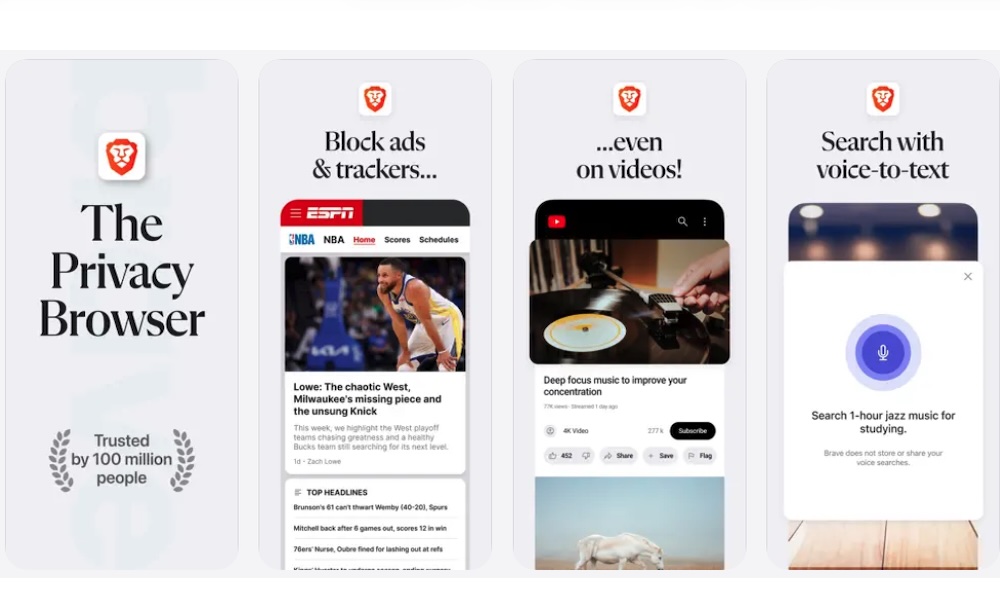
Safari is a really strong browser for most iPhone users, but Brave is worth considering if you want additional privacy protections without installing separate extensions, or if you’re just tired of sitting through ads while watching YouTube. The app blocks many advertisements and trackers by default, which can make any website much easier to read.
This also helps on pages that normally take a long time to load because they’re filled with advertising scripts. Brave won’t make every website perfect, and some sites may ask you to disable its protections. Still, you can adjust its Shields controls for an individual page whenever something doesn’t load correctly.
Brave Search is available inside the browser for people who don’t want their searches tied to Google or another one of the larger search companies. The browser also works with the iPhone’s password AutoFill system, so you don’t have to abandon your preferred password manager.
Overall, Brave is a solid choice for a browser. Sure, it’s most commonly known for its solid ad blocker, but it comes with many more useful features that make it a solid choice for any iPhone user.
ChatGPT
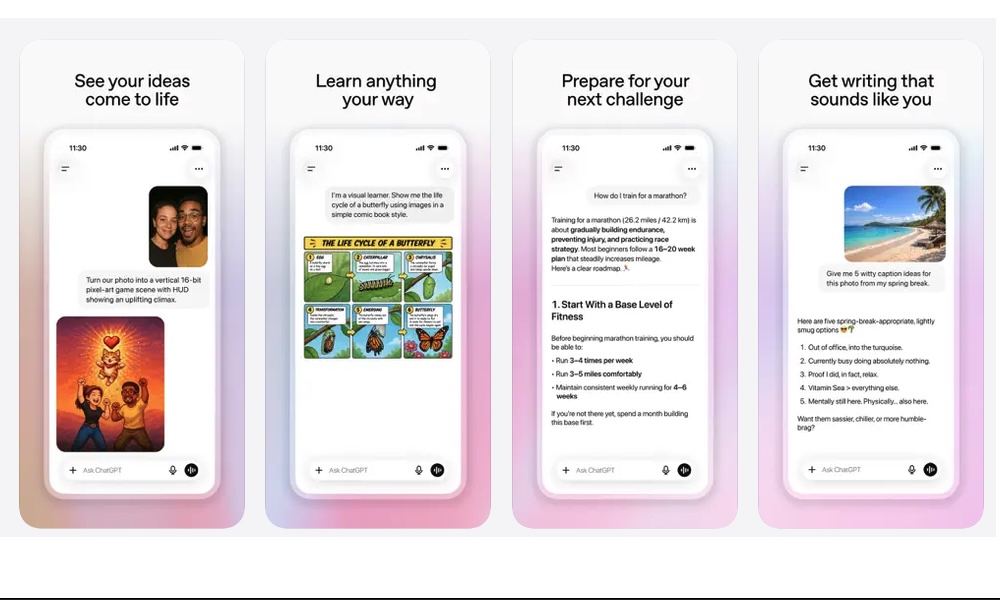
ChatGPT is an app that needs no introduction. But in case you’ve been living under a rock, this app is an AI assistant that can help with far more than answering weird questions. You can use it to understand a difficult topic or organize an idea that still feels incomplete. It can also help you draft messages and work through a project one step at a time.
On iPhone, besides chatting with the app, you can also have voice conversations, which lets you speak naturally instead of typing a long prompt. You can talk to ChatGPT as if it were a regular person and get answers in the same tone you use.
Or, if you have a “visual” question, you can also upload a photograph or screenshot when your question depends on something visual.
Overall, this app is a must-have on your iPhone and other devices. It has an answer for every question you have — although it might sometimes hallucinate an answer just to give you a response, even if it doesn’t know what it’s talking about.
That’s why you should always verify important information instead of treating every response as automatically correct. This is really important with current events or financial, medical, or even legal questions.
With all that said, when it’s used thoughtfully, ChatGPT can become one of the most versatile apps on your iPhone for free.
Snapseed
Apple Photos includes a capable collection of editing controls, which are getting even better thanks to Apple Intelligence and iOS 27. With that said, Snapseed goes further by offering more detailed adjustments without asking you to pay for a subscription.
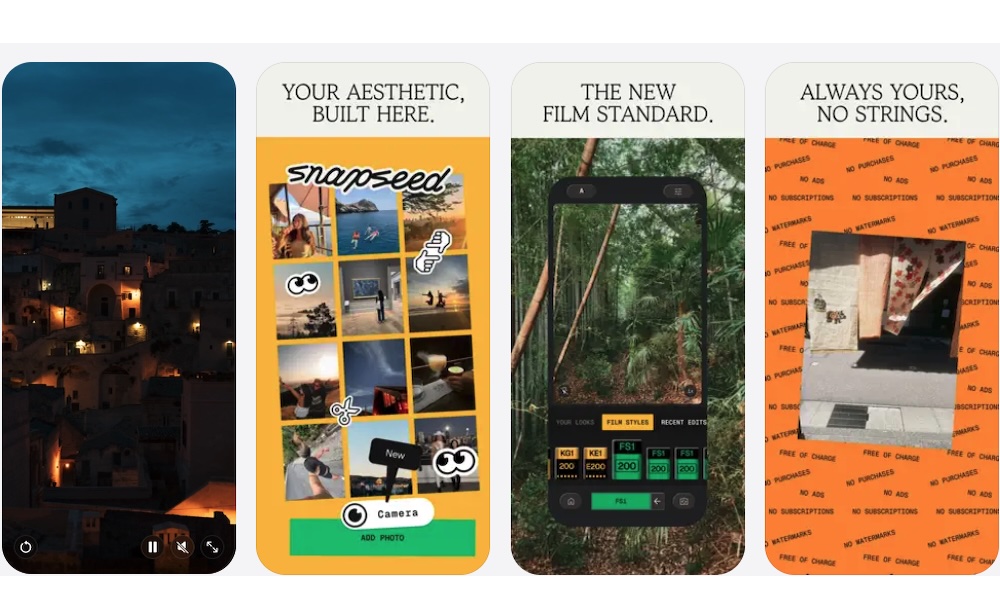
You can change basic elements such as brightness and color if you only want a quick improvement. However, it comes with way more options and adjustments that let you select and modify one part of a photograph while leaving the rest alone. There’s also a Curves tool that provides greater control over brightness and contrast.
Snapseed also supports RAW files, which gives photographers more room to adjust an image before quality begins to degrade.
Filters and film-inspired effects are available when you want a more stylized appearance. And you can save a group of edits you usually make as a reusable look, making it easier to give several photographs a consistent style.
With all of that said, it might take a while to get the hang of it. Not just because of all the tools, but because Snapseed’s interface takes a little time to learn with all the many controls it has. But once you understand the gestures, it becomes one of the strongest free photo editors available on the iPhone.
Nike Training Club
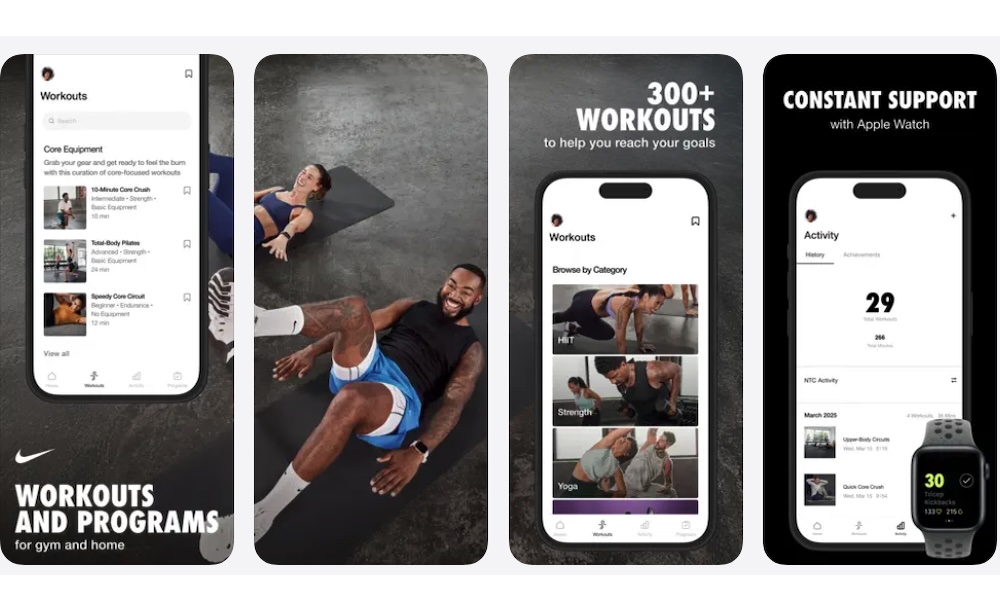
Workout apps are a dime a dozen in the App Store, and most of them charge a monthly subscription for guided videos and structured plans. That’s where Nike Training Club comes in, as it offers a substantial exercise library for free after you create a Nike account.
The app covers a wide variety of workouts, like strength training. You’ll also find yoga and Pilates, along with routines that focus on mobility or recovery. Some workouts are designed for a gym, while others you can do at home with little to no equipment.
Each workout includes instructions that help you understand the movements. There are also videos made by trainers that can be particularly useful when you’re unfamiliar with an exercise.
Nike Training Club also includes mindfulness and general wellness content, giving you more variety than a basic collection of high-intensity workouts.
Whether you’re a beginner or a pro, there’s something for you in the app. And the large number of filters will make sure that you find the right workout for your equipment and the amount of time you have available.
Acrobat Reader
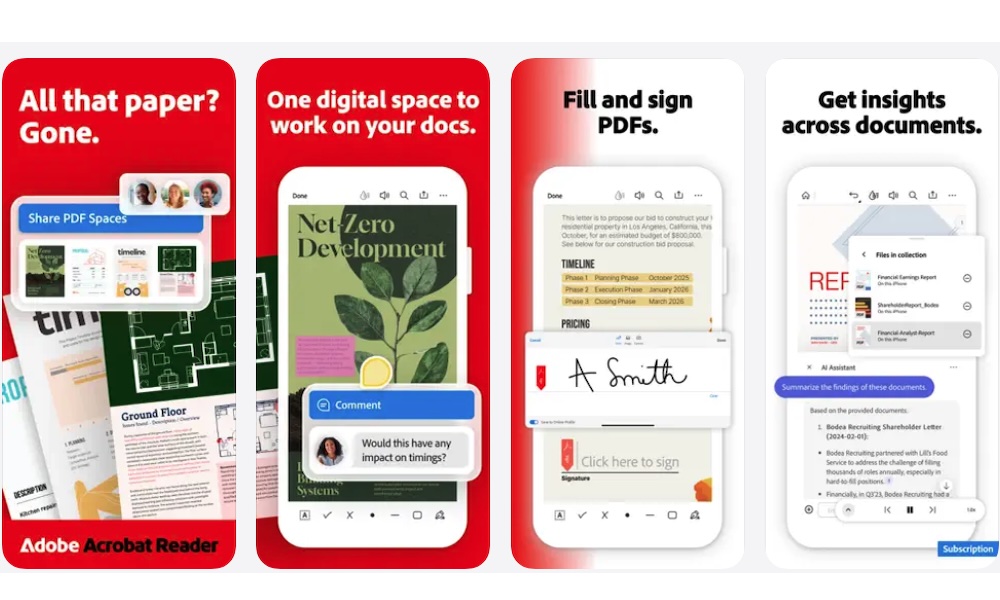
Your iPhone can open PDFs without another app, and Markup handles basic annotations. But Adobe Acrobat Reader becomes useful when PDFs are a regular part of your work or studies.
The free app lets you read documents and search for anything within them. You can also highlight important passages or attach comments to a specific section, which is helpful when studying for school or reviewing a report at work.
Acrobat can also fill out many interactive forms and add a signature to an ordinary document before sharing it with someone else.
Adobe offers several paid features, and you’ll see prompts for them throughout the app. You'll occasionally have to navigate past a small ad when opening the app, but that's a small price to pay for a solid and functional PDF reader.
Despite those limitations, the free reader remains more than capable enough, and it gives you a more complete PDF workspace than the built-in viewer without requiring payment for basic reading and annotation.
Try These Apps for Free
The best apps on your iPhone don’t have to cost you a dime. Granted, some of the apps on the list still offer a premium subscription to unlock all of their features, but that doesn’t mean you can’t use them for free.
In fact, many of these apps’ free tiers have more than enough power and features for most casual users. Even some pros will make do with a “limited” free plan. Of course, there’s nothing wrong with paying for an app if you can afford it, but if you already have too many subscriptions, using these apps for free won’t hurt your wallet.
The most important thing is that you choose the apps that are actually useful to you. These apps are a great place to start, but if you need something more specific, you’ll surely find it in the App Store.