
Acrobat Reader
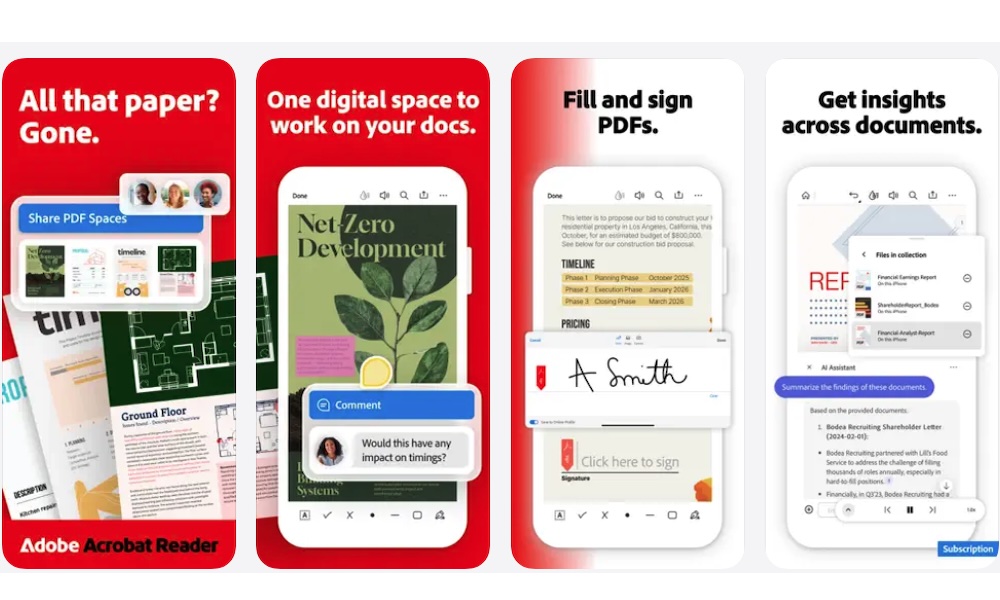
Your iPhone can open PDFs without another app, and Markup handles basic annotations. But Adobe Acrobat Reader becomes useful when PDFs are a regular part of your work or studies.
The free app lets you read documents and search for anything within them. You can also highlight important passages or attach comments to a specific section, which is helpful when studying for school or reviewing a report at work.
Acrobat can also fill out many interactive forms and add a signature to an ordinary document before sharing it with someone else.
Adobe offers several paid features, and you’ll see prompts for them throughout the app. You’ll occasionally have to navigate past a small ad when opening the app, but that’s a small price to pay for a solid and functional PDF reader.
Despite those limitations, the free reader remains more than capable enough, and it gives you a more complete PDF workspace than the built-in viewer without requiring payment for basic reading and annotation.