
Apple’s HomeView Can Borrow Some Apps from CarPlay
Toggle Dark Mode
This week, Apple broke new ground in its home product ecosystem with the HomeView, the first entirely new product in the category since the original HomePod arrived in 2018.
While Apple’s HomeView may look a lot like a giant iPhone (or a smaller iPad), Apple has taken a fundamentally different approach to its first smart display, and it shows. The HomeView is actually following the same trend as nearly every other first-generation Apple product we’ve seen since the original iPhone: relying on a built-in app experience with no App Store to back it up.

It has plenty of company, as the App Store we know today didn’t arrive until 2008, when Apple launched the iPhone 3G. The first Apple Watch acted largely as a second screen for iPhone apps when it arrived in 2015, and it only took eight years for the Apple TV to get its own App Store.
That means we shouldn’t be surprised that Apple is taking the same approach with its HomeView. While there’s no sign that Apple’s smart home hub will ever get an App Store, we’ve learned by now to never say never when it comes to Apple — and considering that a substantial amount of its revenue comes from the App Store, we’re betting the company is already at least seriously considering it.
For now, though, HomeView is strictly an appliance-style accessory rather than a platform of its own. It comes with fifteen built-in apps, and for anything more it will be channeling the 2015 watchOS experience by acting as a second screen for your iPhone. Perhaps one way to think of it is as a bigger Apple Watch — an “Apple Clock,” if you will.
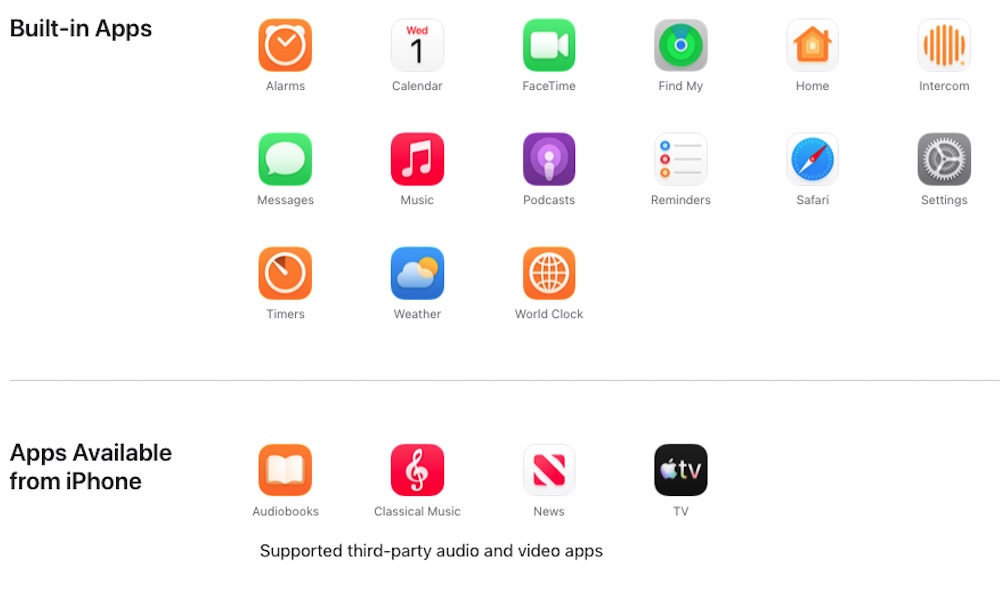
Out of the box, you’re getting Alarms, Calendar, FaceTime, Find My, Home, Intercom, Messages, Music, Podcasts, Reminders, Safari, Settings, Timers, Weather, and World Clock. About half of those are what we’d call “utility” apps.
Apple also notes that you’ll be able to stream audiobooks from the Apple Books app, classical music from Apple Music Classical, videos from Apple TV, and content from Apple News. We’re guessing that last one refers to Apple News Audio based on the context, since it also mentions “supported third-party audio and video apps.”
Beyond that, Apple has an interesting trick up its sleeve to bring other apps onto the HomeView.
Leveraging CarPlay
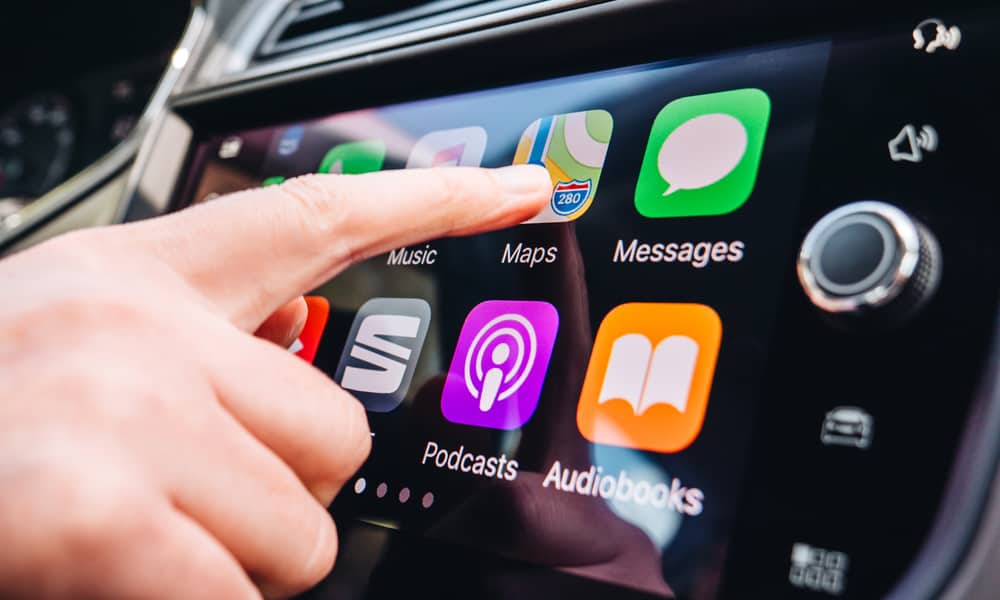
As we said, the best way to think of HomeView is as a second screen for your iPhone, and since Apple already has another “second screen” platform, it’s decided to take advantage of that instead of trying to reinvent the wheel.
Any app that already supports CarPlay should be able to be called up on the HomeView — as long as your iPhone is in the room, of course. These apps will presumably only appear when the user who has them on their iPhone is using the HomeView.
Apple also isn’t opening the floodgates entirely here. According to the just-updated CarPlay Developer Guide, the HomeView will only support audio and video apps:
CarPlay audio and video apps also work on Apple HomeView without requiring you to make any modifications to your app.
That’s only two out of the eleven categories of CarPlay apps. Although most of these are irrelevant — one hardly needs EV charging, fueling, or parking apps on the HomeView — things like quick food ordering, communication, and voice-based conversational apps could be useful.
Some of these will still work via Siri AI, but you won’t be able to see any custom visual feedback from these apps, such as checking messages in WhatsApp on the HomeView display.
HomeView will also support iPhone application widgets, but it appears that this will be handled like CarPlay, which uses the same widgets that the iPhone shows in StandBy mode.
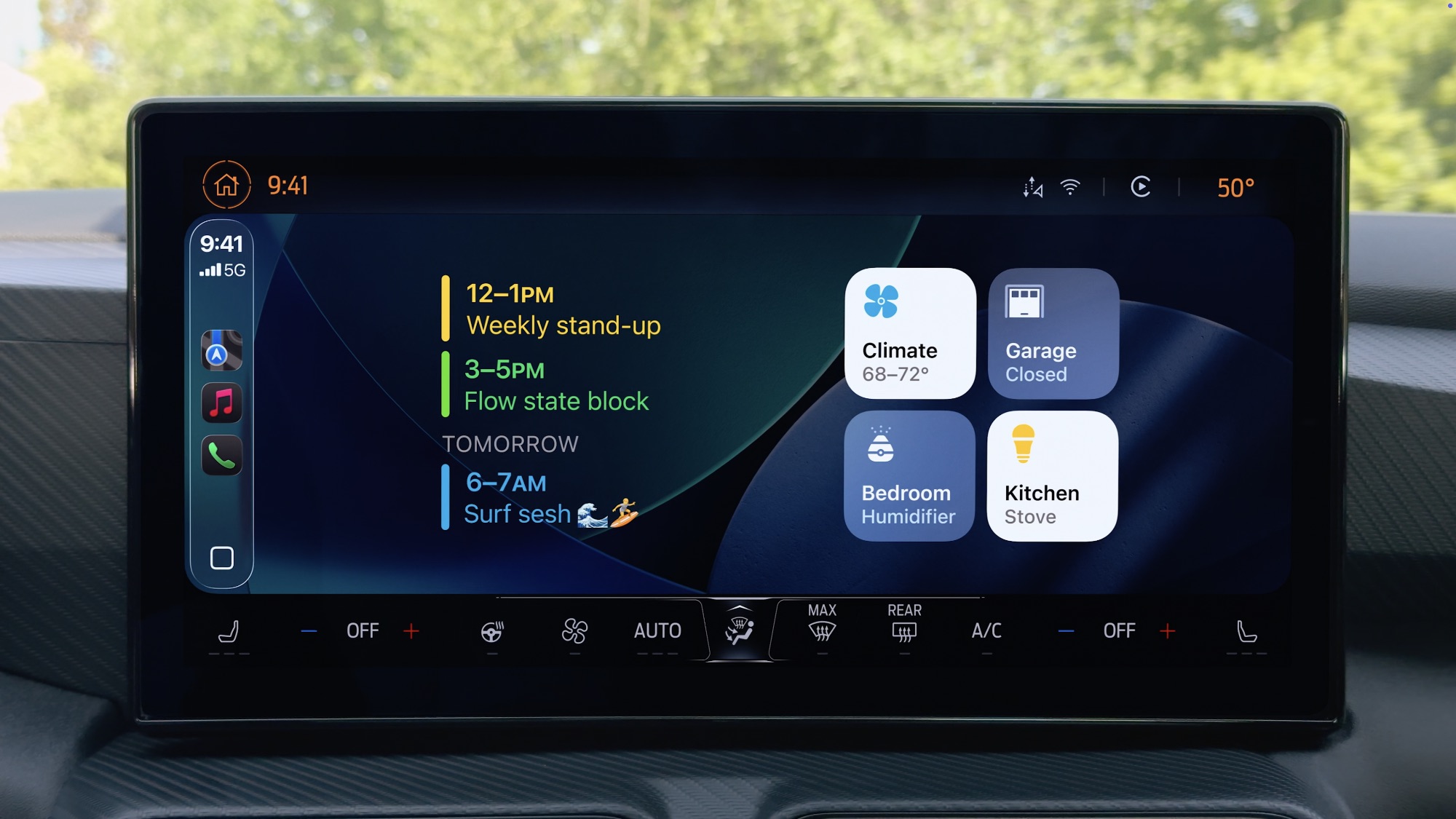
That makes sense given that HomeView is arguably just one big StandBy device sitting on a table all the time. Still, it could feel limiting — not all developers offer StandBy widgets, and those that do are often less functional than their iPhone counterparts.
Sadly, relying on CarPlay is also likely to limit how many apps become available on the HomeView. Apple is very strict about what it allows in CarPlay, requiring developers to design their apps in a specific way and apply for special “entitlements” before they’ll show up in the CarPlay interface.
That’s completely understandable for safety reasons, but HomeView is not a car. However, as long as Apple ties CarPlay and HomeView together, it’s not going to be able to approve an app for HomeView that isn’t also suitable for the dashboard.
While it’s a safe bet that this will evolve as HomeView matures — the device packs in an A18 chip so there’s no shortage of horsepower under the hood — it’s best to manage your expectations. For now, HomeView is strictly a case of what you see is what you’ll be getting, and it could be months or even years before that changes — if it changes at all.






