
Your iPhone 17 Pro Just Got a Hollywood Upgrade (For Free)
Toggle Dark Mode
Earlier this week, Apple released some nice updates to its Creator Studio apps, with enhancements that extend beyond the subscription bundle into the standalone versions of Final Cut Pro and Logic Pro that a great many users already bought years ago.
Still, while Creator Studio is almost exclusively focused on the Mac and iPad apps, there’s also been an iPhone app quietly hidden in the mix since Apple unveiled Final Cut Pro 2.0 for iPad two years ago — and that also got a useful update this week.

Final Cut Camera was primarily designed as a companion app to Final Cut Pro, not only capturing FCP-ready video, but also allowing sophisticated studio setups where multiple iPhones could shoot footage and wirelessly feed it into an iPad sitting in the director’s chair. However, it’s also a standalone professional video recording app in its own right — and best of all, it’s free.
This means you can use it apart from Final Cut Pro to record footage that can be used in a variety of other applications. Apple has also frequently updated it to match the latest capabilities of each new iPhone model, such as adding genlock and ProRes RAW support immediately following last fall’s iPhone 17 Pro debut.
Of course, we don’t have any new iPhone models out just yet, but Apple still brought some love to Final Cut Camera in this week’s Creator Studio update.
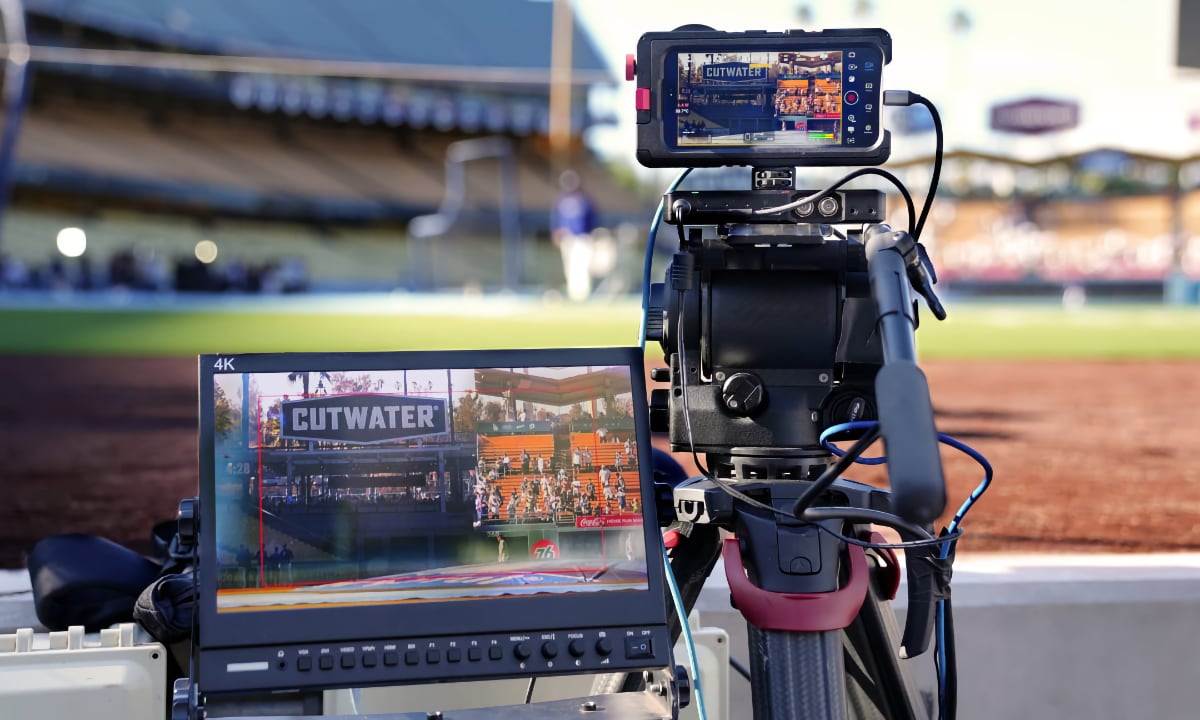
Final Cut Camera 2.3 adds tighter integration with Final Cut Pro by making it easier to connect your iPhone to your Mac and import footage directly into FCP, but it also adds some useful standalone features, including Clean HDMI Out, which lets an iPhone 17 Pro be used as an external camera without extra visual cruft getting in the way.
For whatever reason, this requires an iPhone 17 Pro or iPhone 17 Pro Max, but when enabled, it lets you “send a clean video feed without overlays to an external monitor or recorder so you can stay focused on the image being captured.” While there are obvious professional applications for this, it’s a huge bonus for anyone who wants to use an iPhone as an external camera for more sophisticated podcasting or other video recording setups.
Apple is also adding more formats in Final Cut Camera, letting folks with an iPhone 13 Pro or newer model choose between ProRes 422 HQ, ProRes 422, or ProRes 422 LT, so it’s easier now to achieve the best balance between quality and size. While Apple has supported ProRes recording on the iPhone 13 Pro since iOS 15.1, this is the first time it’s let you choose a specific flavor of ProRes; previously, everything was ProRes 422 HQ, which creates some pretty massive files — up to 7 GB per minute of 4K video at 30 fps. The standard 422 and LT options will go a long way to letting folks who need the highest quality dial down the storage sizes (and ProRes 422 LT is still far better than the iPhone’s standard lossy HEVC codec).
Lastly, Final Cut Camera 2.3 lets you disable the digital zoom entirely when recording, ensuring every shot will use only the optical resolution provided by the iPhone’s glass rather than straying into the interpolated digital zoom that no professional filmmaker in their right mind would ever want to use anyway.
Final Cut Camera is a free download from the App Store. It can be used on any iPhone running iOS 18.6 or later. ProRes recording requires an iPhone 13 Pro or newer, while features like genlock, ProRes RAW, and Clean HDMI Out require an iPhone 17 Pro.






