
The iPhone Air Lacks a Feature Premium iPhones Have Had for 14 Years
 Wang Binghua / Unsplash
Toggle Dark Mode
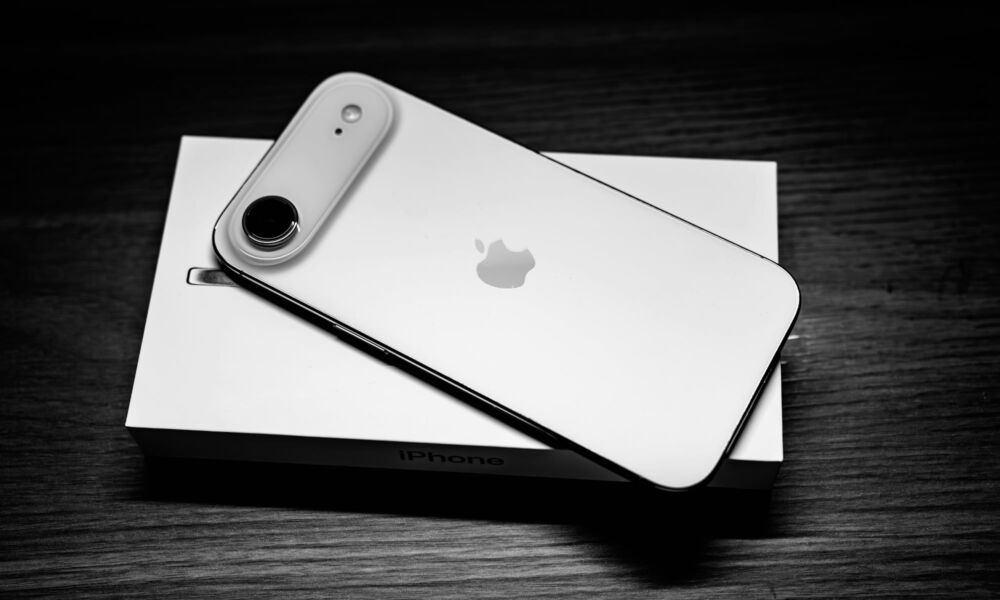
On the surface, Apple’s new iPhone Air is an impressive feat of engineering, but dig a little deeper and you’ll find it’s something of an enigma wrapped in a question mark.
The rumors of Apple’s plans for a so-called “iPhone 17 Slim” began in mid-2024, and it was apparent from the start that Apple would be making some compromises to produce its thinnest iPhone ever.

The most glaring of these was the expectation of a single camera, but it was also a safe bet that it wouldn’t exactly be boasting stellar battery life either. After all, even Apple can’t change the laws of physics, and longer battery life requires bigger batteries than its engineers can squeeze into a svelte frame.
Both of those predictions turned out to be prescient. When Apple debuted the iPhone Air in September, it put the best spin it could on the single camera and battery life, but it was clear it was no match for even the standard iPhone 17, much less Apple’s flagship iPhone 17 Pro models.
That’s not to say that either of those limitations were as bad as many had feared. The single camera was identical to the one used in the iPhone 17, putting it leagues ahead of the single-shooter on Apple’s budget iPhone 16e. It redefined what Apple can do with a single camera, even offering a 2x optical-quality zoom using the sensor-cropping technique the company first introduced on the iPhone 14 Pro in 2022. You’ll still be lacking anything that requires a second lens, such as macro photography, spatial photos and videos, and Cinematic mode, but it will more than meet the needs of most casual smartphone photographers.
The battery was no slouch either. While the promised 27 hours of video playback was eclipsed by the 39 hours of the iPhone 17 Pro Max, it wasn’t far off from the iPhone 17’s 30 hours. More importantly, it tied with the iPhone 16 Pro and marked a significant upgrade over the iPhone 16, which boasted only 22 hours.
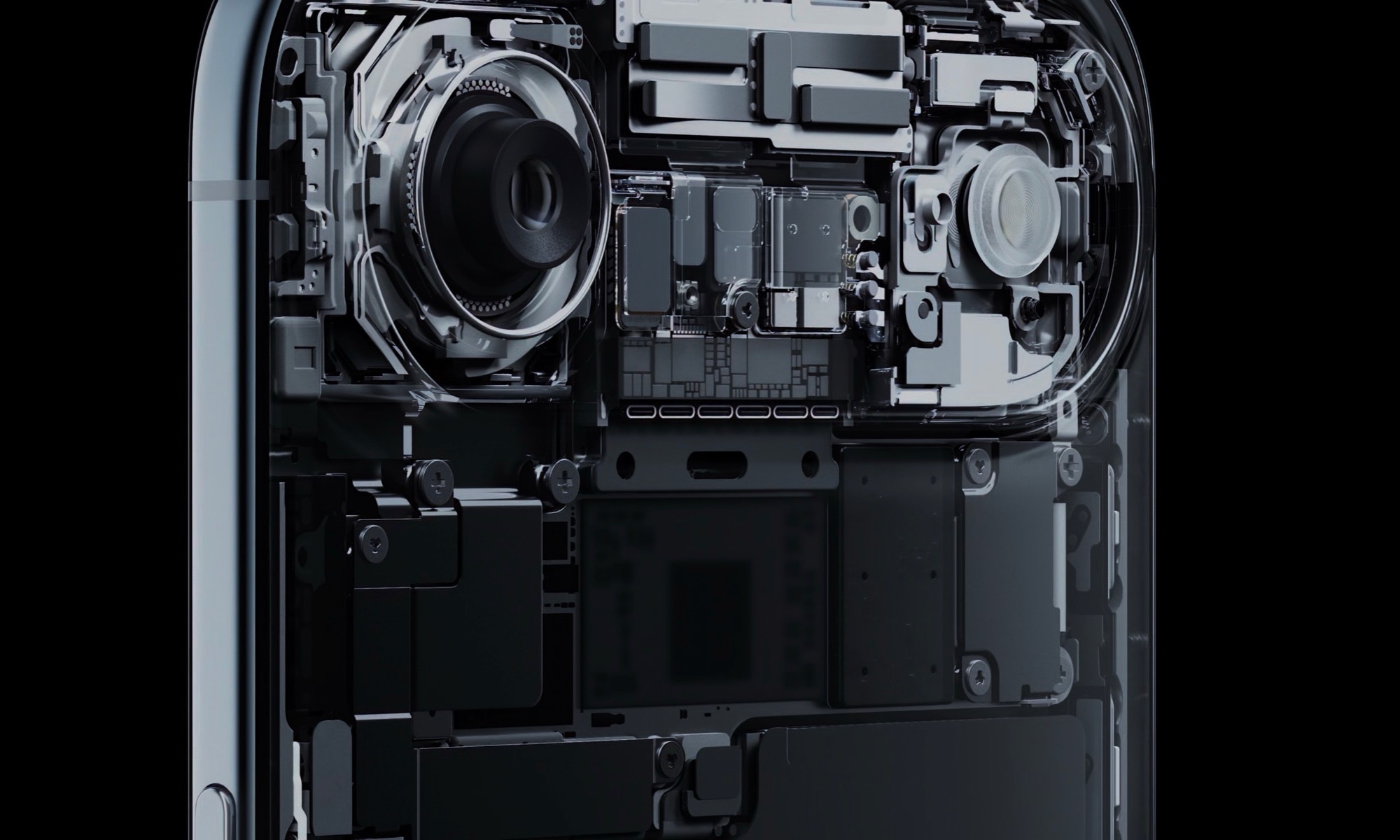
Apple packed all of the iPhone Air’s electronics into the camera “plateau” and eliminated the physical SIM card, which left room for the rest of the iPhone Air to be nothing but battery. However, some of those gains were also thanks to improved efficiency of its latest A19 Pro chip and the move to a variable refresh rate ProMotion display — the same upgrade that helped the iPhone 13 Pro leap ahead in run times four years ago.
Still, while those are the most obvious limitations of the iPhone Air, they’re sadly not the only corners Apple cut to get the device down to its unprecedented 5.64 mm form factor. There are a few smaller things that prospective buyers may want to be aware of, including the loss of one iPhone feature that you may have taken for granted.
Wired External Display Support
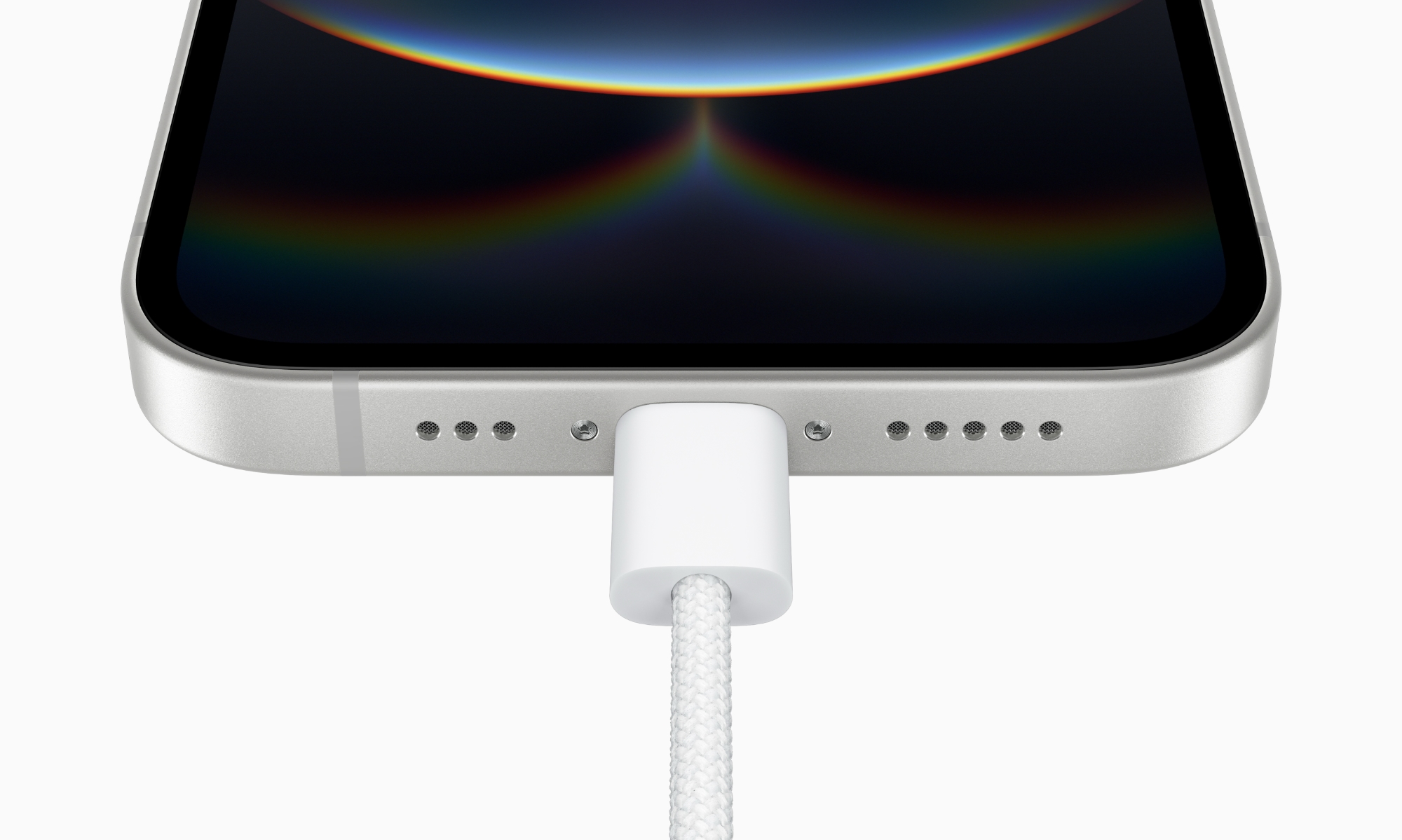
Perhaps the most subtle change that we haven’t heard much about is the removal of support for wired external displays. This may not be a much-used feature among iPhone users, but it’s something that’s been supported for as long as we can remember, to the point where we wouldn’t blame you for assuming it would be there when buying a new iPhone.
In fact, external display support predates the Lightning connector, going back to the iPhone 4 and iPhone 4S, both of which used the older 30-pin Dock Connector. While the iPhone 4 could only display video from specific apps, the iPhone 4S added full screen mirroring, and it’s been a standard feature on almost every iPhone released since — with only two exceptions.
Apple quietly removed wired video output earlier this year with the budget iPhone 16e, but it flew under the radar amid all the other cost-cutting measures, like the lack of MagSafe support — an unusual twist for a modern iPhone design.
The nuance is listed in the iPhone Air’s specs (and those of the iPhone 16e, but it’s easy to miss. For one thing, you won’t find anything about video output support on Apple’s “Compare iPhones” page, which makes it difficult to see this distinction at a glance. You have to go directly to the technical specifications, but unless you’re comparing them side by side — or specifically looking for video output features — their omission can go unnoticed.
Specifically, under “Charging and Expansion,” you’ll see “USB-C connector with support for: Charging [and] USB 2 (up to 480Mb/s)”. For both the iPhone Air and iPhone 16e. However, if you check the iPhone 17 specs, there’s an extra word in there: “DisplayPort,” which is also included on every other USB-C-equipped iPhone model that Apple has released.
The iPhone Air (and iPhone 16e) specs are also missing this key paragraph from the specs of other USB-C iPhone models that provides some additional context:
Video mirroring and video out support: Up to 4K HDR through native DisplayPort output over USB-C or USB-C Digital AV Adapter (model A2119; adapter sold separately)
iPhone 17 Technical Specifications
Older Lightning-equipped models naturally didn’t support DisplayPort — that’s USB-C standard — but they still had a paragraph describing video out support, which was limited to 1080p in those days. Here’s the entry from the iPhone 14 specs:
Video mirroring and video out support: Up to 1080p through Lightning Digital AV Adapter and Lightning to VGA Adapter (adapters sold separately)
iPhone 14 Technical Specifications
This isn’t just a typo on Apple’s part. We’ve confirmed in our testing that the iPhone Air does nothing when connecting to the same USB-C DisplayPort adapter that happily mirrors any of our other iPhone models running the same iOS 26 release.
This is far more likely to be a hardware limitation, as we’ve already seen it gone on the iPhone 16e, and there’s no reason we can see that Apple would leave it out of iOS 26 on the iPhone Air while bringing it to the rest of the iPhone 17 family.
While its omission on the iPhone 16e was almost certainly just another cost-cutting measure like MagSafe, the iPhone Air is a premium device with a price tag that’s closer to the iPhone 17 Pro. However, Apple undoubtedly faced some challenges fitting a full USB-C port into the 5.64 mm frame of the iPhone Air while also making it durable enough to resist connector stresses.
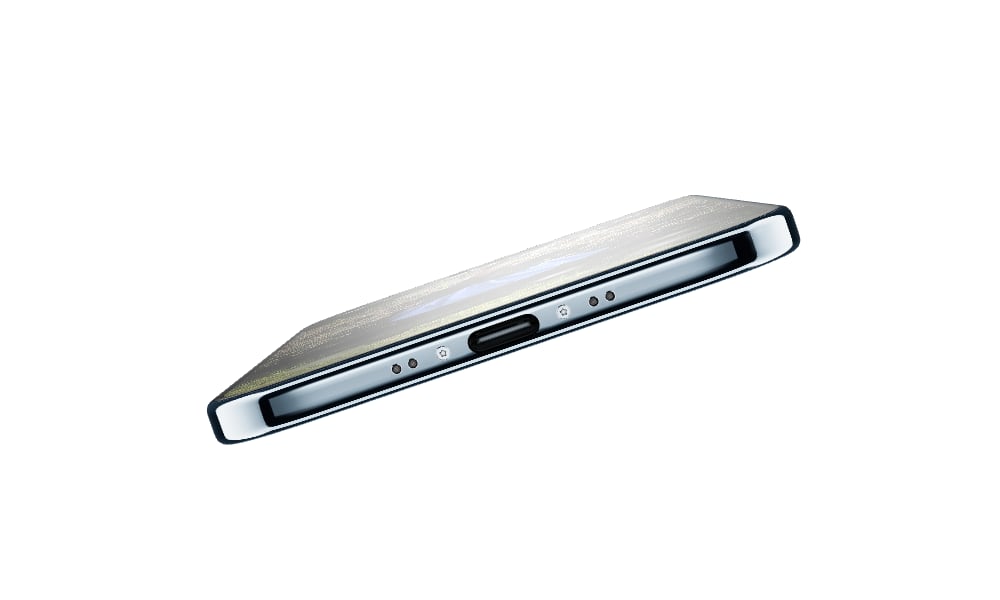
Sacrificing the additional pins and other hardware needed for DisplayPort saves Apple precious space, sticking only to basic USB 2.0, which needs only five internal wire connections to function. These not only need to be accommodated within the connector itself, but also need to be physically connected to the logic board, which lives at the other end of the device.
Apple also went so far as to 3D print a custom titanium enclosure for the port to ensure maximum durability. This process likely required it to simplify the internal design, forcing the removal of the complex shielding and contact points required for DisplayPort.
This isn’t a complete loss, as the iPhone Air still supports wireless AirPlay mirroring, but if you’re someone who regularly uses your iPhone with an external display, TV, or projector, it’s yet another reason to give the iPhone Air a pass and stick with one of Apple’s more established mainstream models.






